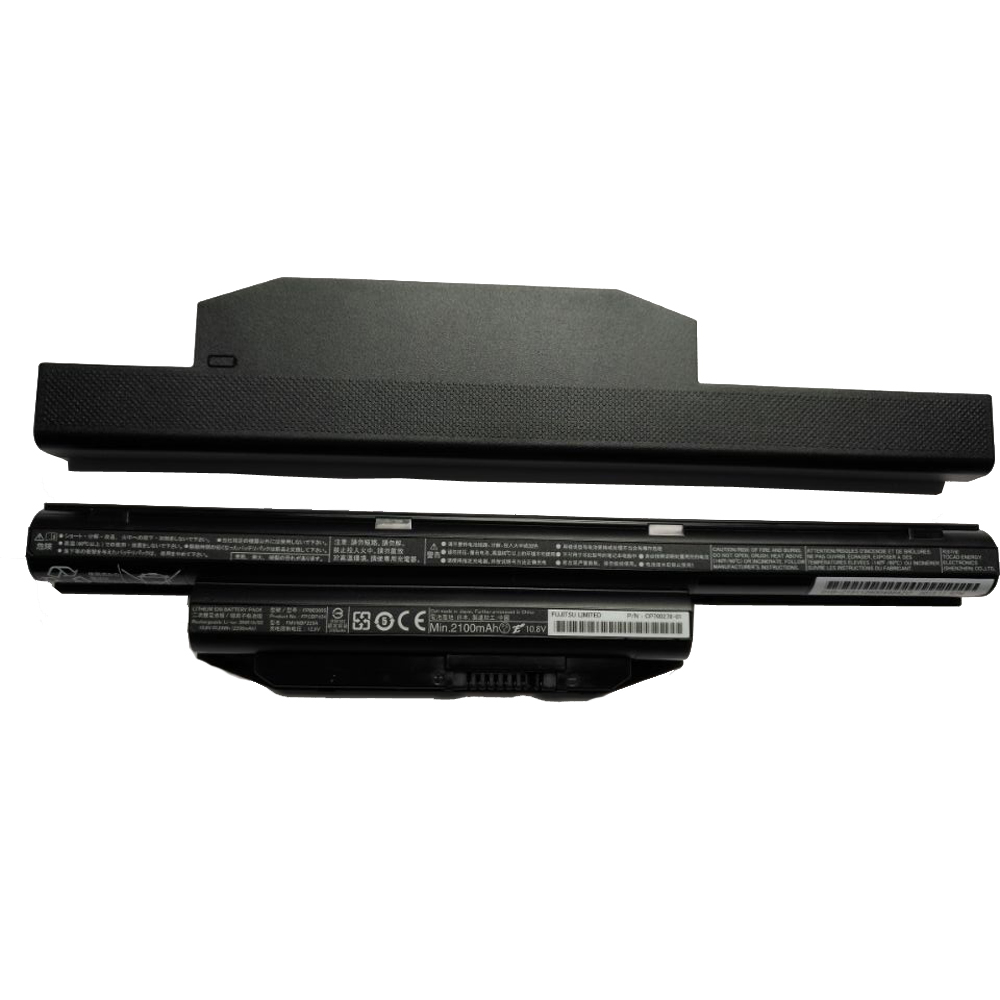
Fujitsu LifeBook AH544 E733 E734 S904 10.8V 24wh/2250mah Battery

Buy Fujitsu FPCBP434 Laptop Battery replacement for Fujitsu LifeBook AH544 E733 E734 S904 Series.

Fit Machine Model Fujitsu LifeBook AH544 E733 E734 S904 Series – 24wh/2250mah – 10.8V.

All products from our shop are 100% the highest quality! We provide the high quality Laptop Batteries. Fujitsu FPCBP434 battery is best compatible with the original equipments.

OriccaBattery.co.uk ◆Free Shipping ◆ One year warranty ◆ 30 days money back guarantee.

Battery FPCBP434 Replacement For Fujitsu laptop Fujitsu LifeBook AH544 E733 E734 S904 Series
FPCBP434

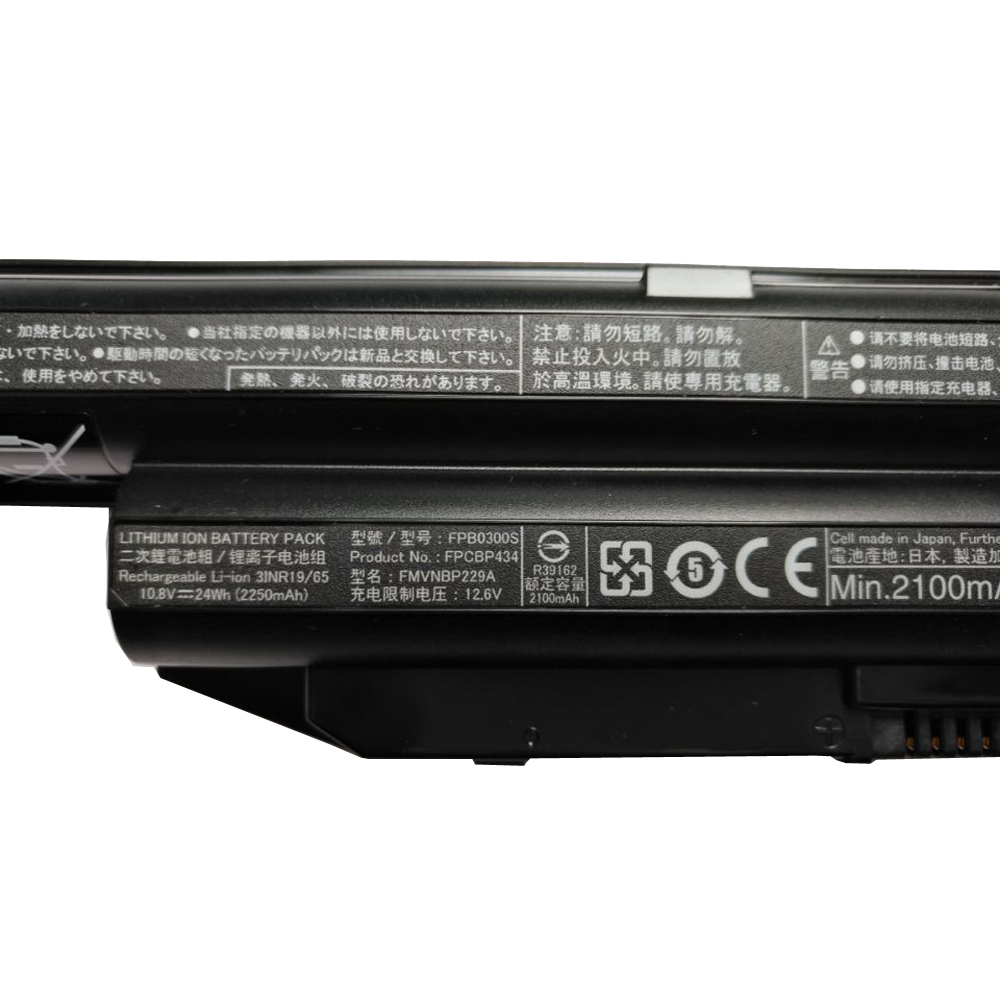
Fujitsu FPCBP434 Specifications
Brand: Laptop Battery for Fujitsu
Capacity:24wh/2250mah
Voltage:10.8V
Type:Li-ion
Color:Black
All products from our shop are 100% the highest quality!
We provide the high quality Laptop Adapters!

PRODUCT COMPATIBILITY:

BPS229
BPS231
FMVNBP229A
FMVNBP231
FMVNBP234
FPB0300S
FPBO300S
FPBO311S
FPCBP405
FPCBP416
FPCBP426
FPCBP434

REPLACEABILITY WITH THE FOLLOWING MODELS:

Acer Fujitsu LifeBook AH544 E733 E734 S904 Series…
E5460M75AODE, E5460M851ODE, E5460M85CODE, E5460M85DODE, E7340M37B1DE, E7360M85DBDE, E7360M87APDE, E7360M87BPDE, E7440M751BDE ,E7440MXP21DE, E7540M35A1DE, E7540M75ABDE, E7540MXC51DE, E7540MXC51DE/B1, E7540MXEC1DE, E7540MXP11DE, E7540MXP21DE, E7540MXU21DE, E7560M85BBDE, E7560MP5DBDE, LifeBook A514, LifeBook A544, Lifebook A555, LifeBook A557, Lifebook A564, LIFEBOOK E736, LifeBook E743, LifeBook E743(M55A1DE), LifeBook E743(MXE11DE), LifeBook E743(MXP41DE), Lifebook E744, LifeBook E744(M8501DE), LifeBook E744(MXEA1DE), LifeBook E744(MXP11DE), Lifebook E751, LifeBook E751(MXG01DE), LifeBook E751(MXP01DE), LifeBook E751(MXS01DE), LifeBook E753, LifeBook E753(M55A1DE), LifeBook E753(MXDEMDE), LifeBook E753(MXE11DE), LifeBook E753(MXP41DE), LifeBook E754, LifeBook E756, LifeBook S904, Lifeboook E546
FPCBP434

How to Maintenance your new replacement Fujitsu FPCBP434 battery?
1. New Fujitsu FPCBP434 battery pack must be fully charged before use.
2. New battery pack needs to be fully charged and discharged (cycled) a few times before it can condition to full capacity.
3.Laptop battery undergo self-discharging when left unused. Always store a Fujitsu FPCBP434 battery pack in a fully charged stage for storage.
4. Fully drain and fully recharge your battery pack every few months.
5. Turn down the LCD brightness of your portable device.
6. Use built-in power management on your portable device.
7. Turn off LCD or other unnecessary accessories when not in use.
8. Set screen saver blank to 1 to 2 minutes of your notebook.
9. Add more RAM if you have extra RAM expansion slot, it will reduce the usage of hard drive and it is power exhaustive.
10. Close unused software in your Fujitsu LifeBook AH544 E733 E734 S904 Series laptop .
11. Remove unused PC Cards or USB devices from your notebook.
12. Don´t watch DVD or play graphics intensive video games.
13. Don´t short circuit terminal or store your Fujitsu FPCBP434 Laptop Batteries pack with metal parts. 14. Don´t drop or mutilate the Fujitsu FPCBP434 battery pack.
15. Don´t expose to moisture or water.
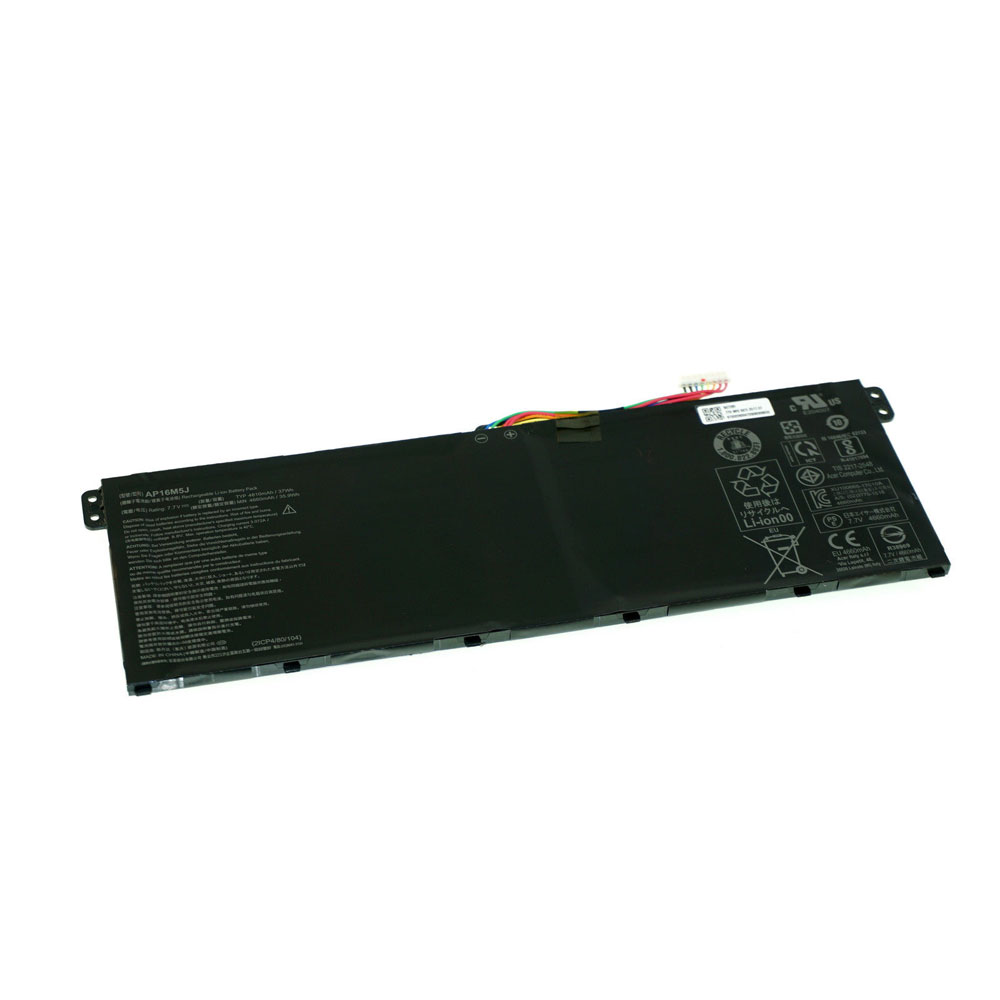
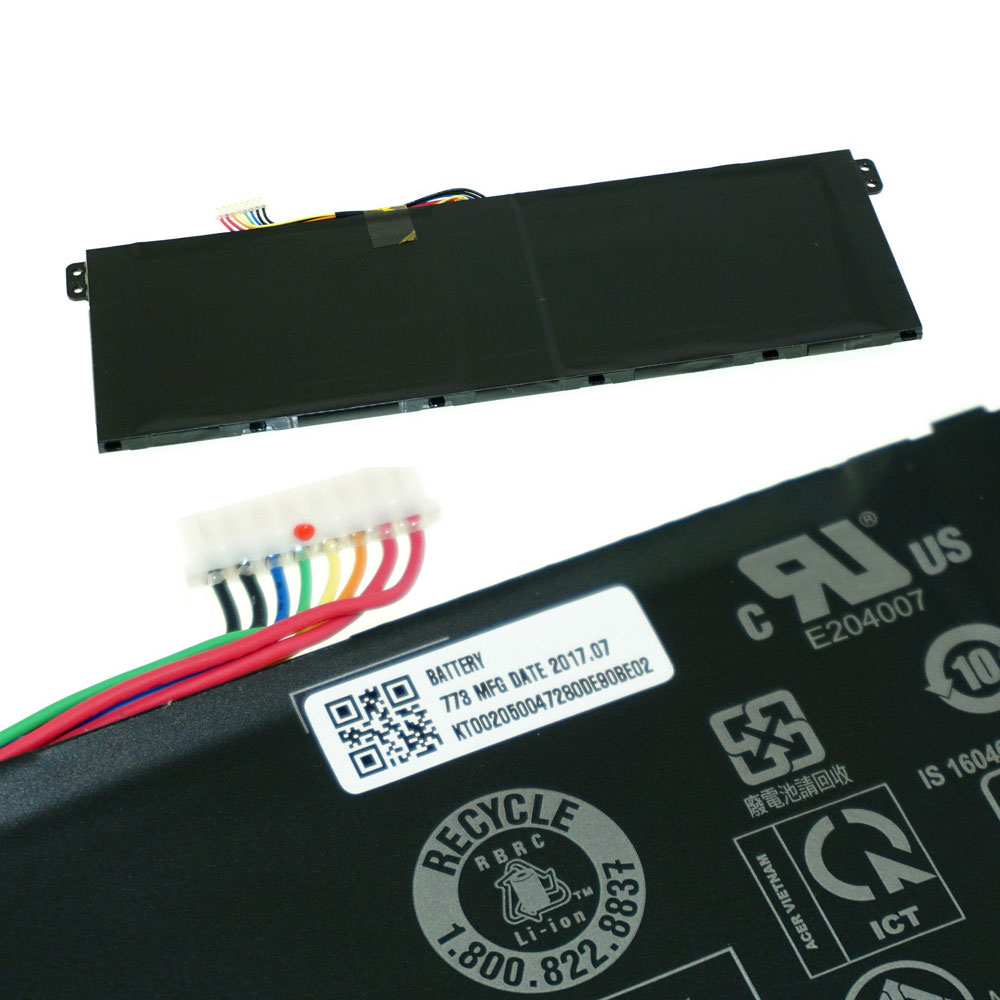
Acer Aspire 3 A314-31 A314-31-C0SG A314-31-COSG 7.7V 37Wh/4810mAh Battery

Buy Acer AP16M5J Laptop Battery replacement for Acer A315-51-51SL N17Q1 SERIES.

Fit Machine Model Acer A315-51-51SL N17Q1 Series – 37Wh/4810mAh – 7.7V.

All products from our shop are 100% the highest quality! We provide the high quality Laptop Batteries. Acer AP16M5J battery is best compatible with the original equipments.

OriccaBattery.co.uk ◆Free Shipping ◆ One year warranty ◆ 30 days money back guarantee.

Battery AP16M5J Replacement For Acer laptop Acer A315-51-51SL N17Q1 SERIES

AP16M5J

Acer AP16M5J Specifications
Brand:Laptop Battery for Acer
Capacity:37Wh/4810mAh
Voltage:7.7V
Type:Li-ion
Color:Black
All products from our shop are 100% the highest quality!
We provide the high quality Laptop Adapters!

PRODUCT COMPATIBILITY:

AP16M5J
KT.00205.004
KT00205004
KT.00205.005
KT00205005
2ICP4/80/104

REPLACEABILITY WITH THE FOLLOWING MODELS:

Acer Aspire 1 A114-31 Series:
A114-31-C4HH A114-31-C0GD A114-31-C1HU A114-31-C76W A114-31-C3B7 A114-31-C3E6 A114-31-C44C A114-31-C4TY A114-31-C4ZV A114-31-C5Z2 A114-31-C6FA A114-31-C8PT A114-31-C934 A114-31-P12W A114-31-P9Y1 P52J A114-31-C5GM
Acer Aspire 3 A314-31 Series:
A314-31-C0SG A314-31-COSG A314-31-C12Q A314-31-P2HJ A314-31-C514 A314-31-C4Z5
Acer Aspire 3 A315-21 Series:
A315-21-95KF A315-21-95KF-US
Acer Aspire 3 A315-51 Series:
A315-51-51SL A315-51-380T A315-51-31GK A315-51-31RD A315-51-51B0 A315-51-580N A315-51-35LM A315-51-582F
Acer Aspire 5 A515-51 Series:
A515-51-75UY A515-51-563W A515-51-50RR A515-51-53TH A515-51-55NB
Acer Aspire ES1-523 Series:
ES1-523-24CW ES1-523-20DG ES1-523-68NA ES1-523-44LU ES1-523-2342

AP16M5J

How to Maintenance your new replacement Acer AP16M5J battery?
1. New Acer AP16M5J battery pack must be fully charged before use.
2. New battery pack needs to be fully charged and discharged (cycled) a few times before it can condition to full capacity.
3.Laptop battery undergo self-discharging when left unused. Always store a Acer AP16M5J battery pack in a fully charged stage for storage.
4. Fully drain and fully recharge your battery pack every few months.
5. Turn down the LCD brightness of your portable device.
6. Use built-in power management on your portable device.
7. Turn off LCD or other unnecessary accessories when not in use.
8. Set screen saver blank to 1 to 2 minutes of your notebook.
9. Add more RAM if you have extra RAM expansion slot, it will reduce the usage of hard drive and it is power exhaustive.
10. Close unused software in your Acer A315-51-51SL N17Q1 SERIES laptop .
11. Remove unused PC Cards or USB devices from your notebook.
12. Don´t watch DVD or play graphics intensive video games.
13. Don´t short circuit terminal or store your Acer AP16M5J Laptop Batteries pack with metal parts. 14. Don´t drop or mutilate the Acer AP16M5J battery pack.
15. Don´t expose to moisture or water.
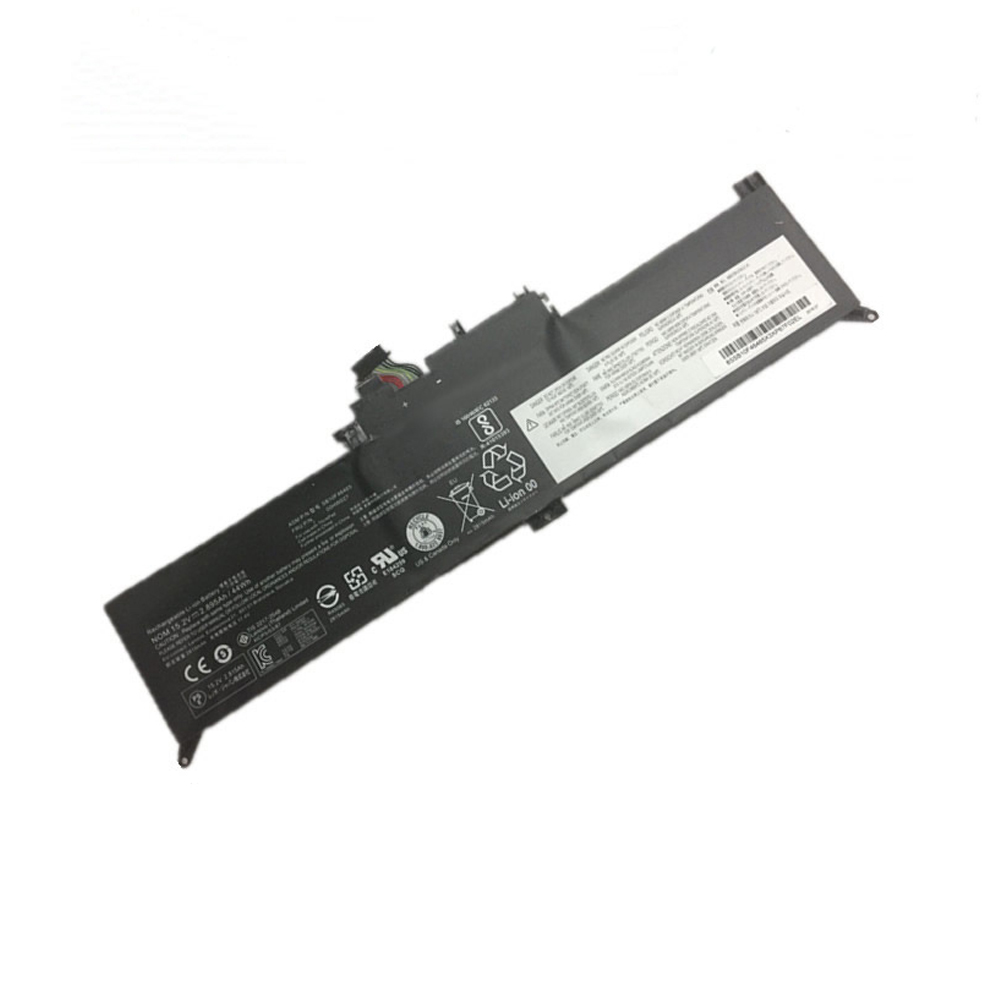
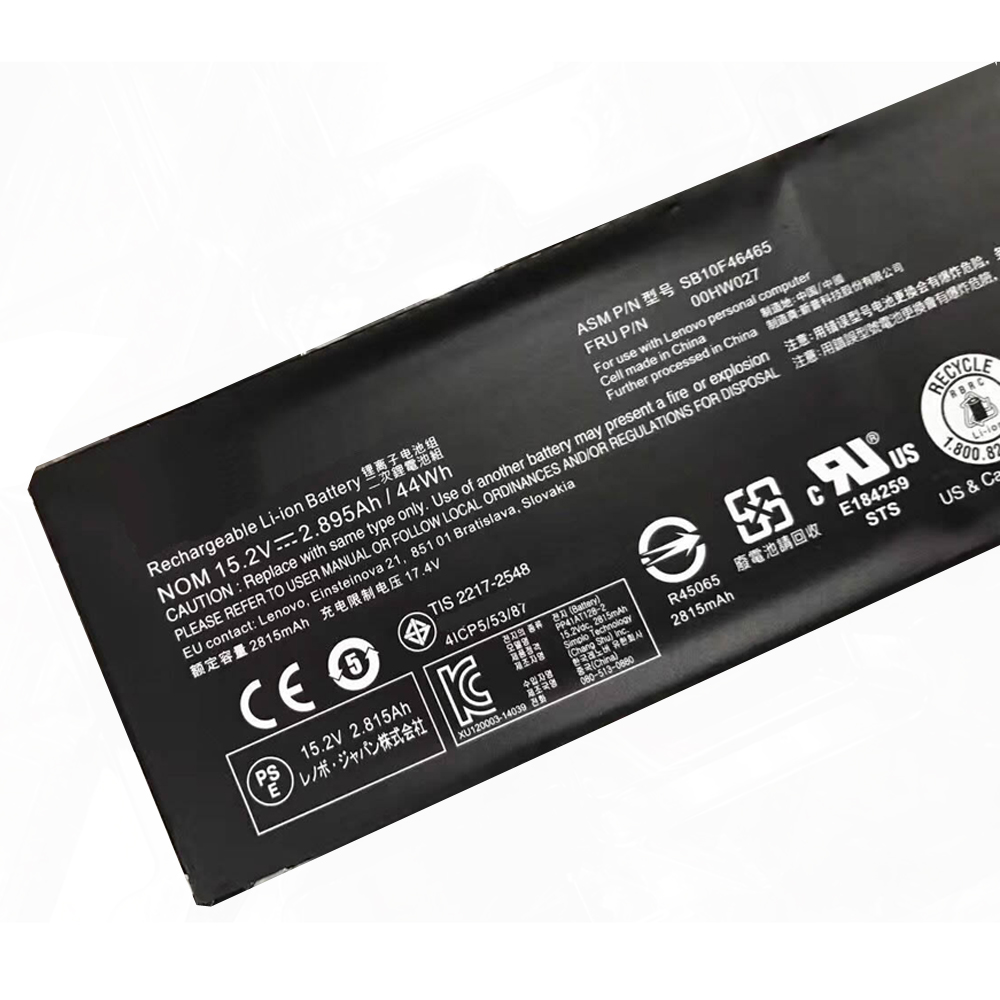
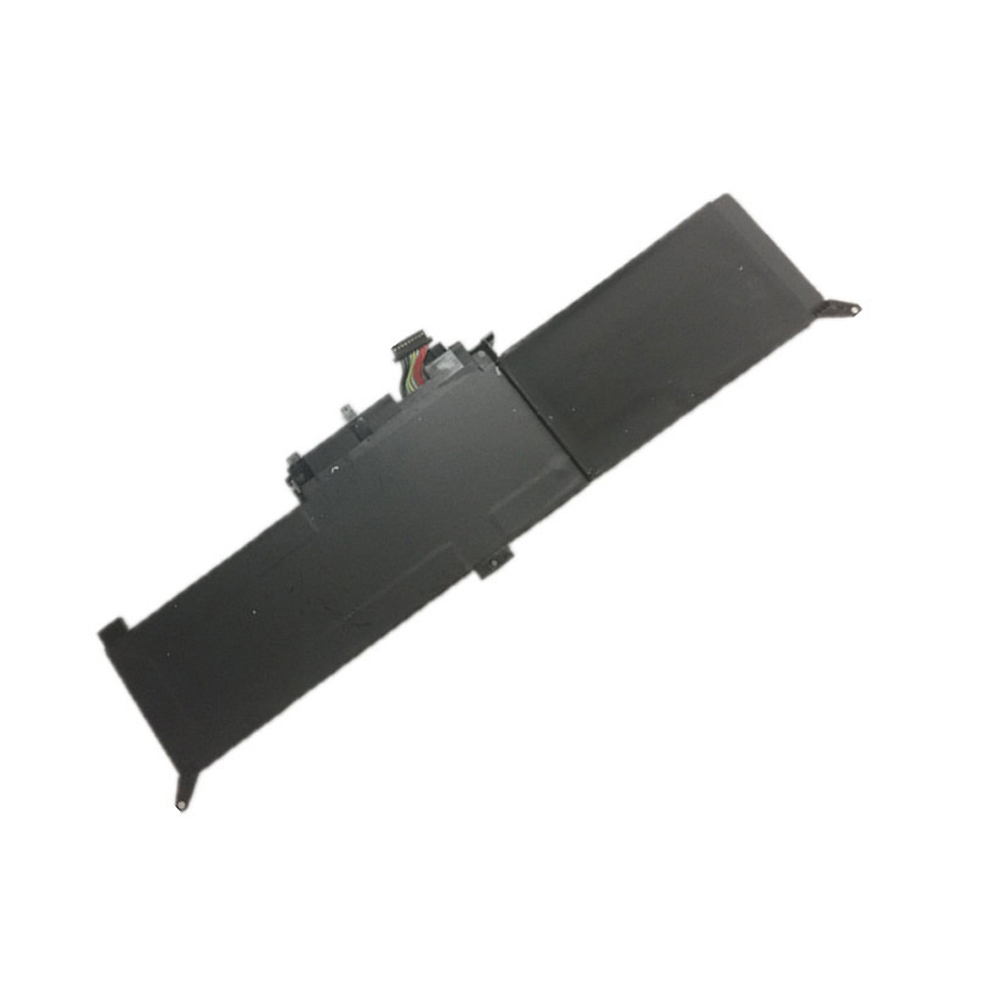
Lenovo ThinkPad Yoga 260(20FD-000SAU) 15.2V 2895mAh(44Wh) Battery

Buy Lenovo SB10F46465 Laptop Battery replacement for Lenovo ThinkPad Yoga 260.

Fit Machine Model Lenovo ThinkPad Yoga 260 – 2895mAh(44Wh) – 15.2V.

All products from our shop are 100% the highest quality! We provide the high quality Laptop Batteries. Lenovo SB10F46465 battery is best compatible with the original equipments.

OriccaBattery.co.uk ◆Free Shipping ◆ One year warranty ◆ 30 days money back guarantee.

Battery SB10F46465 Replacement For Lenovo laptop Lenovo ThinkPad Yoga 260

SB10F46465

Lenovo SB10F46465 Specifications
Brand: Laptop Battery for Lenovo
Capacity:2895mAh(44Wh)
Voltage:15.2V
Type:Li-ion
Color:Black
All products from our shop are 100% the highest quality!
We provide the high quality Laptop Adapters!

PRODUCT COMPATIBILITY:

00HW027
SB10F46465

REPLACEABILITY WITH THE FOLLOWING MODELS:

Lenovo
ThinkPad Yoga 260(20FE-S08P01)
ThinkPad Yoga 260(20FD-000SAU)
ThinkPad Yoga 260(20FD-0014AU)
ThinkPad Yoga 260(20FE-0003AU)
ThinkPad Yoga 260(20FE-0010AU)
ThinkPad Yoga 260(20FE-002BAU)
ThinkPad Yoga 260(20FE-0036AU)
ThinkPad Yoga 260(20FE-A006AU)
ThinkPad Yoga 260(20FE-S0DH00)
ThinkPad Yoga 260(20FD-0010AU)
ThinkPad Yoga 260(20FD-CTO1WW)
ThinkPad Yoga 260(20FE-000YAU)
ThinkPad Yoga 260(20FE-002AAU)
ThinkPad Yoga 260(20FE-0032AU)
ThinkPad Yoga 260(20FE-A005AU)
ThinkPad Yoga 260(20FE-A01YAU)
ThinkPad Yoga 260(20FE-S00200)
ThinkPad Yoga 260(20FE-S05401)

SB10F46465
SB10F46465

How to Maintenance your new replacement Lenovo SB10F46465 battery?
1. New Lenovo SB10F46465 battery pack must be fully charged before use.
2. New battery pack needs to be fully charged and discharged (cycled) a few times before it can condition to full capacity.
3.Laptop battery undergo self-discharging when left unused. Always store a Lenovo SB10F46465 battery pack in a fully charged stage for storage.
4. Fully drain and fully recharge your battery pack every few months.
5. Turn down the LCD brightness of your portable device.
6. Use built-in power management on your portable device.
7. Turn off LCD or other unnecessary accessories when not in use.
8. Set screen saver blank to 1 to 2 minutes of your notebook.
9. Add more RAM if you have extra RAM expansion slot, it will reduce the usage of hard drive and it is power exhaustive.
10. Close unused software in your Lenovo ThinkPad Yoga 260 laptop .
11. Remove unused PC Cards or USB devices from your notebook.
12. Don´t watch DVD or play graphics intensive video games.
13. Don´t short circuit terminal or store your Lenovo SB10F46465 Laptop Batteries pack with metal parts. 14. Don´t drop or mutilate the Lenovo SB10F46465 battery pack.
15. Don´t expose to moisture or water.
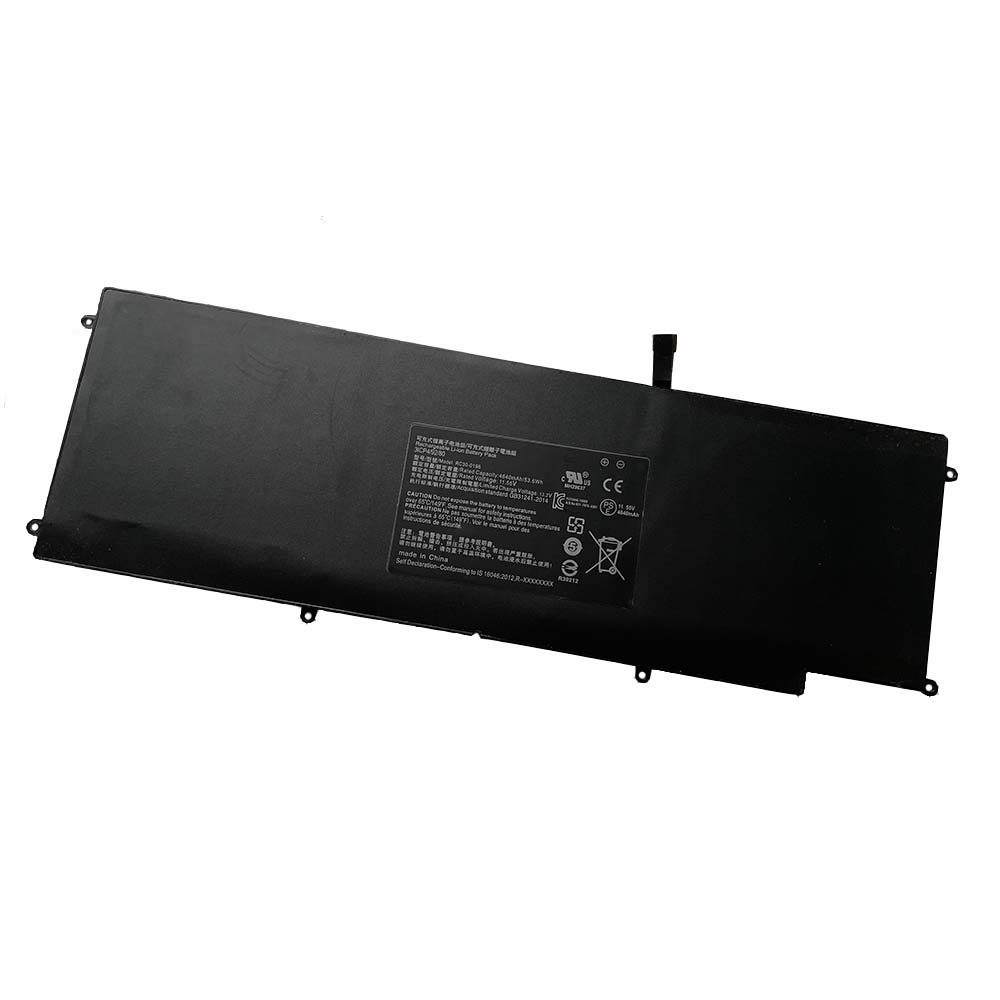
Razer Blade Stealth (i7-7500U) 11.55V 53.6Wh/4640mAh Battery

Buy Razer RC30-0196 Laptop Battery replacement for Razer Blade Stealth 2016 v2 i7-7500U 3ICP4/92/80.

Fit Machine Model Razer Blade Stealth 2016 v2 i7-7500U 3ICP4/92/80 – 53.6Wh/4640mAh – 11.55V.

All products from our shop are 100% the highest quality! We provide the high quality Laptop Batteries. Razer RC30-0196 battery is best compatible with the original equipments.

OriccaBattery.co.uk ◆Free Shipping ◆ One year warranty ◆ 30 days money back guarantee.

Battery RC30-0196 Replacement For Razer laptop Razer Blade Stealth 2016 v2 i7-7500U 3ICP4/92/80

RC30-0196

Razer RC30-0196 Specifications
Brand: Laptop Battery for Razer
Capacity:53.6Wh/4640mAh
Voltage:11.55V
Type:Li-ion
Color:Black
All products from our shop are 100% the highest quality!
We provide the high quality Laptop Adapters!

PRODUCT COMPATIBILITY:

RC30-0196

REPLACEABILITY WITH THE FOLLOWING MODELS:

Razer Blade Stealth (2016) v2
Razer Blade Stealth (i7-7500U)

How to Maintenance your new replacement Razer RC30-0196 battery?
1. New Razer RC30-0196 battery pack must be fully charged before use.
2. New battery pack needs to be fully charged and discharged (cycled) a few times before it can condition to full capacity.
3.Laptop battery undergo self-discharging when left unused. Always store a Razer RC30-0196 battery pack in a fully charged stage for storage.
4. Fully drain and fully recharge your battery pack every few months.
5. Turn down the LCD brightness of your portable device.
6. Use built-in power management on your portable device.
7. Turn off LCD or other unnecessary accessories when not in use.
8. Set screen saver blank to 1 to 2 minutes of your notebook.
9. Add more RAM if you have extra RAM expansion slot, it will reduce the usage of hard drive and it is power exhaustive.
10. Close unused software in your Razer Blade Stealth 2016 v2 i7-7500U 3ICP4/92/80 laptop .
11. Remove unused PC Cards or USB devices from your notebook.
12. Don´t watch DVD or play graphics intensive video games.
13. Don´t short circuit terminal or store your Razer RC30-0196 Laptop Batteries pack with metal parts. 14. Don´t drop or mutilate the Razer RC30-0196 battery pack.
15. Don´t expose to moisture or water.
How to Choose a Replacement Adapter for Your Laptop

Your laptop makes your office, your entertainment and your important files portable and convenient. You can take your laptop anywhere you go, whether you’re working at home, the coffee shop or the park. One of the most important laptop accessories you can have is your laptop adapter or power cord. Your laptop needs power to keep you on the go, and a lost or broken laptop adapter can seriously slow you down. Even if you haven’t lost your laptop adapter, you may want to purchase a back-up power cord to keep at home or at the office. Here are some steps to help you quickly find a replacement laptop adapter or power cord, so you can get back to work and play.

Find your laptop’s model number.
You may find this number located on a sticker on the bottom or side of your laptop computer. If you can’t find it there, check your user manual or search your laptop’s built-in help program for the model number. You can also find it under your laptop’s system properties.

Find your wattage requirements.
In addition to your laptop model number, you will need to find out the voltage requirements for the laptop adapter. Laptop adapters have varying voltage (V) outputs, and using the wrong laptop adapter can damage your computer. Check your user’s manual for voltage requirements information for your laptop. The output voltage will usually be listed as DC voltage. You may also want to check for product or part numbers that are compatible with your laptop model.

Find a compatible laptop adapter.
Look for the compatibility lists in descriptions of laptop adapters you are looking at. Sometimes the compatible laptop models are listed in the product description or in a separate list. Laptop model numbers can often look similar, so make sure the model numbers match exactly. Laptop adapter and power cord product descriptions typically list the manufacturer, part number and a partial description as well. If you find an adapter with the correct output voltage, but the wrong port connector, you may be able to find port attachments that will adapt the connector to the power port on your laptop.

>>>>>>>>>>>Buy Laptop Adapter Online