Canon Battery Pack: The Essential Guide for Photographers in 2026

Earlier this week, I received an email from a customer who had just purchased a Canon EOS R6 Mark III and was already frustrated with how quickly the battery drained during a full day of shooting. His main question was straightforward: “Which Canon battery pack should I buy as a spare, and how long does a Canon battery take to charge?” It is a question I hear frequently, so I decided to put together this comprehensive guide.

Understanding the Canon Battery Pack Range

Canon offers several battery packs designed for different camera systems. The most popular models in 2026 include the Canon LP-E6NH, which powers the EOS R5, R6, and R7 series, and the Canon LP-E17, used in entry-level mirrorless cameras like the EOS R10 and R50. For professional videographers and wildlife photographers, the Canon LP-E19 remains the go-to choice for flagship bodies such as the EOS R1. Each Canon battery pack varies in capacity, with the LP-E6NH offering 2130 mAh and the LP-E19 delivering an impressive 2750 mAh for extended shooting sessions.

How Long Does a Canon Battery Take to Charge?

Charging times depend on both the battery pack and the charger used. Using Canon’s standard LC-E6E charger, the LP-E6NH takes approximately 2.5 hours to reach a full charge from empty. I recently watched a YouTube comparison video by “Camera Battery Pro” that tested the Canon LC-E6E against third-party fast chargers from Neewer and RAVPower. The results showed that the Neewer dual charger reduced charging time to around 1 hour and 45 minutes without compromising battery health. For the LP-E17, a full charge typically takes about 2 hours with the original Canon LC-E17E charger.

Should You Buy Original or Third-Party Canon Batteries?

While the original Canon battery pack guarantees full compatibility and optimal performance, trusted third-party brands like Wasabi Power, Hähnel, and BM Premium offer excellent alternatives at significantly lower prices. Hähnel, a well-known European brand, produces the HL-E6NH which is fully decoded and compatible with Canon’s battery level indicator, something that many cheaper alternatives fail to provide.

Tips for Maximising Canon Battery Life

To get the most out of your Canon battery, avoid leaving it fully discharged for extended periods. Store batteries at around 40-60% charge in a cool, dry place. The customer who emailed me ultimately purchased two Hähnel HL-E6NH packs along with a dual USB-C charger, giving him enough power to shoot confidently for an entire weekend without worry.

Investing in the right Canon battery pack and charger setup is one of the simplest yet most impactful upgrades any photographer can make to their kit.

Canon Battery: Essential Guide for UK Photographers in 2026

Earlier last week, a customer from Birmingham emailed me with an urgent question: “I just bought a Canon EOS R6 Mark II for an upcoming wedding shoot, but I’m not sure how long does a Canon battery take to charge. Can I fully charge it overnight before the event?” This question is more common than you might think. While browsing YouTube yesterday, I also noticed several popular tech channels like Gerald Undone and DPReview discussing Canon battery performance compared to competitors like Sony, Nikon, and Panasonic. With spring photography season approaching in the UK, it seems the perfect time to address these concerns.

Understanding Canon Battery Charging Times

For most Canon mirrorless and DSLR cameras, the standard Canon battery pack LP-E6NH takes approximately 2.5 to 3 hours to fully charge using the official LC-E6E charger. Smaller batteries like the LP-E17, commonly used in entry-level models such as the Canon EOS 250D, require around 2 hours. However, charging times can vary depending on several factors, including the charger type, ambient temperature, and whether you are using genuine Canon accessories or third-party alternatives from brands like Newell, Hähnel, or RAVPower. Using non-official chargers may extend charging times or affect long-term battery health.

Choosing the Right Canon Battery Pack

Selecting the appropriate Canon battery pack depends on your camera model and shooting requirements. Professional photographers covering events or wildlife often prefer the high-capacity LP-E6NH, which offers improved performance in Canon’s EOS R5, R6 series, and 5D Mark IV. For vloggers and casual users, the LP-E17 provides sufficient power for everyday shooting. Canon also offers optional battery grips like the BG-R10, allowing photographers to use two batteries simultaneously for extended shooting sessions. Third-party brands such as Smallrig and Vello provide affordable grip alternatives without compromising functionality.

Tips to Maximise Canon Battery Life

To ensure your Canon battery lasts longer during shoots, consider reducing LCD screen brightness, disabling Wi-Fi and Bluetooth when not in use, and switching to eco mode if available. Carrying a spare Canon battery pack is always advisable, especially for outdoor photography across the British countryside during unpredictable spring weather. Investing in a reliable dual charger can also help you prepare multiple batteries overnight.

Understanding how long does a Canon battery take to charge and choosing the right accessories ensures you never miss a crucial shot during your next photography adventure.

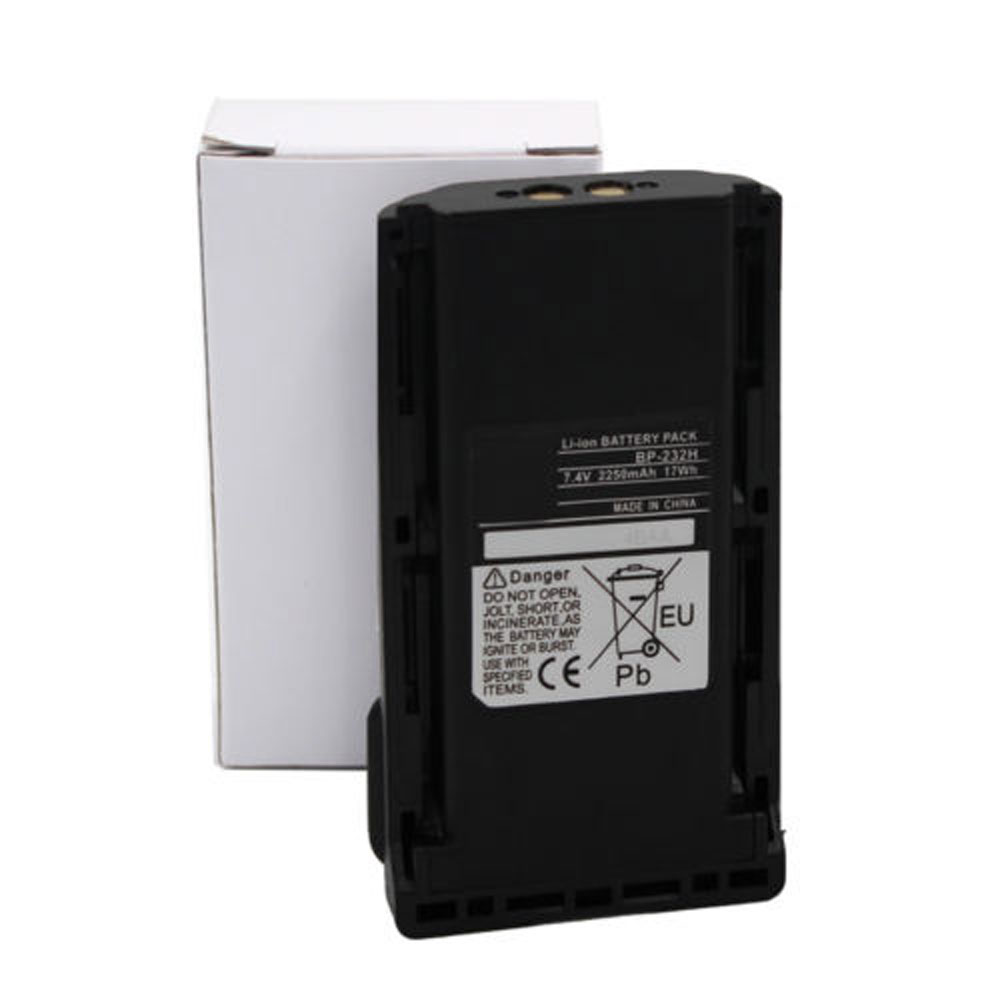
ICOM Two Way Radio IC-F4021S IC-F4029SDR IC-F4061 IC-F4061T IC-F4061S 2000MAH 7.4V Battery

Buy ICOM BP-232 Battery replacement for ICOM IC-F14 IC-F3062 IC-F3011.

Fit Machine Model ICOM IC-F14 IC-F3062 IC-F3011 – 2000MAH – 7.4V.

All products from our shop are 100% the highest quality! We provide the high quality Laptop Batteries. ICOM BP-232 battery is best compatible with the original equipments.

OriccaBattery.co.uk ◆Free Shipping ◆ One year warranty ◆ 30 days money back guarantee.

Battery BP-232 Replacement For ICOM IC-F14 IC-F3062 IC-F3011

BP-232

ICOM BP-232 Specifications
Brand: Battery for ICOM
Capacity:2000MAH
Voltage:7.4V
Type:Li-ion
All products from our shop are 100% the highest quality!
We provide the high quality Laptop Adapters!

PRODUCT COMPATIBILITY:

BP-232
BP-231
BP-230

REPLACEABILITY WITH THE FOLLOWING MODELS:

ICOM Two Way Radio
IC-A14, IC-A14S, IC-F14, IC-F14S, IC-F15, IC-F16, IC-F16S, IC-F24, IC-F24S, IC-F25, IC-F25SR, IC-F26, IC-F26S
IC-F33, IC-F33G, IC-F33GS, IC-F33GT, IC-F34, IC-F34G, IC-F43, IC-F43G, IC-F43TR, IC-F43GS, IC-F43GT, IC-F44,IC-F44G,
IC-F3011, IC-F3021, IC-F3021T, IC-F3021S, IC-F3061, IC-F3061T, IC-F3061S, IC-F3062, IC-F3062T, IC-F3062S, IC-F3162,
IC-4011, IC-F4021, IC-F4021T, IC-F4021S, IC-F4029SDR, IC-F4061, IC-F4061T, IC-F4061S, IC-F4062, IC-F4062T, IC-F4062S, IC-F4162

Other Online Stores:
USA————ICOM BP-232 battery
NED————ICOM BP-232 Lithium-Ion Accu
FRA————ICOM BP-232 Autres Batteries
JPN————ICOM BP-232 Li-ion 新品デル互換用バッテリー
ESP————ICOM BP-232 Baterías

How to Maintenance your new replacement ICOM BP-232 battery?
1. New ICOM BP-232 battery pack must be fully charged before use.
2. New battery pack needs to be fully charged and discharged (cycled) a few times before it can condition to full capacity.
3.Laptop battery undergo self-discharging when left unused. Always store a ICOM BP-232 battery pack in a fully charged stage for storage.
4. Fully drain and fully recharge your battery pack every few months.
5. Turn down the LCD brightness of your portable device.
6. Use built-in power management on your portable device.
7. Turn off LCD or other unnecessary accessories when not in use.
8. Set screen saver blank to 1 to 2 minutes of your notebook.
9. Add more RAM if you have extra RAM expansion slot, it will reduce the usage of hard drive and it is power exhaustive.
10. Close unused software in your ICOM IC-F14 IC-F3062 IC-F3011 .
11. Remove unused PC Cards or USB devices from your notebook.
12. Don´t watch DVD or play graphics intensive video games.
13. Don´t short circuit terminal or store your ICOM BP-232 Batteries pack with metal parts. 14. Don´t drop or mutilate the ICOM BP-232 battery pack.
15. Don´t expose to moisture or water.

Related popular recommendations:
58-000049 Battery Compatible Amazon Kindle PaperWhite 2nd Gen 6″
L14M2P21 Battery Compatible Lenovo S41-70 S41-70AM
ACDP-100D01 Laptop Adapters For Sony Vaio PCGA AC19V4 ACDP-100D01
TLI017C1 Battery Compatible Alcatel One Touch OT-5027B DAWN OT-4060O STREAK OT-4060A IDEAL
088796 Battery Compatible Bose Soundlink Mini 2 Pack
PA5162U-1BRS Battery Compatible Toshiba Portege R30 R30-A series
061384 Battery Compatible BOSE SOUNDLINK Mini Series
82-71363-04 Battery Compatible MOTOROLA MC70 MC75 FR68
FX30 Battery Compatible Motorola XT1575 Moto X Pure Edition / Moto X Style

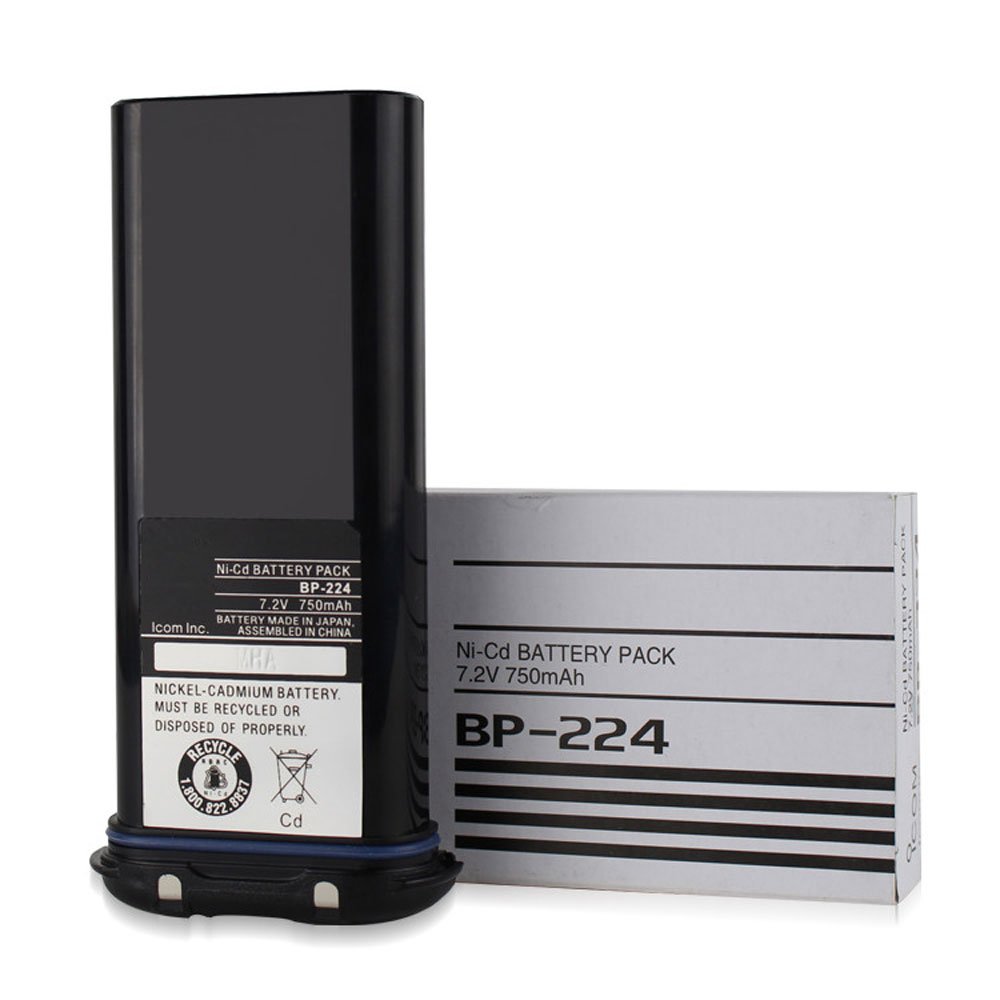
ICOM IC-M2A IC-M2 IC-GM1600 IC-M32 IC-M31 750MAH 7.2V Battery

Buy Icom BP224 Battery replacement for Icom IC-M2A IC-M2 IC-GM1600 IC-M32 IC-M31 Radio.

Fit Machine Model Icom IC-M2A IC-M2 IC-GM1600 IC-M32 IC-M31 Radio – 750MAH – 7.2V.

All products from our shop are 100% the highest quality! We provide the high quality Laptop Batteries. Icom BP224 battery is best compatible with the original equipments.

OriccaBattery.co.uk ◆Free Shipping ◆ One year warranty ◆ 30 days money back guarantee.

Battery BP224 Replacement For Icom IC-M2A IC-M2 IC-GM1600 IC-M32 IC-M31 Radio

BP224

Icom BP224 Specifications
Brand: Battery for Icom
Capacity:750MAH
Voltage:7.2V
Type:Ni-Cad
All products from our shop are 100% the highest quality!
We provide the high quality Laptop Adapters!

PRODUCT COMPATIBILITY:

BP224

REPLACEABILITY WITH THE FOLLOWING MODELS:

Icom IC-M2A IC-M2 IC-GM1600 IC-M32 IC-M31

Other Online Stores:
USA————ICOM BP224 battery
NED————ICOM BP224 Lithium-Ion Accu
FRA————ICOM BP224 Autres Batteries
JPN————ICOM BP224 Ni-Cad 新品デル互換用バッテリー
ESP————ICOM BP224 baterías

How to Maintenance your new replacement Icom BP224 battery?
1. New Icom BP224 battery pack must be fully charged before use.
2. New battery pack needs to be fully charged and discharged (cycled) a few times before it can condition to full capacity.
3.Laptop battery undergo self-discharging when left unused. Always store a Icom BP224 battery pack in a fully charged stage for storage.
4. Fully drain and fully recharge your battery pack every few months.
5. Turn down the LCD brightness of your portable device.
6. Use built-in power management on your portable device.
7. Turn off LCD or other unnecessary accessories when not in use.
8. Set screen saver blank to 1 to 2 minutes of your notebook.
9. Add more RAM if you have extra RAM expansion slot, it will reduce the usage of hard drive and it is power exhaustive.
10. Close unused software in your Icom IC-M2A IC-M2 IC-GM1600 IC-M32 IC-M31 Radio .
11. Remove unused PC Cards or USB devices from your notebook.
12. Don´t watch DVD or play graphics intensive video games.
13. Don´t short circuit terminal or store your Icom BP224 Batteries pack with metal parts. 14. Don´t drop or mutilate the Icom BP224 battery pack.
15. Don´t expose to moisture or water.

Related popular recommendations:
58-000049 Battery Compatible Amazon Kindle PaperWhite 2nd Gen 6″
L14M2P21 Battery Compatible Lenovo S41-70 S41-70AM
ACDP-100D01 Laptop Adapters For Sony Vaio PCGA AC19V4 ACDP-100D01
TLI017C1 Battery Compatible Alcatel One Touch OT-5027B DAWN OT-4060O STREAK OT-4060A IDEAL
088796 Battery Compatible Bose Soundlink Mini 2 Pack
PA5162U-1BRS Battery Compatible Toshiba Portege R30 R30-A series
061384 Battery Compatible BOSE SOUNDLINK Mini Series
82-71363-04 Battery Compatible MOTOROLA MC70 MC75 FR68
FX30 Battery Compatible Motorola XT1575 Moto X Pure Edition / Moto X Style