Qualcomm launches Snapdragon 678 chip 11nm process or new standard for entry-level models

Recently, Qualcomm has moved frequently, not only has released the flagship mobile platform Snapdragon 888, but also recently updated other product lines. Recently, Qualcomm released the latest processor Snapdragon 678. As the successor of Snapdragon 675, Snapdragon 678 can bring better performance, image and network connection to mid-range models without sacrificing battery life.

   In simple terms, there is little difference between Snapdragon 678 and Snapdragon 675. Both are based on the 11nm LPP process and have Spectra 250L ISP, Snapdragon X12 LTE modem and Hexagon 685 DSP. But compared with the Snapdragon 675, the CPU frequency of the Snapdragon 678 has been increased to 2.2GHz, while the CPU frequency of the Snapdragon 675 is 2.0GHz.

   In addition, Snapdragon 678 also integrates Adreno 612 GPU, supports 2520×1080 resolution display, 48 million pixel main camera and 4K 30fps video shooting.
   It should be noted that the Snapdragon 678 does not have a built-in 5G baseband, but is equipped with a Snapdragon X12 LTE baseband, which supports 600Mbps downlink and 150Mbps uplink speed. From this point of view, this chip is likely to become a new choice for entry-level phones, and the price of smartphones equipped with this chip should not be too expensive.>>>>>>>>>>>>>>>>>>>>Mobile phone battery
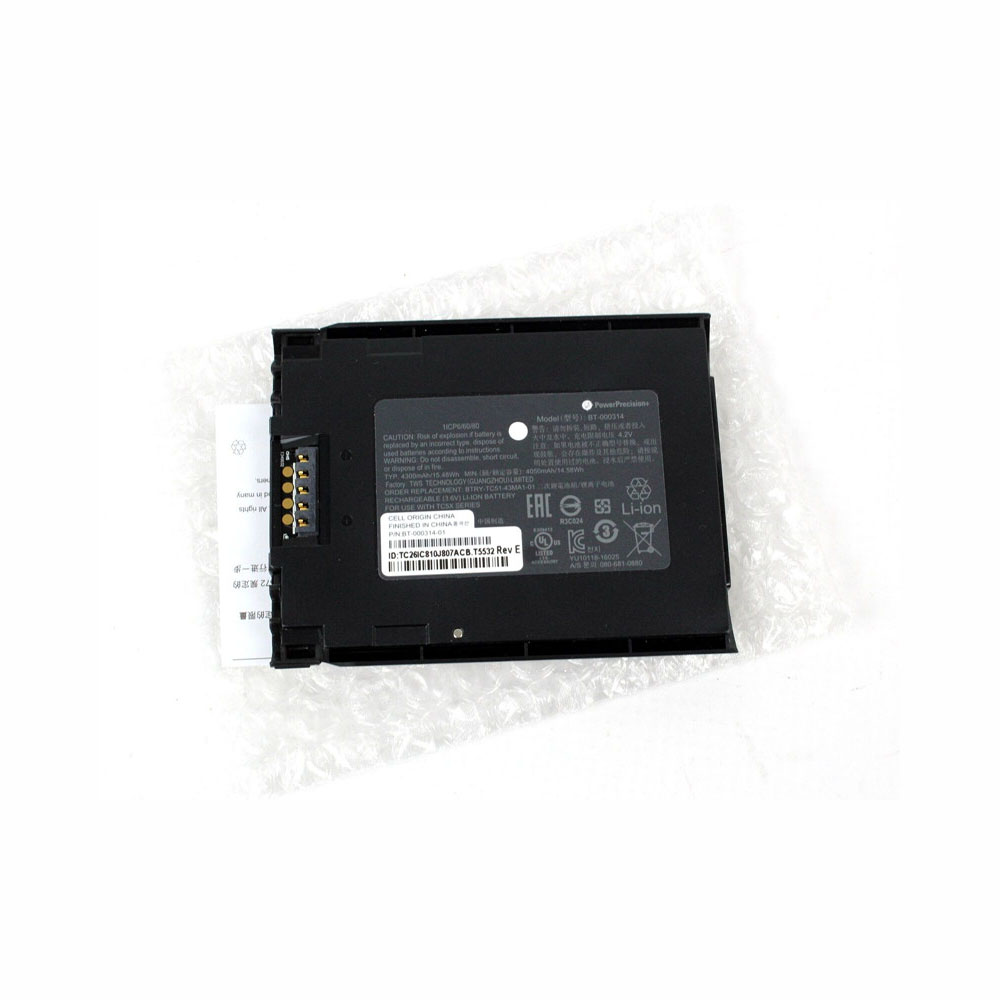
Battery BT-000314-01 Replacement For Zebra TC51 TC510 TC56

Battery BT-000314-01 Replacement For Zebra TC51 TC510 TC56

Buy Zebra BT-000314-01 Battery replacement for Zebra TC51 TC510 TC56.

Fit Machine Model Zebra TC51 TC510 TC56 – 4300mAh/15.48WH – 3.6V.

All products from our shop are 100% the highest quality! We provide the high quality Laptop Batteries. Zebra BT-000314-01 battery is best compatible with the original equipments.

OriccaBattery.co.uk ◆Free Shipping ◆ One year warranty ◆ 30 days money back guarantee.

Battery BT-000314-01 Replacement For Zebra TC51 TC510 TC56

BT-000314-01

Zebra BT-000314-01 Specifications
Brand: Battery for Zebra
Capacity:4300mAh/15.48WH
Voltage:3.6V
Type:Li-ion
All products from our shop are 100% the highest quality!
We provide the high quality Laptop Adapters!

PRODUCT COMPATIBILITY:

BT-000314-01

REPLACEABILITY WITH THE FOLLOWING MODELS:

Zebra TC51 TC510 TC56

How to Maintenance your new replacement Zebra BT-000314-01 battery?
1. New Zebra BT-000314-01 battery pack must be fully charged before use.
2. New battery pack needs to be fully charged and discharged (cycled) a few times before it can condition to full capacity.
3.Laptop battery undergo self-discharging when left unused. Always store a Zebra BT-000314-01 battery pack in a fully charged stage for storage.
4. Fully drain and fully recharge your battery pack every few months.
5. Turn down the LCD brightness of your portable device.
6. Use built-in power management on your portable device.
7. Turn off LCD or other unnecessary accessories when not in use.
8. Set screen saver blank to 1 to 2 minutes of your notebook.
9. Add more RAM if you have extra RAM expansion slot, it will reduce the usage of hard drive and it is power exhaustive.
10. Close unused software in your Zebra TC51 TC510 TC56 .
11. Remove unused PC Cards or USB devices from your notebook.
12. Don´t watch DVD or play graphics intensive video games.
13. Don´t short circuit terminal or store your Zebra BT-000314-01 Batteries pack with metal parts. 14. Don´t drop or mutilate the Zebra BT-000314-01 battery pack.
15. Don´t expose to moisture or water.

Samsung Galaxy S21 official renderings exposed, executives reveal that they will support stylus

Today, the media exposed the official rendering of the Samsung Galaxy S21, and the appearance of this Samsung flagship for the first year is basically certain. It was previously reported that Samsung will release the S21 series in advance in January and will also add support for the S Pen. As the press conference approaches, this new machine has more and more news.

   Judging from this official picture, Samsung Galaxy S21 uses a hole-digging full-screen design. It is reported that the screen size is 6.2 inches, 1080P resolution, 120Hz refresh rate screen, built-in battery is 4000 mAh; has 12 million pixel main camera + 64 million pixel telephoto + 12 million pixel ultra-wide-angle lens combination.

Recently, Samsung’s mobile business director Lu Taiwen said: “We have also been paying attention to people’s favorite Galaxy Note experience, and we are happy to add its favorite features to other devices in our lineup.” S series and Note series are now available The difference is getting smaller and smaller, it seems that Samsung really intends to cut off the Note series, in the future will form a new product camp of S+ folding screen.
>>>>>>>>>>>>>>>>>>>>Mobile phone battery

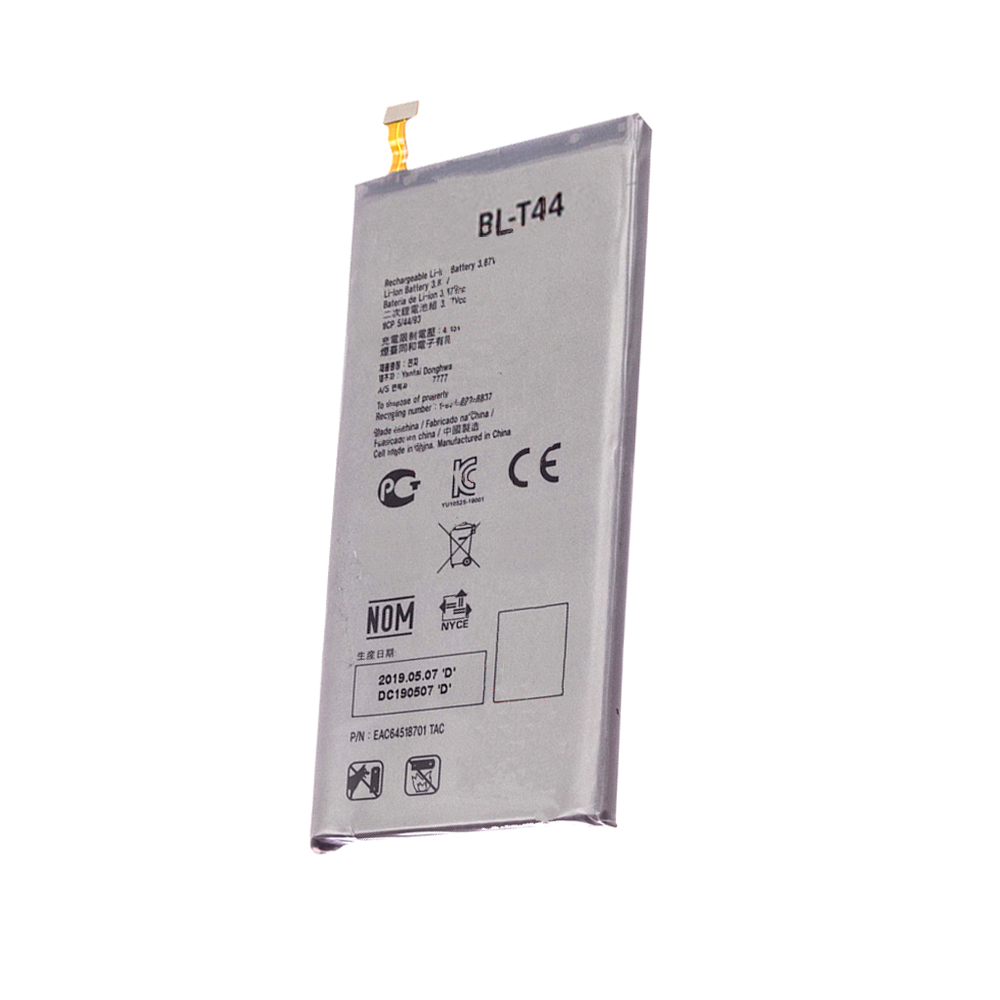
Battery BL-T44 Replacement For LG Q60 X525WA

Battery BL-T44 Replacement For LG Q60 X525WA

Buy LG BL-T44 Cell Phone Battery replacement for LG Q60 X525WA.

Fit Machine Model LG Q60 X525WA – 3400mAh/13.2WH – 3.87V/4.45V.

All products from our shop are 100% the highest quality! We provide the high quality Laptop Batteries. LG BL-T44 battery is best compatible with the original equipments.

OriccaBattery.co.uk ◆Free Shipping ◆ One year warranty ◆ 30 days money back guarantee.

Battery BL-T44 Replacement For LG Q60 X525WA

BL-T44

LG BL-T44 Specifications
Brand:Cell Phone Battery for LG
Capacity:3400mAh/13.2WH
Voltage:3.87V/4.45V
Type:Li-ion
All products from our shop are 100% the highest quality!
We provide the high quality Laptop Adapters!

PRODUCT COMPATIBILITY:

BL-T44

REPLACEABILITY WITH THE FOLLOWING MODELS:

LG Q60 X525WA

How to Maintenance your new replacement LG BL-T44 battery?
1. New LG BL-T44 battery pack must be fully charged before use.
2. New battery pack needs to be fully charged and discharged (cycled) a few times before it can condition to full capacity.
3.Laptop battery undergo self-discharging when left unused. Always store a LG BL-T44 battery pack in a fully charged stage for storage.
4. Fully drain and fully recharge your battery pack every few months.
5. Turn down the LCD brightness of your portable device.
6. Use built-in power management on your portable device.
7. Turn off LCD or other unnecessary accessories when not in use.
8. Set screen saver blank to 1 to 2 minutes of your notebook.
9. Add more RAM if you have extra RAM expansion slot, it will reduce the usage of hard drive and it is power exhaustive.
10. Close unused software in your LG Q60 X525WA phone .
11. Remove unused PC Cards or USB devices from your notebook.
12. Don´t watch DVD or play graphics intensive video games.
13. Don´t short circuit terminal or store your LG BL-T44 Cell Phone Batteries pack with metal parts. 14. Don´t drop or mutilate the LG BL-T44 battery pack.
15. Don´t expose to moisture or water.

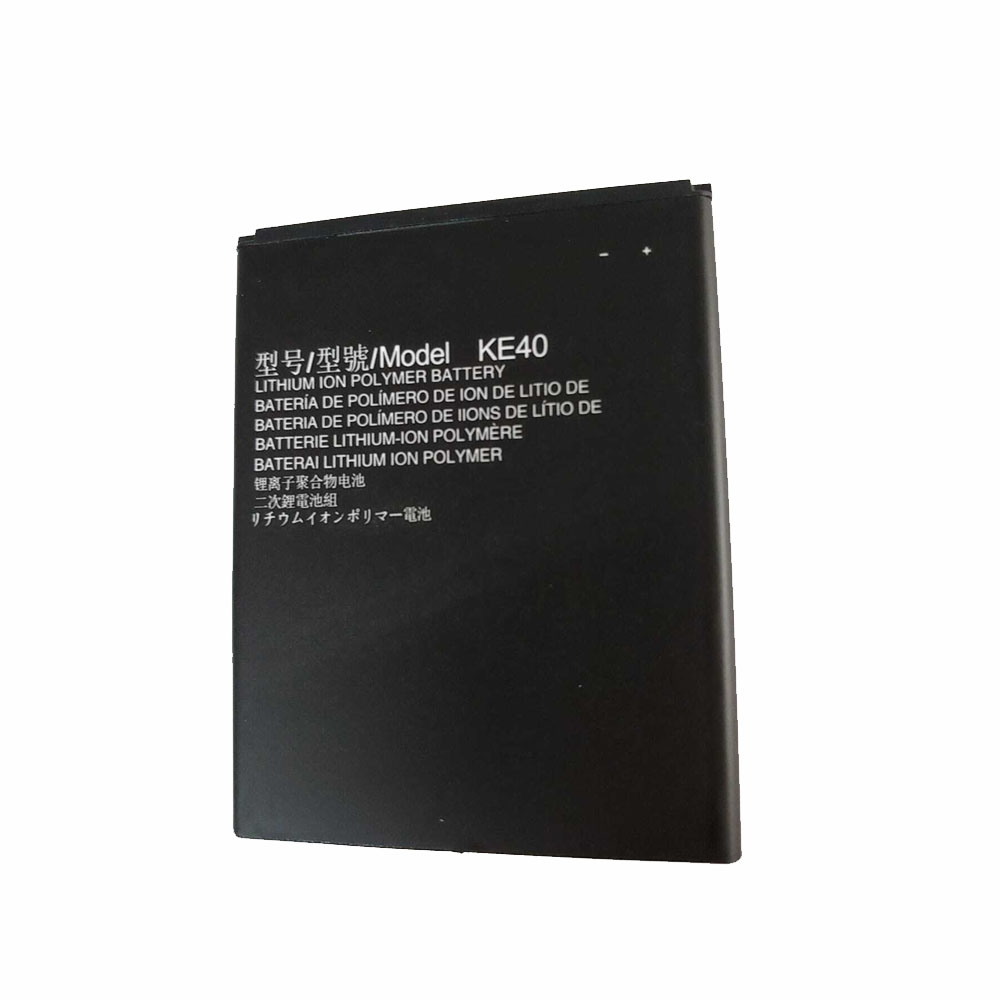
Battery KE40 Replacement For Motorola Moto E6 XT2005

Battery KE40 Replacement For Motorola Moto E6 XT2005

Buy Motorola KE40 Cell Phone Battery replacement for Motorola Moto E6 XT2005.

Fit Machine Model Motorola Moto E6 XT2005 – 2820mAh/10.7WH – 3.8V/4.4V.

All products from our shop are 100% the highest quality! We provide the high quality Laptop Batteries. Motorola KE40 battery is best compatible with the original equipments.

OriccaBattery.co.uk ◆Free Shipping ◆ One year warranty ◆ 30 days money back guarantee.

Battery KE40 Replacement For Motorola Moto E6 XT2005

KE40

Motorola KE40 Specifications
Brand:Cell Phone Battery for Motorola
Capacity:2820mAh/10.7WH
Voltage:3.8V/4.4V
Type:Li-ion
All products from our shop are 100% the highest quality!
We provide the high quality Laptop Adapters!

PRODUCT COMPATIBILITY:

KE40

REPLACEABILITY WITH THE FOLLOWING MODELS:

Motorola Moto E6 XT2005

How to Maintenance your new replacement Motorola KE40 battery?
1. New Motorola KE40 battery pack must be fully charged before use.
2. New battery pack needs to be fully charged and discharged (cycled) a few times before it can condition to full capacity.
3.Laptop battery undergo self-discharging when left unused. Always store a Motorola KE40 battery pack in a fully charged stage for storage.
4. Fully drain and fully recharge your battery pack every few months.
5. Turn down the LCD brightness of your portable device.
6. Use built-in power management on your portable device.
7. Turn off LCD or other unnecessary accessories when not in use.
8. Set screen saver blank to 1 to 2 minutes of your notebook.
9. Add more RAM if you have extra RAM expansion slot, it will reduce the usage of hard drive and it is power exhaustive.
10. Close unused software in your Motorola Moto E6 XT2005 phone .
11. Remove unused PC Cards or USB devices from your notebook.
12. Don´t watch DVD or play graphics intensive video games.
13. Don´t short circuit terminal or store your Motorola KE40 Cell Phone Batteries pack with metal parts. 14. Don´t drop or mutilate the Motorola KE40 battery pack.
15. Don´t expose to moisture or water.