I shot video with the affordable Canon EOS R50 V vlogging camera, and it is a solid option for aspiring content creators

Great-looking videos and simple operation make Canon’s entry-level mirrorless a great choice for beginners
Canon EOS R50 V camera

Verdict

For beginner vloggers on a budget, but with aspirations towards upgrading their setup with additional lenses in the future, this video-centric mirrorless camera might be the ideal choice. Video quality and options are impressive, while the EOS R50 V itself is compact, lightweight and easy to use – and even has a useful extra mounting point on the side. The included kit lens is a mixed bag, though, and photographers will lament the lack of a viewfinder.

Pros

  • +Compact, lightweight build
  • +Good autofocus
  • +Great-looking image quality

Cons

  • -No in-body image stabilization
  • -Really needs an external mic
  • -Slow kit lens

Canon EOS R50 V: two-minute review

TheCanonEOS R50 V is the company’s latest mirrorless camera. Put simply, it’s an affordable video-centric model aimed at content creators and vloggers, offering4Kvideo recording at up to 30fps, four-channel 24-bit audio from its built-in microphone and decent wired and wireless connectivity.

I’ve reviewed a lot of vlogger-focussed cameras recently, including Canon’s ownPowerShot V1, a fixed-lens compact that launched alongside the EOS R50 V and costs a similar amount, so I was interested to see how this interchangeable lens camera performed in comparison. In some ways, the PowerShot V1 has more appeal: it’s more compact and its lens is faster and wider than the 14-30mm kit lens that can be purchased bundled with the EOS R50 V. It comes with a built-in ND filter too.

What the R50 V has on its side is future versatility, thanks to an RF lens mount. With the ability to use other lenses in the RF system, upgrading image quality or gaining a new field of view is easily achievable here. With the PowerShot V1, you’ve only got that one lens.

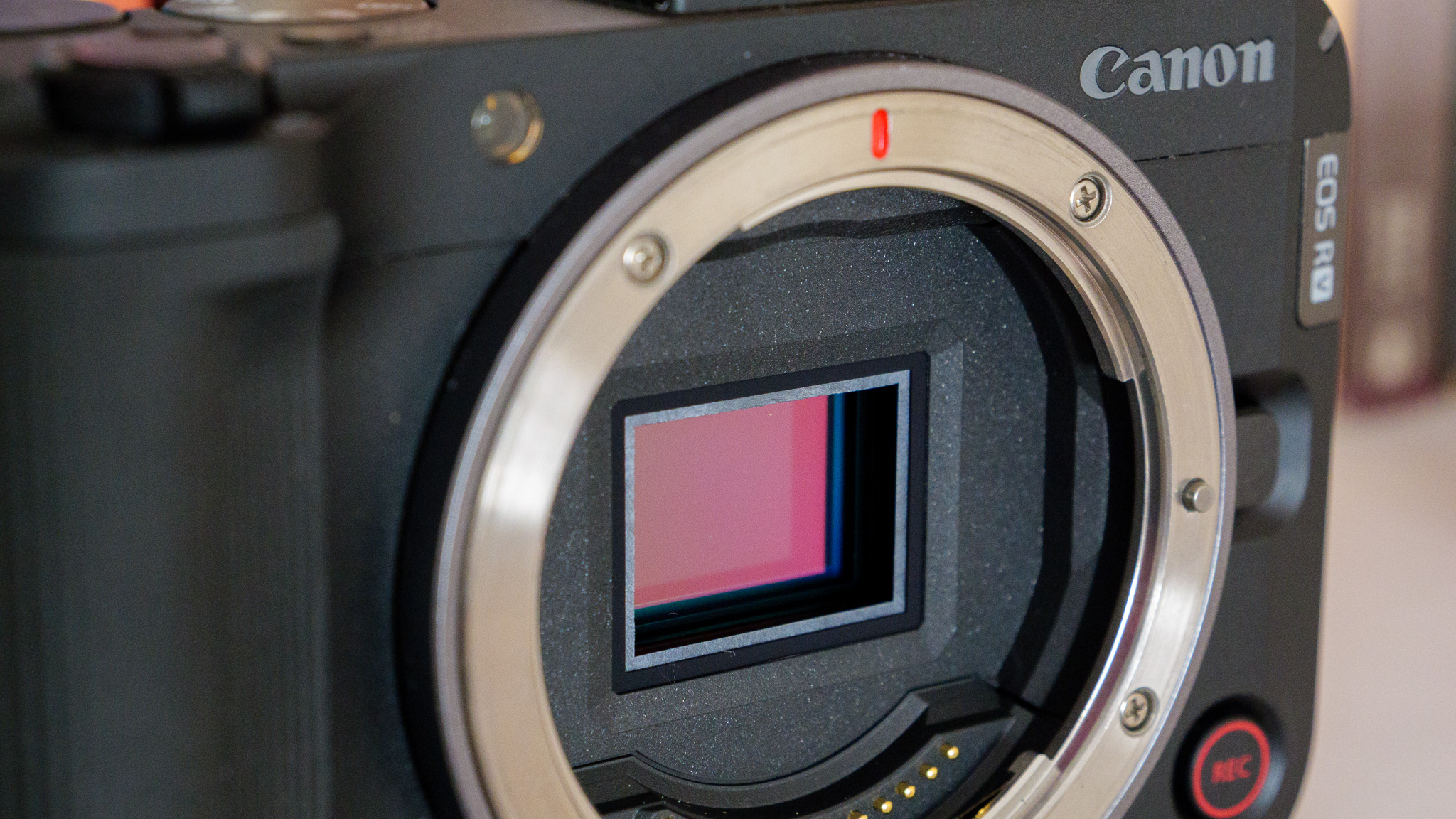
The EOS R50 V’s 24.2MP APS-C sensor is also physically bigger than the 1.4-inch sensor on the PowerShot V1. Not by much, mind you – and image quality isn’t too different on the two cameras.

The EOS R50 V can capture video at 4K at up to 30fps, or a cropped 4K at up to 60fps. The latter isn’t really ideal for vlogging, as it greatly reduces the field of view and I found it difficult to get myself comfortably in frame while holding the camera. The uncropped 4K delivers a much more expansive field of view, albeit at the expense of frame rate – but I don’t think many will require 60fps for vlogging. The other resolution on offer is 1080p, which can capture at up to 120fps – ideal for slow-motion playback.
Canon EOS R50 V camera

Videos and JPEGs look great straight out of the camera, as I’ve come to expect from thebest Canon camerasand their color science. For those who want to edit or grade in post, however, RAW photos and a flat C Log color profile are also available.

There’s a lot to like about the EOS R50 V’s all-round performance. Its autofocus system is fast and accurate, and able to recognize and track human, animal and vehicle subjects. Its optical image stabilization is decent (if unremarkable, thanks to no in-body IS) and its on-board microphones perform well indoors in quiet conditions. Testing outside on a blustery day, I found the wind reduction mode to be almost completely ineffective, so a decent external mic is required; the PowerShot V1 includes a fluffy windshield that works quite well, and it’s odd Canon didn’t supply one here.

Connectivity is what you’d expect from a video-centric camera, while the LP-E17 battery supplies around 480 photos according to Canon. I did find it drains quite quickly while shooting 4K video, as you might expect – but thankfully the USB-C port can be used for on-the-go recharging or even constant power supply.

I’m quite impressed with the EOS R50 V. There’s nothing particularly fancy about it, and in many ways its sister camera the PowerShot V1 is a much more interesting device – being more of an all-in-one vlogging machine. But the R50 V’s lens mount means it might be a better choice for vloggers who plan on gradually upgrading their setup over the years.

>>>Replacement battery for Canon DM-FV50 FV50 DM-FV100 FV100 DM-FV200 FV200
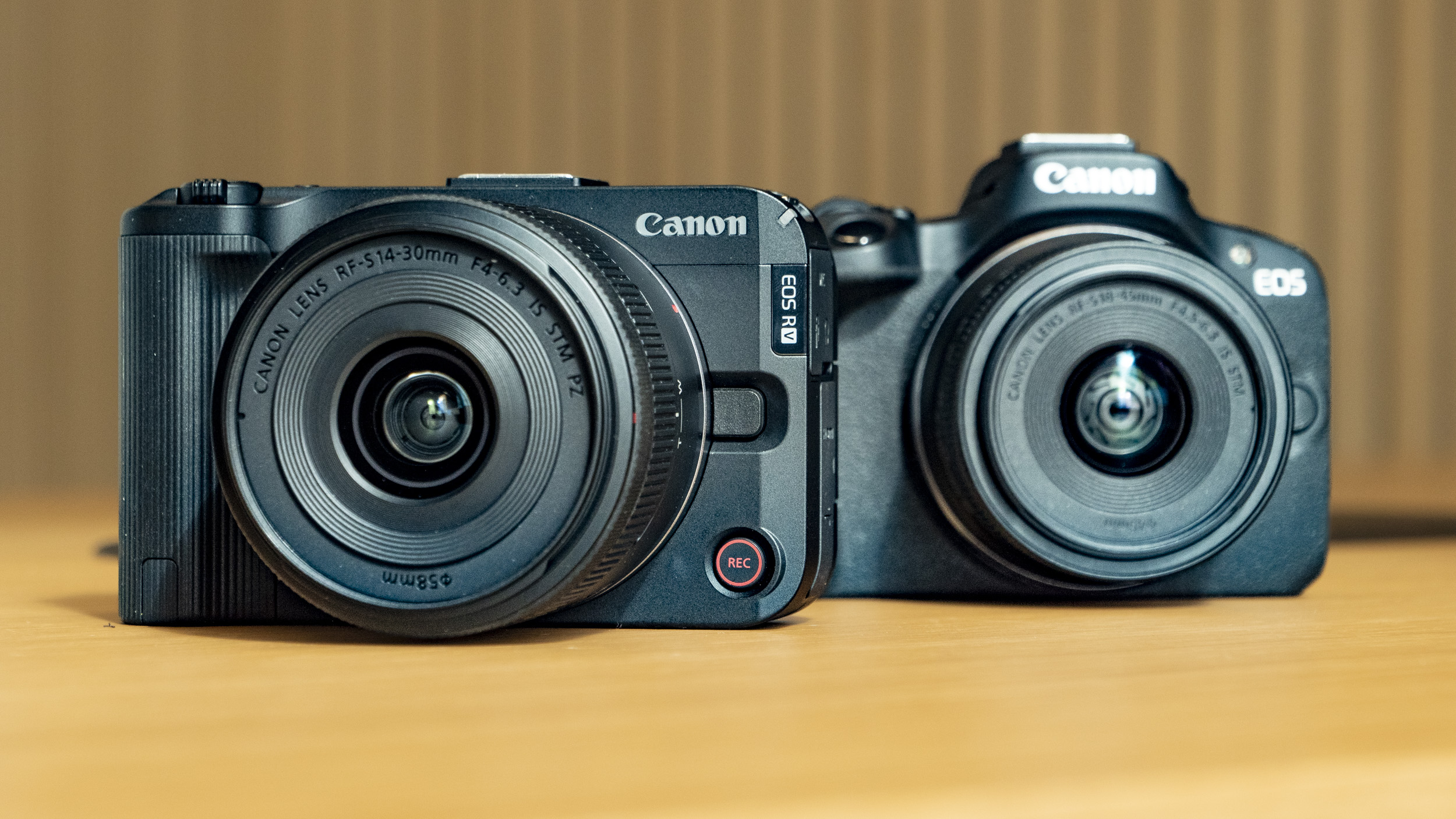
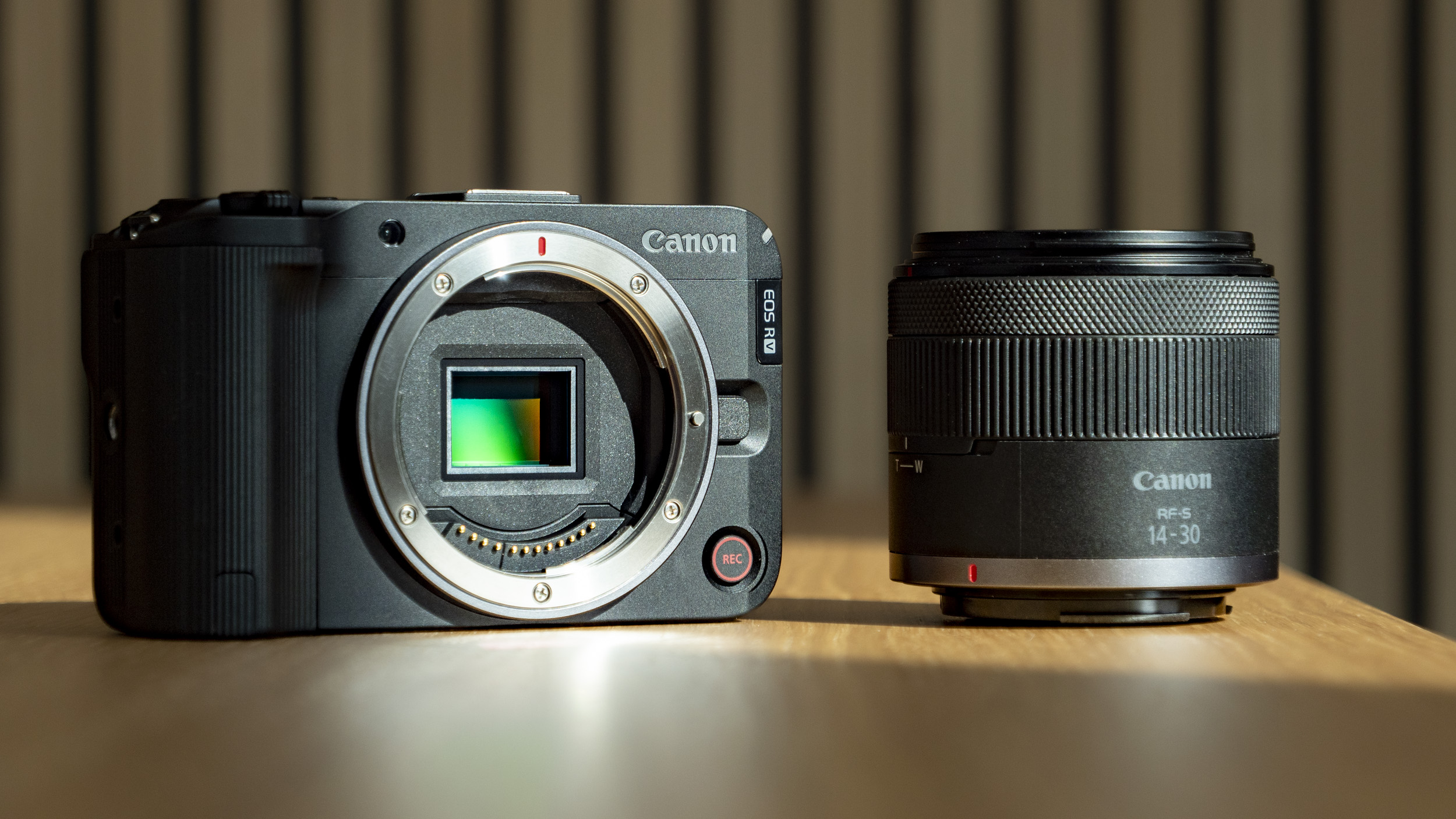
Canon EOS R50 V on a wooden table, alongside the EOS R50

The EOS R50 V (left) alongside the EOS R50 (right). They share much of the same tech, but the R50 V id designed more specifically for video.

Canon EOS R50 V: Price and availability

  • $649 / £729 / AU$1,169 body only
  • $849 / £959 / AU$1,499 with Canon 14-30mm lens

The EOS R50 V is available to order, priced at around $649 / £729 / AU$1,169 body only or $849 / £959 / AU$1,499 in a kit with Canon’s new 14-30mm f4-6.3 IS STM PZ power zoom lens.

That strikes me as a competitive and affordable price, particularly with the lens – and especially for US-based consumers. I think the kit is the one to go for, unless you already own a few RF lenses, of course – but do bear in mind that you may need to buy an external microphone too.

  • Price score: 4/5

>>>Replacement battery for Canon EOS 60D 70D 80D
Canon EOS R50 V camera

Canon EOS R50 V: specs

Camera type:Mirrorless
Lens mount:Canon RF
Sensor:APS-C, 24.2MP
Video:4K 30fps / Cropped 4K 60fps / 4:2:2 10-bit
Battery (CIPA rating):480 shots (LCD)
Dimensions:119.3 x 73.7 x 45.2 (body only)
Weight:370g (body only)

Canon EOS R50 V: Design and handling

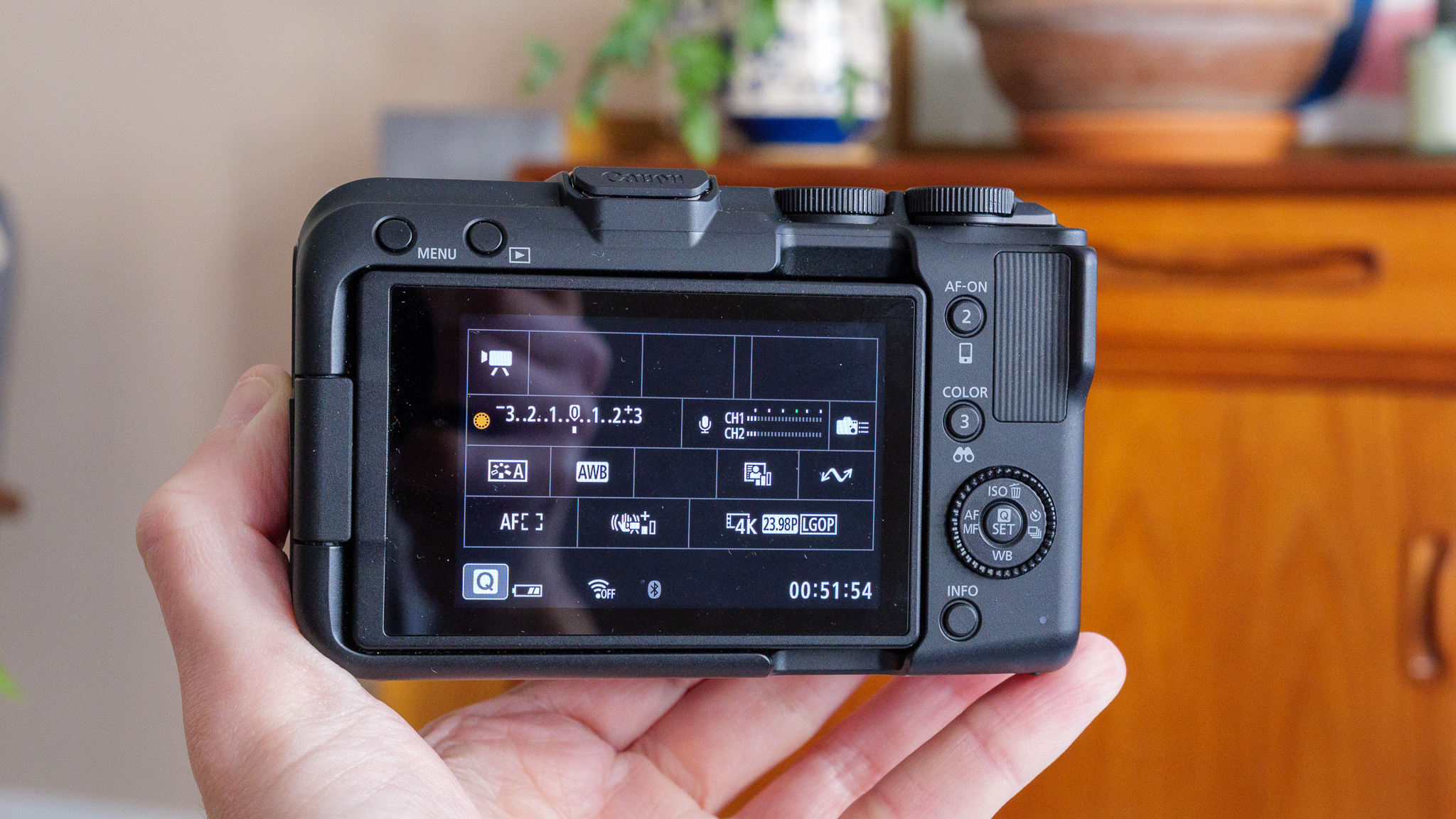
  • 3-inch, 1.04m-dot vari-angle LCD touchscreen
  • Front tally lamp and record button
  • Camera weighs just 370g without a lens

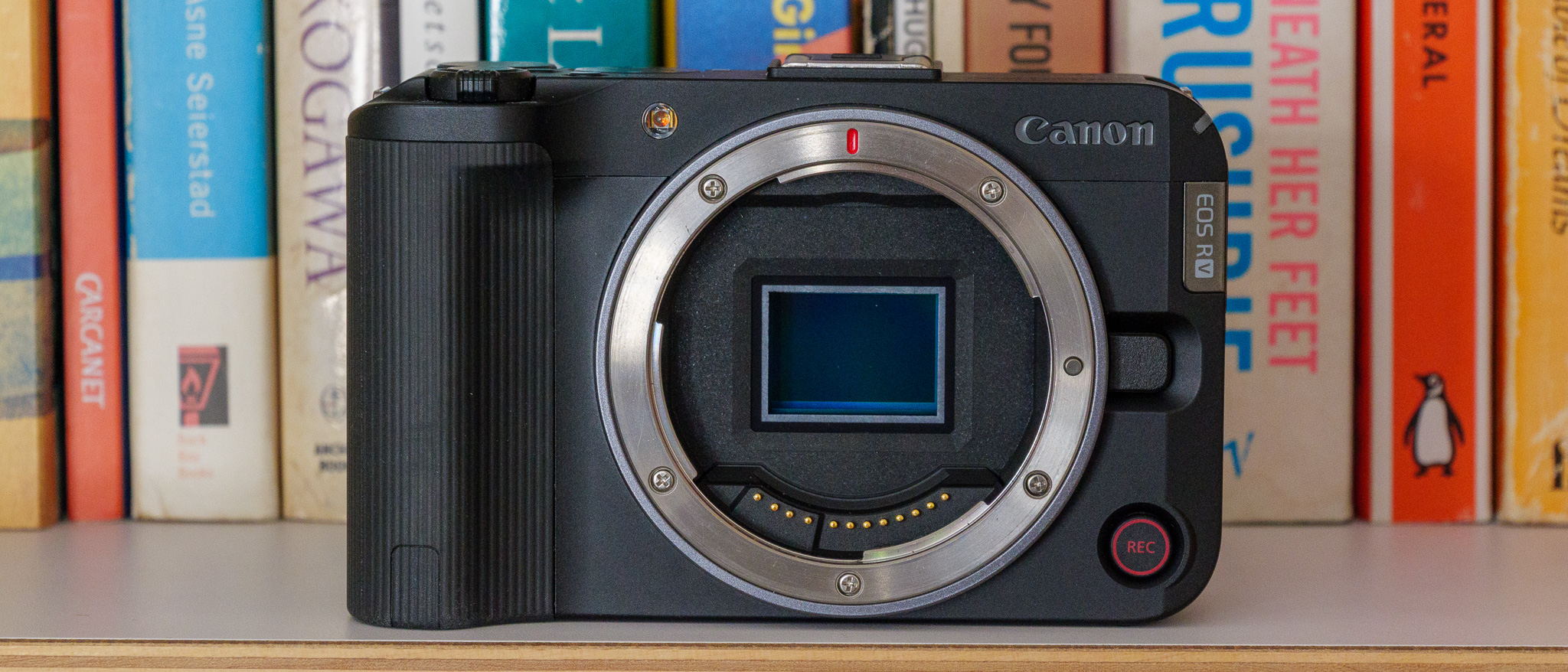
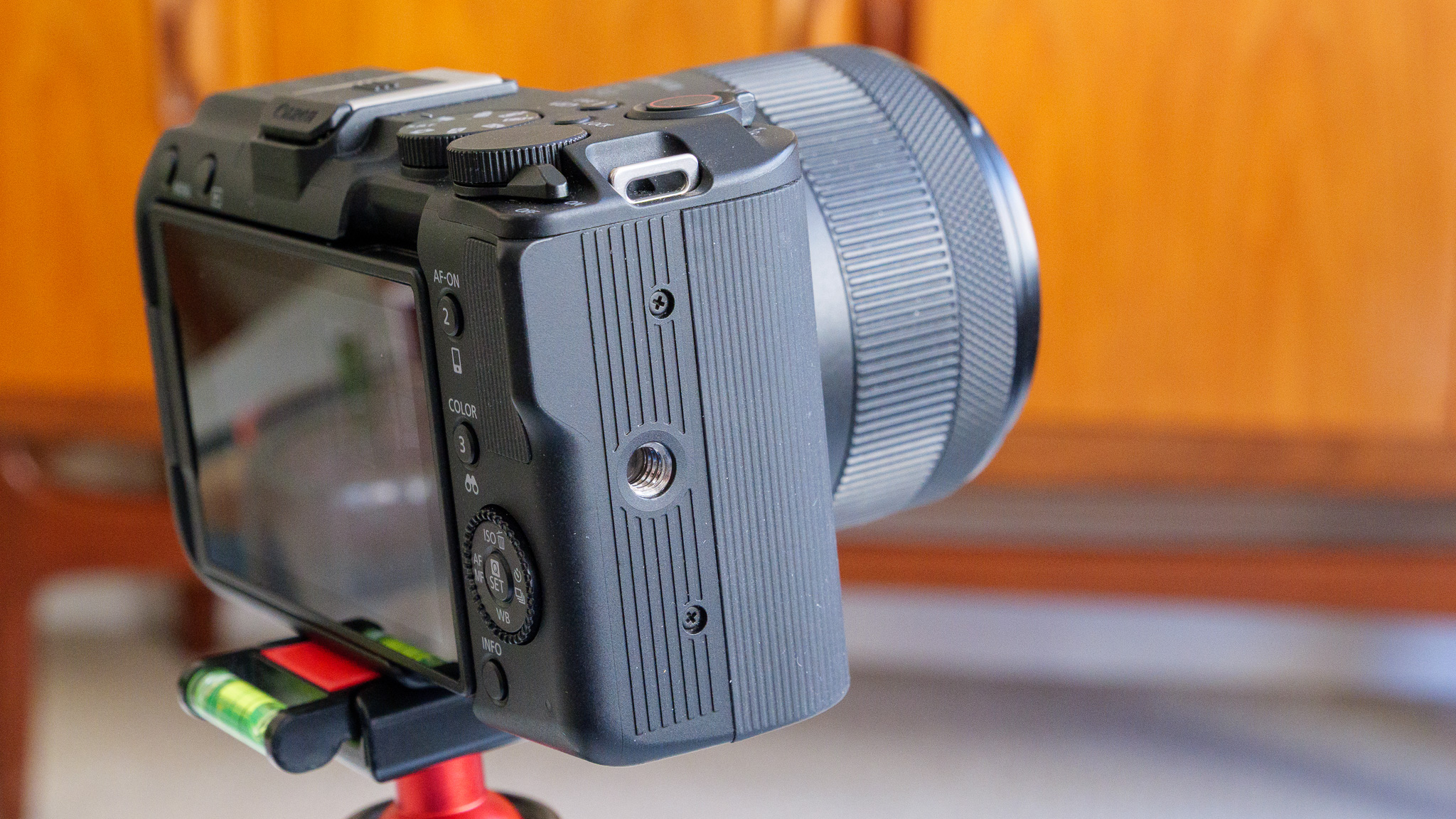
The EOS R50 V is a small and mostly plastic-bodied camera designed primarily for video. There’s no built-in flash and no viewfinder like you get with theEOS R50, which photographers might miss. For video users, the vari-angle screen handles composition more than adequately and the 21-pin multi-function hot shoe and extra, side-mounted tripod thread are very useful additions.
Canon EOS R50 V camera

The side mounting point is ideal for recording 9:16 portrait ratio videos.

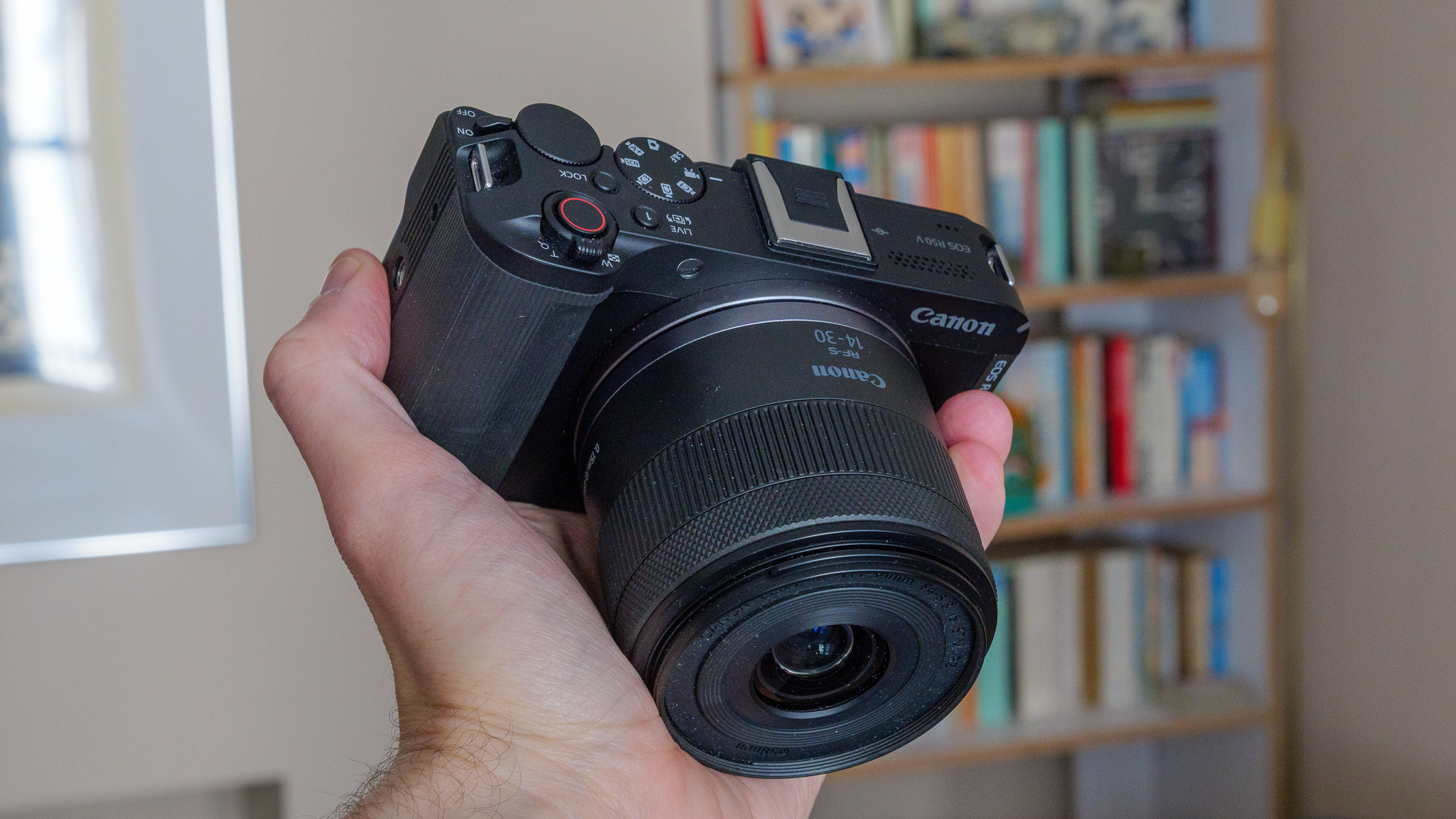
I found the control layout to be user-friendly, particularly the second video recording button on the front. There’s also a front-facing tally lamp, to let you know when you’re recording video. On the back and up top you’ll find the usual well-labelled dials and buttons, and with the help of the touchscreen I never struggled to change a setting or switch between shooting modes.

The camera isn’t weatherproofed, and the plastic body feels lightweight. In fact, at just 370g without a lens, it’s one of the lightest mirrorless cameras I’ve used in a long time. Adding the 14-30mm kit lens doesn’t tip the scales by much either: it’s just 181g, keeping the complete weight for camera and lens well under 600g.

  • Design score: 4/5

>>>Replacement battery for Canon BP-A30 BP-A60 BP-A65 BP-A90
Canon EOS R50 V camera

Canon EOS R50 V: Performance and features

  • No in-body image stabilization
  • 12fps continuous shooting with mechanical shutter
  • 24-bit or 16-bit stereo audio via internal mic

Image stabilization is very important for a vlogging camera, but with no in-body stabilization here, it all has to come from the lens. The kit lens, for example, comes with optical stabilization and I think that’s just about enough for vloggers who want to walk around with the camera. You can see some real-world examples of the stabilization in action in my sample video in the next section of this review. Just be aware that you won’t get assistance if you fit a non-stabilized lens.

The Dual Pixel CMOS AF II autofocus system is excellent: fast, accurate and able to recognize and track humans (eyes, face, head or body), animals (dogs, cats, birds and horses) or vehicles (cars, motorcycles, trains and aircraft). I encountered no problems with it at all during my time using the camera, during which I was mostly filming myself in a mock vlog style. It kept me in focus no matter how I moved around the frame.
Canon EOS R50 V camera

Despite the EOS R50 V’s video-first design, it does have a mechanical shutter. It’s a pretty adept stills camera, actually, thanks both to the aforementioned autofocus setup and its ability to shoot at a respectable continuous speed of 12fps (with mechanical shutter) and 15fps (with electronic shutter).

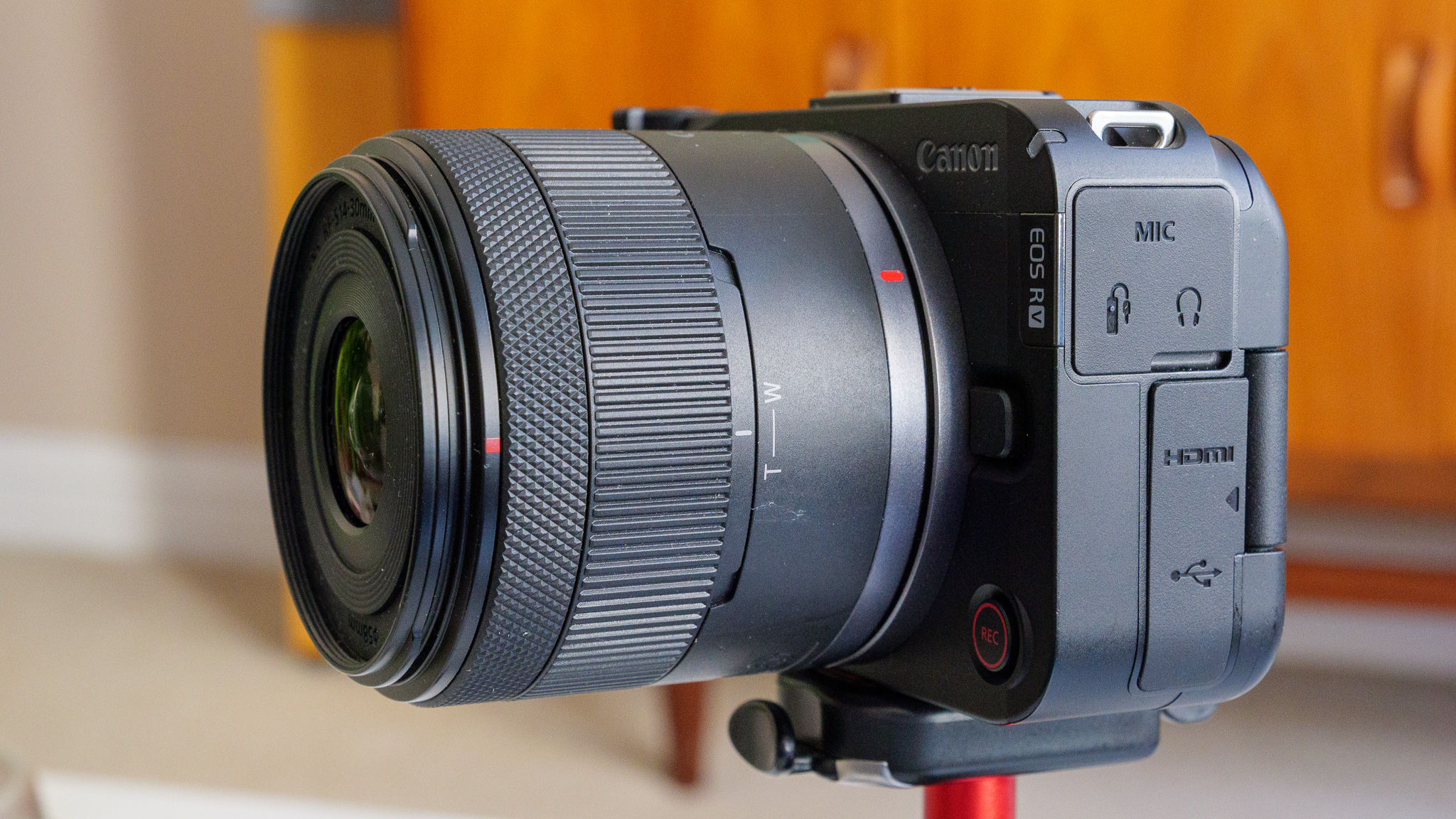
Connectivity-wise, I wasn’t disappointed. There are dedicated 3.5mm jacks for a mic and headphones, a micro HDMI output (while I’d prefer full-size, the compact body always made this unlikely) and a USB-C 3.2 port that works for data transfer, battery charging and power supply. It’ll also support live streaming when connected to a computer and allows users to set up the EOS R50 V as a webcam. There’s Wi-Fi and Bluetooth too, supporting wireless image transfer, printing and upload to Canon’s cloud services.

The built-in microphone can record in four-channel 24-bit or two-channel 16-bit modes, and comes with a wind noise reduction mode that is supposed to kick in automatically if needed. I tested in indoors and found it excellent quality, but outside on a windy day the noise reduction feature was next to useless. I’d have liked at least a furry windshield included to help mitigate interference, but I think vloggers using the EOS R50 V outside in anything but the calmest of conditions will need an external microphone of some kind.

  • Performance and features: 4.5/5
Canon EOS R50 V on a wooden table alongside the 14-30mm PZ lens

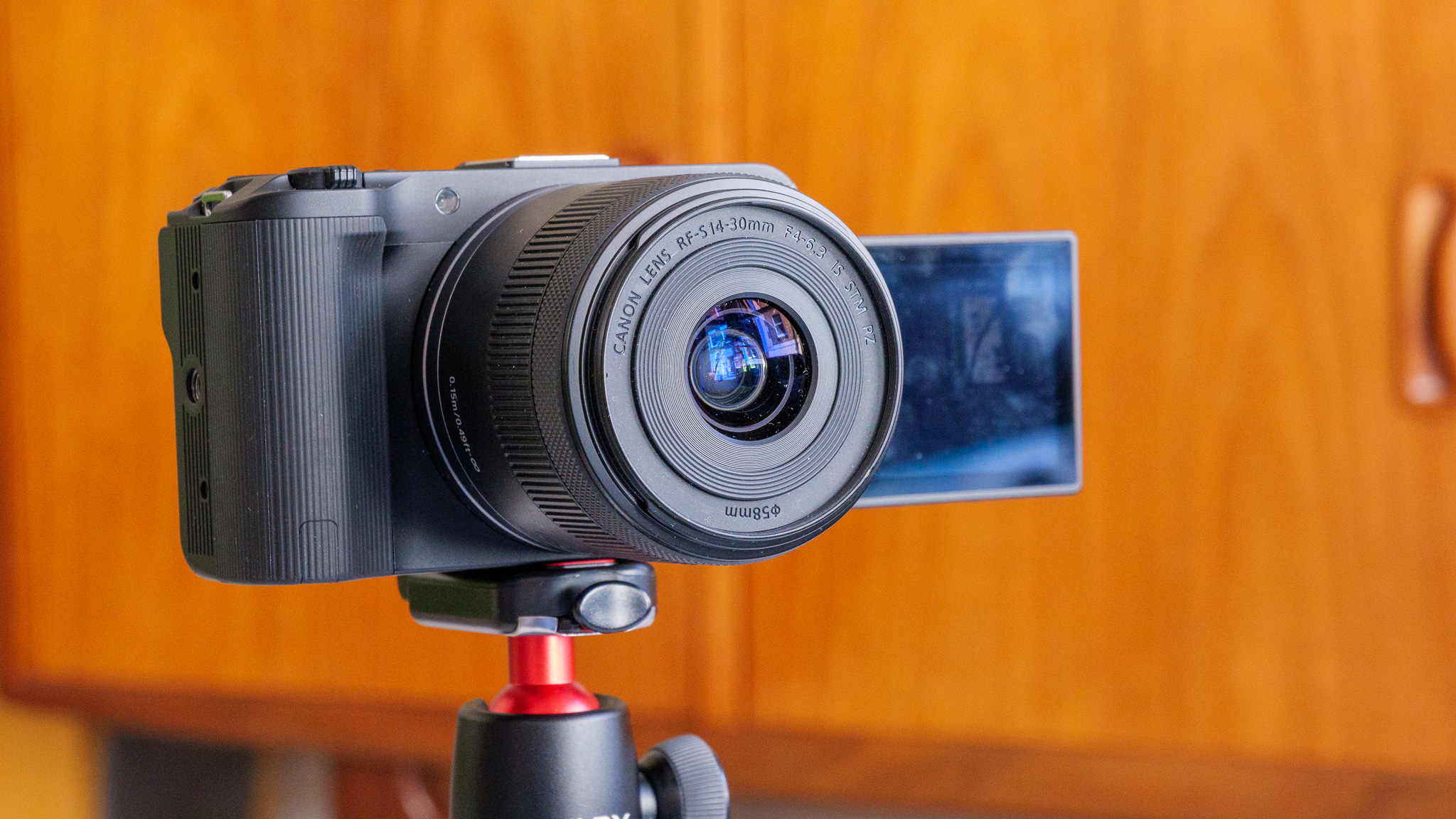
The 14-30mm kit lens is compact, but its maximum f/4 aperture is quite limiting especially in low light.

Canon EOS R50 V: Image and video quality

  • APS-C sensor delivers 4K video and 24.2MP photos
  • Full HD slow-motion capture at 100fps or 120fps
  • Canon Log 3 color mode supported

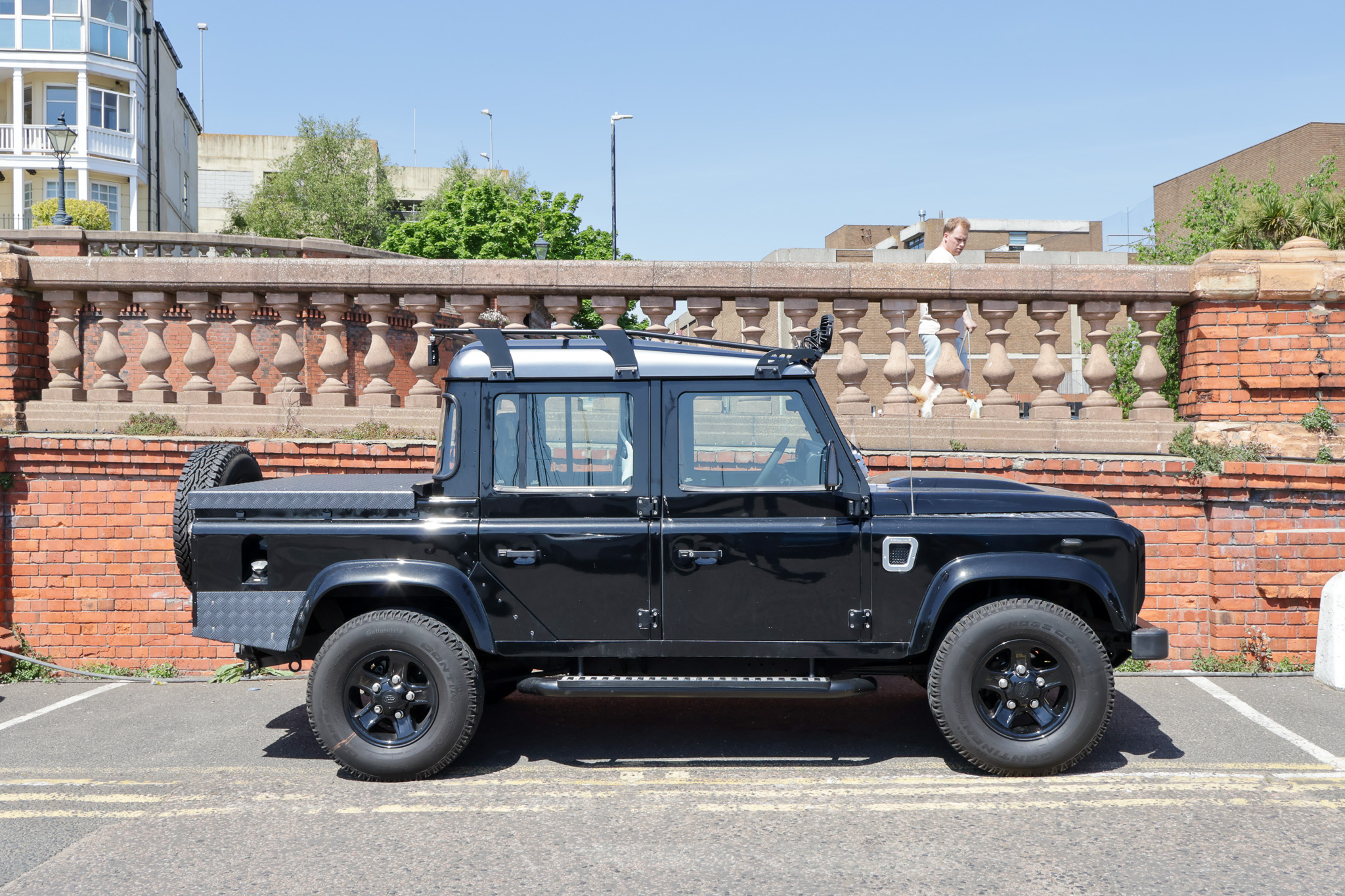
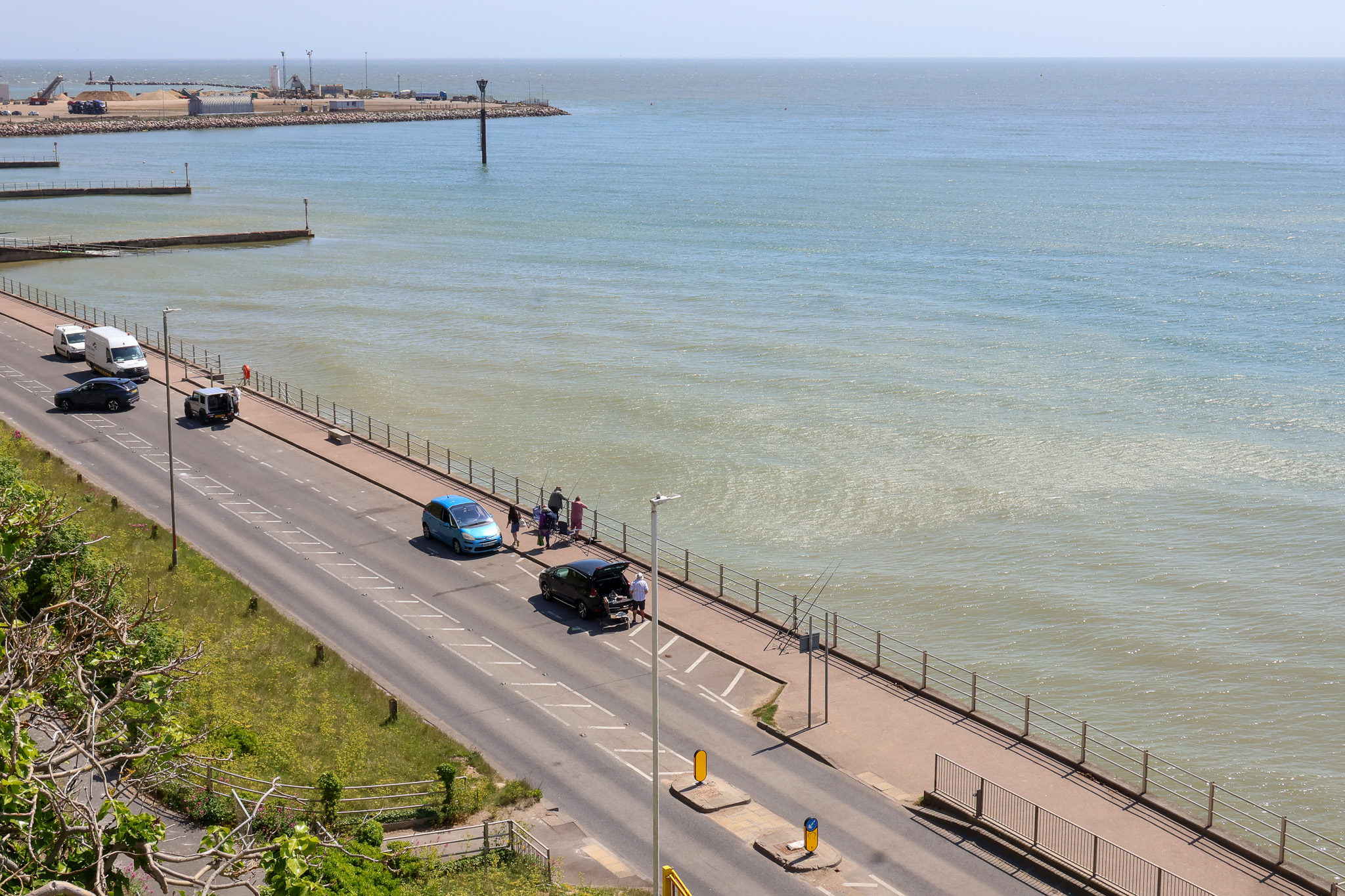
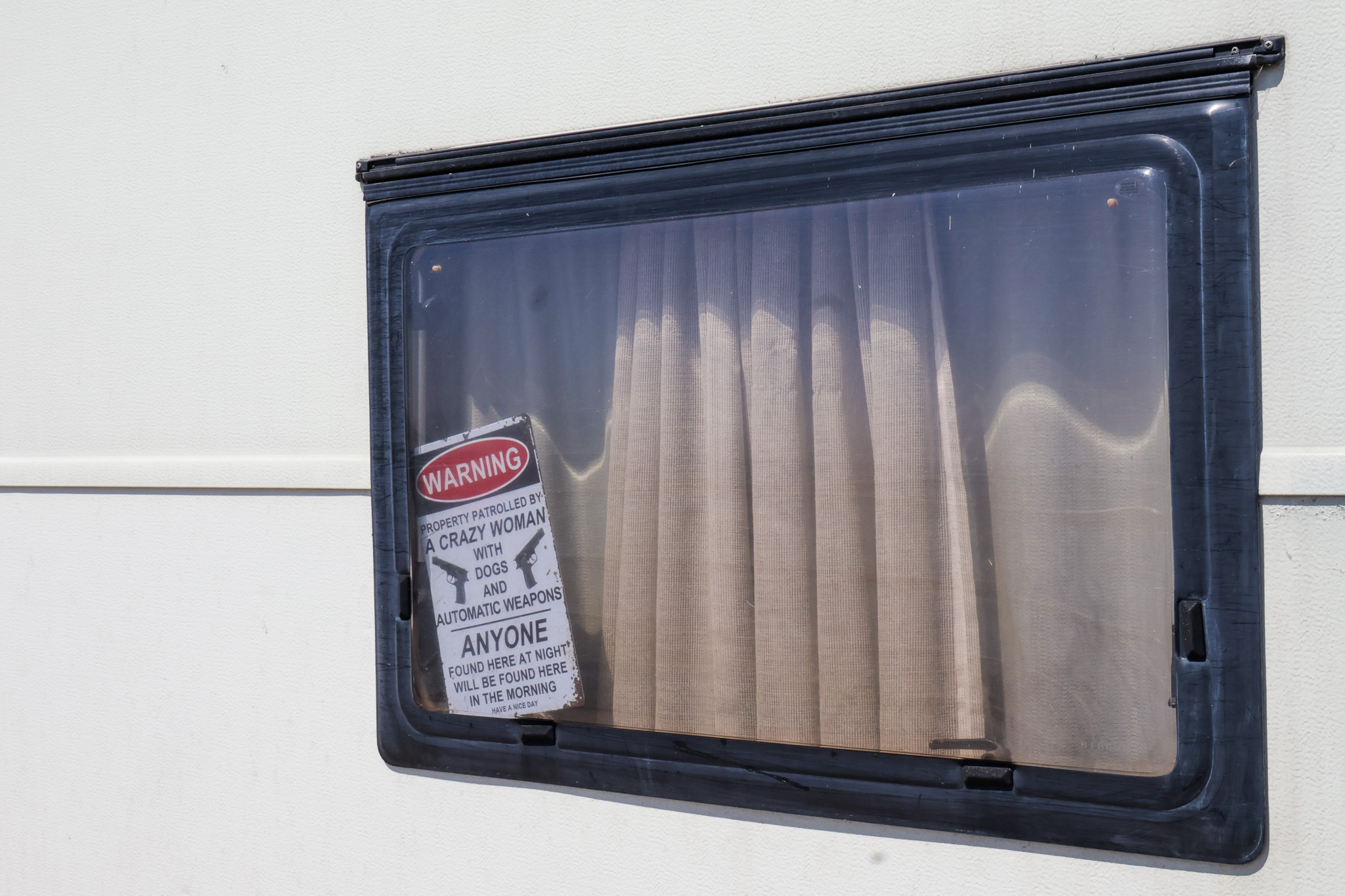
Canon’s much lauded color science makes the EOS R50 V almost too easy to use. Whatever you point it at, it’ll produce great-looking JPEGs and videos right out of the camera, with no need for intervention on your part. I’ve made some very minor tweaks to the photos you see below inAdobeLightroom to draw a bit more detail out of shadows, but overall I could have left them be and been more than happy to use them.

The kit lens is pretty poor in terms of brightness, having only a maximum f/4 aperture. Coupled with the smallish APS-C sensor, it makes this camera quite unsuited to low light photography out of the box. Slap a faster lens on here and you might get good results, however.

Canon EOS R50 V sample photograph

For the 4K sample video (I apologize for the lack of camera audio on the outdoor shots – but the wind noise was just too intrusive to keep it in), I made no adjustments at all. All these clips are presented here exactly how they came out of the camera.

I recorded these at 4K 24fps quality, to make the most of the full sensor size. You can also capture cropped 4K video at up to 60fps, but for vlogging I felt that crop was a bridge too far, reducing the frame too much to comfortably get my head in. It’d be fine for capturing b-roll, however. I’ve not included any here, but the camera can also shoot in Full HD, and in up to 120fps for some smooth slow-motion playback if desired.

The EOS R50 V shoots RAW photos and can capture video in Canon’s flat C Log 3 color profile, should you want to perform more editing and grading yourself. So, there’s plenty of support here for imaging enthusiasts who want to achieve their own look.

  • Image quality score: 4/5

Should I buy the Canon EOS R50 V?

Buy it if…

You want an expandable cheap video camera
The RF mount and connectivity make the R50 V a great starting point for a content creator. You can always add more lenses to widen your creative capabilities as you gain popularity.

You love Canon’s color science
It’s hard to fault the look of the images and videos that come straight out of the R50 V. Canon knows how to produce punchy, pleasing pictures with minimal user effort.

Don’t buy it if…

You want an all-in-one vlogging camera
You’ll still need a decent external mic if you plan on vlogging outdoors with the R50 V, as wind noise is an issue.

You’re a stills photographer first
With no flash and no viewfinder, photographers get a bit of a raw deal here. That’s fine – it’s a video camera first – but it’s something to be aware of.
Canon EOS R50 V camera

I’ve reviewed every DJI drone, and the triple-camera Mavic 4 Pro sets a new benchmark for what’s possible

The DJI Mavic 4 Pro is the most impressive and professional Mavic to date

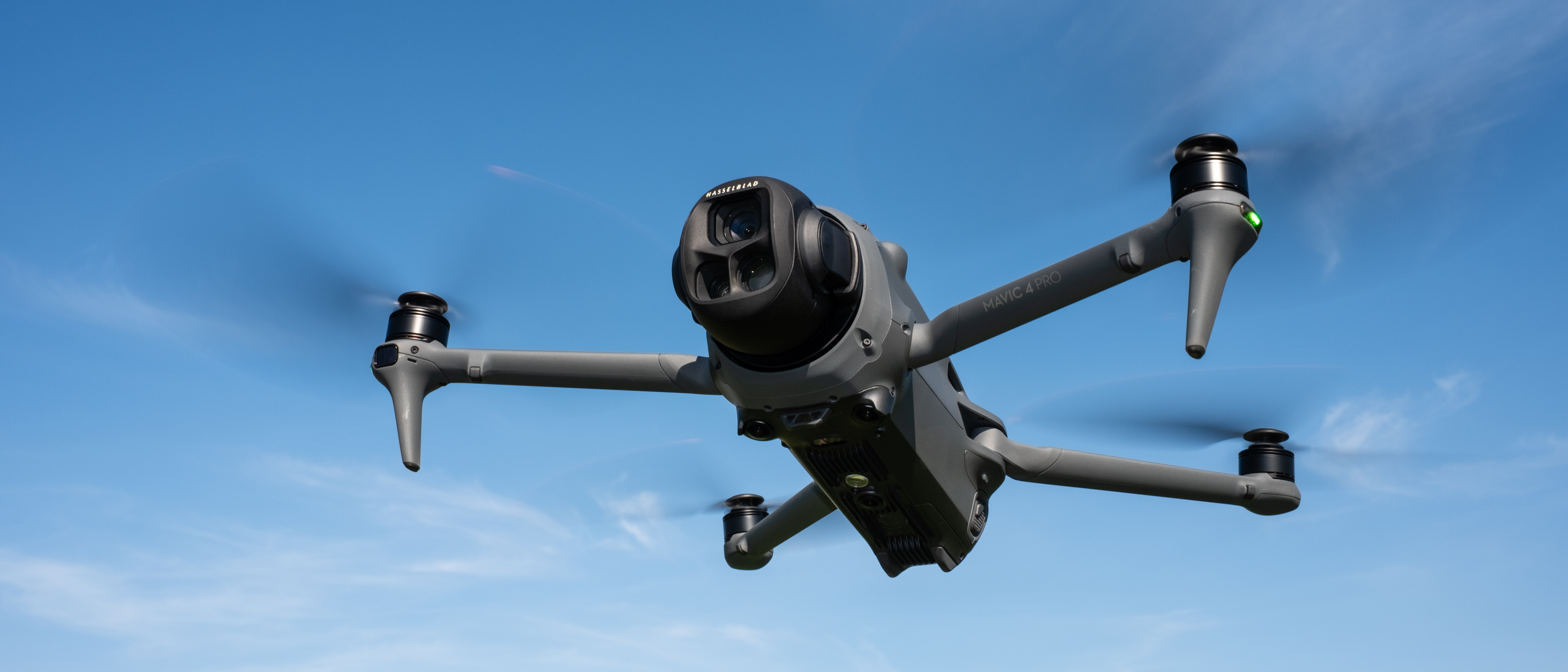
DJI Mavic 4 Pro in flight against a blue sky

Verdict

The DJI Mavic 4 Pro is, as you’d expect, the best Mavic drone to date, delivering fantastic flight performance, speed and power. Its features and functionality, combined with the quality of the three cameras, make this a drone that experts and professionals will love. The price of the Fly More Combo is also surprisingly attractive considering the technological advancements on offer.

Pros

  • +Excellent price
  • +Feature-packed
  • +Impressive cameras

Cons

  • -Weight just exceeds 2.2lbs / 1kg
  • -More features than many people will need
  • -Subject tracking is not as varied as the DJI Flip or Neo

>>>Replacement battery for DJI Osmo Action

DJI Mavic 4 Pro: one-minute review  

I’ve flown and reviewed everyDJIdrone from the past 10-plus years, and I’m blown away on an almost yearly basis; and that’s the case once again with the DJI Mavic 4 Pro, which sets a new benchmark for what’s possible with consumer and prosumer UAVs. The Mavic 4 Pro is, without a doubt, one of thebest DJI dronesyou can buy.

The responsiveness of the controls and speed and smoothness of flight remind me more of the DJI Inspire 3 than the Mavic 3 Pro. Let’s not get carried away though; the Inspire 3 and Mavic 4 Pro are different in many ways, and the Mavic 4 Pro takes prosumer drones to a whole new level.

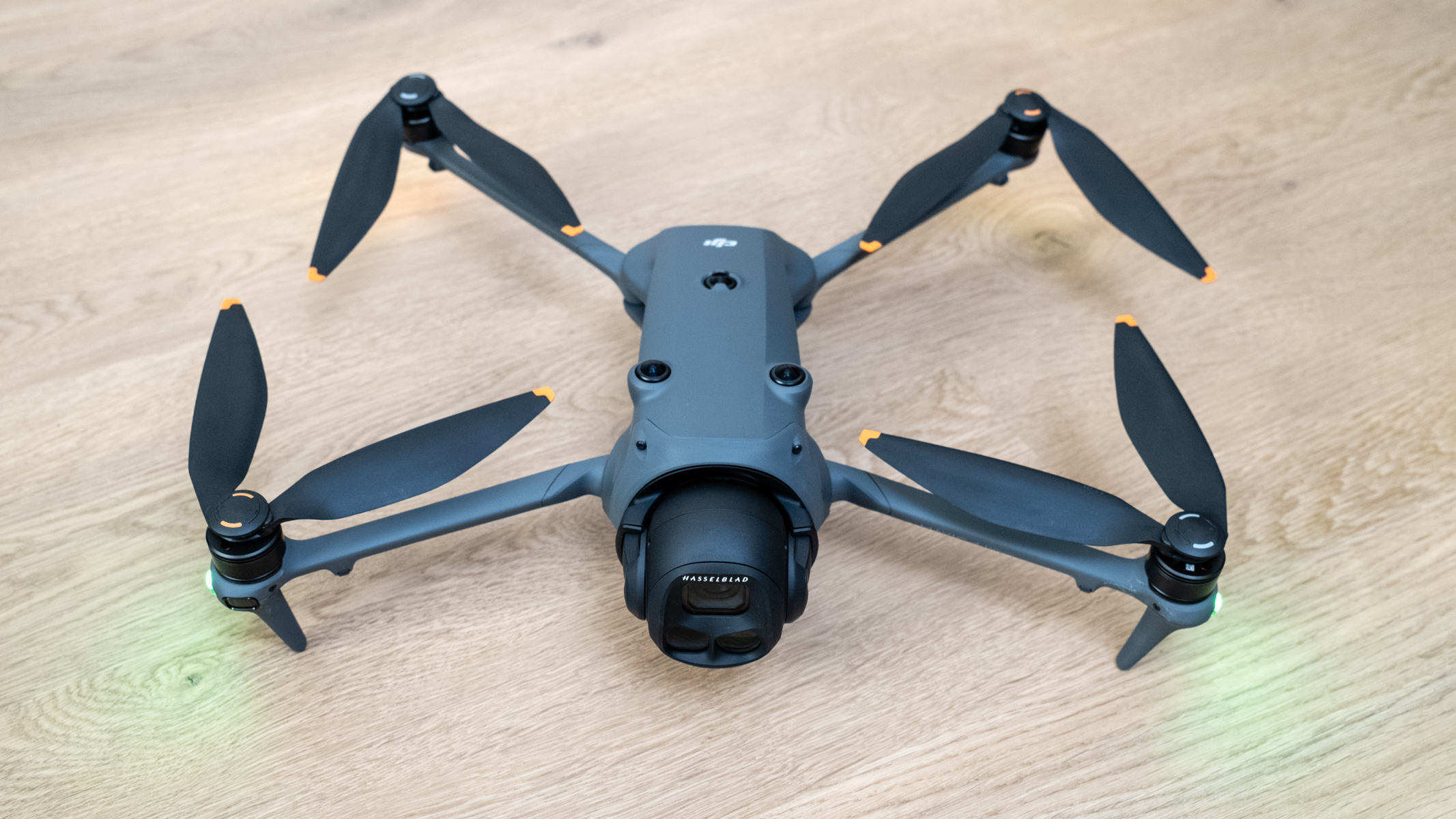
DJI Mavic 4 Pro unfolded ready for flight

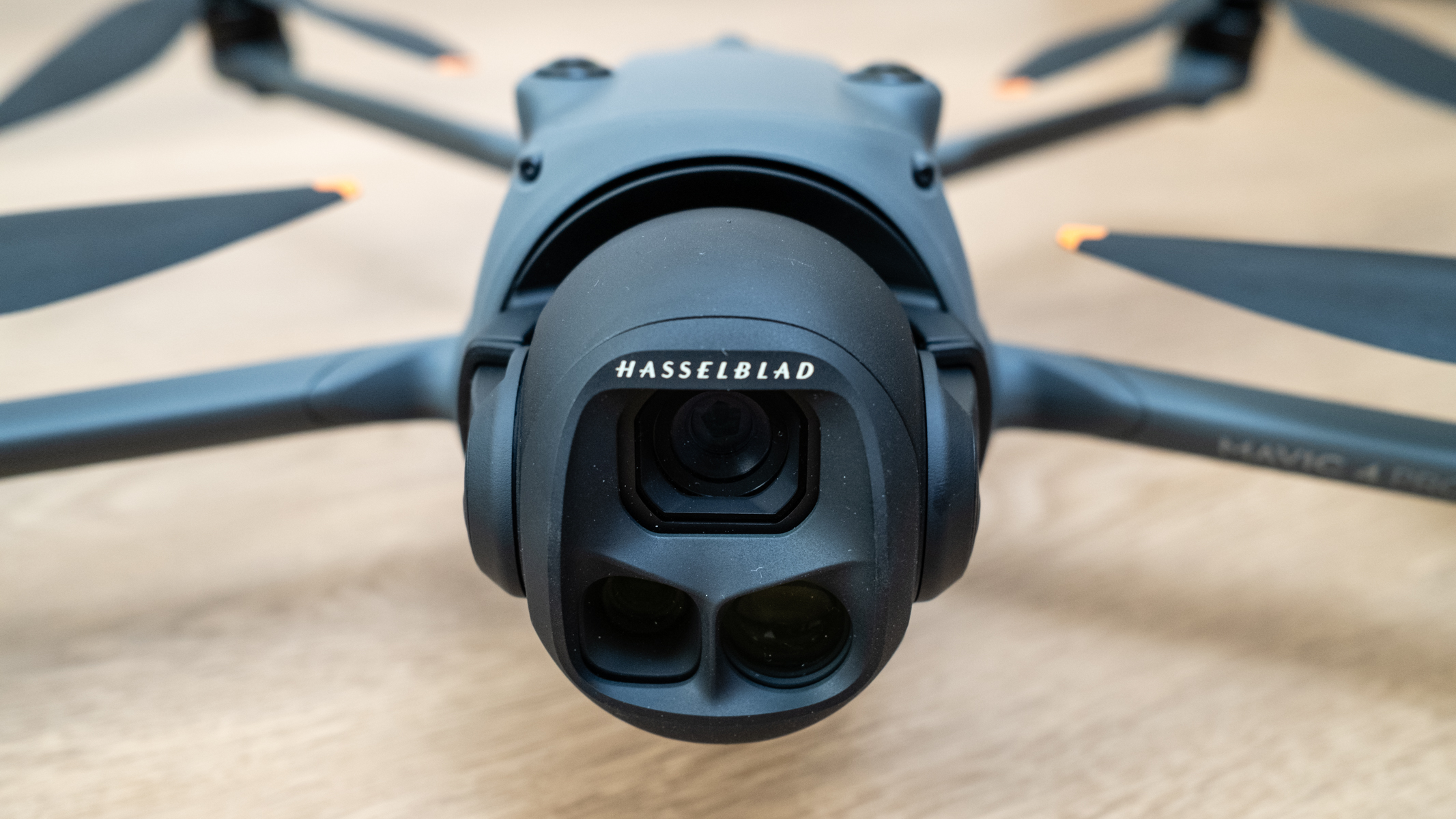
And this is all before we consider the three impressive cameras with true vertical shooting. That’s right – the gimbal rotates 90 degrees, which is a first for a drone with more than a single small camera and sensor, let alone one with a Four Thirds camera.

The Mavic 4 Pro camera offering is headed by a 28mm 4/3 camera with up to a 100MP resolution and an adjustable f/2-f/11 aperture. This is complemented by a 70mm camera with a 48MP 1/1.3-inch sensor, and a 168mm camera with a 50MP 1/1.5-inch sensor. Video is available up to 6K 60fps with the main camera, and up to4K120fps with the two telephotos.

>>>Replacement battery for DJI Goggles 2

DJI Mavic 4 Pro: release date and price

  • Released on 13 May 2025
  • Three kit options
  • Prices start at $TBC / £1,879 / AU$3,099

The DJI Mavic 4 Pro was announced and released on 13 May 2025, and is available directly from DJI and authorized retailers. There are three kits, starting with the DJI Mavic 4 Pro (DJI RC 2), which costs £1,879 / AU$3,099; as mentioned, DJI has yet to confirm when or if the Mavic 4 Pro will be available in the US. This kit includes the Mavic 4 Pro, RC 2 smart controller, 64GB of internal storage, an Intelligent Flight Battery and accessories.

The DJI Mavic 4 Pro Fly More Combo costs £2,459 / AU$4,039. This includes all of the above plus two additional Intelligent Flight batteries, a DJI 100W USB-C Power Adapter, a Battery Charging Hub and a shoulder bag. In my opinion, this kit offers exceptional value for money.

The third and most high-end kit option is the DJI Mavic 4 Pro 512GB Creator Combo. This costs £3,209 / AU$5,359, and includes everything in the standard kit plus 512GB of internal storage, a 240W power adapter, two additional Intelligent Flight batteries, a Parallel Battery Charging Hub, a USB-C to USB-C High-Speed Data Cable and a Shoulder bag.

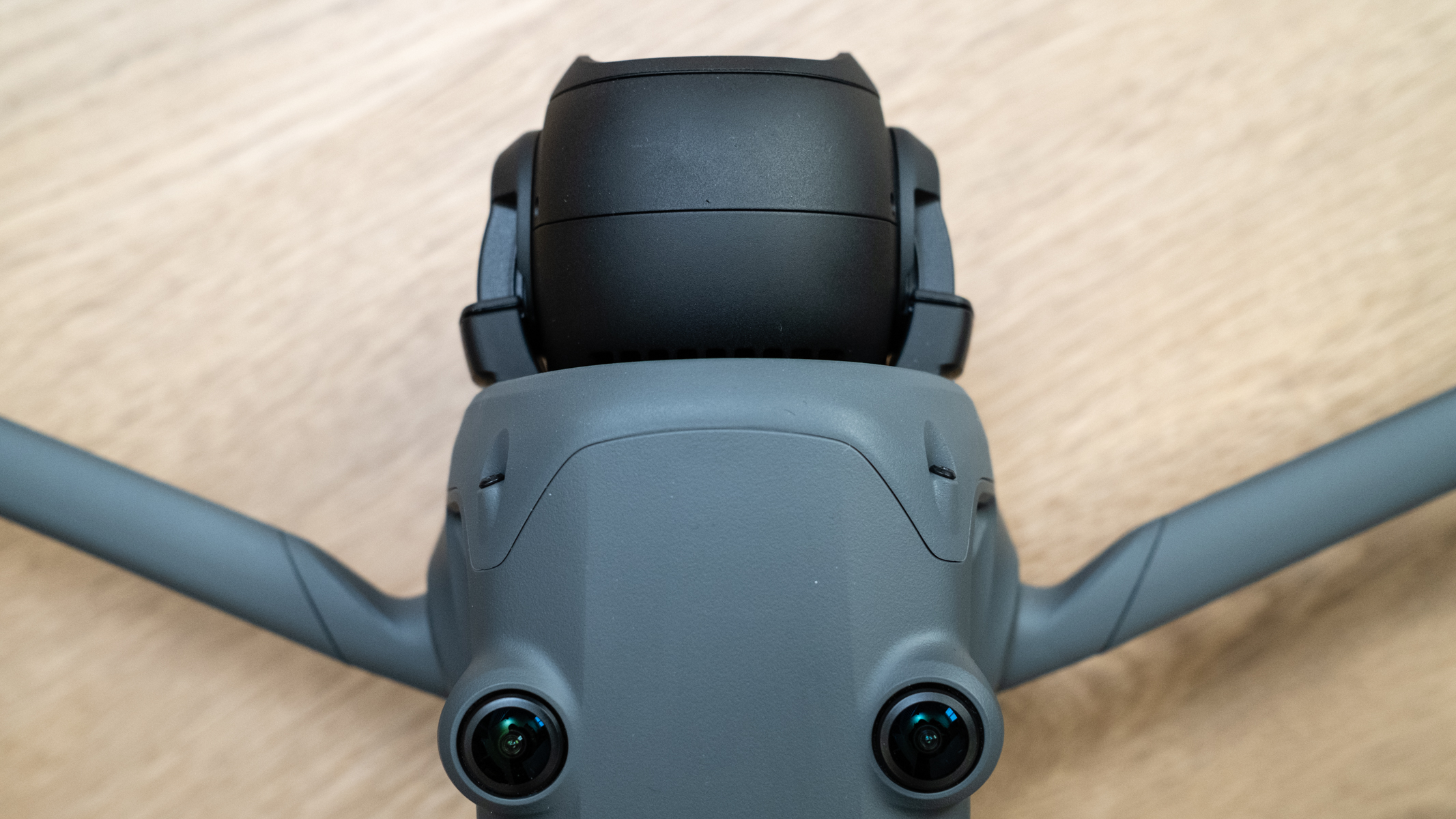
DJI Mavic 4 Pro camera and gimbal from above

DJI Mavic 4 Pro: specs

Video resolutionUp to 6K
Frame rates6K up to 60fps / 4K up to 120fps / FHD up to 60fps / Vertical 4/3 up to 4K 60fps, Tele 2.7K up to 60fps
Video transmission range18.6 miles (FCC) / 9.32 miles (CE, SRRC, MIC)
Flight modesSport, Normal, Cine
Battery6654mAh / up to 51 minutes flight time
Charger typeUSB-C / charging hub
Weight2.34lbs / 1063g
Dimensions10.14 x 4.91 x 4.07 inches / 257.6 x 124.8 x 103.4mm folded / 12.94 x 15.37 x 5.32 inches / 328.7 x 390.5 x 135.2mm unfolde

>>>Replacement battery for DJI Inspire 2

DJI Mavic 4 Pro: design and handling

  • Excellent design and build quality
  • Impressive gimbal
  • Great new controller

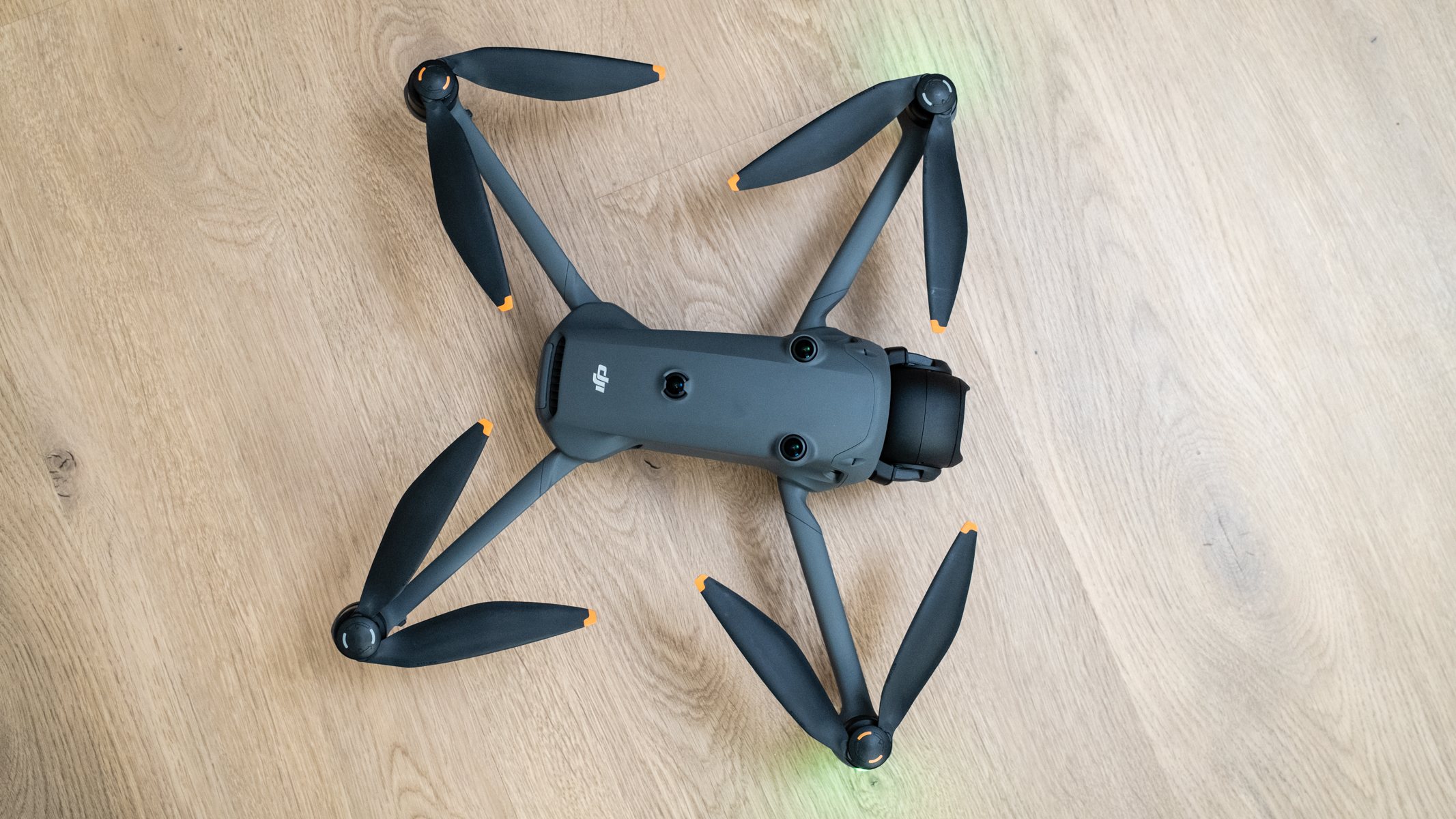
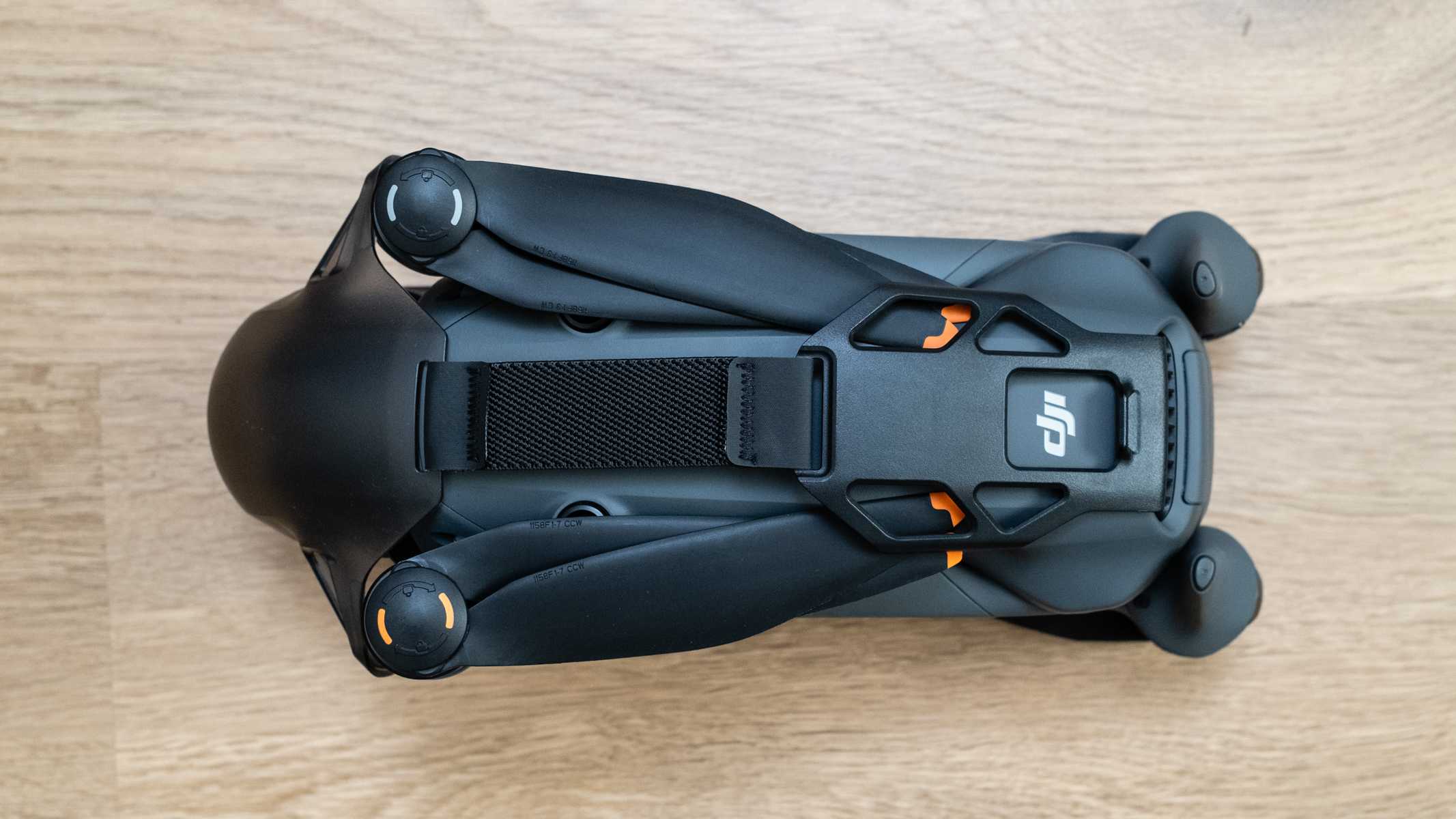
The DJI Mavic 4 Pro features the folding design we’ve become accustomed to, but the drone is slightly larger than the Mavic 3 Pro, with larger propellers. As a result, the Mavic 4 Pro is also slightly heavier than its predecessor at 2.34lbs / 1063g. In use, you don’t notice this, but the increase in speed, power, and maneuverability are noticeable.

DJI Mavic 4 Pro on a wooden floor ready for flight
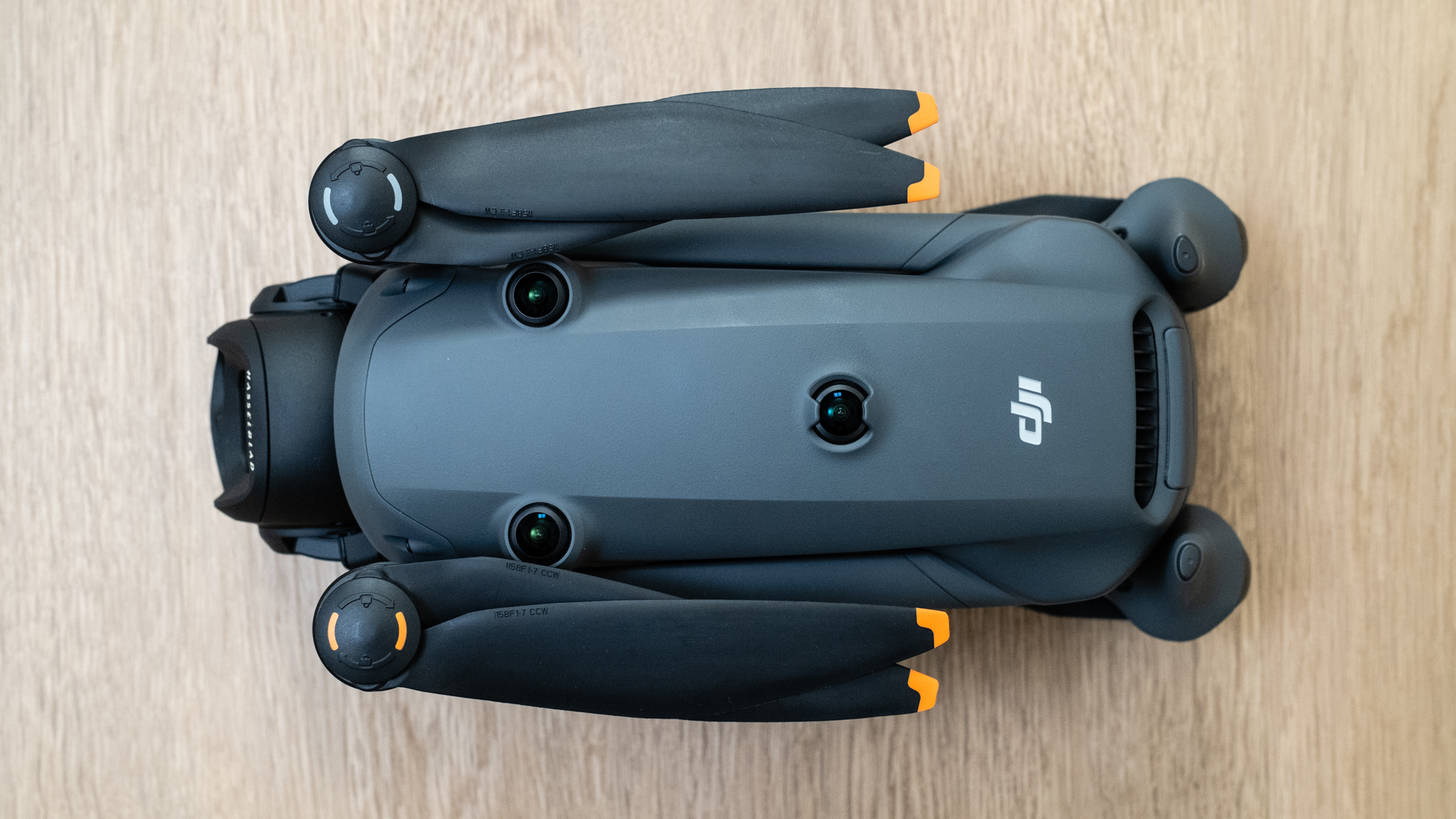
DJI Mavic 4 Pro top view
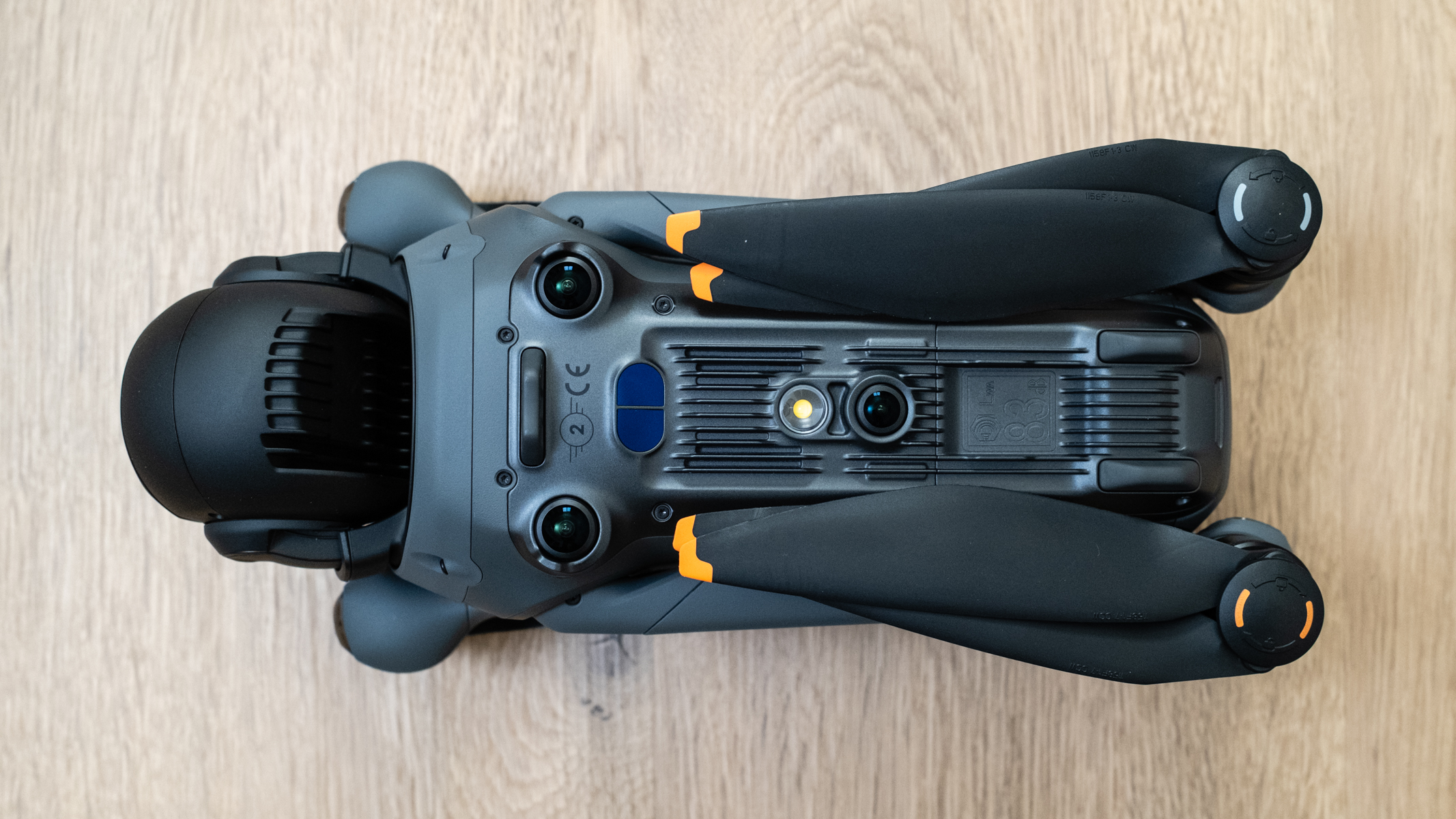
DJI Mavic 4 Pro bottom view
DJI Mavic 4 Pro with the gimabl guard attached
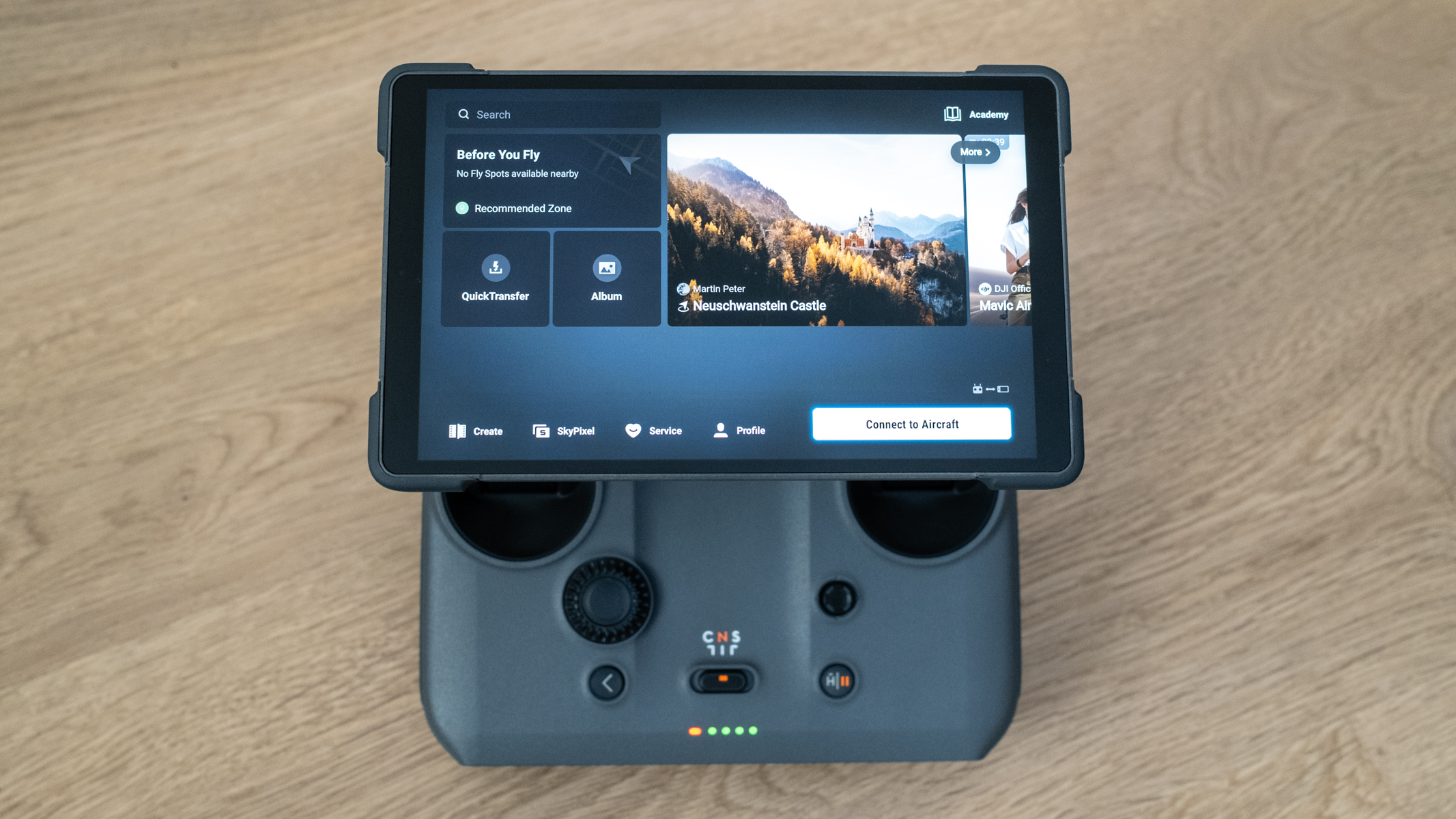
DJI RC 2 smart controller on a wooden floor
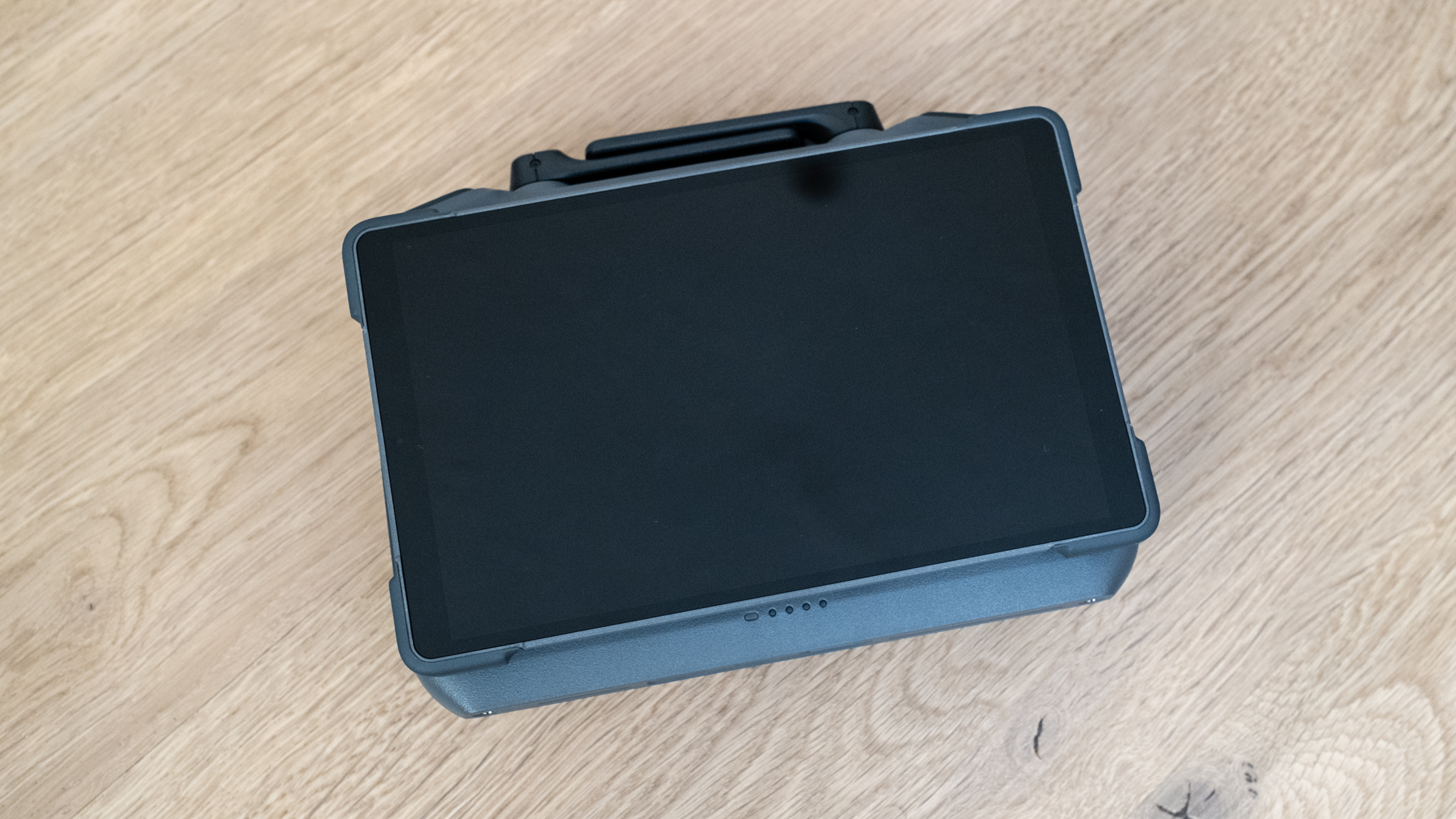
DJI Mavic 4 Pro DJI RC 2 smart controller switched off and folded on a wooden floor
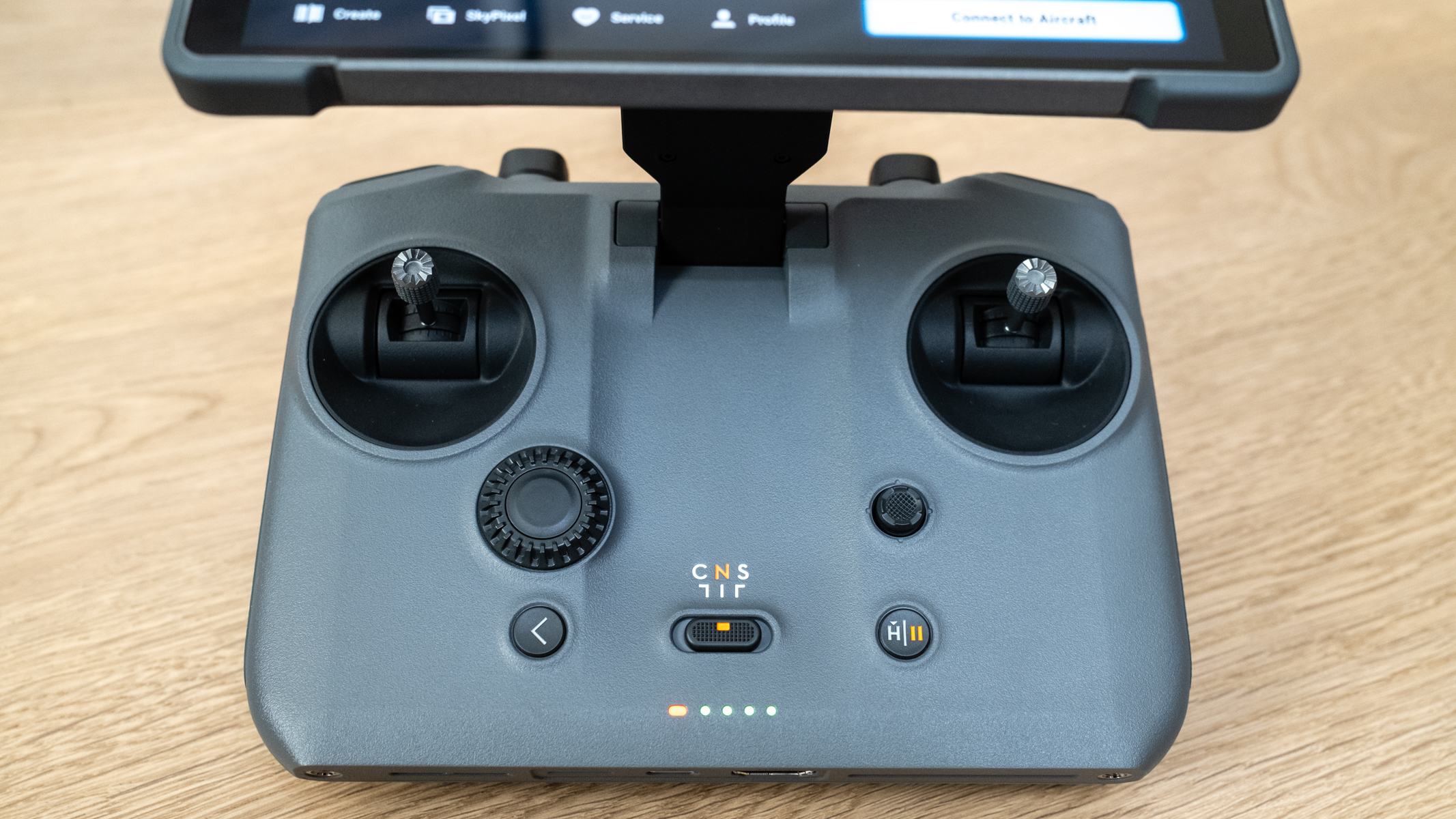
DJI Mavic 4 Pro DJI RC 2 smart controller detail

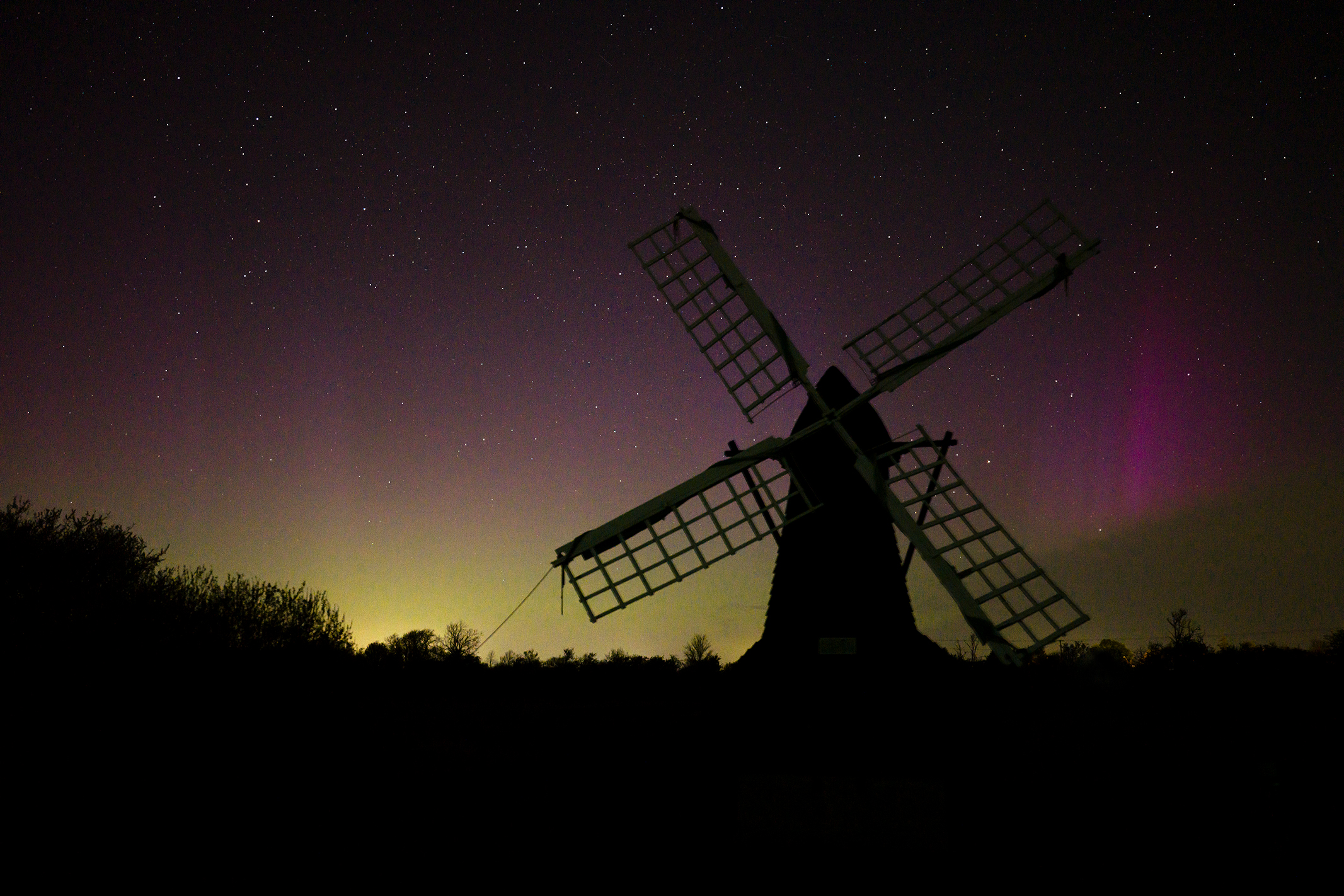
The most obvious difference between this drone and the Mavic 3 Pro is the new camera and gimbal design. We get three cameras as before, but the camera housing is more spherical, with a more robust gimbal that supports upright shooting, with vertical movement of the camera available between -90 and 70 degrees.This opens up new creative possibilities, and during testing I was able to capture the northern lights by flying at a low altitude and tilting the camera up to capture more of the night sky. Further enhancing creative convenience, the drone switches on automatically when you unfold the propeller arms, while the controller switches on when you raise the screen to reveal the controls beneath. The controller goes into sleep mode when closed, unless you switch it off first.

The new DJI RC 2 smart controller features a completely new design with an impressive 2000-nit 7-inch high-bright Mini-LED display. This can be rotated 90 degrees when shooting in portrait format to give you a full-screen camera view.

There’s also a new adjustment dial that makes changing camera settings easy, an HDMI port for video-out, up to four hours of battery life, and 128GB of built-in storage, while audio can be recorded with the built-in mic or when paired with a DJI Mic.

The screen also covers the control sticks when closed to make the controller more compact for transport and storage. Since the controller runs Android, you can view a standard Android interface that supports third-party apps.

This wasn’t tested because I didn’t have any relevant APK files to install and theGoogle Play Storeisn’t installed on the controller. The Firefox web browser is, however, installed, so this would provide one way to install apps.

DJI Mavic 4 Pro: features and performance

  • Fast and positive flight
  • Excellent Return to Home
  • Advanced subject tracking

The Mavic 4 Pro’s responsive controls and speed and smoothness of flight remind me of the Inspire 3. It’s not as powerful, of course, but flight performance overall is noticeably improved compared to the Mavic 3 Pro. Flight is incredibly smooth and positive, with a top speed of 60.4mph in Sport mode and 40.3mph when tracking moving subjects. Wind resistance is 26.8mph. You also get all the usual features including Quickshots, timelapse, burst shooting, exposure bracketing and free panorama.

Subject tracking is great, and tracking cars works well, with the Mavic 4 Pro maintaining tracking even when the target vehicle is partially obscured by trees, as claimed by DJI. During testing, I tried to position the drone in front of, directly above, and to the side of the car, as well as the standard behind. Above and behind worked well, but when I tried the other two orientations the drone reverted to behind automatically, so although highly effective, the Mavic 4 Pro isn’t as versatile as the DJI Flip or Neo for general tracking. The drone also allows adjustment of the gimbal and flight parameters during tracking.

The Mavic 4 Pro features DJI’s 0.1-Lux Nightscape Omnidirectional Obstacle Sensing system, comprising six low-light fisheye sensors, a forward-facing LiDAR on the right propellerarm, and an infrared sensor at the bottom of the aircraft. When flying in highly complex environments the obstacle avoidance worked well in both daylight and at dusk, with Brake and Bypass options available alongside off. Sometimes, the latter is essential for smooth flight but is naturally high-risk. The drone is also backed up by DJI O4+ with up to 18.6 miles and 10-bitHDRVideo Transmission.

Car tracking with the DJI Mavic 4 Pro

Adding to the safety credentials, Return to Home has seen some impressive improvements, including the ability to take off and Return to Home without a GPS signal. This is achieved using real-time vision positioning and map construction technologies, with the drone capturing flight paths when light levels allow.

Then there’s Dynamic Home Point, where the Home Point is set by the controller location rather than the take-off point. This is useful when tracking vehicles if you’re in the vehicle, but if doing so you should always maintain visual line of sight (VLOS) of the drone.

The Mavic 4 Pro can transfer files to your computer without being switched on when connected via USB-C, and it can also transfer files to the DJI Fly app when switched off using off-state quick transfer. I’ve never found phone transfer functionality useful myself, but many people do, and it allows you to view and download files to the DJI Fly app on your phone using WiFi 6, which could be useful for sharing photos and videos quickly to social media and clients.

Flight times per battery are claimed to be up to 51 minutes, and during testing my flight times were typically around 37 minutes, with the drone offering Return to Home at 15% battery. Also, during one test flight, an airplane flew around my flight area at an altitude of roughly 660ft / 200m, and the controller alerted me to the aircraft being close. This is impressive, although I had seen the plane 30 seconds before the alert was displayed on the controller.

DJI Mavic 4 Pro: image and video quality

  • Three impressive cameras
  • Up to 6K 60fps and 4K 120fps video
  • Up to 100MP photos in raw and JPEG
DJI Mavic 4 Pro camera and gimbal close up

The cameras on the DJI Mavic 4 Pro, along with the innovative gimbal, are impressive, and each offers excellent image quality alongside some impressive features. There is some fall-off in sharpness towards the edges of the frame when shooting photos, and the higher-resolution images aren’t as sharp as those taken at lower-resolution settings, while video doesn’t suffer from the fall-off in sharpness.

Aerial photograph of a windmill silhouette at night with the northern lights in the starry sky

All three cameras feature Dual Native ISO Fusion, a feature seen in previous DJI drones to reduce noise in photos and videos. A photo of the northern lights shot with the main camera at 100MP was quite noisy but still useable, although in theory 25MP should have been more effective. The short duration of the phenomenon didn’t allow for a lower-resolution example to be captured, unfortunately.

Photo of allotments taken with the DJI Mavic 4 Pro
Photo of a wind turbine and fields taken with the DJI Mavic 4 Pro
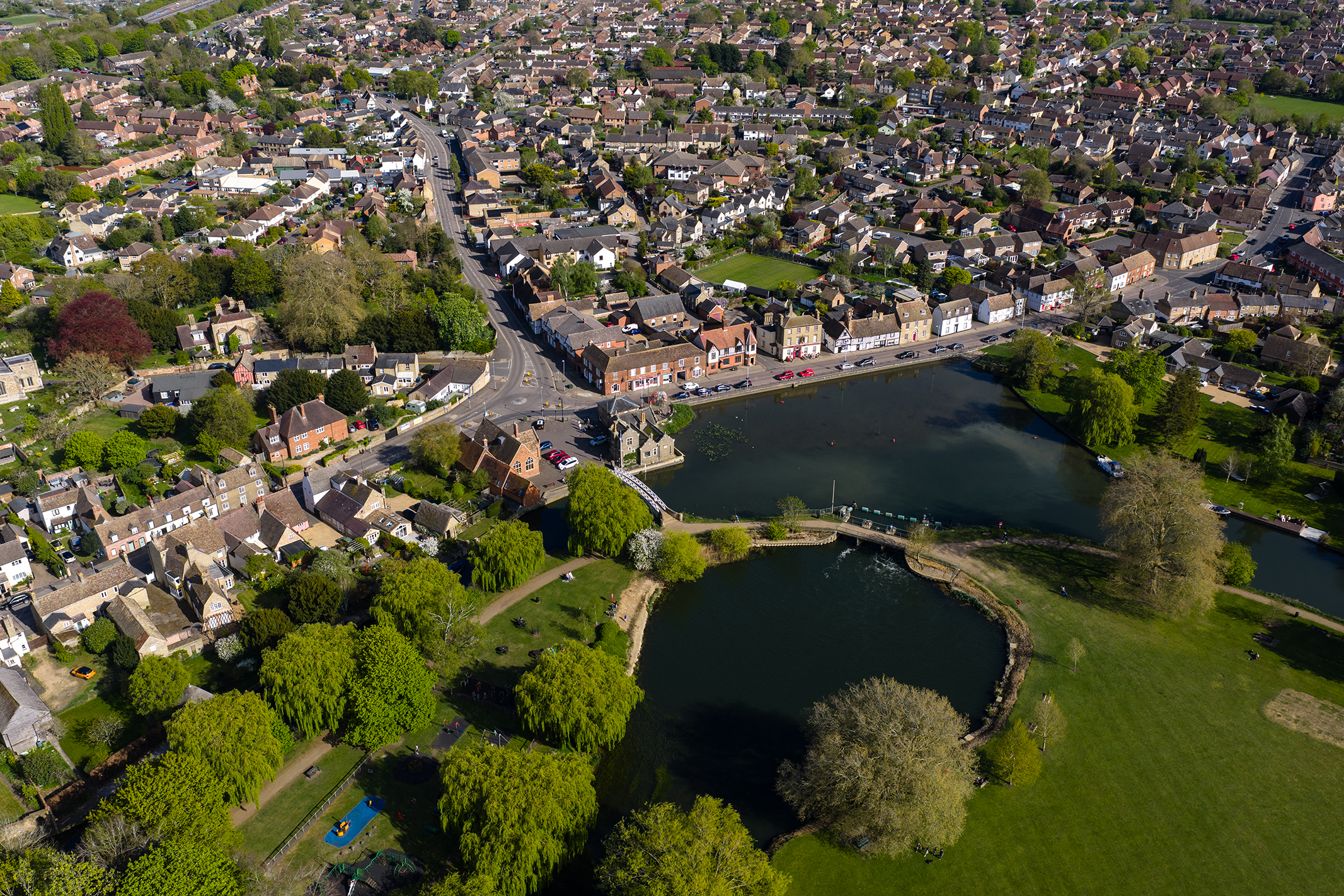
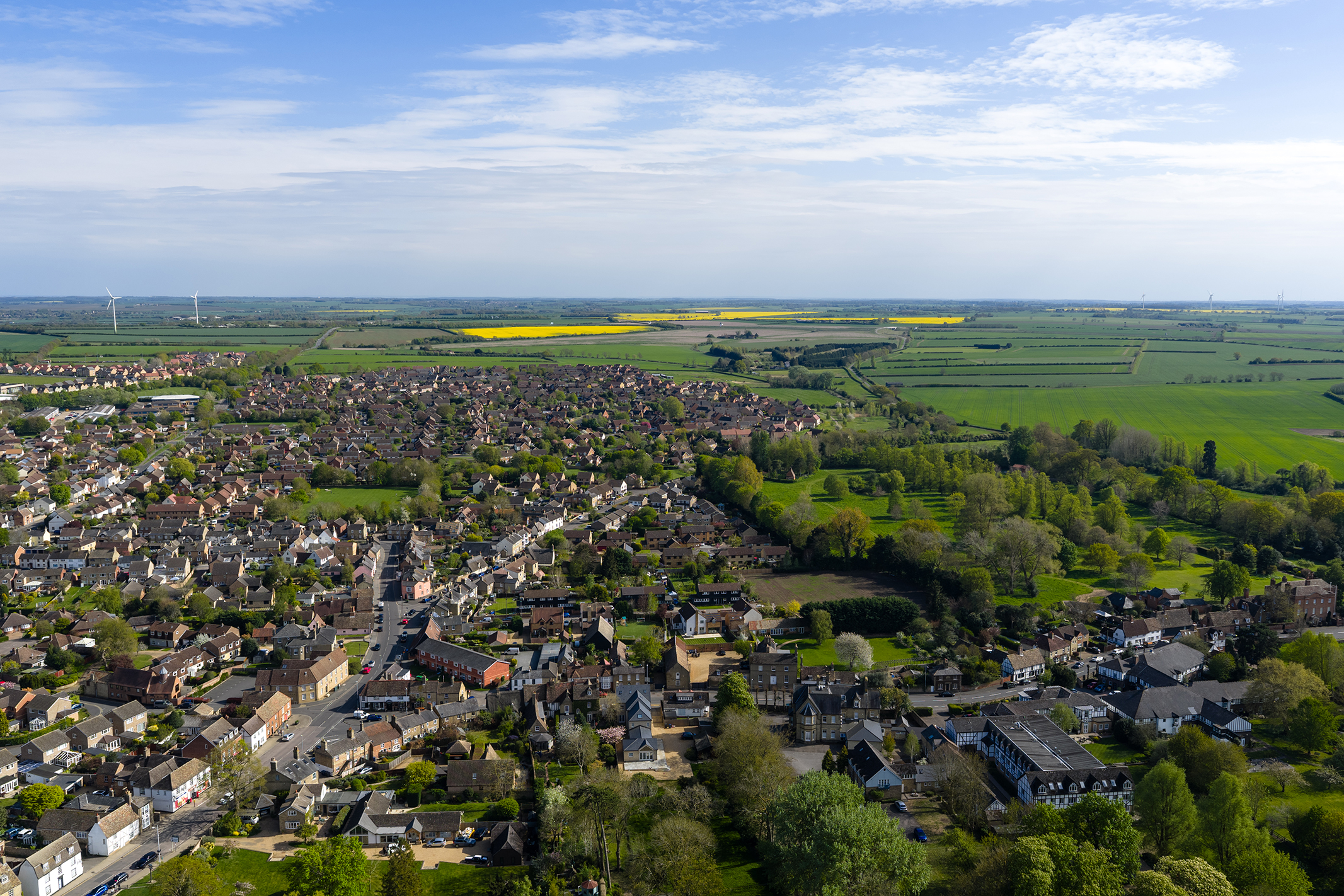
Photo of a riverside town taken with the DJI Mavic 4 Pro
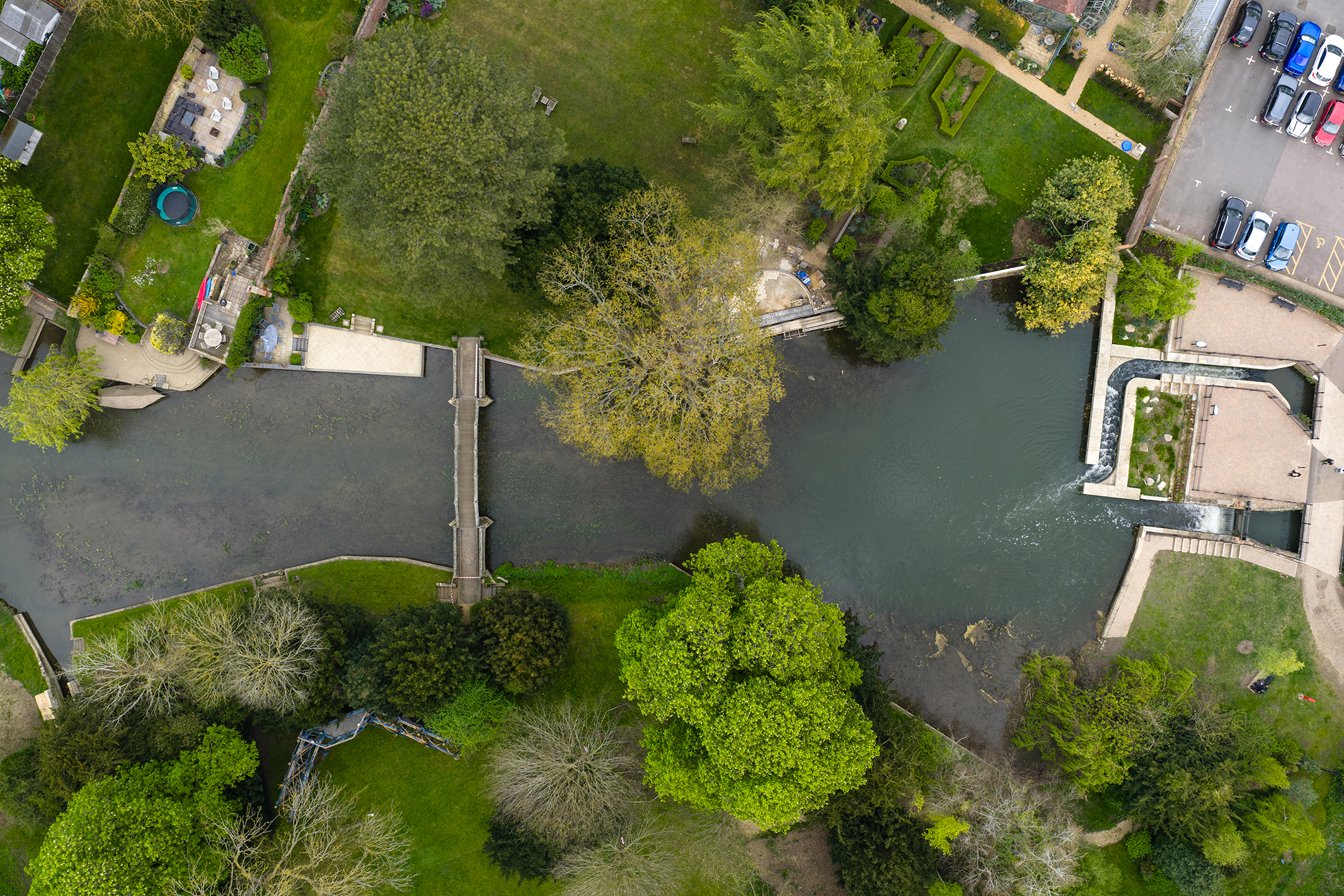
Photo of a river and bridge from above  taken with the DJI Mavic 4 Pro
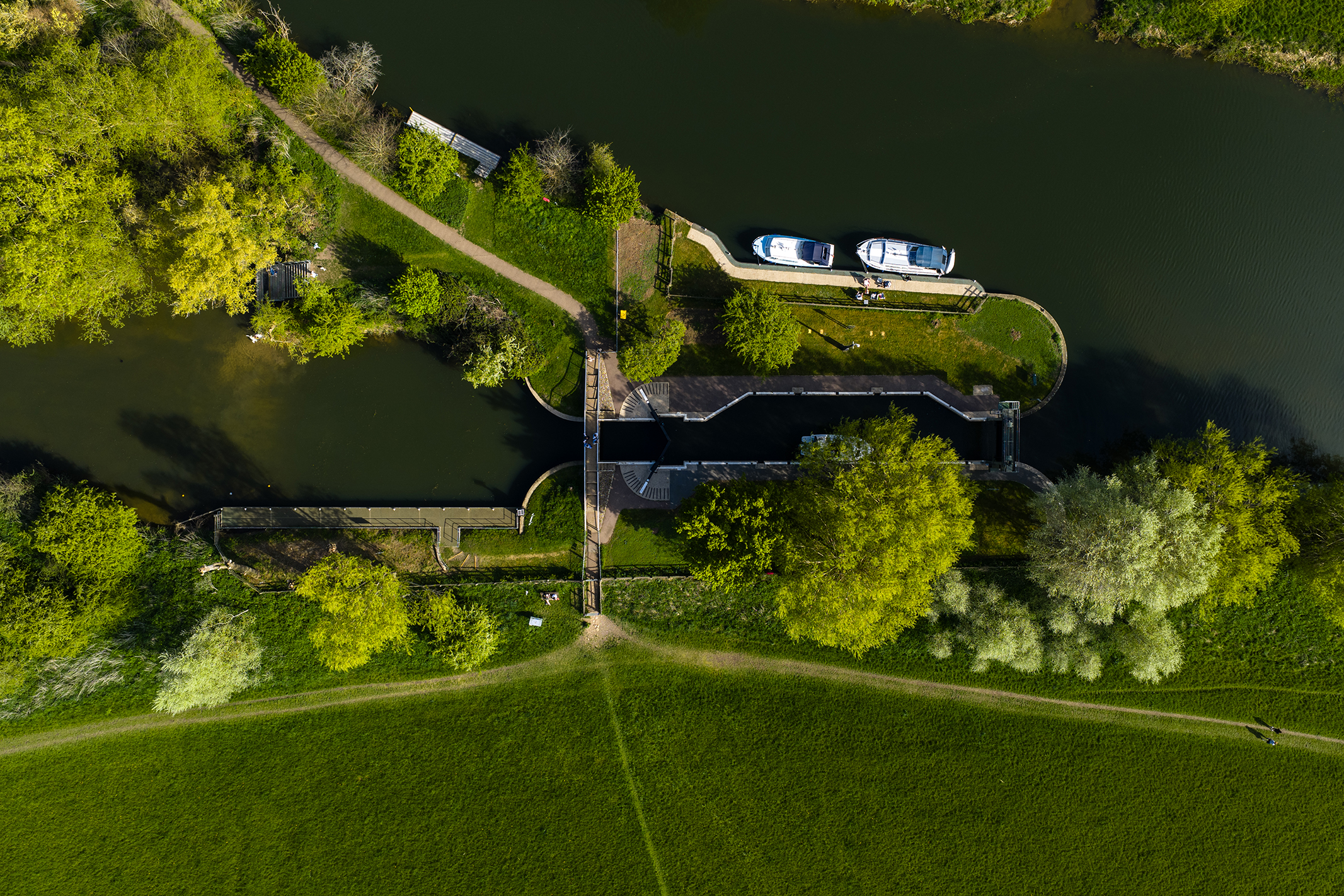
Photo of a river lock taken with the DJI Mavic 4 Pro
Aerial photograph of rural UK town

The main Hasselblad camera features a 28mm equivalent focal length and an adjustable f/2-f/11 aperture. F/2 is a hugely welcome upgrade over the Mavic 3 models, which have a maximum f/2.8 aperture. The new Four Thirds sensor can be set to capture at 100MP or 25MP. The 70mm equivalent camera features a 48MP / 12MP 1/1.3-inch sensor, while the 168mm equivalent camera uses a new 50MP / 12.5MP 1/1.5-inch sensor. Both of these telephoto cameras have a fixed f/2.8 aperture. Photos can be captured in raw and JPEG formats.

Photo of a church on a sunny day taken with the DJI Mavic 4 Pro
Aerial photograph of UK church towering above a town
Photo of a church on a sunny day taken with the DJI Mavic 4 Pro

Should I buy the DJI Mavic 4 Pro?

Buy it if…

You require speed and power
The Mavic 4 Pro is a fast and powerful drone with excellent flight performance that allows the drone to be flown in winds of up to 26.8mph.

You need three cameras
With impressive 28mm, 70mm and 168mm equivalent cameras capable of capturing a variety of photo and video formats, you have many creative possibilities available to you

You capture professional aerial video
If you use a drone for professional video capture, the Mavic 4 Pro can capture D-Log, D-Log M and HLG (HDR). The 512GB Creator version can also capture video in the ALL-I 4:2:2 codec.

Don’t buy it if…

You’d like a less restricted drone
If you’d prefer an easier-to-carry, more regulations-friendly DJI drone, the DJI Mini 4 Pro is the best sub-250g drone money can buy.

You’d like a less expensive dual-camera drone
The DJI Air 3S offers dual cameras and is smaller and lighter than the Mavic 4 Pro. What’s more, the smart controller kit is considerably less expensive.

You’d like to capture a first-person view
If you’d like to capture immersive FPV video, the DJI Avata 2 is a beginner and expert-friendly FPV drone that offers excellent video quality. Photos, however, are extremely limited with this drone.

Is Anyone Actually Using Alexa+?

Amazon says ‘hundreds of thousands of customers’ have access to the newly updated voice assistant. But there’s little evidence of that online, Reuters reports.

Alexa Plus Cropped Image

(Credit: Michael Nagle/Bloomberg via Getty Images)

Amazon’s newly updated AI voice assistant Alexa+ officiallystarted rolling outto select customers roughly six weeks ago, but real-world users are hard to find.

Reutersclaimsit searched “dozens” of news sites, as well as social media platforms like YouTube, TikTok, X, Bluesky, Instagram, Facebook, andTwitch, but was unable to find any verifiable Alexa+ users. Reuters did find two users on Reddit who claimed they had used the updated tool, but these users weren’t able to provide any hard evidence they had really accessed it or verify their identities. 

Amazon says the newly revamped Alexa will provide a more humanlike conversational flow, describing it as the end of “Alexa voice”at April’s product reveal.The tech giant hasalso promisednumerous ambitious-sounding “agentic AI” features that “will enable Alexa to navigate the internet in a self-directed way to complete tasks on your behalf, behind the scenes.” For example, arranging to have the user’s oven fixed with a service provider, without any intervention beyond the initial command.

The tech company largely denied the reports in a statement to Reuters, saying that “hundreds of thousands of customers now have access to Alexa+,” adding that though many of the users are Amazon employees, “the overwhelming majority are customers that requested early access.”

>>>Replacement battery for Amazon Kindle Paperwhite 5

Meanwhile, Avi Greengart, lead analyst at Techsponential, commented that the irregularities in the Alexa+ release fit “a pattern of a lot of companies announcing services or products when they are close to being ready, but not quite—that last mile is a lot farther away than they anticipated.”

We know the Alexa+ project was hit by numerous setbacksahead of the official launch. In February, the AI upgrade was delayed by a full month past its initial deadline, reportedly due to a “new version of the assistant giving incorrect answers to test questions at a recent meeting,” according to an anonymous employee who spoke to The Washington Post. The project had previously been delayed around the time of the US presidential election in November.

>>>Replacement battery for Amazon Kindle 58-000226

When it does eventually roll out fully, Alexa+ will cost $19.99 a month but will be free for Amazon Prime subscribers.

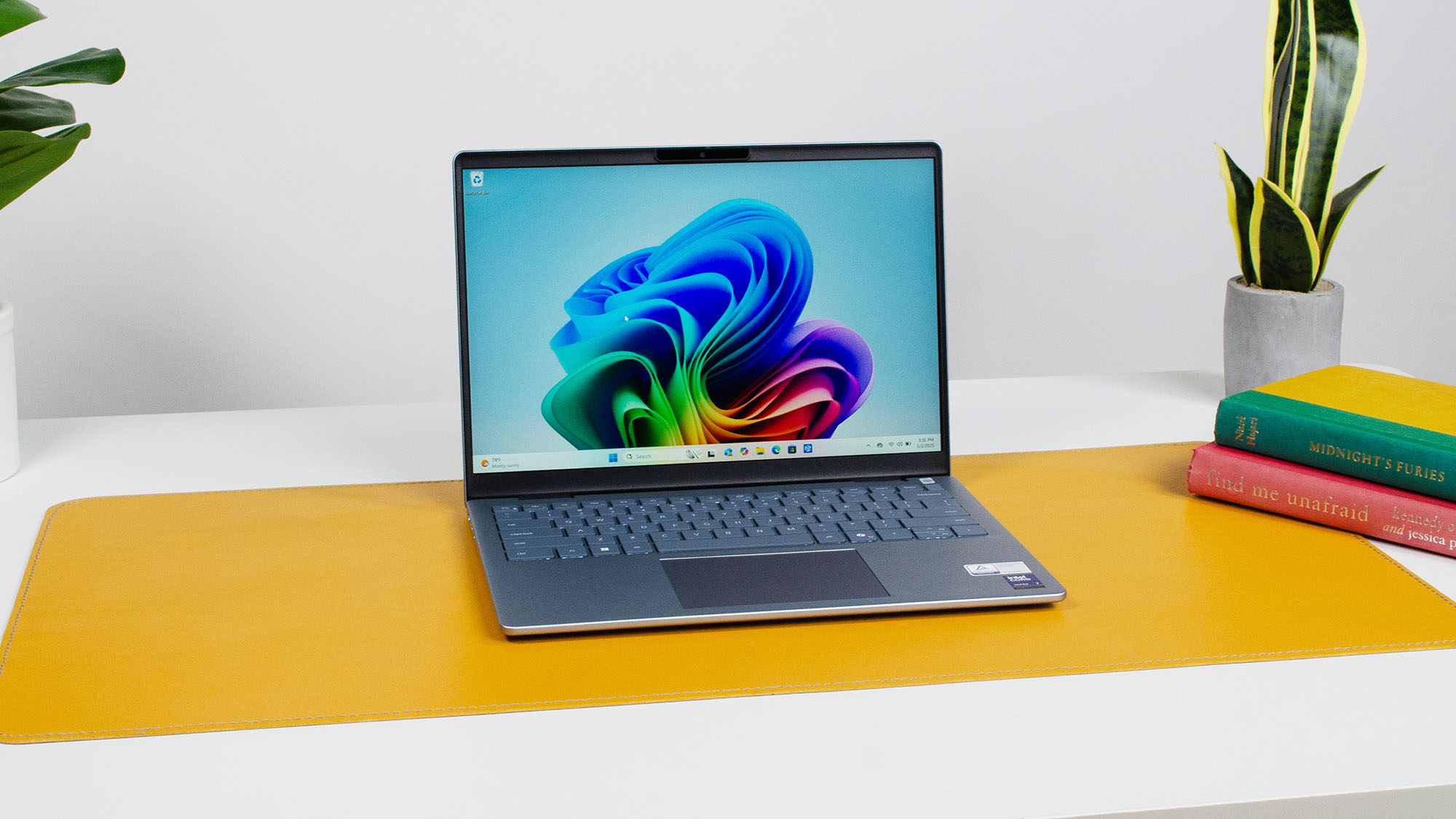
I’ve been reviewing Dell laptops for years, and I’m honestly still shocked at how much I like the Dell 14 Plus

The Dell 14 Plus is a surprisingly great laptop for the price

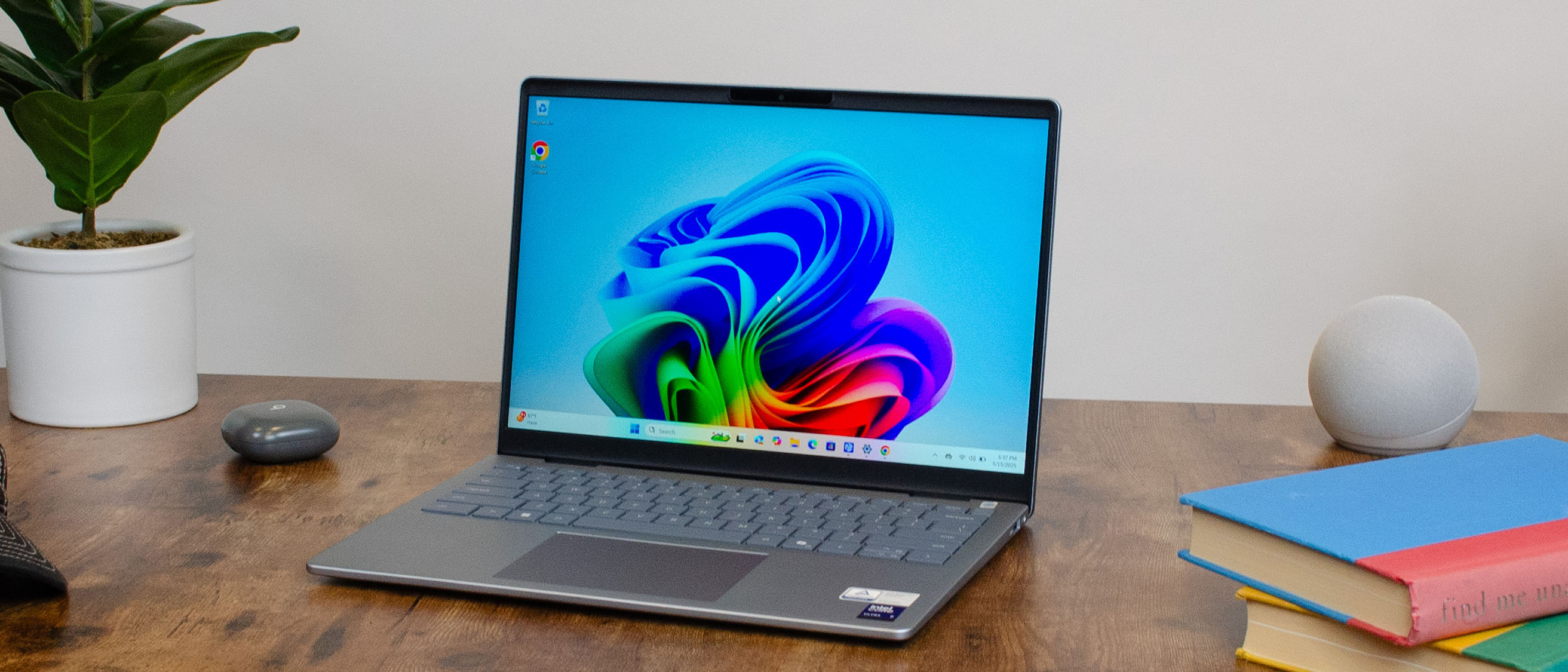
A Dell 14 Plus on a desk

Verdict

When I set out to review the Dell 14 Plus, I imagined it’d be a fairly standard follow-up to the now-retired Inspiron 14 Plus, but what Dell’s produced is actually way better than I was expecting, and offers possibly the best value for its price range of any Windows laptop on the market right now. It’s not perfect by any means, but for what you’re paying, only the MacBook Air 13 with M4 chip offers a better value for everyday users.

Pros

  • +Great productivity and everyday performance
  • +Fantastic price
  • +Very portable
  • +Solid battery life

Cons

  • -Limited configuration options
  • -MacBook Air 13 (M4) is a better value
  • -Trackpad can be tricky
  • -Display isn’t great

Dell 14 Plus: One-minute review

TheDell14 Plus is one of the first rebranded Dell laptops to go on sale this year, and despite some growing pains, it’s an auspicious start thanks to its solid performance, great portability and style, and an accessible price point.

The new 14 Plus is available now in the US, UK, and Australia, starting at $799.99 / £999 / AU$1,298 and features bothIntelLunar Lake andAMDRyzen AI 300 processors. This makes it one of thebest laptopsfor budget-conscious Windows users on the market right now without having to make too much of a compromise on style, portability, and features.

What you won’t get with the 14 Plus, however, is a professional workstation or thebest gaming laptop, as the integrated graphics and processor options don’t have the kind of horsepower to churn through complex workloads like video editing or intense gaming at high settings.

But for those in the market for a new laptop for general productivity or school work, everyday computing tasks, video calls, or video streaming with good responsiveness, battery life, and portability, the Dell 14 Plus delivers pretty much exactly what you need to get the job done, and it even looks pretty decent while doing it.

It’s not perfect (I’ll get to its faults soon enough), but for the price and the performance on offer, the 14 Plus is easily one of thebest Windows laptopsgoing and should be at the top of the list for students, remote workers, and just about anyone else who needs a solid notebook PC without breaking the bank.

Dell 14 Plus: Price & availability

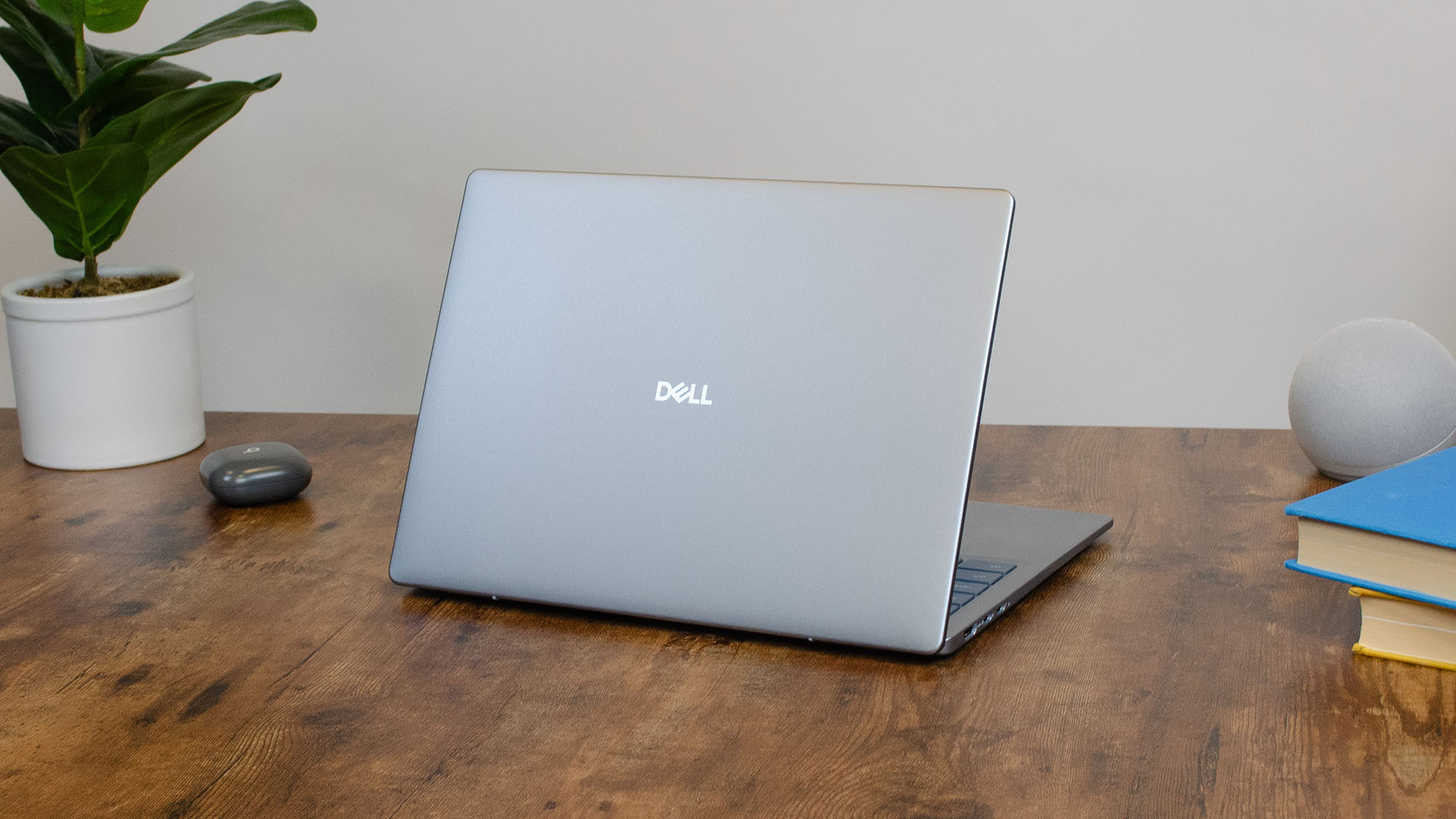
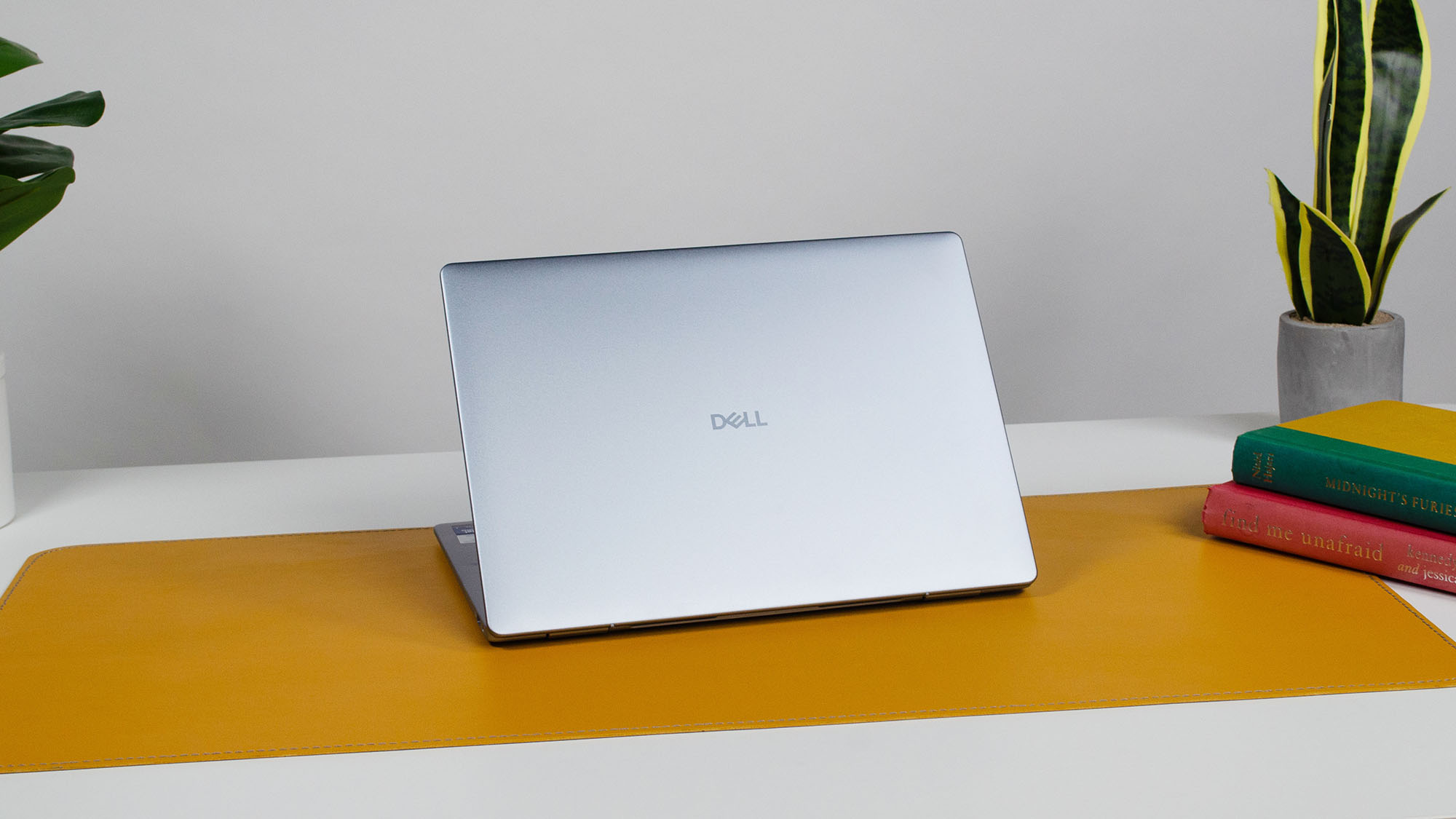
A Dell 14 Plus on a desk with its lid facing outward
  • How much does it cost?Starting at $799.99 / £999 / AU$1,298
  • When is it available?It is available now
  • Where can you get it?You can buy it in the US, UK, and Australia through Dell’s website and other retailers.

The Dell 14 Plus is available now in the US, UK, and Australia, starting at $799.99 / £999 / AU$1,298 for its base configuration, the specs of which vary depending on your region, and maxes out at $1,479.99 / £1,299 / AU$1,498.20.

Compared to something like theAcer Swift 14 AIor theApple MacBook Air 13 (M4), the Dell 14 Plus almost always comes in cheaper when similarly specced, and in a couple of instances, you get better specs with the 14 Plus for a lower price than competing devices like theAsus Zenbook A14, making it an attractive option for value shoppers who don’t want to sacrifice too much in the way of performance.

  • Value:5 / 5

>>>Replacement battery for Dell Inspiron 13 7368 15 5568 15 7000 7560

Dell 14 Plus: Specs

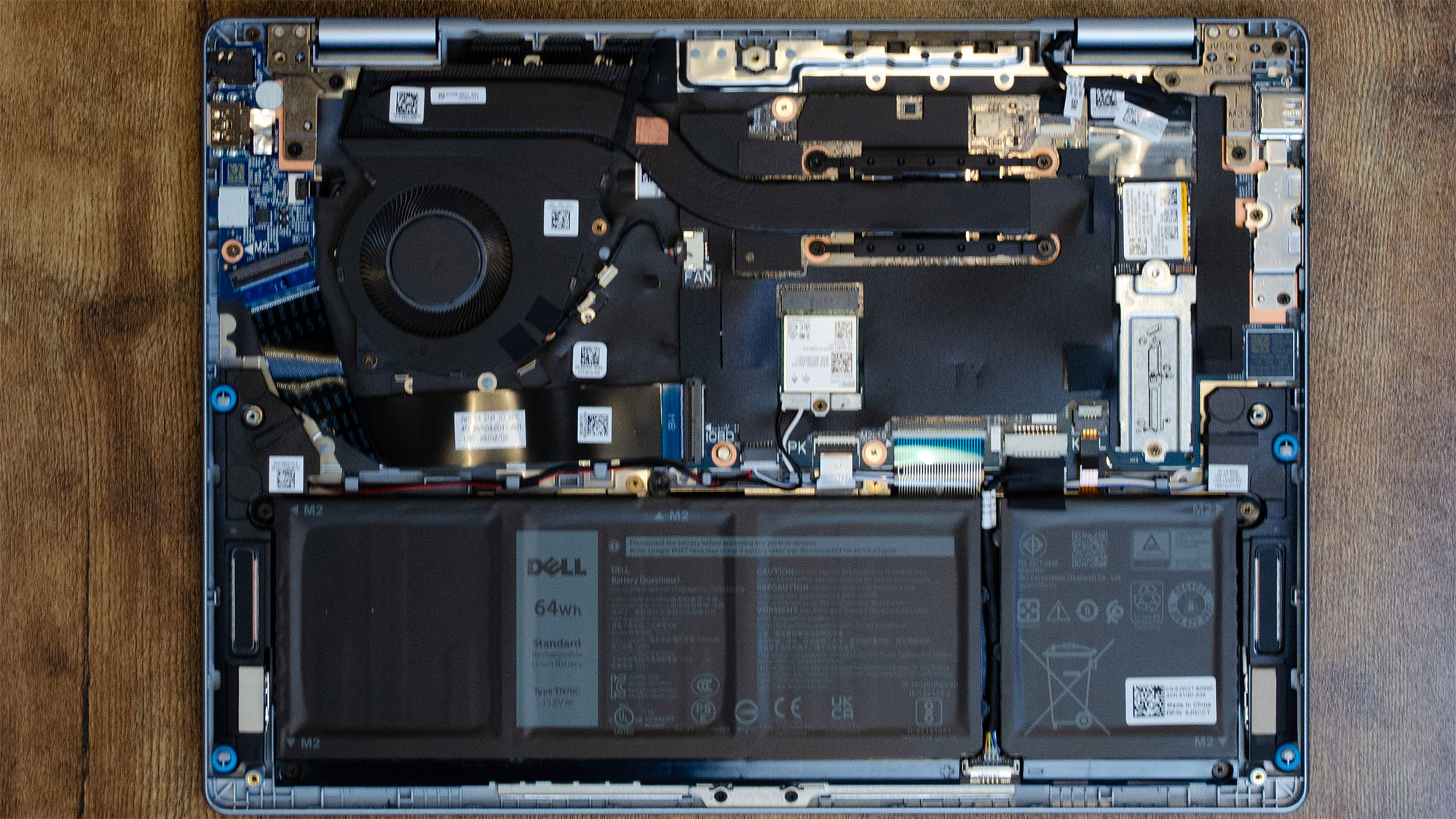
The internal components of the Dell 14 Plus
  • Configurations vary considerably between the US, UK, and Australia
  • Options for both Intel Core Ultra 200V and AMD Ryzen AI 300 processors
  • No discrete graphics options

The starting configurations for the Dell 14 Plus vary slightly depending on your region, with the US and Australia sharing the same specs—AMD Ryzen AI 340 CPU with Radeon 849M graphics, 16GB LPDDR5X memory, and a 14-inch FHD+, 300 nit, non-touch display—while the starting setup in the UK uses an Intel Core Ultra 7 256V with second gen Intel Arc graphics, 16GB of slightly faster LPDDR5X-8533 memory, and a 14-inch 2.5K (2560x1600p) 300 nit, non-touch IPS display. All starting configs come with 512GB PCIe NVMe SSD storage.

Dell 14 Plus Base Specs

USUKAustralia
Price:$799.99 at Dell.com£999 at Dell.comAU$1,298 at Dell.com
CPU:AMD Ryzen AI 5 340Intel Core Ultra 7 256VAMD Ryzen AI 5 340
GPU:AMD Radeon 840M GraphicsIntel Arc Xe2 (140V)AMD Radeon 840M Graphics
Memory:16GB LPDDR5X-750016GB LPDDR5X-853316GB LPDDR5X-7500
Storage:512GB SSD512GB SSD512GB SSD
Screen:14-inch 16:10 FHD+ (1200p), 300 nit, non-touch IPS14-inch 16:10 2.5K (1600p), 300 nit, non-touch IPS14-inch 16:10 FHD+ (1200p), 300 nit, non-touch IPS
Ports:2 x USB-C 3.2 Gen 2 w/ DP and Power Delivery, 1 x USB 3.2 Gen 1 Type-A, 1 x HDMI 1.4, 1 x combo jack1 x USB 3.2 Gen 1, 1 x USB 3.2 Gen 2 Type-C w/ DP 1.4 and Power Delivery, 1 x Thunderbolt 4 w/ DP 2.1 and Power Delivery, 1 x HDMI 2.1, 1 x combo jack2 x USB-C 3.2 Gen 2 w/ DP and Power Delivery, 1 x USB 3.2 Gen 1 Type-A, 1 x HDMI 1.4, 1 x combo jack
Battery (WHr):64 WHr64 WHr64 WHr
Wireless:WiFi 7, BT 5.4WiFi 7, BT 5.4WiFi 7, BT 5.4
Camera:1080p@30fps1080p@30fps1080p@30fps
Weight:3.35 lb (1.52 kg)3.42 lbs (1.55kg)3.35 lbs (1.52kg)
Dimensions:12.36 x 8.9 x 0.67 ins | (314 x 226.15 x 16.95mm)12.36 x 8.9 x 0.67 ins | (314 x 226.15 x 16.95mm)12.36 x 8.9 x 0.67 ins | (314 x 226.15 x 16.95mm)

The max spec for the Dell 14 Plus in the US and UK are identical, powered by an Intel Core Ultra 9 288V with Intel Arc graphics, 32GB LPDDR5X memory, 1TB PCIe NVMe SSD, and a 14-inch 2.5K (2560x1600p) display with 90Hz refresh and 300 nits max brightness. In Australia, the max spec comes with an AMD Ryzen AI 7 350 processor with Radeon 840M graphics, 16GB LPDDR5X RAM, 1TB NVMe SSD storage, and a 14-inch FHD+ (1920x1200p) display with a max brightness of 300 nits.Dell 14 Plus Top Specs

RegionUSUKAustralia
Price:$1,479.99 at Dell.com£1,299 at Dell.comAU$1,498.20 at Dell.com
CPU:Intel Core Ultra 9 288VIntel Core Ultra 9 288VAMD Ryzen AI 7 350
GPU:Intel Arc Xe2 (140V) GraphicsIntel Arc Xe2 (140V) GraphicsAMD Radeon 840M Graphics
Memory:32GB LPDDR5X-853332GB LPDDR5X-853316GB LPDDR5X-7500
Storage:1TB NVMe SSD1TB NVMe SSD1TB NVMe SSD
Screen:14-inch 16:10 2.5K (1600p), 300 nit, non-touch IPS14-inch 16:10 2.5K (1600p), 300 nit, non-touch IPS14-inch 16:10 FHD+ (1200p), 300 nit, non-touch IPS
Ports:1 x USB 3.2 Gen 1, 1 x USB 3.2 Gen 2 Type-C w/ DP 1.4 and Power Delivery, 1 x Thunderbolt 4 w/ DP 2.1 and Power Delivery, 1 x HDMI 2.1, 1 x combo jack1 x USB 3.2 Gen 1, 1 x USB 3.2 Gen 2 Type-C w/ DP 1.4 and Power Delivery, 1 x Thunderbolt 4 w/ DP 2.1 and Power Delivery, 1 x HDMI 2.1, 1 x combo jack2 x USB-C 3.2 Gen 2 w/ DP and Power Delivery, 1 x USB 3.2 Gen 1 Type-A, 1 x HDMI 1.4, 1 x combo jack
Battery (WHr):64 WHr64 WHr64 WHr
Wireless:WiFi 7, BT 5.4WiFi 7, BT 5.4WiFi 7, BT 5.4
Camera:1080p@30fps1080p@30fps1080p@30fps
Weight:3.42 lbs (1.55kg)3.42 lbs (1.55kg)3.35 lb (1.52 kg)
Dimensions:12.36 x 8.9 x 0.67 ins | (314 x 226.15 x 16.95mm)12.36 x 8.9 x 0.67 ins | (314 x 226.15 x 16.95mm)12.36 x 8.9 x 0.67 ins | (314 x 226.15 x 16.95mm)

The configuration I tested for this review is only available in the US, but the UK has a very similar spec, just with a 512GB SSD rather than the 1TB in my review unit, while Australia doesn’t yet have Intel-based coinfigurations for the 14 Plus at all.Dell 14 Plus Review Unit Specs

Price:$1,179.99 / £999 / (about AU$1,830, but Intel systems not yet available in Australia)
CPU:Intel Core Ultra 7 256V
GPU:Intel Arc Xe2 (140V) Graphics
Memory:16GB LPDDR5X-8533
Storage:1TB NVMe SSD (512GB NVMe SSD in UK)
Screen:14-inch 16:10 2.5K (1600p), 300 nit, non-touch IPS
Ports:1 x USB 3.2 Gen 1, 1 x USB 3.2 Gen 2 Type-C w/ DP 1.4 and Power Delivery, 1 x Thunderbolt 4 w/ DP 2.1 and Power Delivery, 1 x HDMI 2.1, 1 x combo jack
Battery (WHr):64 WHr
Wireless:WiFi 7, BT 5.4
Camera:1080p@30fps
Weight:3.42 lbs (1.55kg)
Dimensions:12.36 x 8.9 x 0.67 ins | (314 x 226.15 x 16.95mm)

Generally, there aren’t a whole lot of configuration options available for the Dell 14 Plus right now, but the specs you do get—even with the base configurations—are all solid hardware for general computing and productivity work, and some can even do some modest PC gaming and creative work.

  • Specs:4 / 5

>>>Replacement battery for Dell Precision 7670 7770

Dell 14 Plus: Design

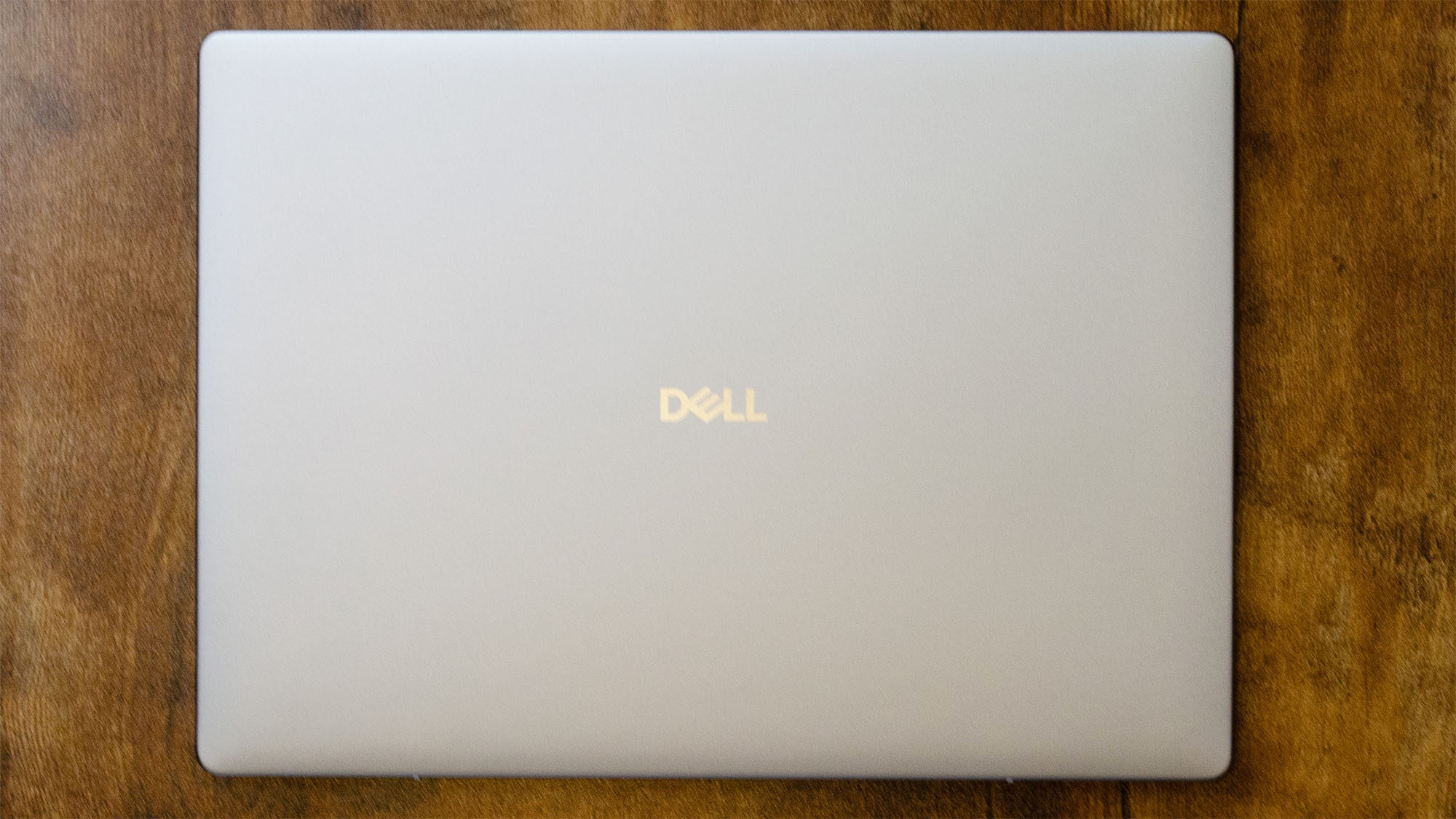
The top lid of the Dell 14 Plus
  • Thin and light form factor
  • Trackpad can be tricky at times
  • Display isn’t stellar, especially in daylight

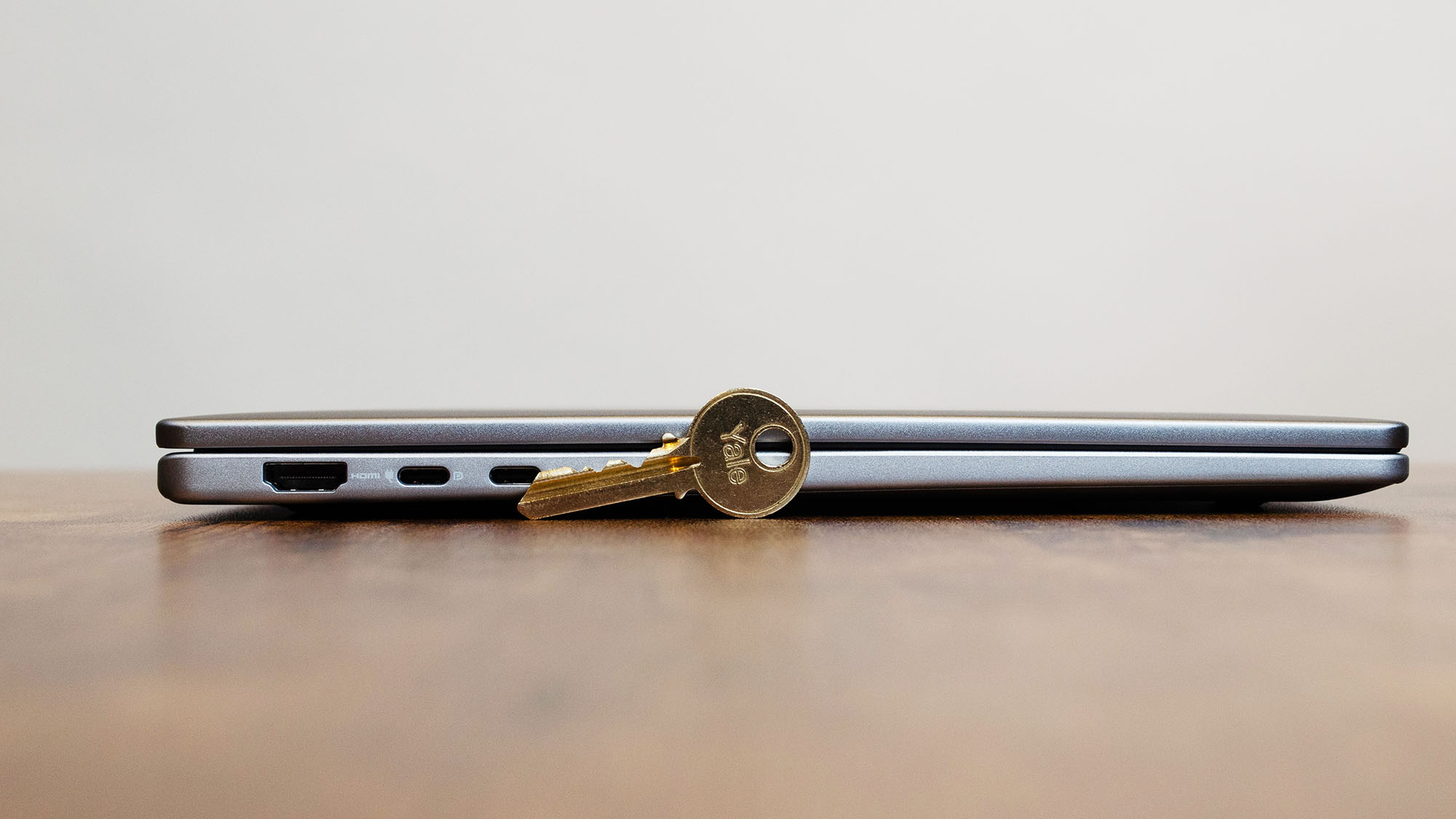
The Dell 14 Plus takes a number of design influences from earlier Inspiron laptops and merges them somewhat with the former Dell XPS laptop series, and the end result is a fairly attractive ultrabook for the price.

A Dell 14 Plus on a desk with its lid facing outward

It doesn’t have the same kind of premium materials that more expensive laptops use, but the 14 Plus doesn’t necessarily feel like a cheap laptop either. Where its design does let me down, though, is its keyboard, trackpad, and display.

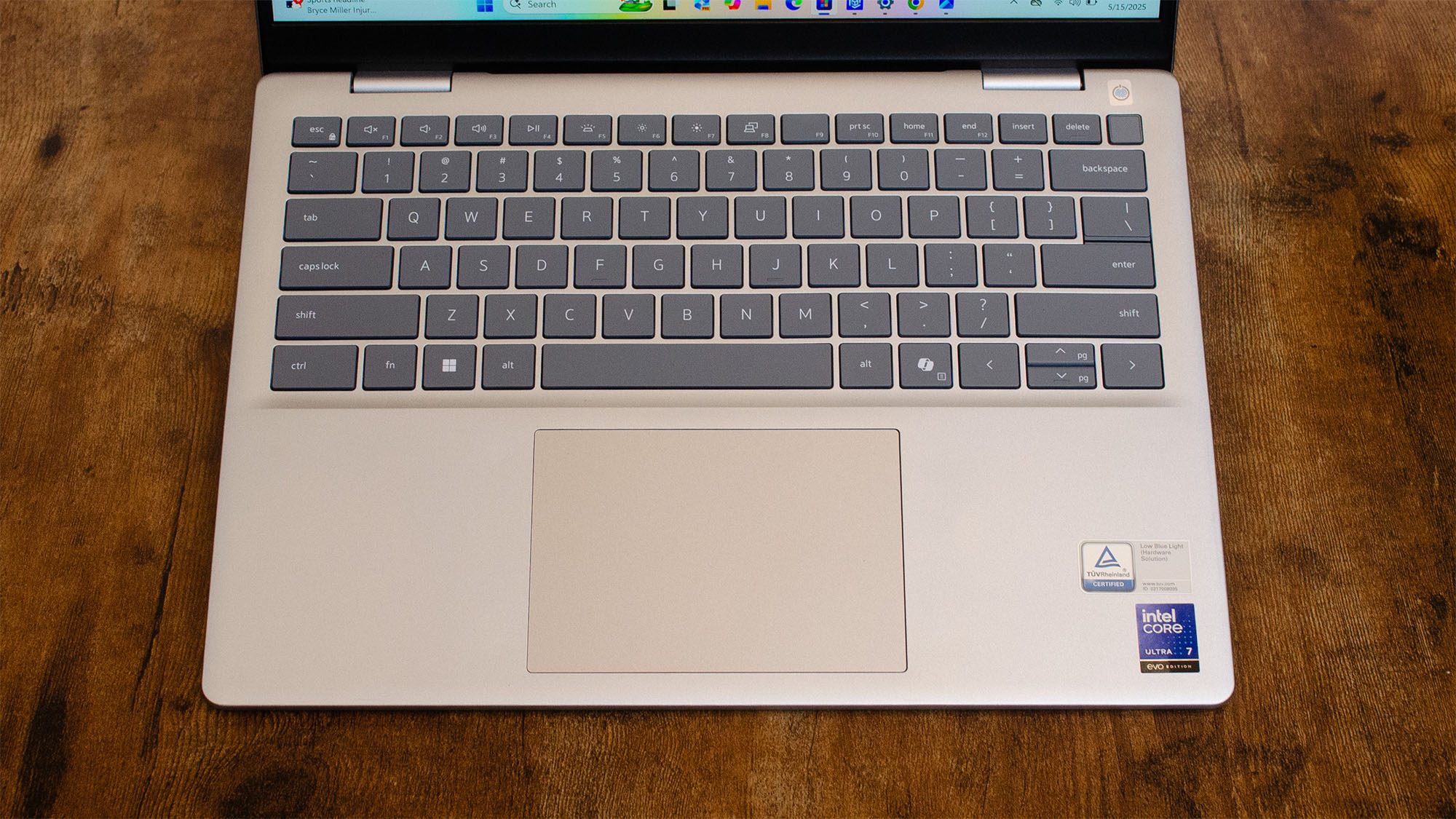
The keyboard on a Dell 14 Plus

The keys on the keyboard aren’t bad, but they’re not really great either and can sometimes feel stiffer than they should. This problem is compounded by the trackpad that isn’t the smoothest, and I’ve found my fingers catching at times from even the light friction of swiping across its surface.

The more ‘premium’ 2.5K display on my review unit works fine in an office environment or when sitting on the couch at home, but its 300 nits peak brightness means that its hard to use if you’re outside, so if you like to work at an outdoor cafe or sitting in the grass of a university quad, the display is going to be difficult to see clearly in daylight.

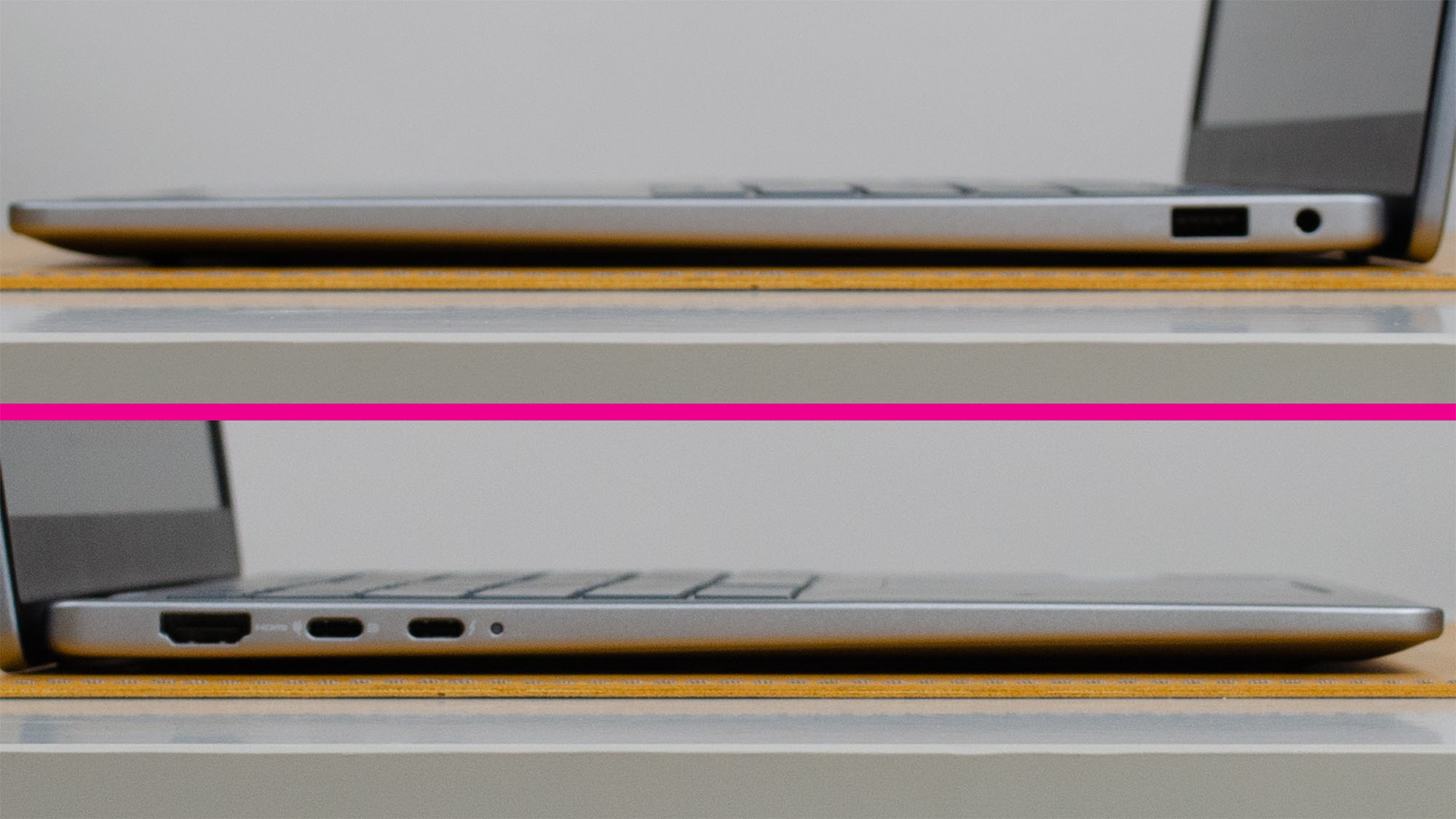
The ports on either side of the Dell 14 plus
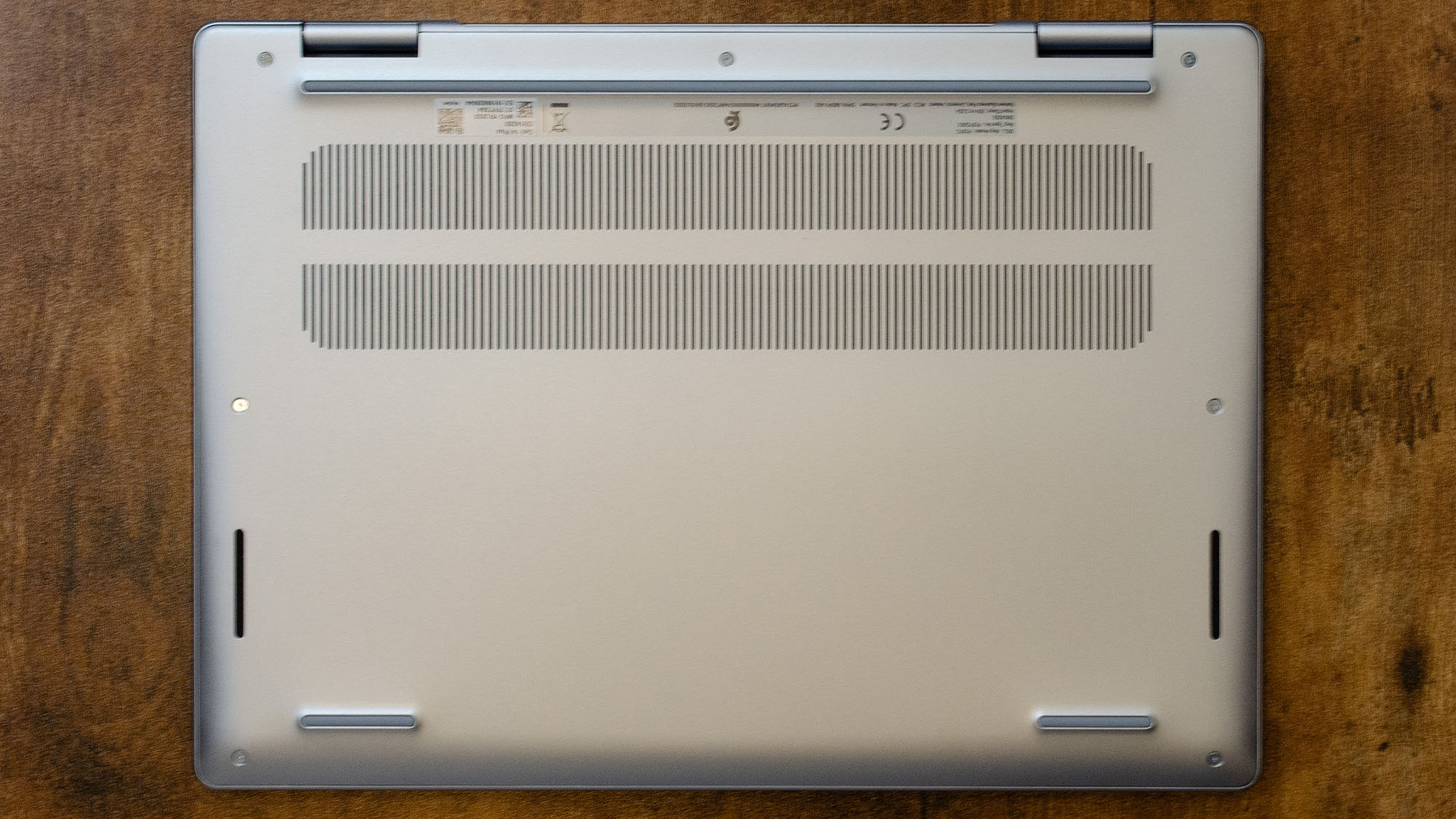
The underside of the Dell 14 Plus
A Dell 14 Plus on a desk in front of a house key to demonstrate its thinness

You get a decent selection of ports for a laptop this thin and a physical privacy shutter for the webcam, which I love to see. The webcam is 1080p @ 30 fps, which is good enough for most needs, as you can see from my selfie taken with the webcam.

The underside of the Dell 14 Plus

The down-firing speakers aren’t very good, especially if the laptop is sitting on a fabric like a bed comforter. They work, though, and conference calls and general audio is fine in most cases. For music and movies, however, I recommend using headphones or one of thebest Bluetooth speakers.

  • Design:3.5 / 5

>>>Replacement battery for Dell 3RFGX 01XM5X

Dell 14 Plus: Performance

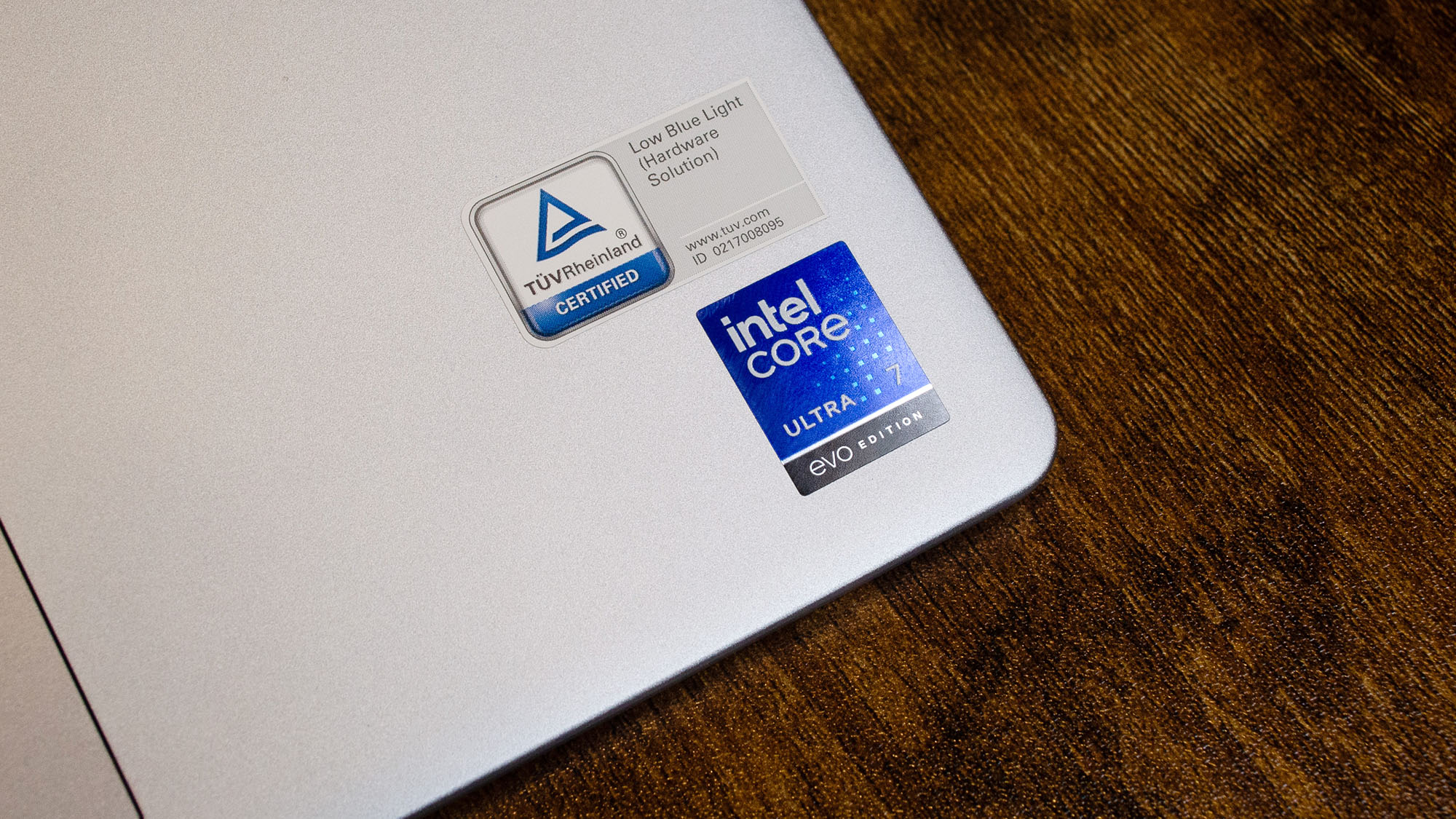
The Intel Core Ultra 7 sticker on a laptop
  • Very good productivity and general computing performance
  • Hardware isn’t suited for intensive workloads like heavy gaming or video editing
  • Lags well behind similarly specced MacBook Air models

The Dell 14 Plus is targeted toward office workers, students, and others who need a responsive everyday device for web browsing, video streaming, and the like. In that regard, this laptop does exactly what it should and does it well.

That’s not to say it’s the best, though, as you can see when comparing its benchmark results against something like the MacBook Air 13 (M4), which considerably outperforms the 14 Plus at pretty much every task.

But the 14 Plus consistently comes in second or third place against several other competing laptops on the market, including theAcer Swift 14 AI,Asus Zenbook A14, and theMicrosoft Surface Laptop 7, while also coming in at a lower price point, making it my top pick for thebest student laptopof 2025 so far.

Overall, only theAppleMacBook Air 13-inch with M4 offers a better value for your money than the 14 Plus, which is something Ireallywasn’t expecting when I started working with the 14 Plus earlier this month, but it’s a very welcome surprise.

  • Performance:4 / 5

Dell 14 Plus: Battery Life

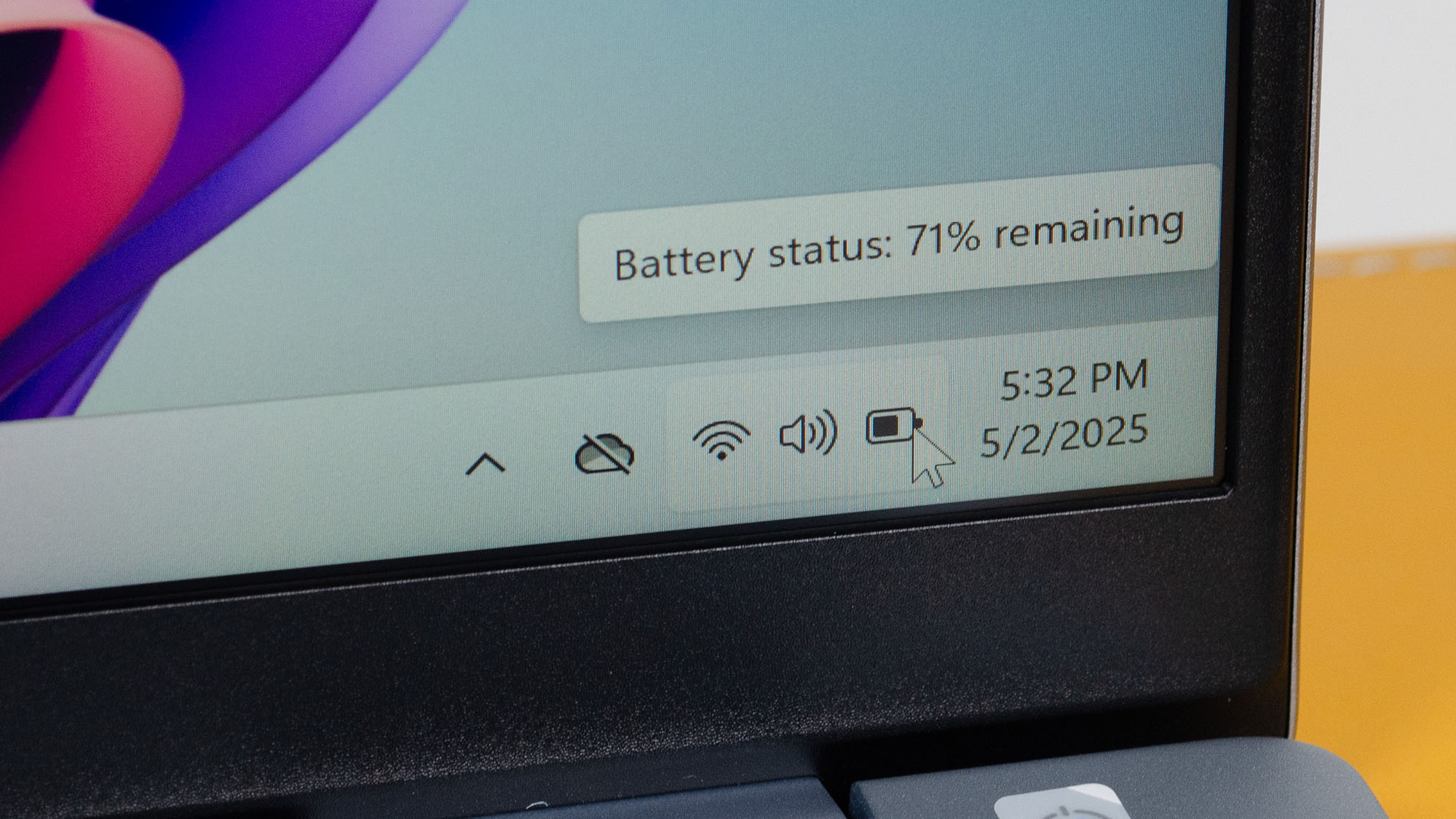
The battery life indicator on the Windows corner panel
  • How long does it last on a single charge?13 hours, 24 minutes
  • How long to full charge it to 100%?2 hours, 30 minutes with the included 65W adapter (1 hour, 4 minutes to charge it to 50%)

If there’s one area in my testing where the Dell 14 Plus came in dead last, it’s battery life, but it’s not as bad as it might sound. While some laptops like the Zenbook A14 can run for just over 18 hours in our Web Surfing Battery Test, the Dell 14 Plus’s nearly 13 and a half hours isn’t terrible, especially given how we were praising laptops like theInspiron 14 2-in-1 from 2022for making it longer than eight hours on a single charge.

As for charging time, the 64WHr battery takes a little over an hour to get from fully depleted to 50% using the included 65W USB-C power adapter, but with its Thunderbolt 4 or USB4 ports capable of higher power delivery, a higher wattage adapter will speed things up.

  • Battery Life:4 / 5

Should you buy the Dell 14 Plus?

A Dell 14 Plus on a desk

Buy the Dell 14 Plus if…

You want solid productivity and general computing performance
For everyday use, school work, and productivity, the 14 Plus is very good, especially for its price.

You want a laptop that doesn’t look too cheap
Aesthetically, the 14 Plus is a pretty great-looking device for the price, though if you look closely, you can spot its shortcomings.

Don’t buy it if…

You need a high-performance laptop
If you’re looking to game or do resource-intensive work like video editing, this laptop won’t get the job done.

You want a really good-looking laptop
While the 14 Plus doesn’t look bad, it can’t hold a candle to the most recent MacBook Air or Surface Laptop models.

Nintendo Switch 2 Will Not Support VRR In Docked Mode, Nintendo Finally Confirms

Nintendo Switch 2

Nintendo has finally put to bed a bit of confusion players had about the Nintendo Switch 2. The console supports variable refresh rate (VRR) while in handheld mode, but Nintendo has officially clarified that it doesnotsupport VRR while in docked mode.

The confusion began when, after the full reveal of the Nintendo Switch 2 at the beginning of April, Nintendo’s websites in the US, Canada, the UK, and Europeall mentioned that VRR was supportedin docked mode. It was then removed from the US and Canadian websites, but kept on the UK and EU websites. The mention of VRR being supported in docked mode was laterremovedfrom the UK and EU websites as well.

So did it support VRR in docked mode, or didn’t it? The removal seemed to suggest that it didn’t, but Nintendo had yet to provide a clear response.

>>>Replacement battery for Nintendo Switch NS Pro Wiiu 3DS 2DS

In a statement sent toNintendo Life, they finally provided that clear response and apologized for the mistake of publishing it on their websites in the first place.

“Nintendo Switch 2 supports VRR in handheld mode only. The incorrect information was initially published on the Nintendo Switch 2 website, and we apologize for the error,” the statement reads.

When asked if VRR support for docked mode would be added in a future update, Nintendo replied, “We have nothing to announce on this topic.”A disappointing end to this saga, but an end for now, nonetheless. It’s always possible that Nintendo is working on adding VRR support for docked mode for a future firmware update, but at least for launch, we know that VRR is a handheld-only feature.