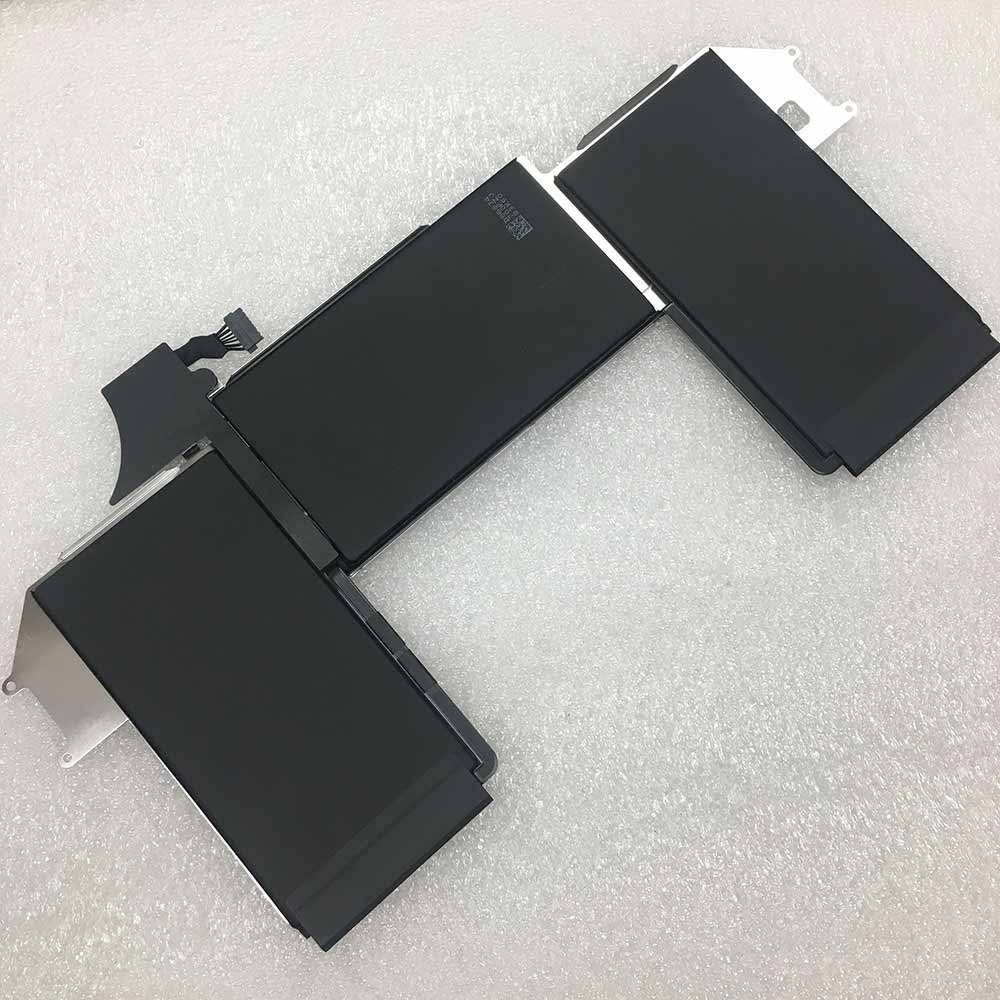
Battery A1965 Replacement For Apple Macbook Air 13 A1932 2018 2019 year Retina New

Battery A1965 Replacement For Apple Macbook Air 13 A1932 2018 2019 year Retina New

Buy Apple A1965 Laptop Battery replacement for Apple Macbook Air 13 A1932 2018 2019 year Retina New.

Fit Machine Model Apple Macbook Air 13 A1932 2018 2019 year Retina New – 4379mAh/49.9wh – 11.4V/13.05V.

All products from our shop are 100% the highest quality! We provide the high quality Laptop Batteries. Apple A1965 battery is best compatible with the original equipments.

OriccaBattery.co.uk ◆Free Shipping ◆ One year warranty ◆ 30 days money back guarantee.

Battery A1965 Replacement For Apple Macbook Air 13 A1932 2018 2019 year Retina New
A1965

Apple A1965 Specifications
Brand: Laptop Battery for Apple
Capacity:4379mAh/49.9wh
Voltage:11.4V/13.05V
Type:Li-ion
All products from our shop are 100% the highest quality!
We provide the high quality Laptop Adapters!

PRODUCT COMPATIBILITY:

A1965
020-02455

REPLACEABILITY WITH THE FOLLOWING MODELS:

Apple Macbook Air 13 A1932 2018 2019 year Retina New

How to Maintenance your new replacement Apple A1965 battery?
1. New Apple A1965 battery pack must be fully charged before use.
2. New battery pack needs to be fully charged and discharged (cycled) a few times before it can condition to full capacity.
3.Laptop battery undergo self-discharging when left unused. Always store a Apple A1965 battery pack in a fully charged stage for storage.
4. Fully drain and fully recharge your battery pack every few months.
5. Turn down the LCD brightness of your portable device.
6. Use built-in power management on your portable device.
7. Turn off LCD or other unnecessary accessories when not in use.
8. Set screen saver blank to 1 to 2 minutes of your notebook.
9. Add more RAM if you have extra RAM expansion slot, it will reduce the usage of hard drive and it is power exhaustive.
10. Close unused software in your Apple Macbook Air 13 A1932 2018 2019 year Retina New laptop .
11. Remove unused PC Cards or USB devices from your notebook.
12. Don´t watch DVD or play graphics intensive video games.
13. Don´t short circuit terminal or store your Apple A1965 Laptop Batteries pack with metal parts. 14. Don´t drop or mutilate the Apple A1965 battery pack.
15. Don´t expose to moisture or water.

iPhone 13 will use WiFi 6E technology, network connection experience will be improved

Some time ago, Apple launched the iPhone 12 series of mobile phones that have attracted much attention from consumers. The hot sales of this series of models have also proved Apple’s strength. However, some netizens have now focused their attention on the iPhone 13 series released in the second half of next year. On December 20th, according to GSMArena, iPhone 13 will use WiFi 6E technology.

According to the website, the iPhone 12 series models launched this year use WiFi 6 technology and already have a very good network experience. However, analysts believe that Apple plans to provide users with a better experience, so it will be used in the iPhone 13 series. WiFi 6E technology is used on the mobile phone. Compared with WiFi 6 technology, the former supports all the functions of the latter, but the former can also provide better bandwidth and less interference for the device, which can have a better experience.
   In recent years, 5G networks and WiFi 6 technologies have become the focus of consumers and manufacturers, because these two technologies can bring a better network experience. iPhone mobile phones have been complained by many netizens because of their average network connection performance. Now that new mobile phones have added 5G network connection and WiFi 6 technology, the user experience has been improved. Therefore, consumers hope that the experience of these phones can be better.>>>>>>>>>>>>>>>>>>>>Mobile phone battery

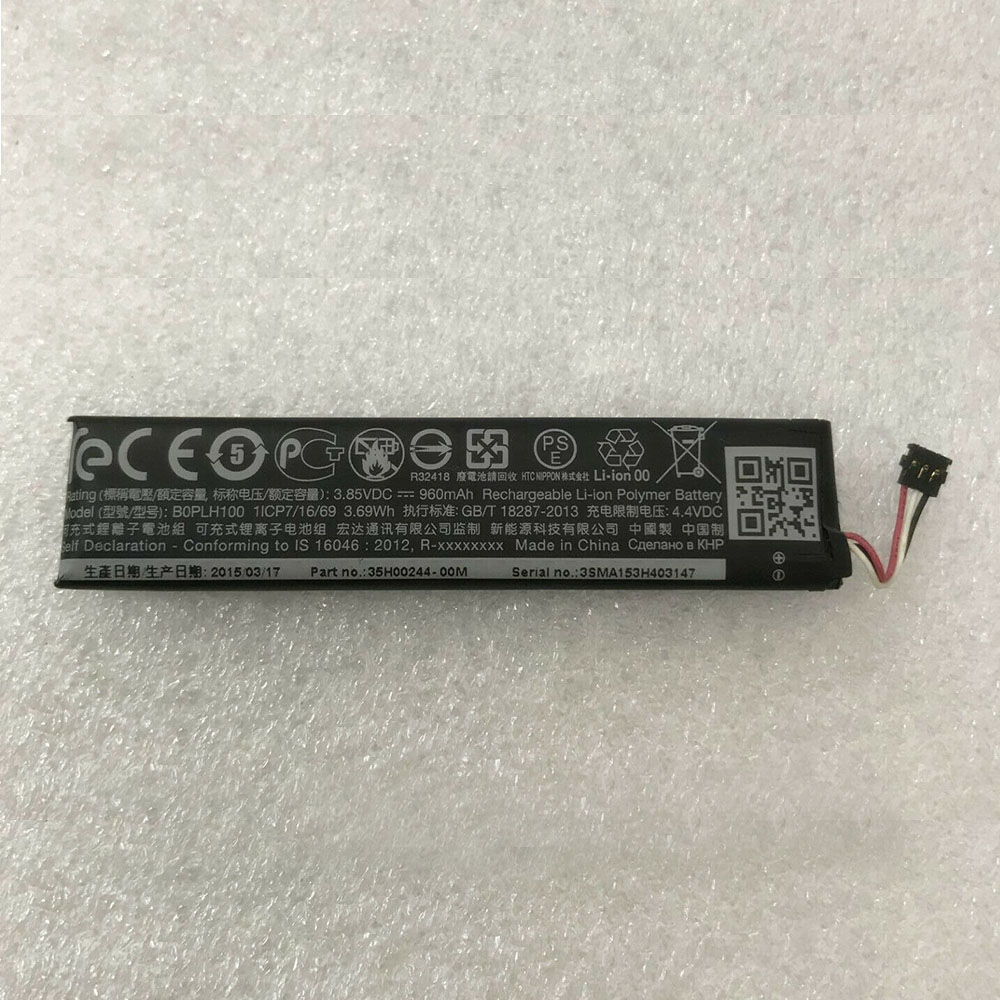
Battery BOPLH100 Replacement For HTC Vive Handle Controller VR

Battery BOPLH100 Replacement For HTC Vive Handle Controller VR

Buy HTC BOPLH100 Battery replacement for HTC Vive Handle Controller VR.

Fit Machine Model HTC Vive Handle Controller VR – 960mAh – 3.85V.

All products from our shop are 100% the highest quality! We provide the high quality Laptop Batteries. HTC BOPLH100 battery is best compatible with the original equipments.

OriccaBattery.co.uk ◆Free Shipping ◆ One year warranty ◆ 30 days money back guarantee.

Battery BOPLH100 Replacement For HTC Vive Handle Controller VR

BOPLH100

HTC BOPLH100 Specifications
Brand: Battery for HTC
Capacity:960mAh
Voltage:3.85V
Type:Li-ion
All products from our shop are 100% the highest quality!
We provide the high quality Laptop Adapters!

PRODUCT COMPATIBILITY:

BOPLH100
B0PLH100

REPLACEABILITY WITH THE FOLLOWING MODELS:

HTC Vive Handle Controller VR

How to Maintenance your new replacement HTC BOPLH100 battery?
1. New HTC BOPLH100 battery pack must be fully charged before use.
2. New battery pack needs to be fully charged and discharged (cycled) a few times before it can condition to full capacity.
3.Laptop battery undergo self-discharging when left unused. Always store a HTC BOPLH100 battery pack in a fully charged stage for storage.
4. Fully drain and fully recharge your battery pack every few months.
5. Turn down the LCD brightness of your portable device.
6. Use built-in power management on your portable device.
7. Turn off LCD or other unnecessary accessories when not in use.
8. Set screen saver blank to 1 to 2 minutes of your notebook.
9. Add more RAM if you have extra RAM expansion slot, it will reduce the usage of hard drive and it is power exhaustive.
10. Close unused software in your HTC Vive Handle Controller VR .
11. Remove unused PC Cards or USB devices from your notebook.
12. Don´t watch DVD or play graphics intensive video games.
13. Don´t short circuit terminal or store your HTC BOPLH100 Batteries pack with metal parts. 14. Don´t drop or mutilate the HTC BOPLH100 battery pack.
15. Don´t expose to moisture or water.
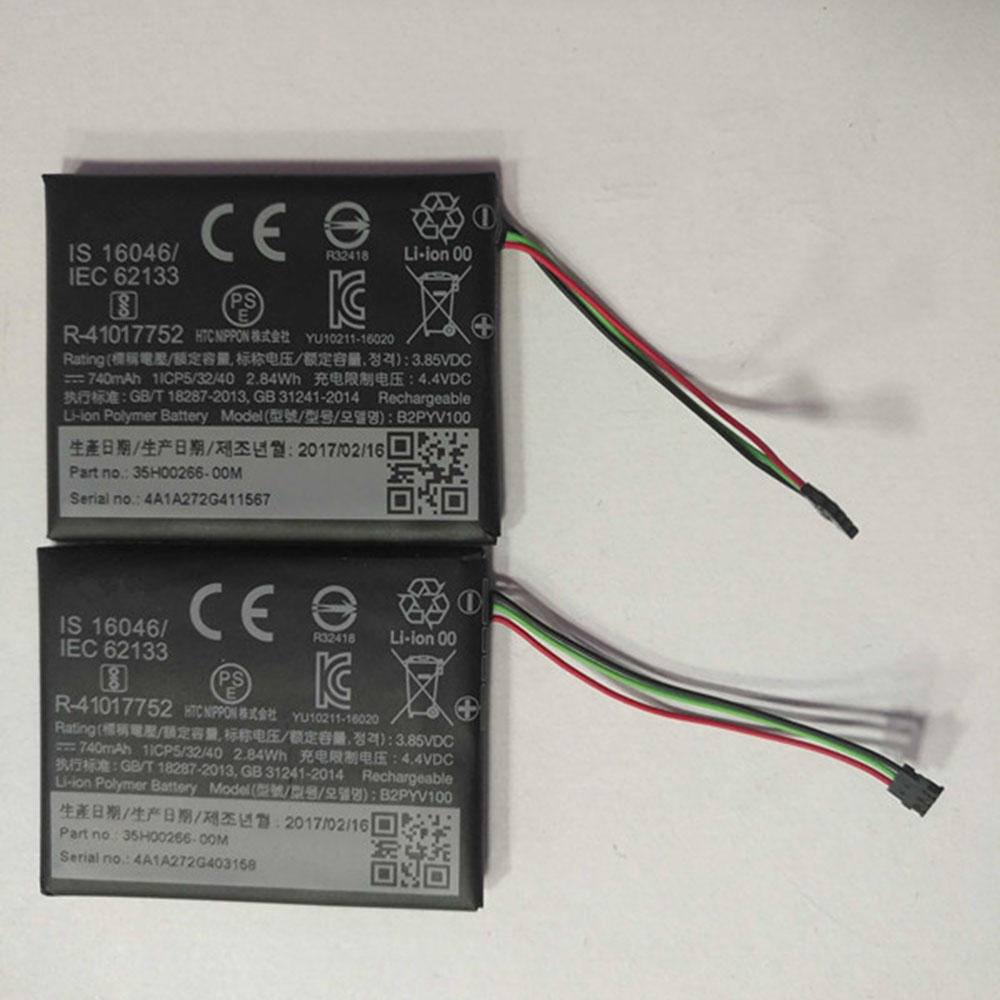
Battery B2PYV100 Replacement For HTC Vive Tracker Acumulator 3 Wire Plug

Battery B2PYV100 Replacement For HTC Vive Tracker Acumulator 3 Wire Plug

Buy HTC B2PYV100 Battery replacement for HTC Vive Tracker Acumulator 3 Wire Plug.

Fit Machine Model HTC Vive Tracker Acumulator 3 Wire Plug – 740mAh/2.84Wh – 3.85V.

All products from our shop are 100% the highest quality! We provide the high quality Laptop Batteries. HTC B2PYV100 battery is best compatible with the original equipments.

OriccaBattery.co.uk ◆Free Shipping ◆ One year warranty ◆ 30 days money back guarantee.

Battery B2PYV100 Replacement For HTC Vive Tracker Acumulator 3 Wire Plug

B2PYV100

HTC B2PYV100 Specifications
Brand: Battery for HTC
Capacity:740mAh/2.84Wh
Voltage:3.85V
Type:Li-ion
All products from our shop are 100% the highest quality!
We provide the high quality Laptop Adapters!

PRODUCT COMPATIBILITY:

B2PYV100

REPLACEABILITY WITH THE FOLLOWING MODELS:

HTC Vive Tracker Acumulator 3 Wire Plug

How to Maintenance your new replacement HTC B2PYV100 battery?
1. New HTC B2PYV100 battery pack must be fully charged before use.
2. New battery pack needs to be fully charged and discharged (cycled) a few times before it can condition to full capacity.
3.Laptop battery undergo self-discharging when left unused. Always store a HTC B2PYV100 battery pack in a fully charged stage for storage.
4. Fully drain and fully recharge your battery pack every few months.
5. Turn down the LCD brightness of your portable device.
6. Use built-in power management on your portable device.
7. Turn off LCD or other unnecessary accessories when not in use.
8. Set screen saver blank to 1 to 2 minutes of your notebook.
9. Add more RAM if you have extra RAM expansion slot, it will reduce the usage of hard drive and it is power exhaustive.
10. Close unused software in your HTC Vive Tracker Acumulator 3 Wire Plug .
11. Remove unused PC Cards or USB devices from your notebook.
12. Don´t watch DVD or play graphics intensive video games.
13. Don´t short circuit terminal or store your HTC B2PYV100 Batteries pack with metal parts. 14. Don´t drop or mutilate the HTC B2PYV100 battery pack.
15. Don´t expose to moisture or water.
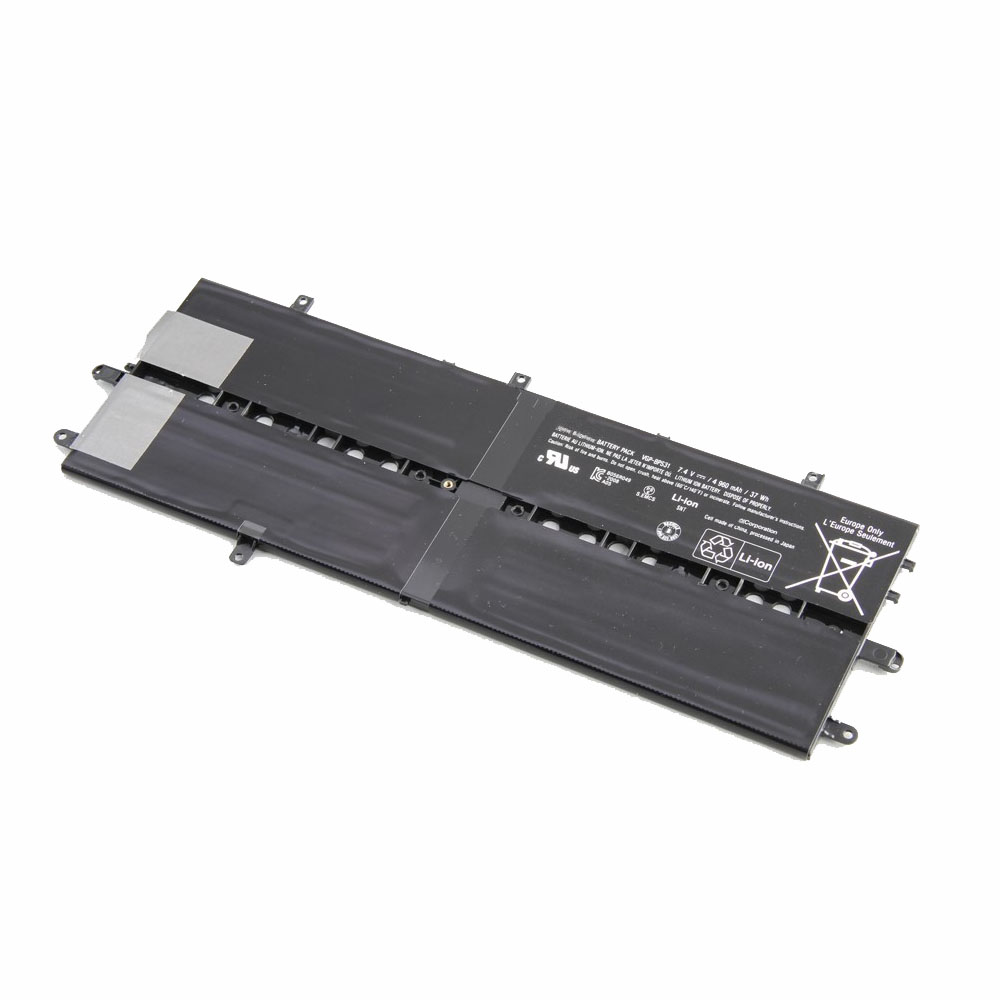
Battery VGP-BPS31 Replacement For Sony VAIO SVD11 Duo11 SVD112A1ST

Battery VGP-BPS31 Replacement For Sony VAIO SVD11 Duo11 SVD112A1ST

Buy Sony VGP-BPS31 Laptop Battery replacement for Sony VAIO SVD11 Duo11 SVD112A1ST.

Fit Machine Model Sony VAIO SVD11 Duo11 SVD112A1ST – 4960mAh/37Wh – 7.4V.

All products from our shop are 100% the highest quality! We provide the high quality Laptop Batteries. Sony VGP-BPS31 battery is best compatible with the original equipments.

OriccaBattery.co.uk ◆Free Shipping ◆ One year warranty ◆ 30 days money back guarantee.

Battery VGP-BPS31 Replacement For Sony VAIO SVD11 Duo11 SVD112A1ST

VGP-BPS31

Sony VGP-BPS31 Specifications
Brand: Laptop Battery for Sony
Capacity:4960mAh/37Wh
Voltage:7.4V
Type:Li-ion
All products from our shop are 100% the highest quality!
We provide the high quality Laptop Adapters!

PRODUCT COMPATIBILITY:

VGP-BPS31

REPLACEABILITY WITH THE FOLLOWING MODELS:

Sony Vaio SVD11 Duo11 SVD112A1ST

How to Maintenance your new replacement Sony VGP-BPS31 battery?
1. New Sony VGP-BPS31 battery pack must be fully charged before use.
2. New battery pack needs to be fully charged and discharged (cycled) a few times before it can condition to full capacity.
3.Laptop battery undergo self-discharging when left unused. Always store a Sony VGP-BPS31 battery pack in a fully charged stage for storage.
4. Fully drain and fully recharge your battery pack every few months.
5. Turn down the LCD brightness of your portable device.
6. Use built-in power management on your portable device.
7. Turn off LCD or other unnecessary accessories when not in use.
8. Set screen saver blank to 1 to 2 minutes of your notebook.
9. Add more RAM if you have extra RAM expansion slot, it will reduce the usage of hard drive and it is power exhaustive.
10. Close unused software in your Sony VAIO SVD11 Duo11 SVD112A1ST laptop .
11. Remove unused PC Cards or USB devices from your notebook.
12. Don´t watch DVD or play graphics intensive video games.
13. Don´t short circuit terminal or store your Sony VGP-BPS31 Laptop Batteries pack with metal parts. 14. Don´t drop or mutilate the Sony VGP-BPS31 battery pack.
15. Don´t expose to moisture or water.