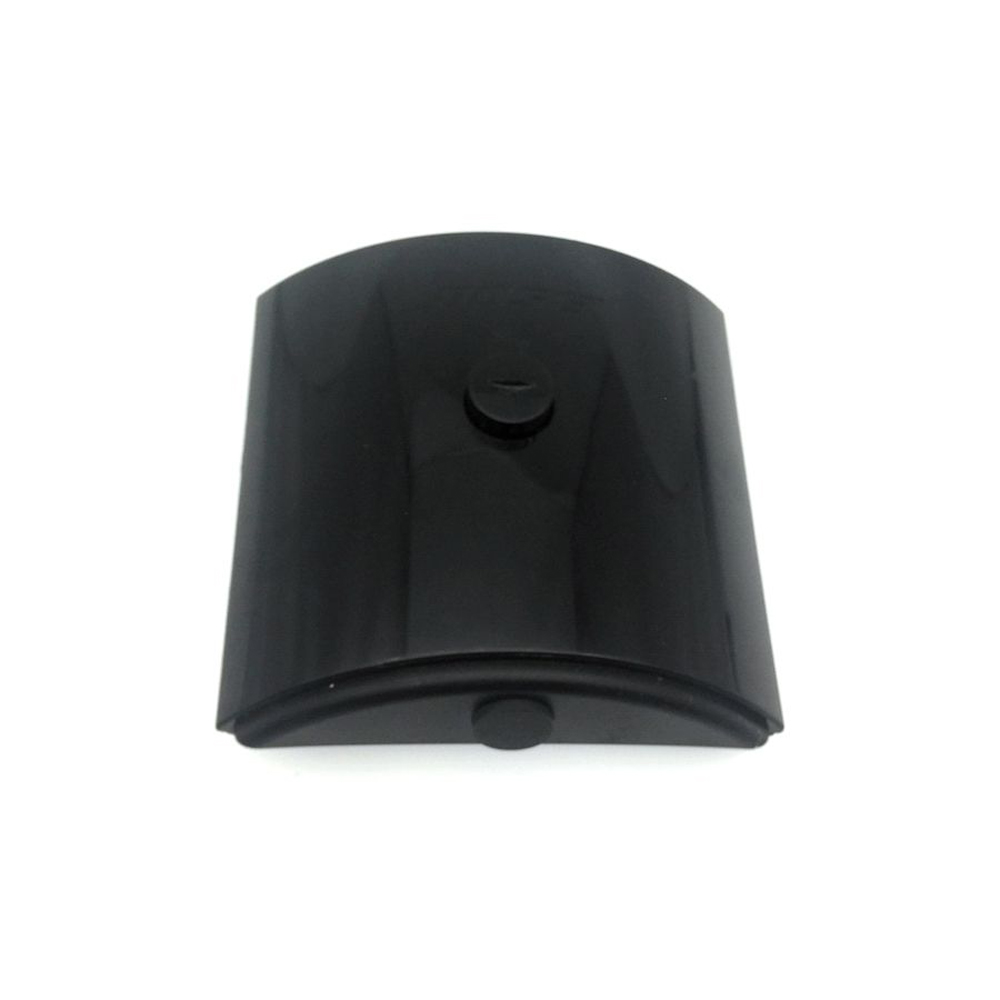
Bose Sounddock Portable Digital Music System Battery Pack 16.8V/20V 400mA/2200mAH/32Wh Battery

Buy Bose 300769-003 Battery replacement for Bose Sounddock Portable Digital Music System Battery Pack.

Fit Machine Model Bose Sounddock Portable Digital Music System Battery Pack – 400mA/2200mAH/32Wh – 16.8V/20V.

OriccaBattery.co.uk ◆Free Shipping ◆ One year warranty ◆ 30 days money back guarantee.
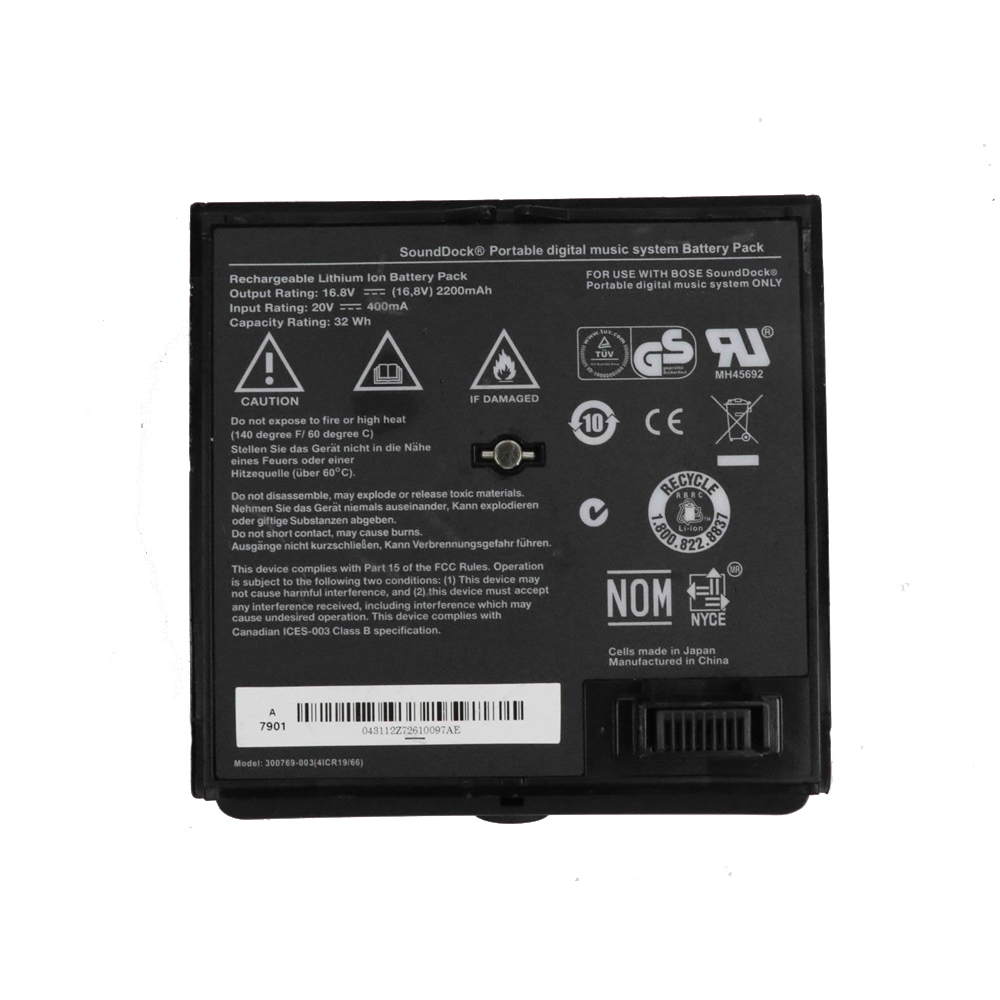
300769-003

Bose 300769-003 Specifications
Brand: Battery for Bose
Capacity:400mA/2200mAH/32Wh
Voltage:16.8V/20V
Type:Li-ion
Color:Black
All products from our shop are 100% the highest quality!
We provide the high quality Laptop Adapters!

PRODUCT COMPATIBILITY:

300769-003
300769-001

REPLACEABILITY WITH THE FOLLOWING MODELS:

Bose Sounddock Portable Digital Music System Battery Pack
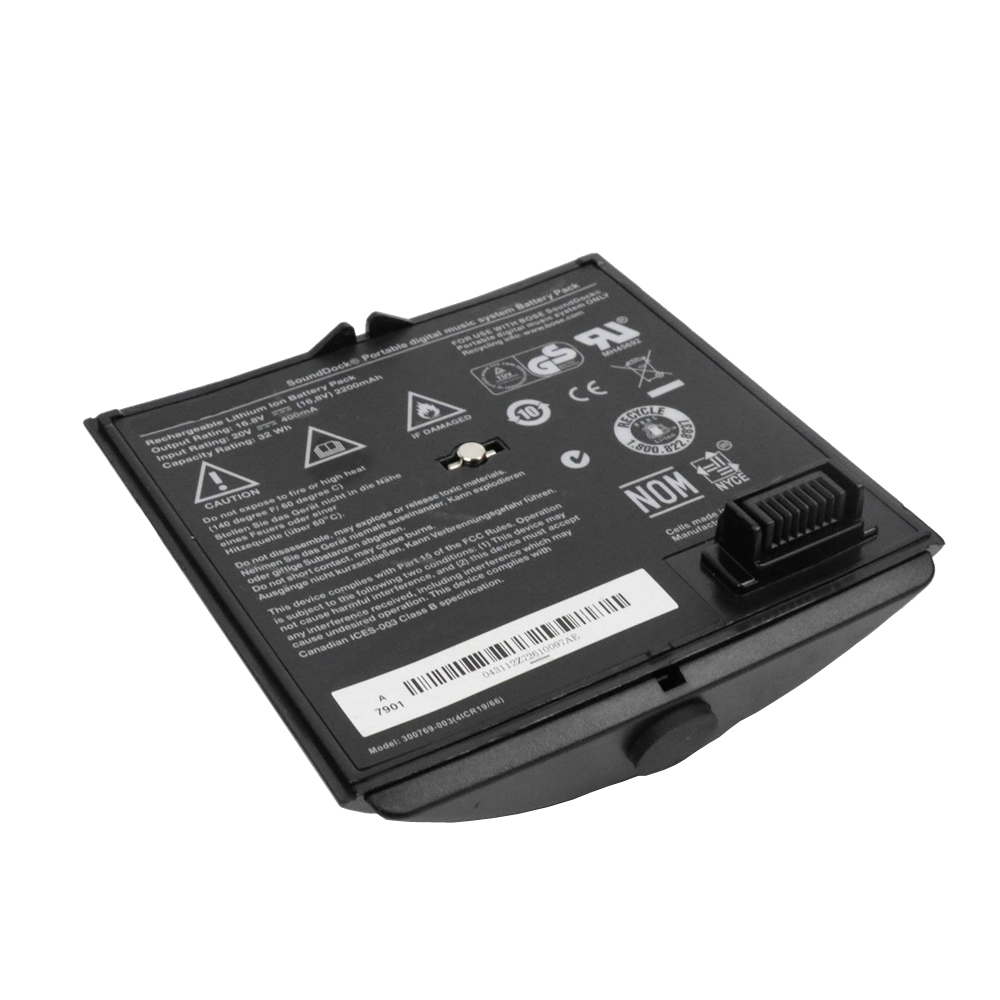
300769-003
300769-003

How to Maintenance your new replacement Bose 300769-003 battery?
1. New Bose 300769-003 battery pack must be fully charged before use.
2. New battery pack needs to be fully charged and discharged (cycled) a few times before it can condition to full capacity.
3.Laptop battery undergo self-discharging when left unused. Always store a Bose 300769-003 battery pack in a fully charged stage for storage.
4. Fully drain and fully recharge your battery pack every few months.
5. Turn down the LCD brightness of your portable device.
6. Use built-in power management on your portable device.
7. Turn off LCD or other unnecessary accessories when not in use.
8. Set screen saver blank to 1 to 2 minutes of your notebook.
9. Add more RAM if you have extra RAM expansion slot, it will reduce the usage of hard drive and it is power exhaustive.
10. Close unused software in your Bose Sounddock Portable Digital Music System Battery Pack .
11. Remove unused PC Cards or USB devices from your notebook.
12. Don´t watch DVD or play graphics intensive video games.
13. Don´t short circuit terminal or store your Bose 300769-003 Batteries pack with metal parts. 14. Don´t drop or mutilate the Bose 300769-003 battery pack.
15. Don´t expose to moisture or water.
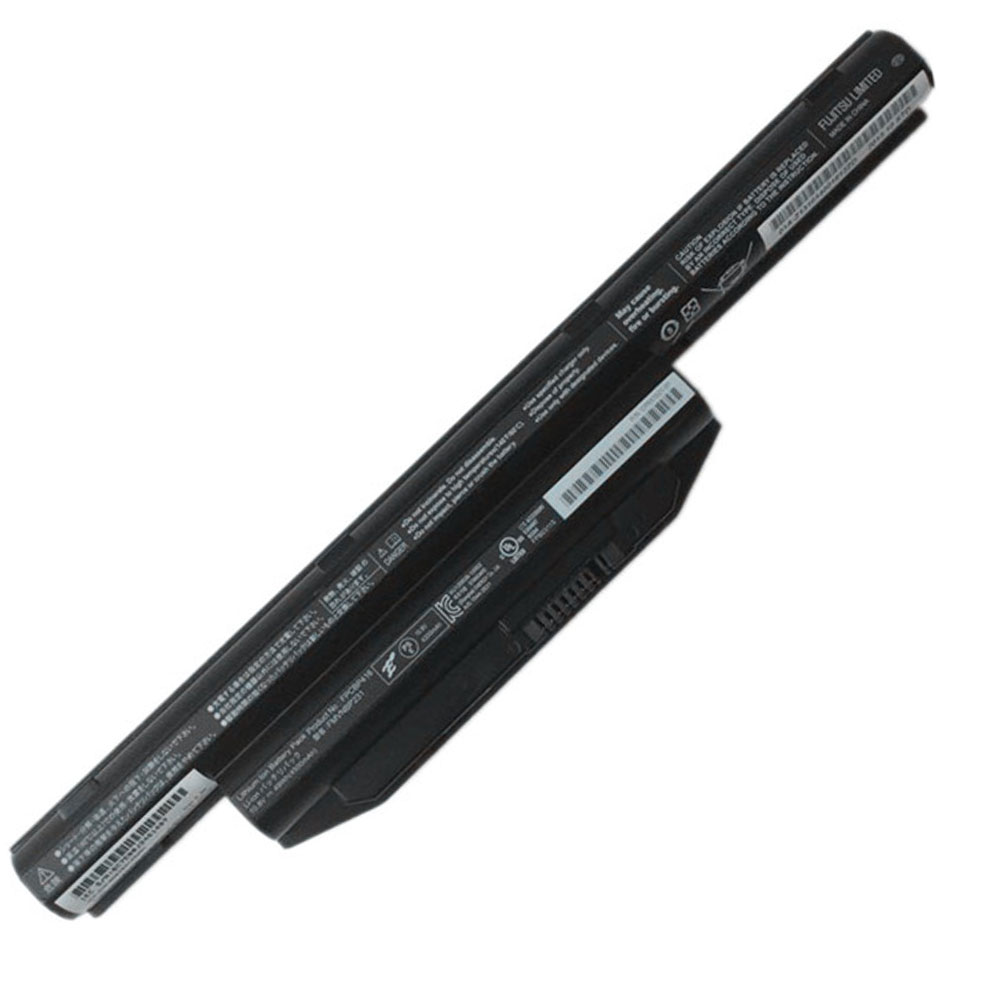
Fujitsu LifeBook A544 AH564 E734 E733 S904 10.8V 5800mah/63wh Battery

Buy Fujitsu FPCBP416 Laptop Battery replacement for Fujitsu LifeBook A544 AH564 E734 E733 S904.

Fit Machine Model Fujitsu LifeBook A544 AH564 E734 E733 S904 – 5800mah /63wh – 10.8V.

OriccaBattery.co.uk ◆Free Shipping ◆ One year warranty ◆ 30 days money back guarantee.

FPCBP416

Fujitsu FPCBP416 Specifications
Brand: Laptop Battery for Fujitsu
Capacity:5800mah /63wh
Voltage:10.8V
Type:Li-ion
All products from our shop are 100% the highest quality!
We provide the high quality Laptop Adapters!

PRODUCT COMPATIBILITY:

FPCBP405Z
FPCBP416
FPCBP426
FPCBP429
FPB0297S
FPB0298S
FPB0313S
FMVNBP227A
FMVNBP231
FMVNBP234
FMVNBP235

REPLACEABILITY WITH THE FOLLOWING MODELS:

Fujitsu LifeBook A544 AH544 AH564 Notebook
Fujitsu LifeBook E733/E734/E743/E744/E753/E754 Notebook
Fujitsu Lifebook S904 SH904 Notebook

How to Maintenance your new replacement Fujitsu FPCBP416 battery?
1. New Fujitsu FPCBP416 battery pack must be fully charged before use.
2. New battery pack needs to be fully charged and discharged (cycled) a few times before it can condition to full capacity.
3.Laptop battery undergo self-discharging when left unused. Always store a Fujitsu FPCBP416 battery pack in a fully charged stage for storage.
4. Fully drain and fully recharge your battery pack every few months.
5. Turn down the LCD brightness of your portable device.
6. Use built-in power management on your portable device.
7. Turn off LCD or other unnecessary accessories when not in use.
8. Set screen saver blank to 1 to 2 minutes of your notebook.
9. Add more RAM if you have extra RAM expansion slot, it will reduce the usage of hard drive and it is power exhaustive.
10. Close unused software in your Fujitsu LifeBook A544 AH564 E734 E733 S904 laptop .
11. Remove unused PC Cards or USB devices from your notebook.
12. Don´t watch DVD or play graphics intensive video games.
13. Don´t short circuit terminal or store your Fujitsu FPCBP416 Laptop Batteries pack with metal parts. 14. Don´t drop or mutilate the Fujitsu FPCBP416 battery pack.
15. Don´t expose to moisture or water.

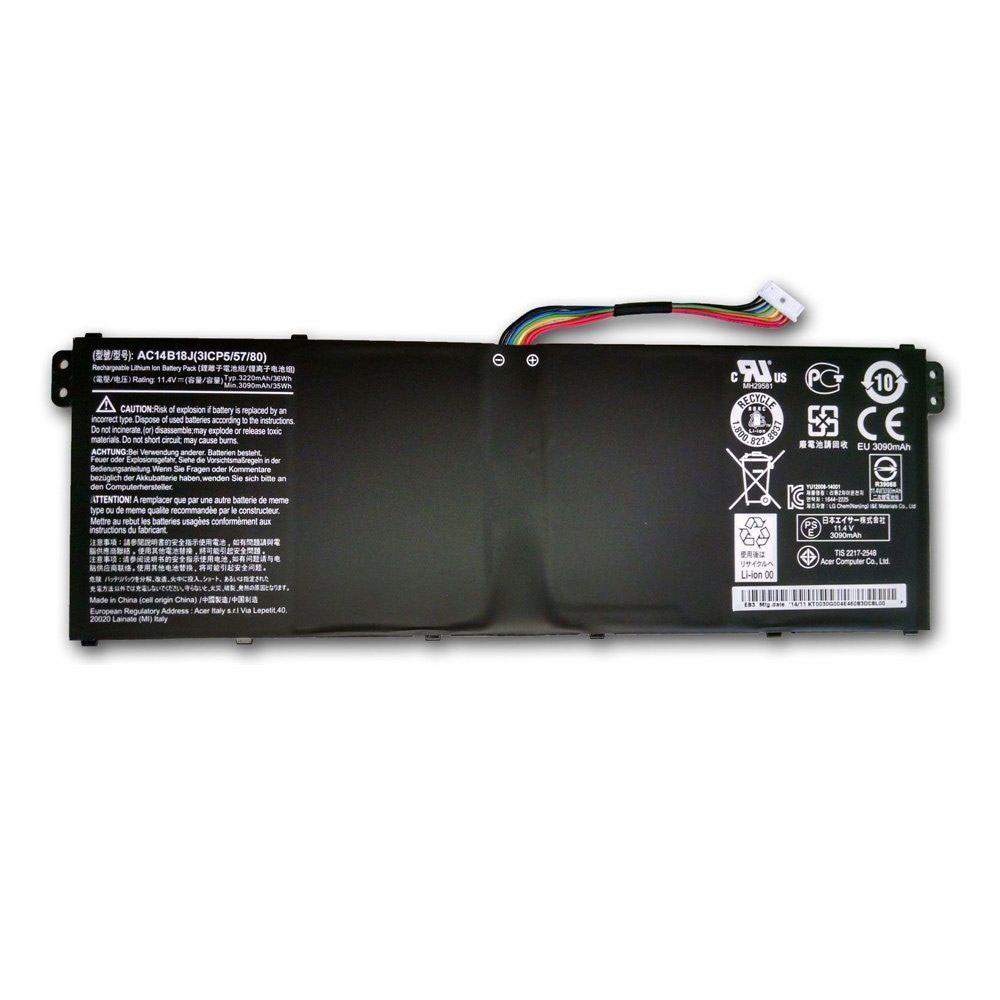
Acer Aspire AC14B13J ES1-131 ES1-331 ES1-512 ES1-520 ES1-521 11.4V 36Wh/3220mAh/3090mAh Battery

Buy Acer AC14B13J Tablet PC Battery replacement for Acer Aspire AC14B13J ES1-131 ES1-331 ES1-512 ES1-520 ES1-521.

Fit Machine Model Acer Aspire AC14B13J ES1-131 ES1-331 ES1-512 ES1-520 ES1-521 – 36Wh/3220mAh/3090mAh – 11.4v.

OriccaBattery.co.uk ◆Free Shipping ◆ One year warranty ◆ 30 days money back guarantee.

AC14B13J

Acer AC14B13J Specifications
Brand:Tablet PC Battery for Acer
Capacity:36Wh/3220mAh/3090mAh
Voltage:11.4v
Type:Li-ion
Color:Black
All products from our shop are 100% the highest quality!
We provide the high quality Laptop Adapters!

PRODUCT COMPATIBILITY:

AC14B13J

REPLACEABILITY WITH THE FOLLOWING MODELS:

Acer Aspire ES1-131, ES1-331, ES1-512, ES1-520, ES1-521, ES1-522, ES1-531, ES1-731, ES1-731G
Acer Extensa 2519
Acer TravelMate B116-M, B116-MP
Acer Gateway NE513

AC14B13J
AC14B13J

How to Maintenance your new replacement Acer AC14B13J battery?
1. New Acer AC14B13J battery pack must be fully charged before use.
2. New battery pack needs to be fully charged and discharged (cycled) a few times before it can condition to full capacity.
3.Laptop battery undergo self-discharging when left unused. Always store a Acer AC14B13J battery pack in a fully charged stage for storage.
4. Fully drain and fully recharge your battery pack every few months.
5. Turn down the LCD brightness of your portable device.
6. Use built-in power management on your portable device.
7. Turn off LCD or other unnecessary accessories when not in use.
8. Set screen saver blank to 1 to 2 minutes of your notebook.
9. Add more RAM if you have extra RAM expansion slot, it will reduce the usage of hard drive and it is power exhaustive.
10. Close unused software in your Acer Aspire AC14B13J ES1-131 ES1-331 ES1-512 ES1-520 ES1-521 Tablet PC .
11. Remove unused PC Cards or USB devices from your notebook.
12. Don´t watch DVD or play graphics intensive video games.
13. Don´t short circuit terminal or store your Acer AC14B13J Tablet Batteries pack with metal parts. 14. Don´t drop or mutilate the Acer AC14B13J battery pack.
15. Don´t expose to moisture or water.

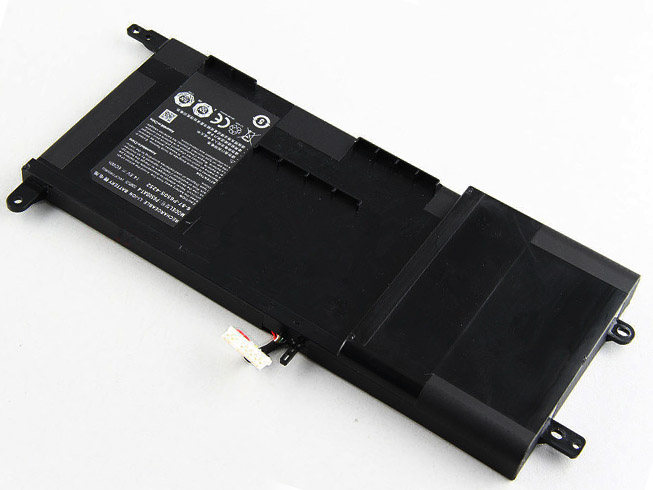
Clevo Sager NP8650 NP8651 NP8652 14.8V 60WH Battery

Buy Clevo P650BAT-4 Laptop Battery replacement for Clevo P650SA P650SE P650SG Sager NP8650 NP8651 NP8652 .

Fit Machine Model Clevo P650SA P650SE P650SG Sager NP8650 NP8651 NP8652 – 60WH – 14.8V.

OriccaBattery.co.uk ◆Free Shipping ◆ One year warranty ◆ 30 days money back guarantee.

P650BAT-4

Clevo P650BAT-4 Specifications
Brand: Laptop Battery for Clevo
Capacity:60WH
Voltage:14.8V
Type:Li-ion
Color:black
All products from our shop are 100% the highest quality!
We provide the high quality Laptop Adapters!

PRODUCT COMPATIBILITY:

P650BAT-4
6-87-P650S-4252

REPLACEABILITY WITH THE FOLLOWING MODELS:

Clevo P650SA
Clevo P650SE
Clevo P650SG
Sager NP8650
Sager NP8651
Sager NP8652
Hasee Z7m

How to Maintenance your new replacement Clevo P650BAT-4 battery?
1. New Clevo P650BAT-4 battery pack must be fully charged before use.
2. New battery pack needs to be fully charged and discharged (cycled) a few times before it can condition to full capacity.
3.Laptop battery undergo self-discharging when left unused. Always store a Clevo P650BAT-4 battery pack in a fully charged stage for storage.
4. Fully drain and fully recharge your battery pack every few months.
5. Turn down the LCD brightness of your portable device.
6. Use built-in power management on your portable device.
7. Turn off LCD or other unnecessary accessories when not in use.
8. Set screen saver blank to 1 to 2 minutes of your notebook.
9. Add more RAM if you have extra RAM expansion slot, it will reduce the usage of hard drive and it is power exhaustive.
10. Close unused software in your Clevo P650SA P650SE P650SG Sager NP8650 NP8651 NP8652 laptop .
11. Remove unused PC Cards or USB devices from your notebook.
12. Don´t watch DVD or play graphics intensive video games.
13. Don´t short circuit terminal or store your Clevo P650BAT-4 Laptop Batteries pack with metal parts. 14. Don´t drop or mutilate the Clevo P650BAT-4 battery pack.
15. Don´t expose to moisture or water.
How to Fix Dead Laptop Battery!

I am gonna show you how to fix laptop batteries that are dead. First of all lets discuss why batteries get dead so we can prevent them from being dead. This is not a hoax but a real method 100% working.
1. Li ion batteries can not be left without charge for a long time this will make them dead. Use and charge them atleast once a day.
2. Overcharge. Though Laptops have overcharge protection IC but still our batteries can be dead by overcharge.
3. Over Voltage. This can lead them to explode also. Only overcharge them when every other solution gets failed to bring them back to life.

Now lets discuss how to fix dead laptop batteries.
1. By Over Voltaging (Charging directly by 19v charger or laptop charger)
2. By disassembling them and repairing them from inside.

Step 1: Fixing Laptop Battery by Over Voltage.
Materials needed
Laptop Charger or PSU (Set PSU to 18 or 19v)
Thin Wire (You can get these wires from ethernet cable) See Image.
Crocodile Clip.

Solution
1. Check Pinouts of Battery.
2. Usually pinouts for positive negative are mentioned on battery, if not search on google pinouts for your battery model.
3. Take thin two thin wires about 7 inches.
4. Let Wire ‘A’ positive and Wire ‘B’ negative.
5. Remove 1cm cover from wire A from both sides.
6. Remove 1cm cover from one side from wire B, and remove 2cm from other side, fix the second side in crocodile pin.
7. Insert wire A in positive slot of battery. Insert 1 cm of Wire B in negative slot.
8. Insert other end of Wire A in hole inside charger pin (postive slot of charger), and attach outer conductor (negative slot of charger) with crocodile clip.
9. Leave battery for 2 hours.
10. Check laptop battery by inserting it in laptop.
11. If Battery is not working, proceed to next solution.

Step 2: Fixing Battery by Disassembly and Repair.
1. open laptop battery case. Watch Video for full disassembly.
2. After opening case, see how cells are attached to the circuit. Make a diagram you will need it in future.
3. Remove Wiring.
4. Rewire batteries and circuit with copper flex wire, but do not attach cells and circuit.
5. Charge each cell individually with universal desktop charger. See Image. Better to use a universal desktop charger with battery meter so you can know if cells are fully charged. Usually charge time is 8 hrs.
6. Check cells after 8 hrs with multimeter. If voltage reading is below 3v charge them futher. If still 0v, then cells are damaged you have to replace that cell. If 3v or more than 3v then cells are good and battery is fixed.
7. Follow the wiring diagram.
8. Wire you batteries according to it.
9. Repack battery.
10. Check Battery If it gives the voltage mentioned on its label.

>>>>>>>>>>>>>Laptop and Notebook Battery & Adapter Online Shop