We special in laptop battery ,laptop adapters for most of top brands, such as apple,acer, asus, dell, fujitsu,hp, compaq, ibm, lenovo, toshiba, samsung, sony on UK,all the ac power adapters, laptop batteries are high quality and low price.
Power and ports abound, but heavy loads make this 2-in-1 warm up.
Verdict
The HP OmniBook X Flip 14 is a strong performer with lots of ports, but it runs hot under intense tasks and doesn’t last all day on a charge.
Pros
+Strong performance among Windows ultrabooks
+Speedy SSD
+Lots of ports
Cons
-Mediocre battery life
-Runs hot under load
The idea of a convertible is one of balance and flexibility. It’s could be one of thebest ultrabooks, but could also be a tablet; It’s powerful, but portable; You can write, or you can type. With the HP OmniBook X Flip 14, ($1,509.99 as tested), the balance falls in the favor of performance.
The AMD Ryzen AI 7 350 processor delivers powerful productivity performance, and its plethora of ports allow for a ton of accessories and external drives.
But there are tradeoffs in battery life and heat, which may affect your decision based on the type of work that you do.
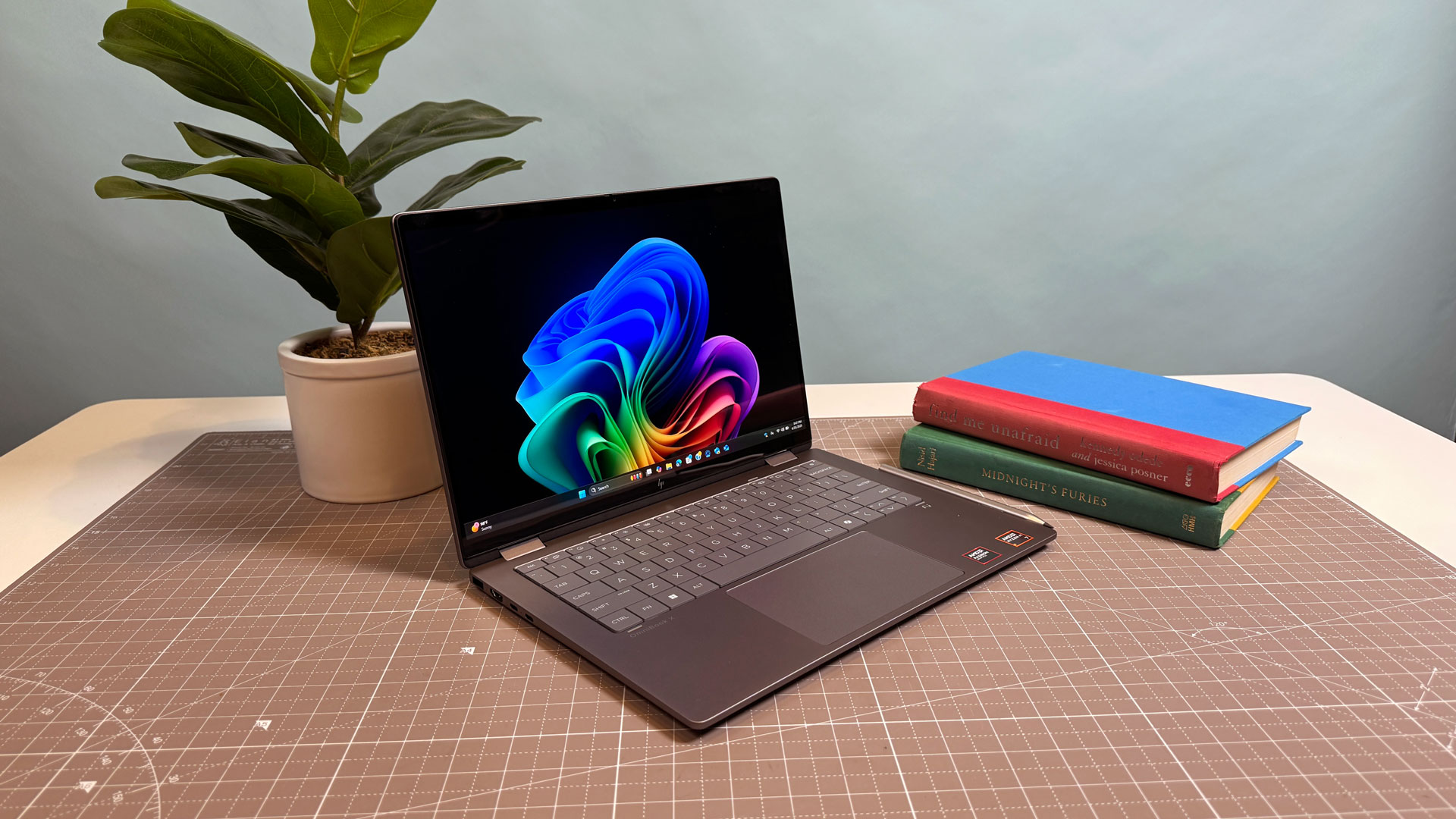
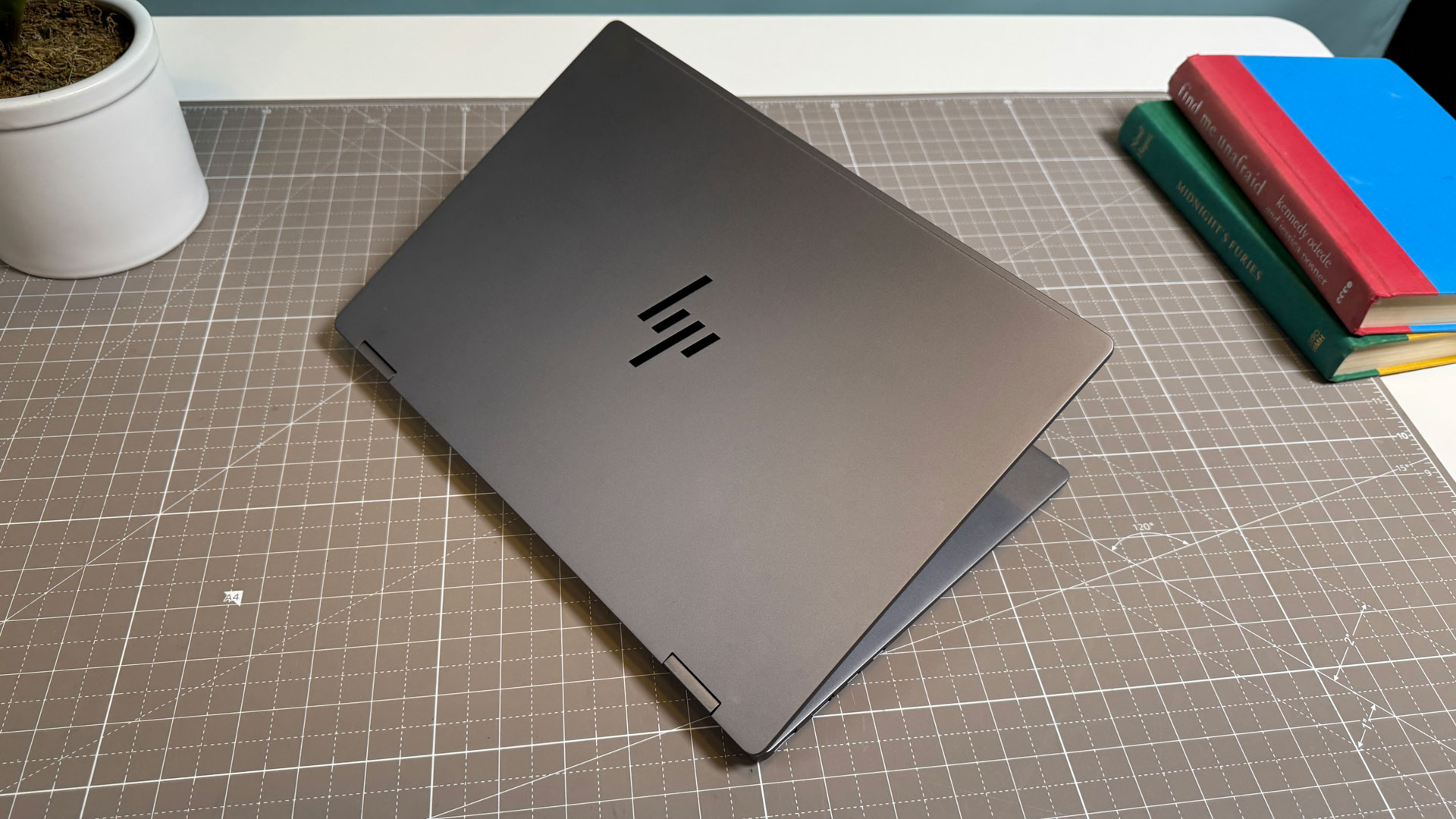
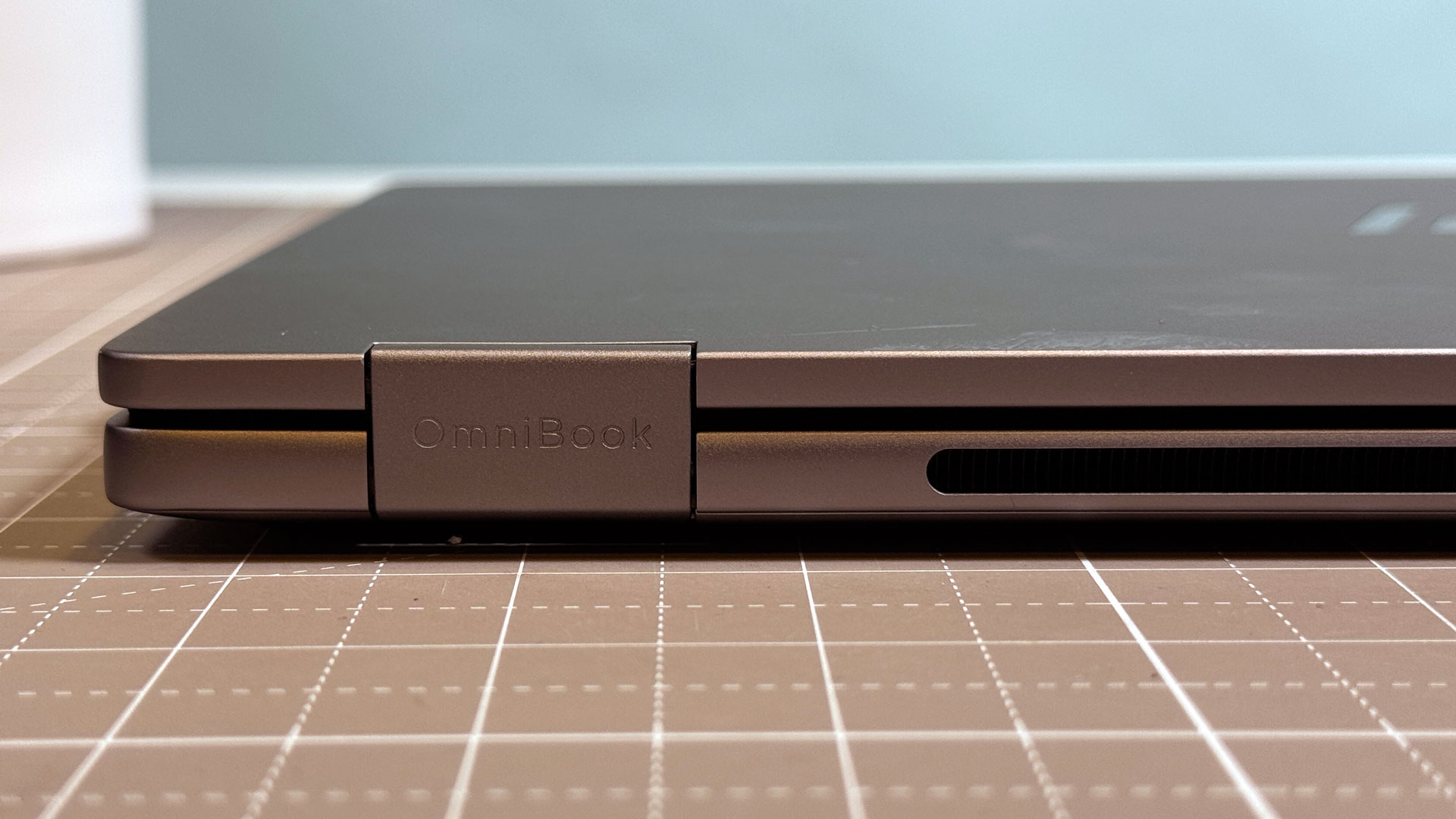
The HP OmniBook X Flip 14 is inoffensive. I don’t think anyone will mind the rounded corners and straight edges on the “meteor silver” chassis, but I find that this design lacks all of the personality found on the old HP Spectre x360 premium ultraportables. HP has designed a laptop I would expect to see in an Ikea showroom without a logo on it.
The system feels sturdy with a metal build that doesn’t flex (except the hinges, which are supposed to on a convertible!).
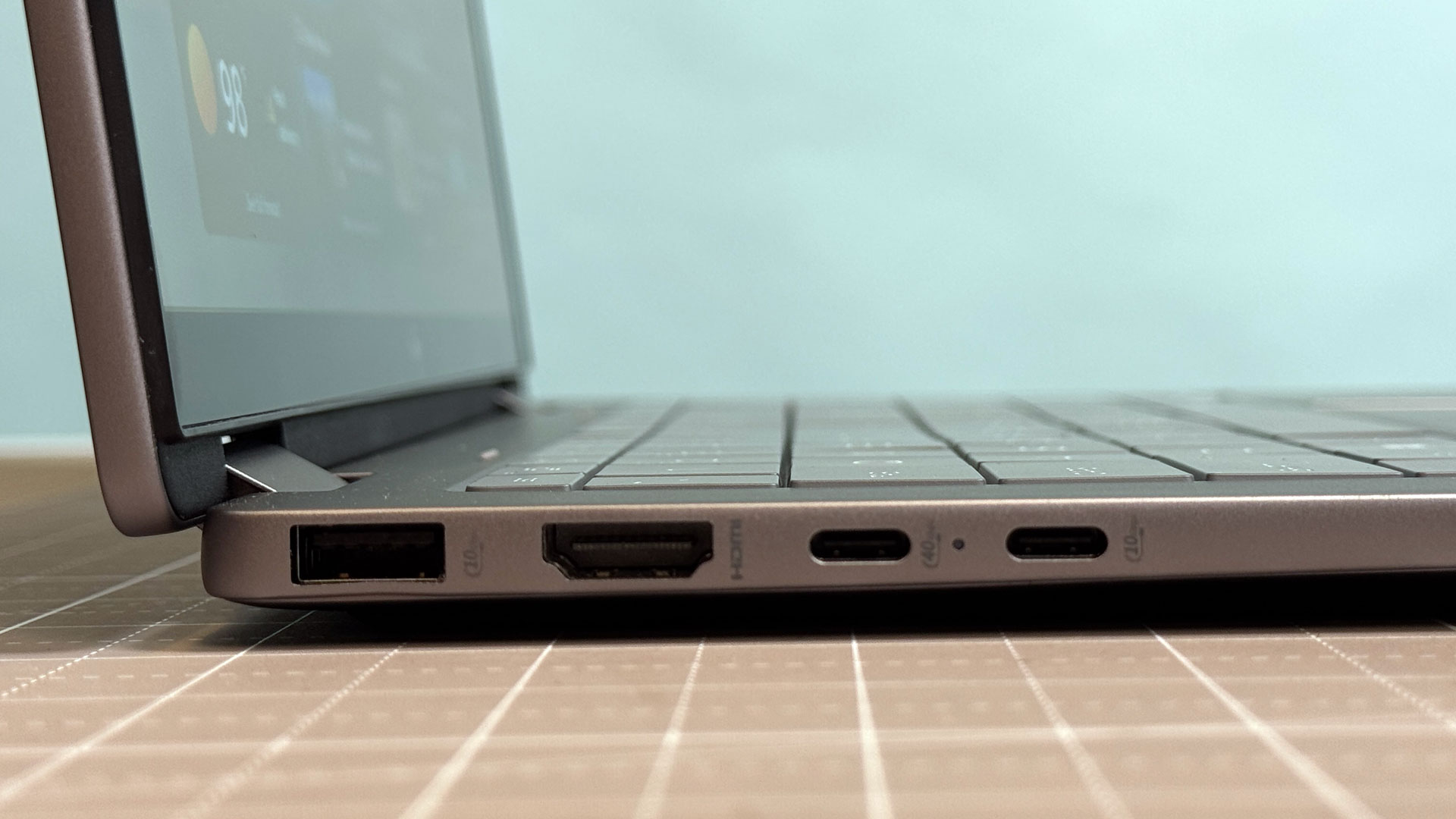
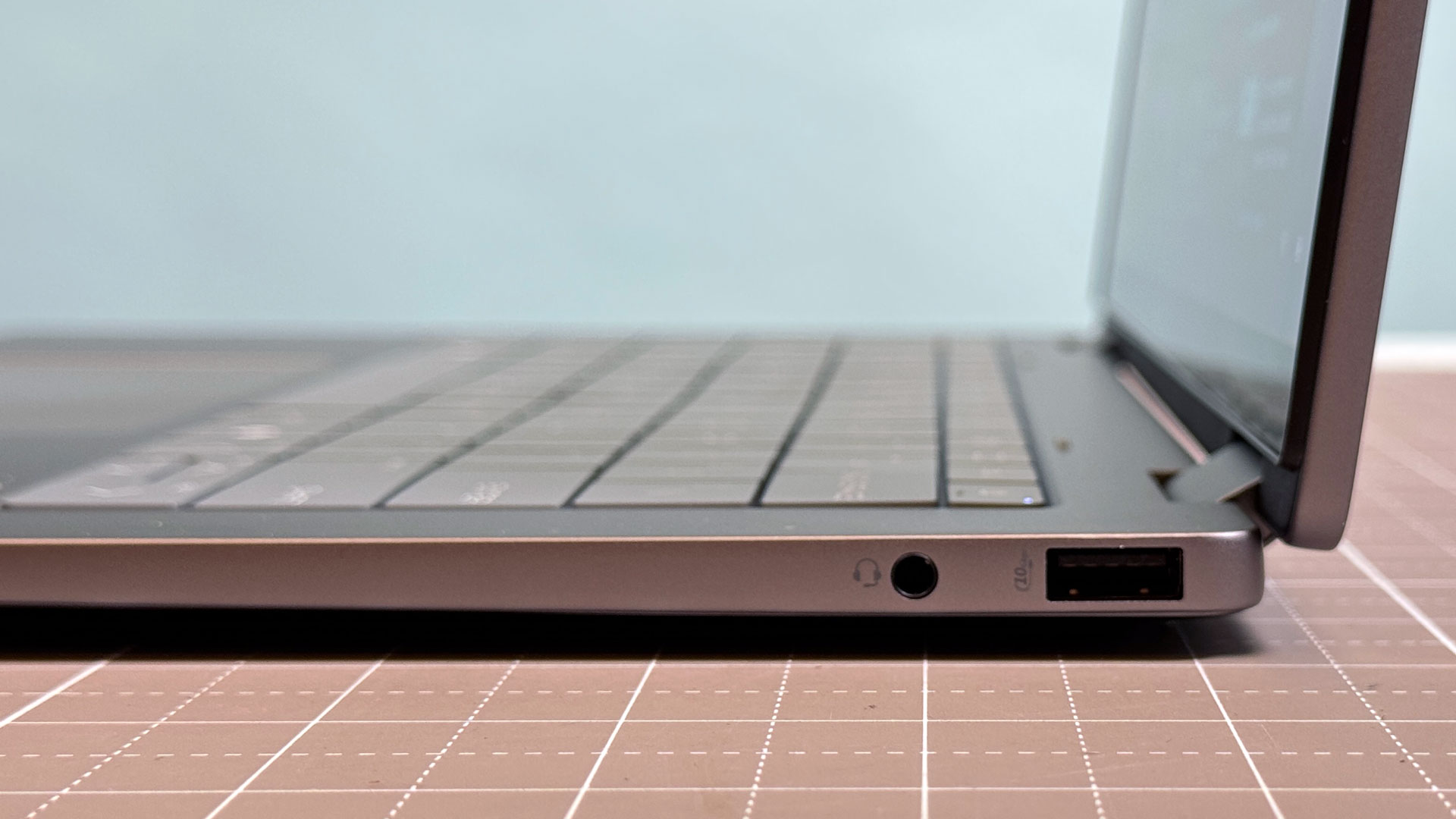
What the system lacks in charm, it makes up for in ports. The left side has a USB Type-A port good for 10 Gbps, HDMI 2.1, and a pair of USB Type-C ports (one at 40 Gbps, the other a slower 10 Gbps). On the right side, there’s another USB-A 10 Gbps port and a headphone jack.
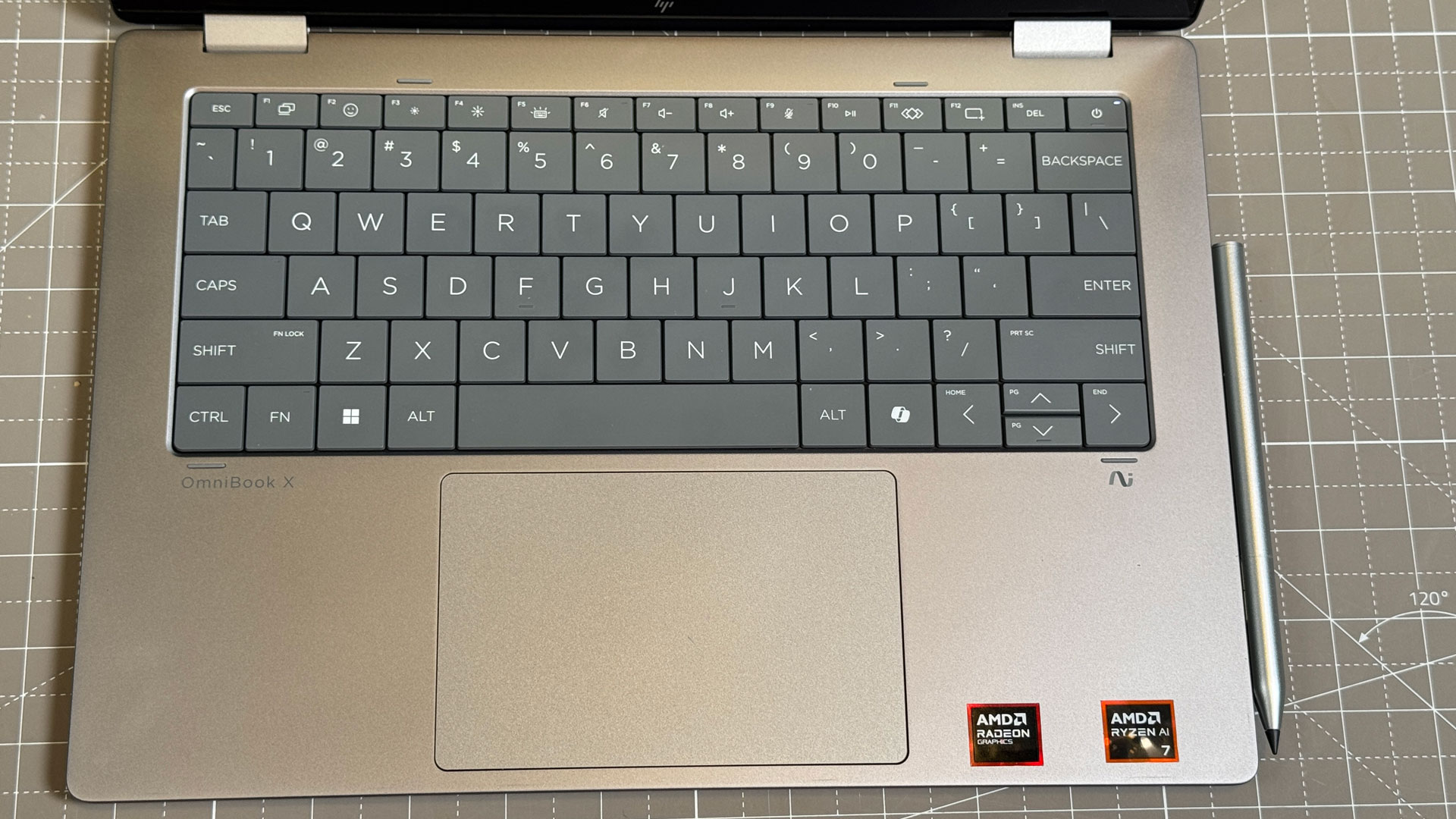
I needed two hands to open the system (I prefer to be able to just use my thumb). The bezels around the display are reasonable, but what may surprise more people is the lattice-free keyboard, meaning that there are barely any gaps between keys. If this looks familiar to you, it’s because Dell went this way a few years ago with the Dell XPS 13, though HP had the sense to keep the function row. I do wish HP had kept the accent colors from the HP OmniBook X on this laptop; That would’ve given it a bit of spark.
Measuring 12.32 x 8.60 x 0.58 inches and weighing in at 3.11 pounds, this system is easy enough to fit in a backpack. Its chief rival, theLenovo Yoga 9i 2-in-1, is lighter at 2.91 pounds, though it’s a thicker 0.65 inches.
Traditional laptops in this price range are similar in size, like the14-inch MacBook Prois 3.4 pounds and 0.61 inches, while the14-inch Lenovo ThinkPad X9is 2.8 pounds and 0.61 inches.
Keyboard, Touchpad, and Stylus on the HP OmniBook X Flip 14
HP told me that the OmniBook X Flip’s lattice-free keyboard “deliver[s] an even faster, more comfortable typing experience.” In practice, the keyboard has a tactile feel, but even my trained touch typist fingers occasionally mashed the wrong key. On the monkeytype typing test, I reached 110 words per minute, which isn’t bad but not my fastest. I also ended up wwith a higher-than-average 5% error rate.
I can get used to the keyboard design. It does, however, have a few inherent flaws. Because keys are forced into a grid, the idea of my preferred “inverted T” arrow design goes out the window in favor of half-height up and down keys. It also means that the length of some keys, like Enter, Backspace, Tab, and Shift are dictated in part by the size of the letter keys.
I also think some of the function keys can be rethought. I think HP can do better than F2 being used for emoji and F1 pulling up the project display settings. The programmable F11 key could be nifty, except that you have to choose between two HP apps as opposed to using it for whatever you want. HP has software for this on theMicrosoftStore, but it didn’t work for me.
The touchpad is a run-of-the-mill mechanical clickpad, though it feels a bit plasticky. It clicks and is good enough at gestures and tracking my finger for my liking. I wish HP would switch to a haptic touchpad, but otherwise this is largely inoffensive.
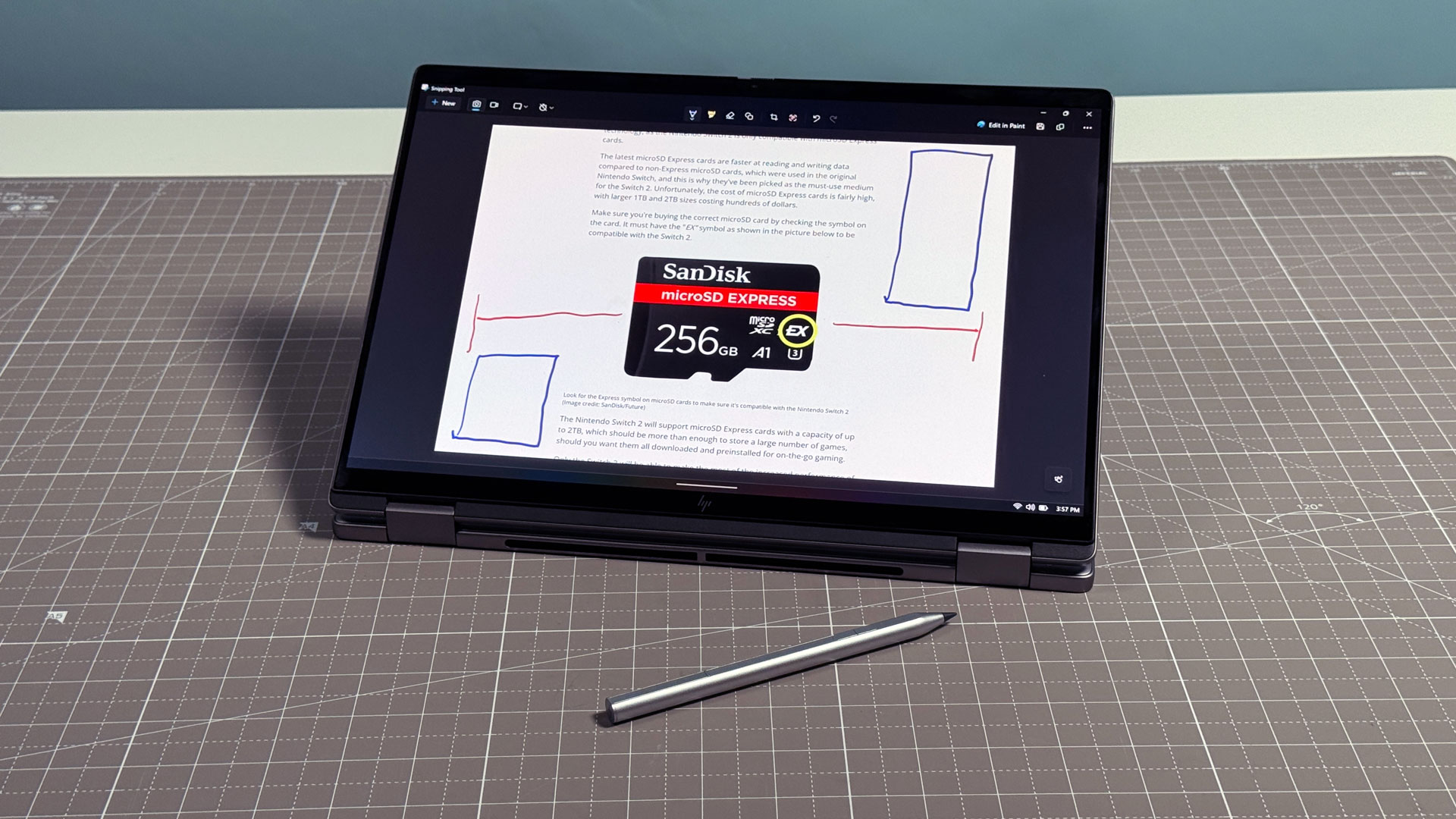
The stylus that came with our unit, an HP Rechargeable MPP2.0 Tilt Pen, attaches magnetically to the right side of the notebook for storage. It’s about the length of a standard pen, with two barrel buttons near the top. There’s no top button or eraser, which would be nice to have, but the default pen tip is nice and smooth on the touchscreen. To charge the stylus, you can slide up a side panel to reveal a USB Type-C port.
Audio on the HP OmniBook X Flip 14
HP’saudiois pretty decent for a 14-inch laptop.The Indigo Girls’ “Closer to Fine” filled my apartment with loud volume, clear harmonies, and balanced acoustic guitars. At the highest volumes, the speakers sounded a bit tinny, so you’ll want to keep it somewhere in the middle.
Like many laptops of this size, there’s basically no bass to speak of. Daft Punk’sAerodynamicwas pretty flat.
My biggest issue with these speakers is that you can feel them at work under the wristrest as you type. The vibrations bothered me, especially at higher volumes. At low volumes, around 35%, it wasn’t an issue at all.
Sometimes, convertible 2-in-1s sound best in specific positions. HP has the laptops on a lip under the wrist rest, so even in tablet mode, they’re never blocked. For the most part, the sound was fairly consistent no matter how I used the notebook.
Upgradeability of the HP OmniBook X Flip 14
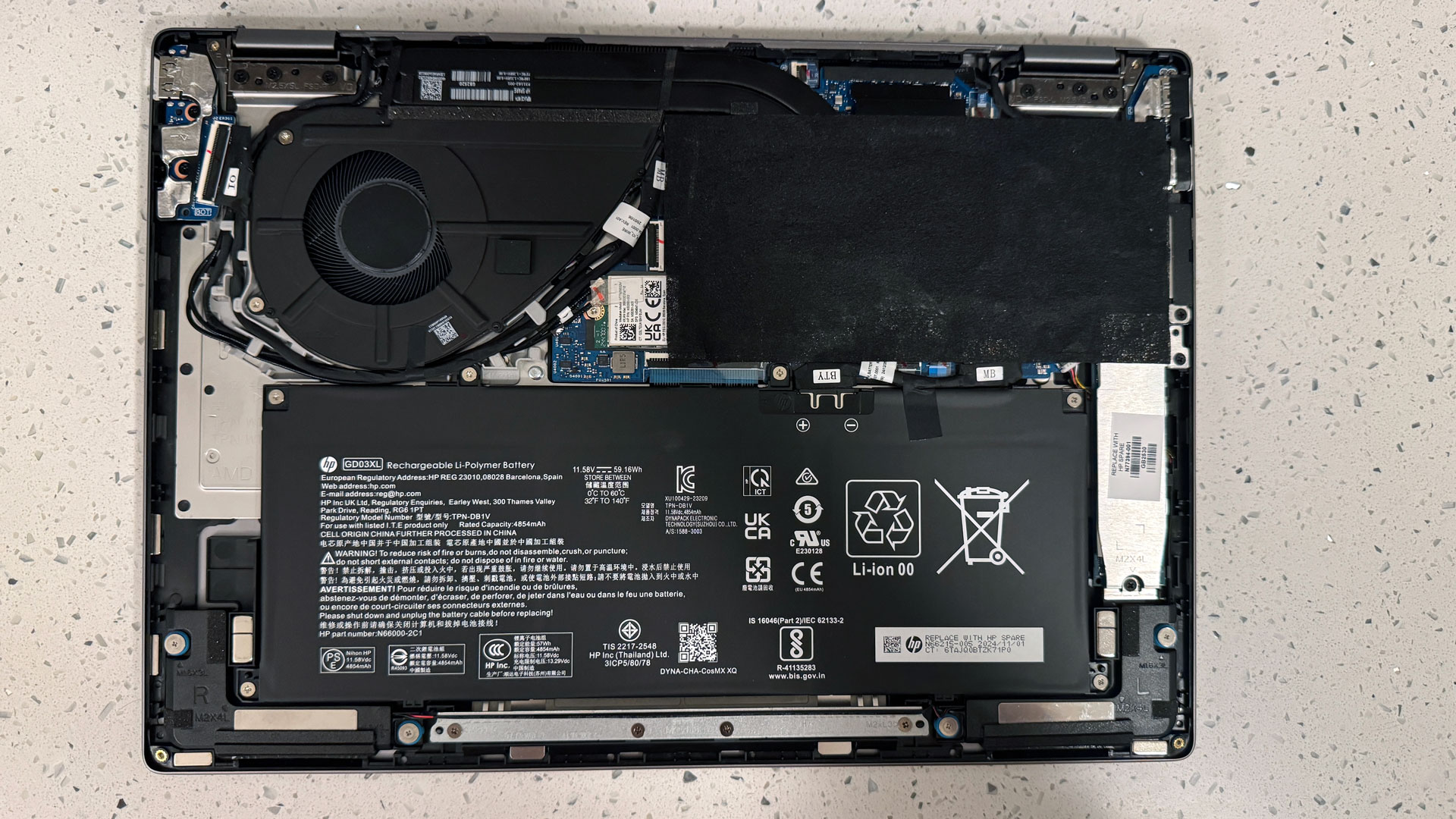
To get into the OmniBook X Flip 14, you’ll need to remove three screws and loosen one captive screw. All of them use the same Torx T5 screw head. Keep the screws organized — the two near the palm rest are far shorter than the one that comes out from behind the laptop’s right hinge. From there, a pry tool behind the hinges should pop the base clean off.
Inside, there are only a few replaceable parts. First off is the battery, which is held in by four screws and, of course, connected by a cable to the motherboard.
The SSD and Wi-Fi card are also both accessible. There’s a protective layer over the CPU and heat pipes (probably for heat shielding) that partially covers these items, but you can peel it back with your fingers.
The SSD heatsink has a sticker on it that reads “REPLACE WITH HP SPARE N77394-001”, which happens to be a different number than is listed in the maintenance manual. HP isn’t really known for parts pairing, though, so I expect that any M.2 2280 SSD would work.
Heat on the HP OmniBook X Flip 14
The Flip 14 can get toasty under load. During our Cinebench 2024 stress test, the laptop measured 106.8 degrees Fahrenheit at the center of the keyboard, a cooler 91 F on the touchpad (that’s still warm for a touchpad), and 117.5 F on the bottom of the notebook.
Inside, the processor measured an average of 66.65 degrees Celsius.
The good news is that during regular usage under standard office workloads, the system never got nearly as hot.
Software and Warranty on the HP OmniBook X Flip 14
HP has filled the OmniBook X Flip 14 to the brim with software.
MyHP features settings options for audio,video, display, battery, and system control, as well as featuring warranty info. But it also features ads for HP peripherals. The app is slow and clunky, and many of the settings are better changed in Windows.
HP also includes a ton of software, including HP AI Companion (an AI assistant to answer questions about your computer that requires an HP account), HP Smart (to set up printers), HP Enhanced Lighting (a virtual ring light), HP support Assistant, HP System Event Utility, and more. That’s just the big ones.
While AMD’s CPU includes decent integrated graphics power, HP’s Omen Gaming Hub doesn’t make a lot of sense on this notebook.
HP continues to include partner software that bloats the start menu and the Edge browser, including links to Booking.com, offers from Adobe, and a Dropbox promotion for a free 100GB of storage for 90 days
HP sells the OmniBook X Flip 14 with a standard one-year warranty.
HP OmniBook X Flip 14 Configurations
We tested the HP OmniBook X Flip 14 in a custom configuration from HP’s website. This $1,509 version of the system has an AMD Ryzen AI 7 350, 32GB of RAM, and 1TB of storage, as well as a 2880 x 1800 touchscreen and an upgrade to a Wi-Fi 7 module.
The base model is $1,099 at Best Buy, with the same AMDAPU, 24GB of RAM, a 1TB SSD and a 1920 x 1200 touchscreen and Wi-Fi 6E. As of this writing, it’s on sale for $749.99. At that price, I’d definitely go for the cheaper option.
Bottom Line
HP’s OmniBook X Flip 14 is a great 2-in-1 if your primary focus is on performance. Its AMD Ryzen AI 7 350, 32GB of RAM, and 1TB as tested delivered strong scores in ourbenchmarks, particularly when compared to other Windows machines.
The system also has plenty of ports peppering its sides, making it great for those who use a lot of peripherals and external devices.
If you want more of an all-around device, however, you should take a look at Lenovo’s excellent Yoga 9i 2-in-1 Aura Edition, another 14-inch 2-in-1 which has a similarly vivid screen to the OmniBook, but is even brighter. It also boasts longer battery life, and has far better battery life.
But the Yoga’s Intel processor wasn’t as powerful in our tests. For that, the OmniBook X Flip 14 is the way to go.
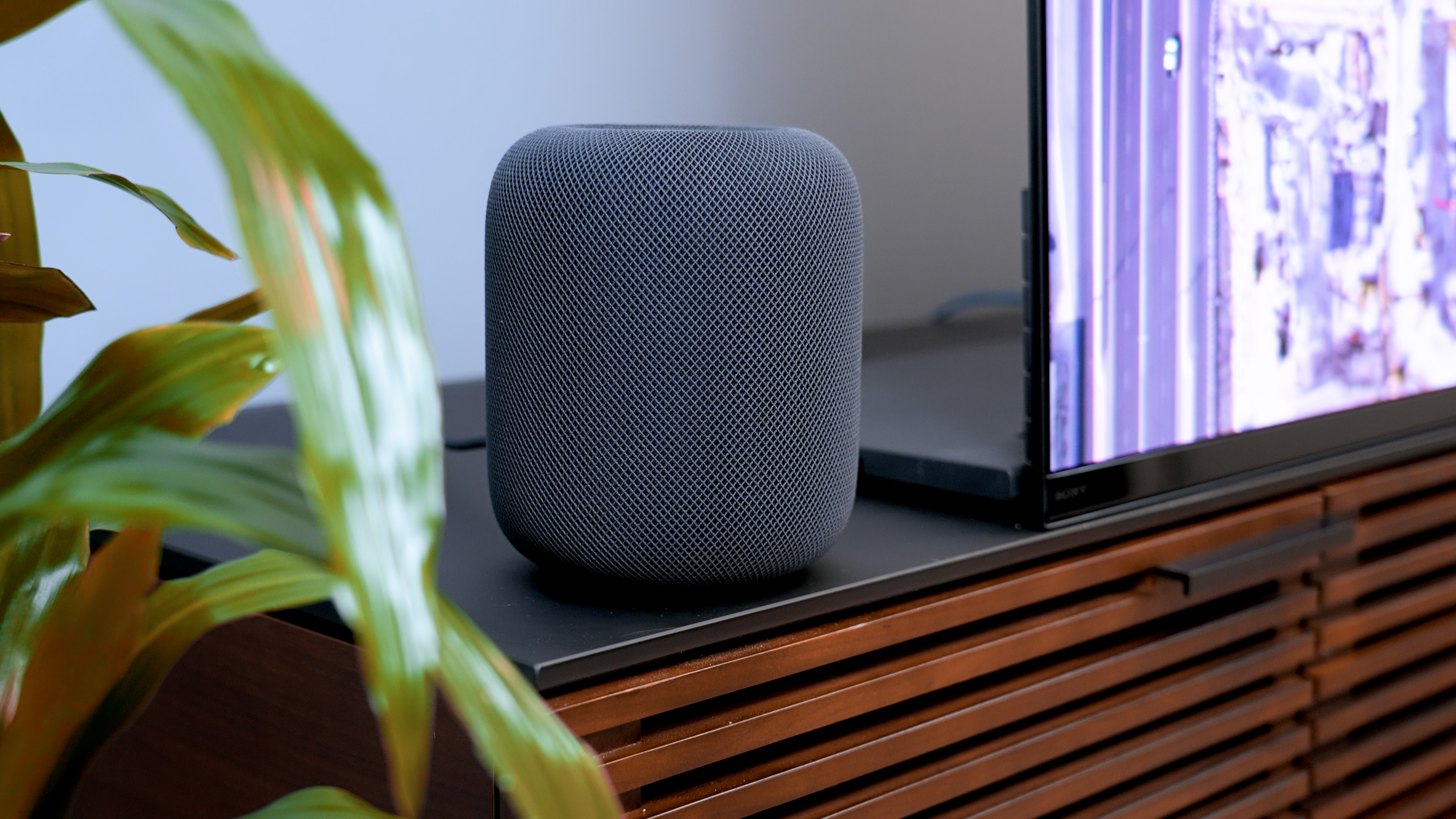
Amazon AlexaandApple Homeare two of the best smart home platforms around. Both support hundreds of devices, dozens of product categories, and offer a simple way to automate your smart home. However, there are some big differences between these two technologies, and choosing the wrong one could prevent you from syncing your favorite devices. Not all of the products that work with Apple Home (sometimes referred to as HomeKit) work with Alexa, meaning you need to be careful when choosing which to adopt.
Thankfully, both are excellent choices for your home. They also work withMatter, allowing you to access gadgets outside their primary platform. Choosing the right option for your home largely comes down to personal preference — and you should base your decision on which products you plan to use with the software. Love your Echo Show? Opt for Alexa. Prefer your HomePod? Apple Home is the better choice.
Here’s a closer look at Amazon Alexa and Apple Home to help you find the best platform for your needs. This includes a look at supported devices, hubs, and ease of use.
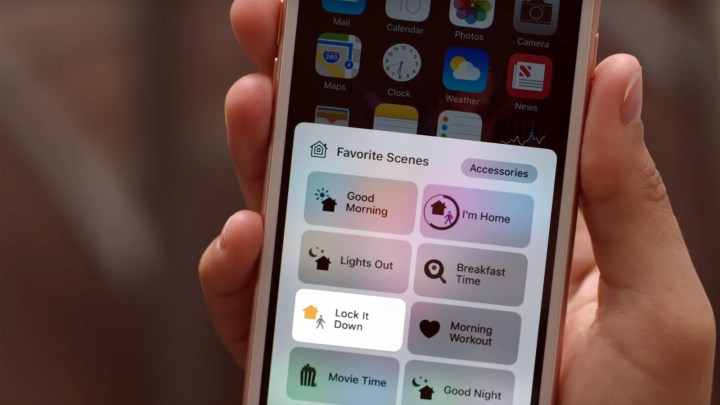
Smart home platforms offer a centralized place to control all your smart home products. After loading up the software (whether it be on your phone or a hub device), you’ll be able to see a list of everything in your smart home and have easy access to all its controls.
Of course, you don’t necessarily need to use a smart home platform, as most smart home products come with their own standalone applications. But if you have tons of gizmos sitting around your house, each with its own app, it can be cumbersome to flip through all of them to carry out basic tasks. With a smart home platform such as Alexa or Apple Home, everything in your home can be accessed in one unified location.
Hub devices are the center of most smart homes, with both smart speakers and smart displays giving you ways to control the rest of your setup. However, Apple doesn’t have the most robust selection ofHomeKit hubs, as you’ll largely be limited to the HomePod, HomePod mini, Apple TV 4K, or a standard iPad Pro.
Note that iPads are no longer supported as a home hub on the new Home architecture, meaning you’ll likely want to use an Apple TV 4K or a HomePod as the brains of your operation.
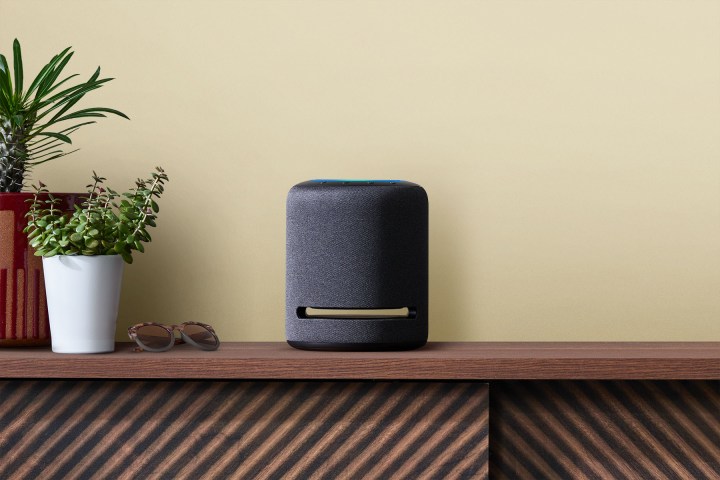
Amazon Alexa, meanwhile, works with the entire Echo lineup (which includes a variety of smart displays and smart speakers), as well as third-party products like the Sonos One or Bose Home Speaker 500. Amazon also seems to be churning out more smart home hubs for Alexa than Apple is for HomeKit. In fact, Apple doesn’t even have a dedicated smart display for Home — although that could bechanging in the future. So if you’re set on adding a smart display to your home, you might have to wait a while if you pick Apple Home.
Winner:Alexa
Compatible devices
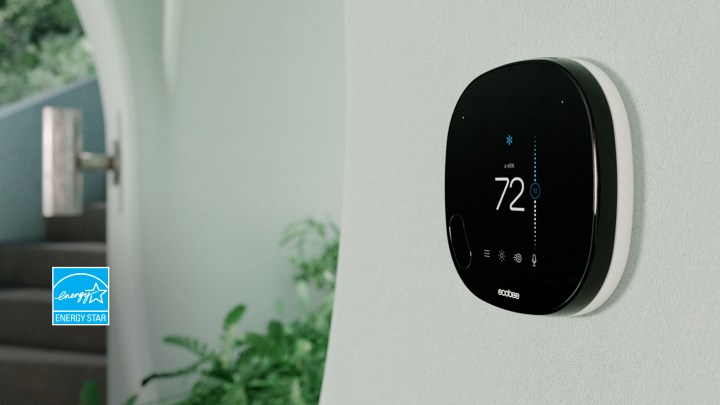
Without a doubt, Amazon Alexa is supported by more products than Apple Home. From video doorbells and smart thermostats tosmart speakersand robot vacuums, it’s hard to find a product that doesn’t work with Amazon’s smart home platform. Amazon itself churns out some of the best products for Alexa, including the Amazon Smart Thermostat, Blink Video Doorbell, and more.
Apple falls far behind Amazon in terms of sheer number of compatible products, but its smaller pool is arguably of similar quality. So while you won’t have dozens of smart speakers to choose from, having HomePod and HomePod mini support with HomeKit is a big win. There are also plenty of third-party products thatwork with HomeKit, including popular items from Nanoleaf, Schlage, and Ecobee. Expect to see this number balloon further asMattercontinues to roll out to more products.
For now, however, it’s hard to go wrong with Amazon Alexa, as you’re all but guaranteed to find something that fits your needs. Apple Home is no slouch, but its catalog is a bit smaller and typically a bit more expensive than the competition.
Winner:Alexa
Ease of use
Apple
With intuitive smartphone apps and responsive voice assistants, both Apple Home and Alexa are remarkably easy to use. Alexa works across both Android and iOS smartphones, while Apple Home is limited to iOS devices, but aside from that quirk, controlling your smart home is as simple as opening an app.
Winner:Tie
Verdict
Amazon
If you’re glued to the iOS ecosystem and don’t mind a smaller pool of products to choose from, there’s nothing inherently wrong with Apple Home. It’s functional, easy to use, and supports more than enough products to build a robust smart home.
Alexa, however, is an easy recommendation for everyone. With a catalog that’s bursting with top-tier products, you’ll never have a problem finding something that fits your needs and budget. Shoppers on a budget will find Alexa to be an incredible option, as you can pick up the Echo Pop to use as a hub for just $40 (and it’s often on sale for much less).
Alexa is also a great voice assistant, capable of tackling any task you throw its way. Siri performs voice tasks just as well as Alexa, but the fact that it’s limited to fewer products makes HomeKit harder to recommend.
All told, Alexa is probably a better choice for your smart home than HomeKit. With a wider variety of products and support for both Android and iOS devices, it’s hard to go wrong with Amazon’s comprehensive platform. HomeKit is a close second, but with fewer options and some big omissions, there’s not much of a reason to pick it over the competition.
Ever since finding my very first PC that fit my budget (and need for power) back in 2009, I’ve been on the hunt for the very best budget laptops that offerallthe bang for your buck.
Now, with my expert team and I reviewing dozens of laptops each year, I can bring my search expertise to help you find one yourself.
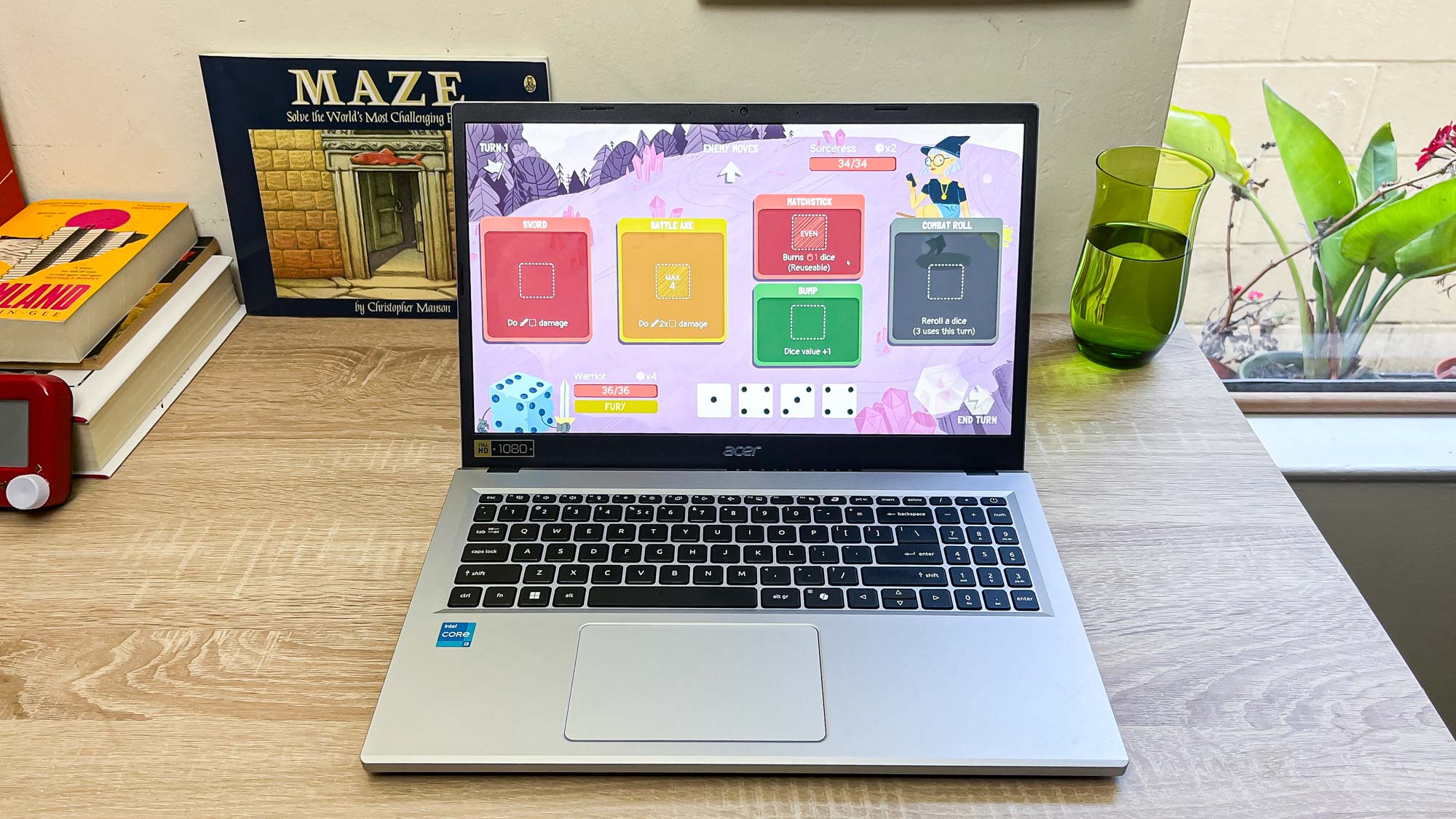
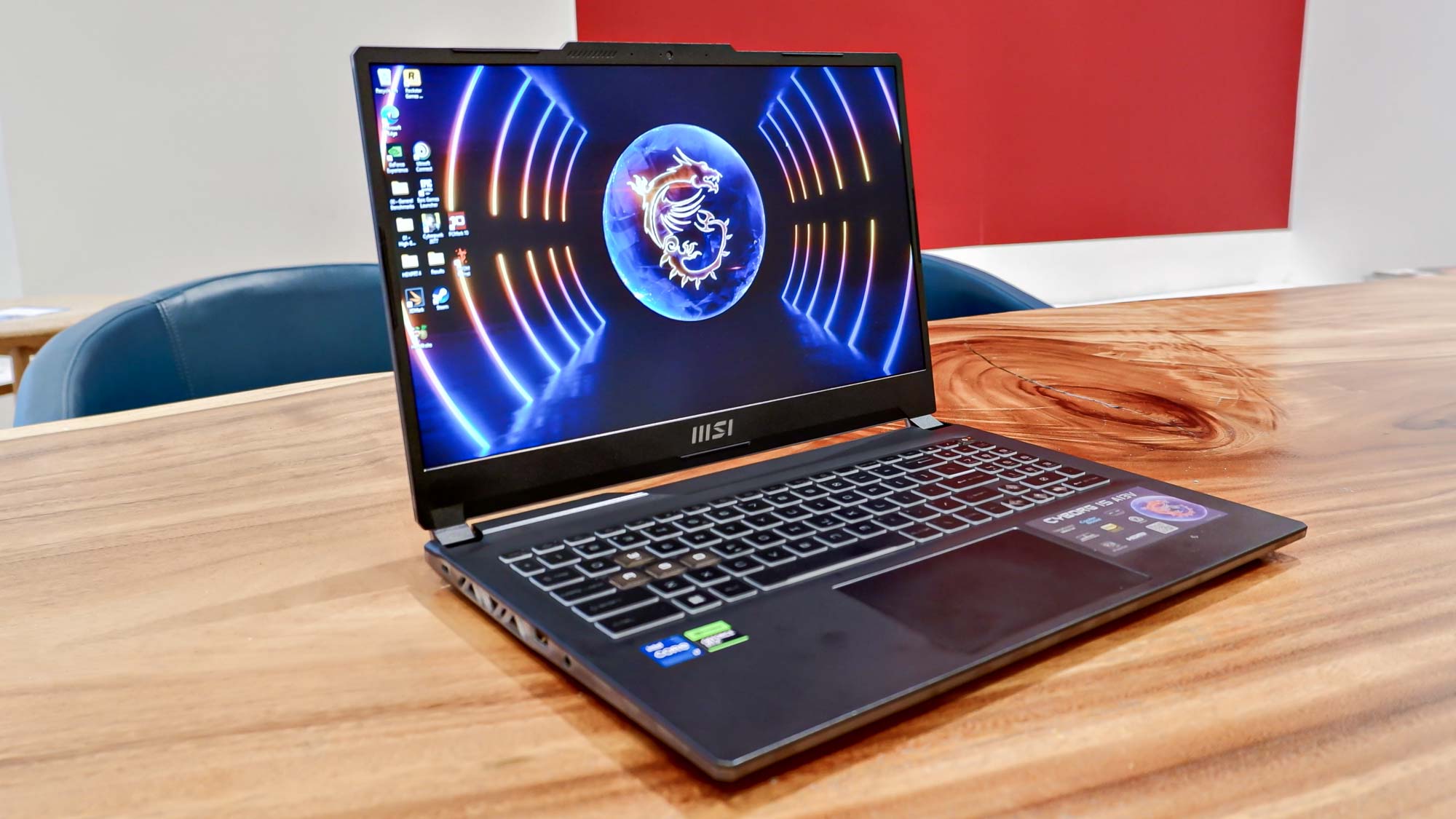
Budget doesn’t have to mean bare minimum, and you may be surprised to find that productivity notebooks for work or studying (like theAcer Aspire Go 15) and even gaming laptops (check out theMSI Cyborg 15) with impressive specs won’t have to empty your wallet. Whether it’s a budget laptop for students or even some light video editing, I’m here to point you toward the ones worth investing in.
If you’re after even more affordable options, you’ll want to head over to our list of thebest laptops under $500.
To make sure you’re saving cash without sacrificing too much, think about the following:
What will I use my laptop for?
Depending on what you generally do on a laptop, one may be more suited to you than others.
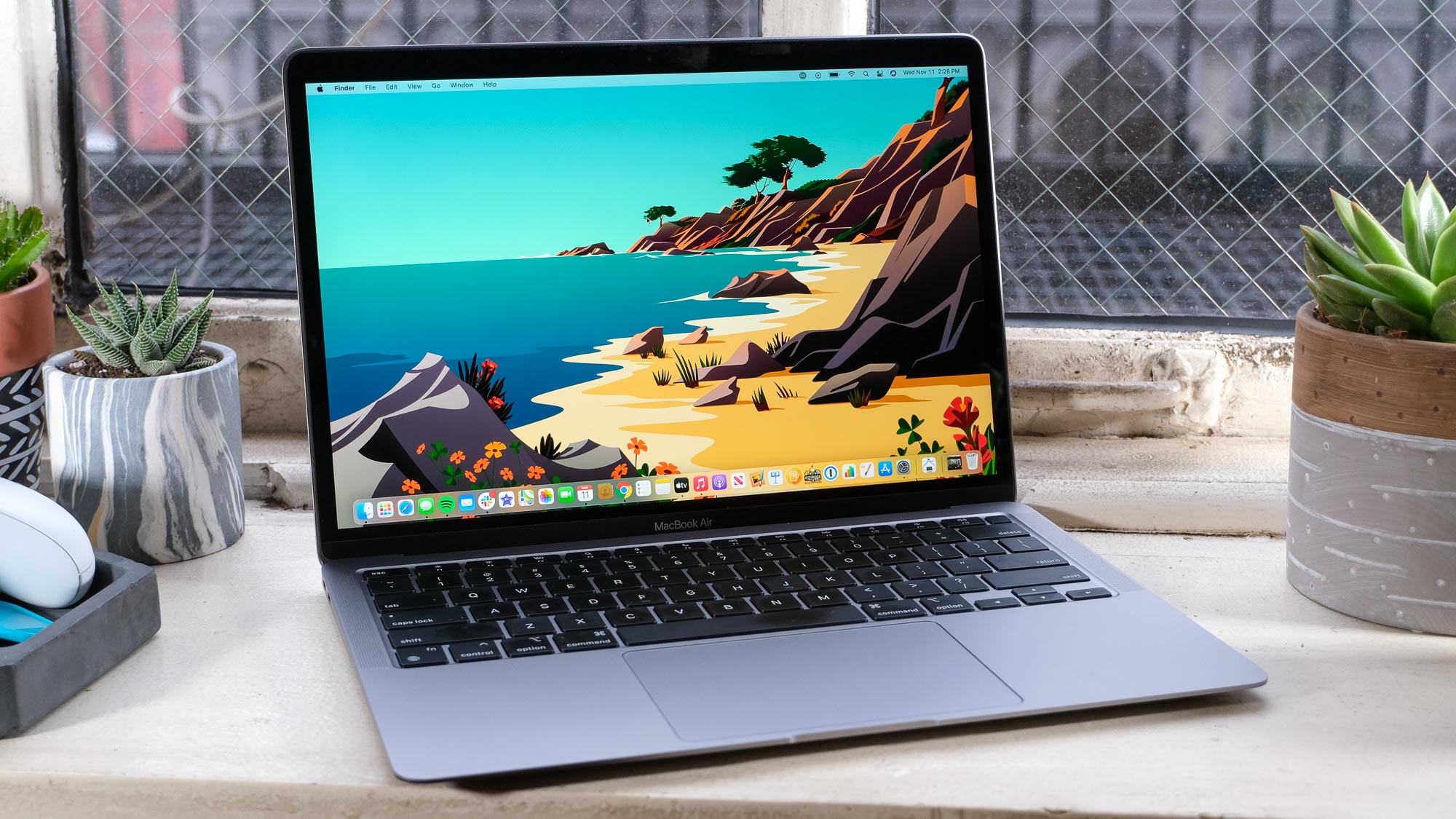
Studying or Work:If you’re looking to work on documents, answer emails or head into video calls while you’re jumping between work spaces, you’ll want a lightweight, portable notebook that has the power to multitask and last you more than just a couple of hours. That’s where theAcer Aspire Go 15(for Windows 11) andMacBook Air M1(for macOS) come in handy, as they offer decent performance, great battery life and great value for the money.
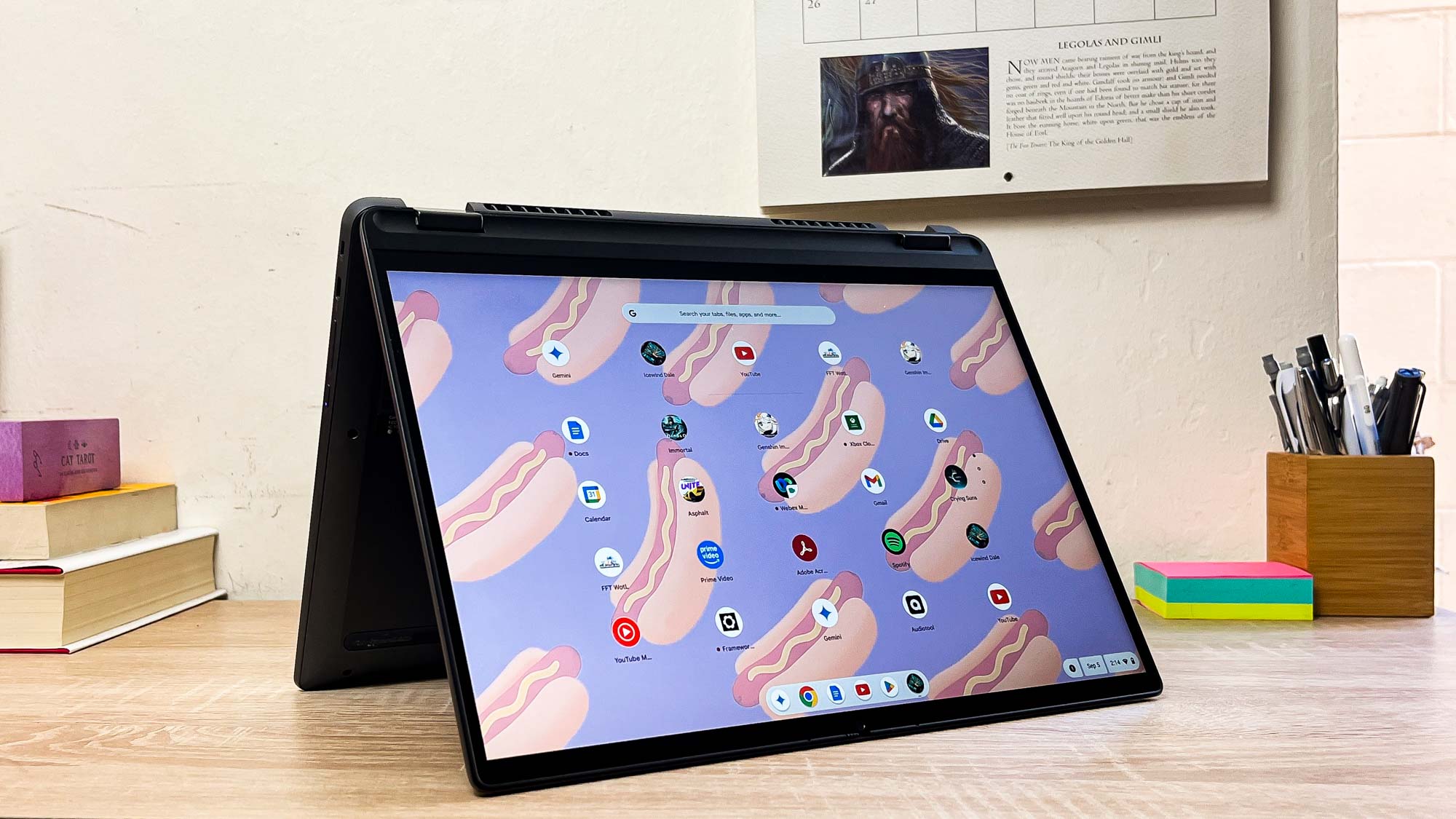
Casual use:If you prefer to have a laptop for browsing websites, binge watching your favorite shows or jotting down a few notes, the good news is you won’t have to pay a pretty penny for one. But you’ll still want a decent display or even a touchscreen to interact with them far more easily. Chromebooks excel at this, and theLenovo Flex 5i Chromebook Plusor theLenovo Chromebook Duet 3are fantastic options. The former is more premium (but great for watching shows), while the latter is a 2-in-1 that offers versatility.
Gaming:If you don’t want to break you bank account on a gaming laptop but still want enough power to run popular PC games, especially when it comes to multiplayer titles, getting a machine that offers a strong enough CPU and GPU, along with enough RAM, is essential. Budget laptops won’t offer maxed-out graphics in AAA games, but they can still deliver excellent gameplay with smooth visuals. That includes theMSI Cyborg 15andAcer Nitro V 15, which boast RTX 40-series GPUs and surprisingly good performance — for the price, that is.
How much should I spend on a laptop?
This entirely depends on your budget, but anything around $500/£500 is considered an excellent price for a laptop. Although those numbers are a tad different for gaming laptops, as anything under $1,000/£1,000 is what you can expect from a budget gaming machine.
Now, notallbudget laptops are worth their low price. Some lean too hard on lackluster components to make up for their cheaper cost, but if it can barely open a Chrome tab or two without stuttering or, even worse, crashing, then there isn’t much point in spending money on it.
Still, there are several laptops that offer a great price-to-performance ratio, and you can find some for around $300/£300 while offering commendable power. If you’re only looking for an entry-level machine to get everyday tasks done, then a budget laptop will help you save while also giving you the performance you require.
+Comfortable keyboard +Useful port array +Good battery life (10 hours tested)
Reasons to avoid
-Crappy 720p webcam -Poor performance
Who is this for?
The Acer Aspire Go 15 is our favorite budget laptop because it is a solid workhorse with enough power for all your basic productivity needs. If you need something for the classic office work alongside some binge watching, this is a solid choice.
Why is it the best overall budget laptop?
It comes down to this offering the best balance across three key elements that make a good laptop. First, the port array with USB-A, USB-C and HDMI makes it easy to plug into any setup wherever you are. Second, the keyboard is comfortable to type on for hours on end. And third, with 10 hours of battery life, there’s impressive longevity here too.
What do we like?
????Comfortable keyboard:It’s rare that you see a good keyboard in a budget laptop, but Acer has pulled out the stops here with a well-spaced board with a nice comfortable, tactile impact on each key press.
????A whole lotta ports:Connectivity is key to the success of this laptop. With a pair of USB-A ports, a USB-C socket, HDMI out and a headphone jack, this is a good suite of ports that you can count on to plug into a TV for binge watching and your whole range of peripherals/accessories.
????Strong battery life:Longevity is normally an afterthought in cheap laptops, but with over 10 hours in our battery life testing, this is sure to last you a full day of work.
What don’t we like?
????Weak performance:With the N-series Intel Core i3 and UFS storage, this isn’t going to be able to do anything beyond your casual productivity and gaming via Nvidia’s GeForce Now.
Bottom line
The Acer Aspire Go 15 is a cheap laptop that doesn’t really feel that cheap in use. There are of course some cutbacks like the weak speakers and potato of a webcam. But for what you need a laptop for, Acer absolutely delivers.
+Performance is still decent +Amazingly long battery life +Comfy Magic Keyboard +Still getting years of OS support
Reasons to avoid
-Has thick bezels -Light on ports -Getting rather old by this point
Who is this for?
The M1 MacBook Air is the cheapest way to get an Apple laptop with all its macOS goodness (including all the Apple Intelligence features. This one is for the casual user who wants the perfect companion to their iPhone and AirPods.
Why is it the best budget MacBook?
MacBooks are typically some of the most expensive laptops you can buy. But with performance and a premium construction that still stands up to this day, the$599 M1 Airis a fantastic low-cost choice.
What do we like?
????M1 is still going strong:How is a four-year-old chip still capable of feeling zippy in terms of multitasking performance? I’m not sure what witchcraft Apple has pulled off here, but whether it’s multitasking, basic productivity or even some video editing, the M1 chip in the MacBook Air continues to impress.
????Battery life continues to shock:There are notebooks in 2024 that are still paling in comparison to the 14 hours and 41 minutes we achieved when putting the M1 MacBook Air through our grueling battery life test.
????A great keyboard and trackpad:Apple knows how to do good ergonomics, and these are on full show with the slick multi-touch trackpad and great-feeling chiclet keyboard.
What don’t we like?
????Just two USB-C ports:Where the Acer Aspire Go 15 thrives, the MacBook Air falls. With just two USB-C ports (one of which will be used for charging), you’re out of luck when it comes to plugging in more than one accessory unless you have a dongle
????You can feel the age:I know I’m talking up a big game on the M1 Air, and it still is pretty impressive to this day. But let me repeat — this is four years old. It’s well on the way to not receiving software updates, and you can feel it slowdown in intense moments of multitasking.
Bottom line
In 2020, we called the M1 MacBook Air “shockingly good” for its combination of speed and endurance. While it’s not so shocking anymore (we’re onM4 Macsnow to surprise us with performance and power efficiency), this is still a stellar budget buy.
-Grainy 720p webcam -Middling display -Runs hot while gaming
Who is this for?
As you can probably guess by the name, this is for the gamer on a budget — the MSI Cyborg 15 gives you enough power for some solid 1080p gaming here while coming in at under $1,000!
Why is it the best budget gaming laptop?
The MSI Cyborg 15 deserves this moniker for the horsepower under the hood (including that RTX 4050 giving you access to Nvidia’s stellar DLSS tech), while also paying attention to the things that matter like giving you a fluid 144Hz display and a great keyboard to boot.
What do we like?
????The most powerful laptop on this list:Pairing 13th Gen Intel Core i7 with RTX 4050 graphics leads to some surprisingly impressive gaming performance. I know there are stronger GPUs out there for far greater prices, but for the lowest cost you can find, this can do more than you think — especially with DLSS turned on effectively doubling frame rates in a lot of your favorite AAA titles.
????Great keyboard:Sometimes, to invest more in the internals, you’ll get the keyboard equivalent of a wet sponge on a lot of cheap gaming laptops. Not here, though, as MSI has paid attention to the tactile impact of every key press.
????Large and in charge design:Some people may not appreciate this aesthetic, but I kind of dig it. The Cyberpunk-inspired design gives it a cool, edge look that is both gamer in feel but also utilitarian enough to not look weird on a desk.
What don’t we like?
????Mid display:It’s great to get a 1080p panel with 144Hz refresh rate, but you can feel the cheapness in its color and light blooming. Make sure you save up for a monitor for some better-looking gaming at home.
????Runs hot while gaming:It’s always good practice to use a gaming laptop on a desk, as they can get hot. That goes doubly so for the MSI Cyborg 15, which can hit a peak of 112 degrees Fahrenheit
Bottom line
If you’re keen to game on the go without breaking the bank, you can’t go wrong with the MSI Cyborg 15. There are a lot of strengths here from its internals to the keyboard and general gaming performance, that it’s easy to look past the naff webcam and surface temps.
The best budget Chromebook
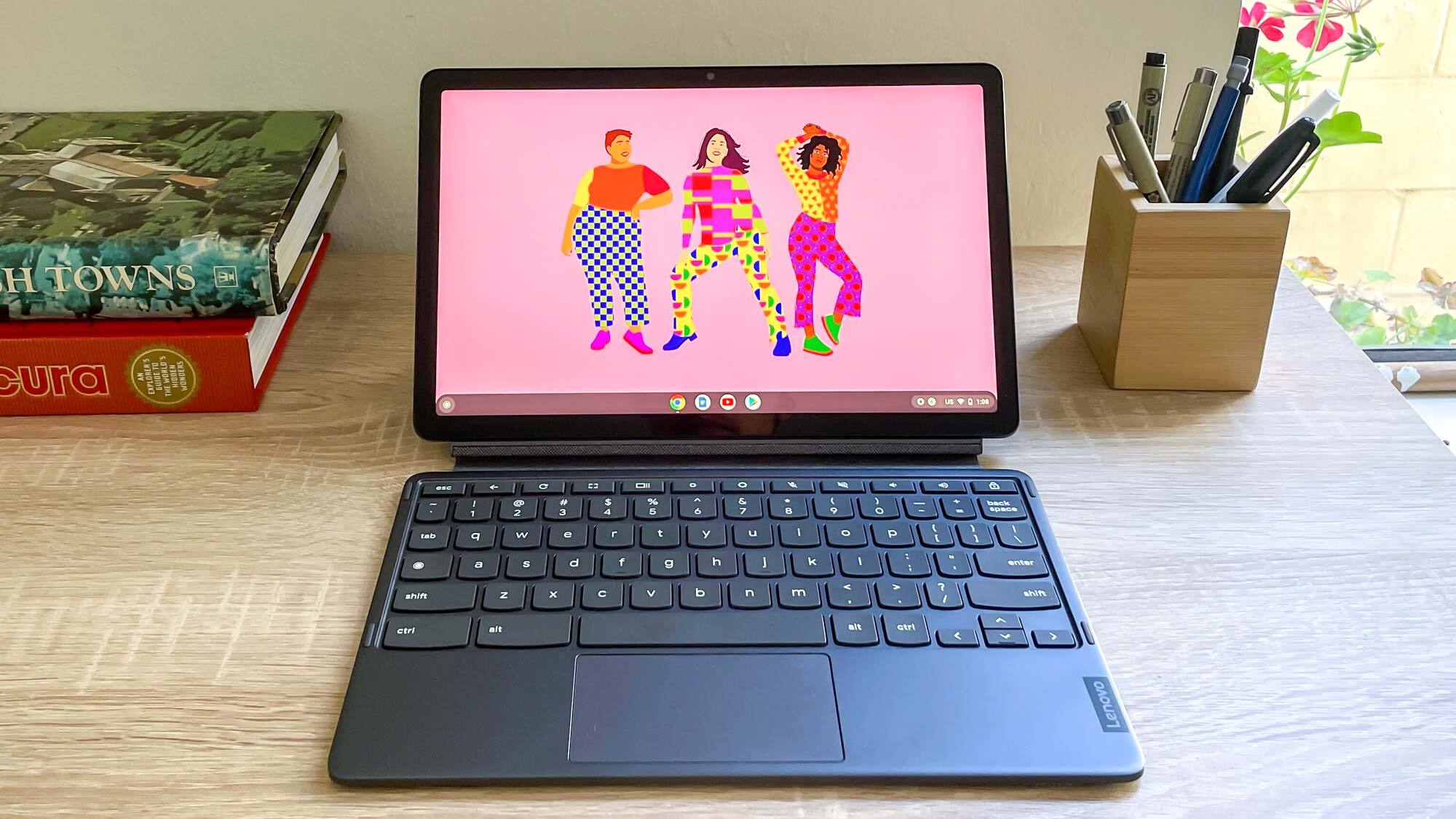
4. Lenovo Flex 5i Chromebook Plus
The best budget Chromebook for most
Specifications
CPU:Intel Core i3-1315URAM:8GBStorage:128GB eMMCDisplay:14-inch (1920×1200) IPS touchscreenDimensions:12.4 x 9 x 0.8 inchesWeight:3.57 poundsTested battery life:7:36
Reasons to buy
+Good performance +Bright touchscreen +Comfy keyboard +Plenty of ports
Reasons to avoid
-Middling battery life -No stylus included
Who is this for?
The Lenovo Flex 5i Chromebook Plus is a versatile and durable 2-in-1 with a 360-degree 1200p touchscreen, making it an excellent, affordable option for students and professionals who need the flexibility of a tablet and a laptop.
Why is it the best Chromebook on a budget?
At $499, the Lenovo Flex 5i Chromebook Plus offers exceptional value for what it offers. Not only is it a 2-in-1, but it delivers enough performance to run virtually any app you throw at it, a bright 1200p touchscreen for getting work done, browsing through websites and watching shows, along with a lightweight, premium-looking design with a keyboard you’ll find very comfortable to type on. For that price, it’s hard to go wrong.
What do we like?
????Premium, versatile design:The Flex 5i defies its budget-friendly price with a high-quality and sturdy build. The chassis feels durable and looks refined, with a flexible yet firm 360-degree hinge and a comfortable keyboard for an excellent user experience.
????Beautiful AMOLED display:This Lenovo Chromebook Plus excels with a 14-inch (1920×1200) IPS touchscreen with a 16:10 aspect ratio. Its FHD+ resolution delivers a bright, colourful and highly responsive picture that surpasses what you’d think a laptop at this price could deliver.
????Speedy performance (for a Chromebook):Powered by a 13th Gen Intel Core i3 processor and 8GB of RAM, the Flex 5i delivers impressive speeds. Paired with the lightweight ChromeOS, you can expect a consistently zippy and fluid performance for everyday tasks, just don’t expect the horsepower of other MacBooks or Windows laptops.
What don’t we like?
????Battery life is lacking:At under 8 hours until it cuts out, the Lenovo Flex 5i Chromebook Plus won’t exactly get you through a full workday, or even a one filled with classes. Not the worst, but it could be better.
????No stylus?:Touchscreens are made to be doodled on, but there’s no stylus included in the box. Fine for tapping away on, but for Chromebook, a simple stylus would have been nice to see.
Bottom line
In short, the Lenovo Flex 5i is a fantastic deal, successfully mixing affordability with a quality feel. The screen is lovely, the keyboard is comfortable and it’s perfect for daily tasks. The only real catch is the so-so battery life, but for this price, it’s a brilliant choice.
The best budget 2-in-1
5. Lenovo Chromebook Duet 3
The best budget Chrome tablet
Specifications
CPU:Qualcomm Snapdragon 7c Gen 2RAM:4-8GBStorage:64-128GB eMMCDisplay:11 inches, 2,000 x 1,200 pixelsDimensions:10.16 x 6.48 x 0.31 inchesWeight:1.2/2.1 lbs (tablet only/tablet + cover)Tested battery life:10:30
Reasons to buy
+Bright, sharp display +10+ hours of battery life +Packed-in keyboard cover is decent +Surprisingly loud for a Chrome tablet
Reasons to avoid
-Still no headphone jack -Lackluster cameras-Keyboard cover uncomfortable for sustained typing
Who is this for?
If you need something super lightweight for quick note taking and casual productivity, you can’t go far wrong with the Chromebook Duet 3. Ideal for students and workers on-the-go.
Why is it the best budget 2-in-1?
Windows 2-in-1s at this price usually suck, but in the Chromebook space, you can get a lot more for your money. The Lenovo Chromebook Duet 3 is a fantastic convertible with a bright display, a surprisingly good keyboard cover and over 10 hours of battery life.
What do we like?
????Lovely display:Packing an 11-inch 2K display with multitouch, the Lenovo Chromebook Duet 3 is rather nice on the eyes and responsive to interact with too — great for work and entertainment.
????Solid design:The construction with its black aluminum chassis feels impressively premium to the touch. The detachable keyboard also has a nice travel to every key, and when all folded up, it’s sturdy and lightweight to carry around.
????Great battery life:In our battery life testing, the Duet 3 lasted 10 hours and 30 minutes — thanks to the lower intensity of that Snapdragon chip. This means that for your all-day usage, this will stick right there with you.
What don’t we like?
????No headphone jack:No option to be wired in here! Luckily, there is bluetooth, but the lack of a headphone jack is always going to be frustrating in any kind of laptop.
????Webcam = potato:Yes there are compromises, and for the Duet 3, it’s the webcam that takes a big hit with grainy pictures that look like they were taken on an early 2000s camera phone.
Bottom line
For a cheap 2-in-1, the Duet 3 focuses on the things that make this recipe work — a good display, nice-feeling keyboard, and long battery life. ChromeOS continues to go from strength to strength with regular updates from Google, to the point that you’ll completely forget the webcam is naff here.
The best cheap gaming
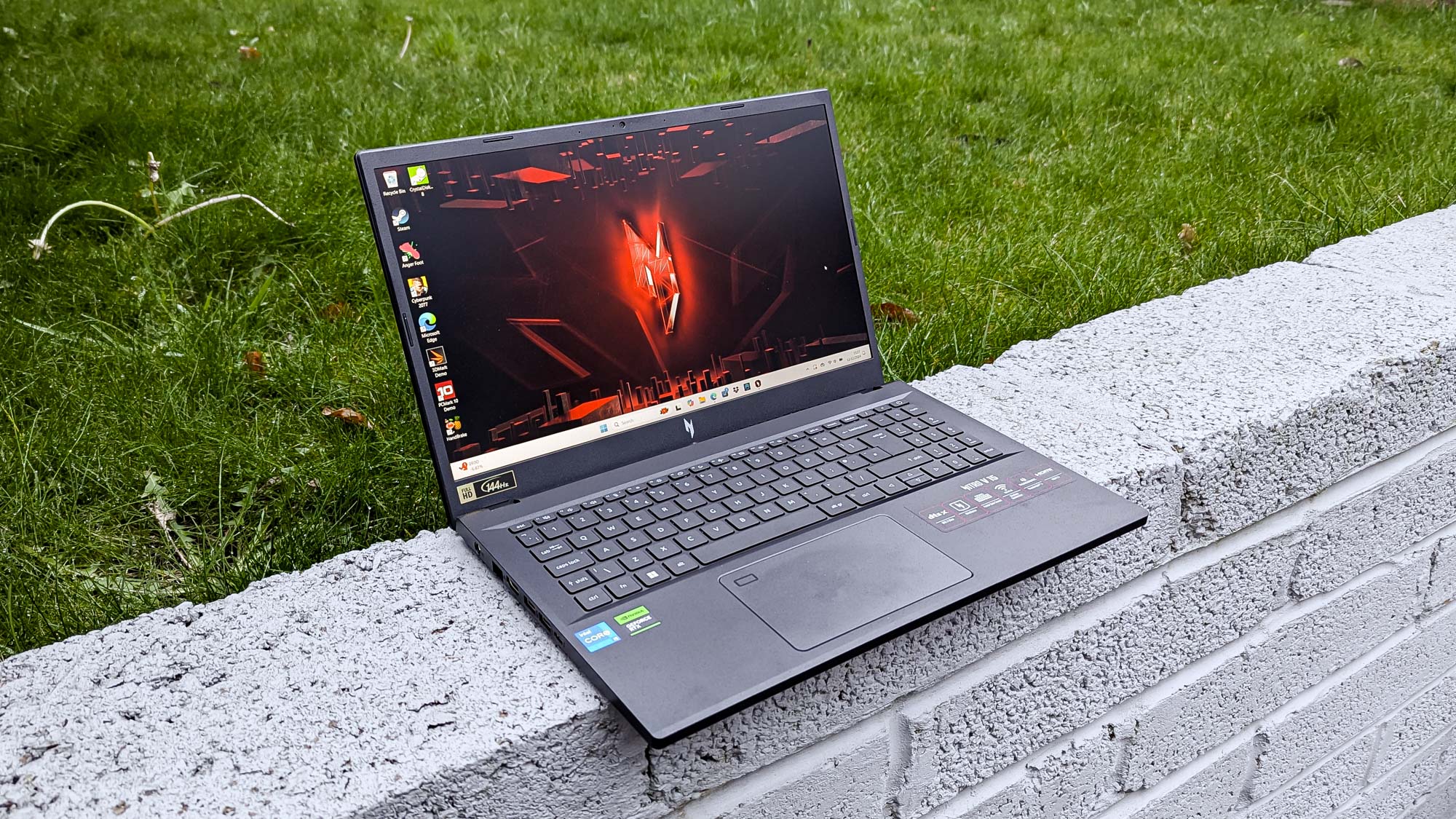
6. Acer Nitro V 15 (2024)
A great budget gaming laptop alternative
Specifications
CPU:Intel Core i5-13420HGPU:Nvidia GeForce RTX 3050RAM:8GB DDR5Storage:512GBDisplay:15.6-inch FHD (1980 x 1080) IPS, 16:9, 144Hz refresh rateDimensions:14.2 x 9.4 x 0.9 inchesWeight:4.6lbsTested battery life:5:41
Reasons to buy
+Stylish, efficient design for cooling and portability +Smooth 144Hz display +Wealth of ports +Respectable gaming performance for the price
Reasons to avoid
-But general performance is still limited -Fans get too loud -512GB storage isn’t enough
Who is this for?
For anyone looking to get into PC gaming but doesn’t have the budget to dish out for the latest and greatest gaming laptops around. With its 144Hz display and solid gaming performance, it’s great for casual gamers looking to try out popular PC titles.
Why is it the best budget gaming laptop alternative?
Since it doesn’t come back with Nvidia’s RTX 40-series GPU, it’s understandable why some may want more of a modern gaming laptop with more up-to-date specs (such as the MSI Cyborg 15). However, for those after something even more affordable, and aren’t fussed about RTX numbers, it’s hard to go wrong with this Acer Nitro V 15.
What do we like?
????Stylish design:From its compact chassis to its subtle but sleek looks, this gaming laptop is a looker. Even better, it isn’t too big or heavy to lug around.
????Smooth visuals:Having a 15.6-inch FHD (1980 x 1080) with a 144Hz refresh rate on a laptop this affordable is a bargain. Plus, it’s big enough to take in small details in games and videos.
????Great gaming performance:Despite coming with a 13th Gen Intel Core i5 and an RTX 3050, this laptop still brings the heat, especially for the price it’s set at. For less demanding games, this laptop shines, but it can even push the limits on some high-quality PC titles, too.
What don’t we like?
????Loud fans:Make sure to wear some headphones, as the Nitro V 15 can sometimes sound like a jet engine at full throttle.
????Small storage:For a gaming laptop, you’ll need way more than just the 512GB of storage this laptop offers. It will mean having to install and uninstall games frequently, and that’s not what any PC gamer wants.
Bottom line
For a cheap gaming laptop that offers up enough gaming performance to play many of the latest games, the Nitro V 15 does an admirable job. It may not pack the latest specs or offer a premium design, but its price gives it an edge over those with beefier specs. If what you need is a decent system that offers good gameplay, the Nitro V 15 offers great value.
How to choose the best budget laptop for you
There are some things to keep in mind when you’re hunting for a good cheap laptop. Don’t expect bleeding-edge performance, a super premium design or even the most colorful displays. However, there’s no reason to compromise, as an affordable laptop can still take you far. Here are a few things to keep in mind when shopping for a laptop.
What operating system do you prefer?
There are various types of operating systems, with some being simpler and others offeringlotsof customization. ChromeOS is the simplest option but limited in scope, whereas Windows has vastly more capability but can be a battery hog. macOS tries to find a sweet spot, but apps can be pricey here. Figure out your use case and you’ll see how much you actually need your operating system to do.
How much battery do you need?
Will you be going long spells away from the plug outlet, or will you have charging capabilities wherever you go? There’s a sliding scale on all of our choices between performance and power efficiency, and how important this is will dictate what you’ll buy. If a laptop lasts around 8 hours (generally a working day), it’s doing an adequate job, but they should last a little longer than this. For gaming laptops, though, don’t expect long-lasting battery life, as these machines are made to be plugged in more often than not.
Are you a gamer?
This one is an easy one. If gaming is your primary concern, then a laptop like the MSI Cyborg 15 or Acer Nitro V 15 (2024) are the ones for you. If not, then you can turn your attention to others.
Seeing less than 1080p display quality?
You may see a lot of cheap laptops pack a less than full HD display. In the words of Admiral Ackbar: “It’s a trap!” You’ll be left with buyers’ remorse when you see just how much resolution you lose by going down this road. Generally, you’ll want a laptop that offersat leastFHD (1920 x 1080) quality. Yes, they’ll still be affordable.
The MSI Titan 18 HX AI A2XWJG isn’t your typical gaming laptop. Rather than focusing on portability and good-enough performance, the Titan brings serious power to the table – where it’ll stay most of the time. It’s not without faults, like loud fans and a touchy trackpad, but when you consider the capabilities of an RTX 5090 paired with a gorgeous 4K display, the MSI Titan 18 HX is easy to recommend as a desktop replacement if you have the scratch.
When I think “gaming laptop,” I think of a portable machine with just enough juice to squeeze out 60 FPS in modern titles at medium settings. TheMSITitan 18 HX AI, however, seeks to break that mold and offer something closer to a desktop replacement, boasting a tagline of “total dominance.”
With enough power under the hood to crank out 90+ FPS in fairly demanding titles likeNBA 2K25andBlack Myth: Wukong, the MSI Titan 18 HX AI lives up to its name. It’s a behemoth of a laptop, weighing in at 7.93 lbs (3.6kg) and sporting an RTX 50-series GPU.
It’s not going to live out of your backpack – it’s going to sit still on your desk and look pretty doing it. But it does offer much more portability than a traditional desktop PC.
As for that massive 18-inch display, it’s a joy to game on. The miniLED4Kresolution and 120Hz refresh rate offer the perfect balance between high refresh rate competitive gaming and high fidelity story gameplay. You’re probably not going to hit 4Kand120 FPS in most titles, but the ability to pick is enough for me, especially on a laptop.
There are only a few areas I wish the Titan 18 HX executed differently – namely, the trackpad and cooling system. While the trackpad is a nice size, I found myself muttering under my breath at the accidental inputs and unclear distinction between left- and right-clicks far too often.
As for the cooling system, I can tell you with complete certainty that this is not a fanless laptop. If you’ve ever heard a jet engine whirring up, you have a good idea of what the MSI Titan 18 HX AI sounds like under load.
And then there’s the price. There’s no beating around the bush; this system is going to cost you anarmand a leg. But when you consider the hardware on offer in a (somewhat) portable machine, that price point starts to make more sense. Still, it’s a tough pill to swallow.
When all is said and done, the MSI Titan 18 HX AI is an incredibly performant machine with a few scant drawbacks and a price point that makes it perfect for a select few.
How much does it cost? Starting at $5,799.99 / £5,999.99 / $11,799AU
When is it available? Available now
Where can you get it? US, UK, and Australia
With great power comes great…asking prices. You get what you pay for with the MSI Titan 18 HX AI, and you get quite a bit. At a starting price point of just under $6,000, with options to upgrade the CPU, RAM, and display for a higher premium, that’s going to prove a very high barrier to entry for most.
Frankly, you can find a lot of thebest gaming PCson the market well under that price point andstillhave some cash left over to get yourself a gaming handheld or decent gaming laptop.
But if you’re set on a top-of-the-line laptop, you’ll have to pay for it.
It looks like the only model available in Australia is the MSI Titan 18 HX AI Dragon Edition Norse Myth, which features the same set of specs along with a unique graphic on the lid and trackpad.
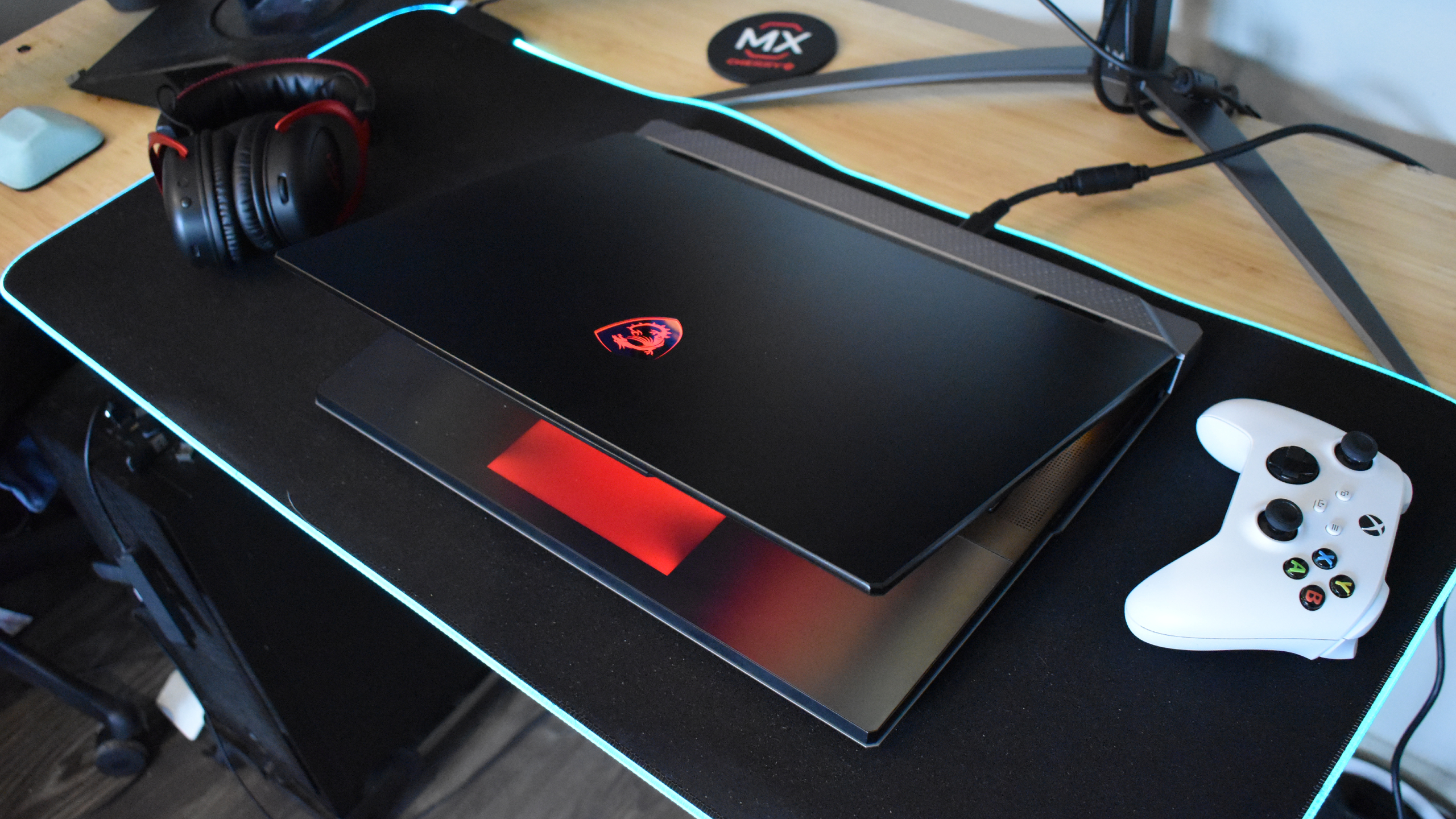
In terms of design, the first thing you’ll notice is how large this laptop really is. It’s not afraid to take up space, and at 7.93 lbs (3.6kg), there’s some serious heft to it. It’s not making our list of thebest thin and light gaming laptopsanytime soon, but it was never trying to.
Instead, the MSI Titan 18 HX AI’s design lends itself more to a desktop replacement than a portable gaming rig. Don’t get me wrong, it would still be far easier to lug this laptop around in a large backpack, tote, or suitcase than a traditional gaming PC. But I wouldn’t opt for a Titan if you’re planning to take your gaming laptop to and from college or a friend’s house.
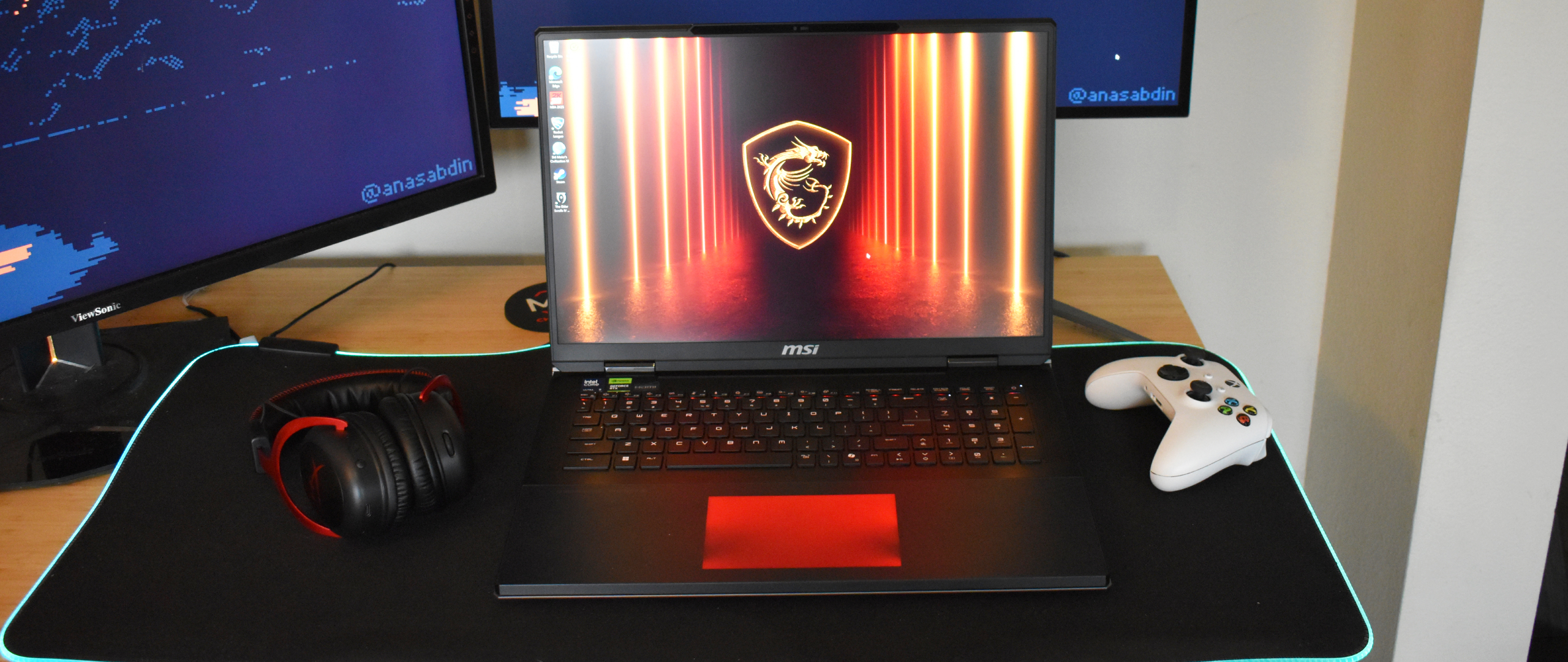
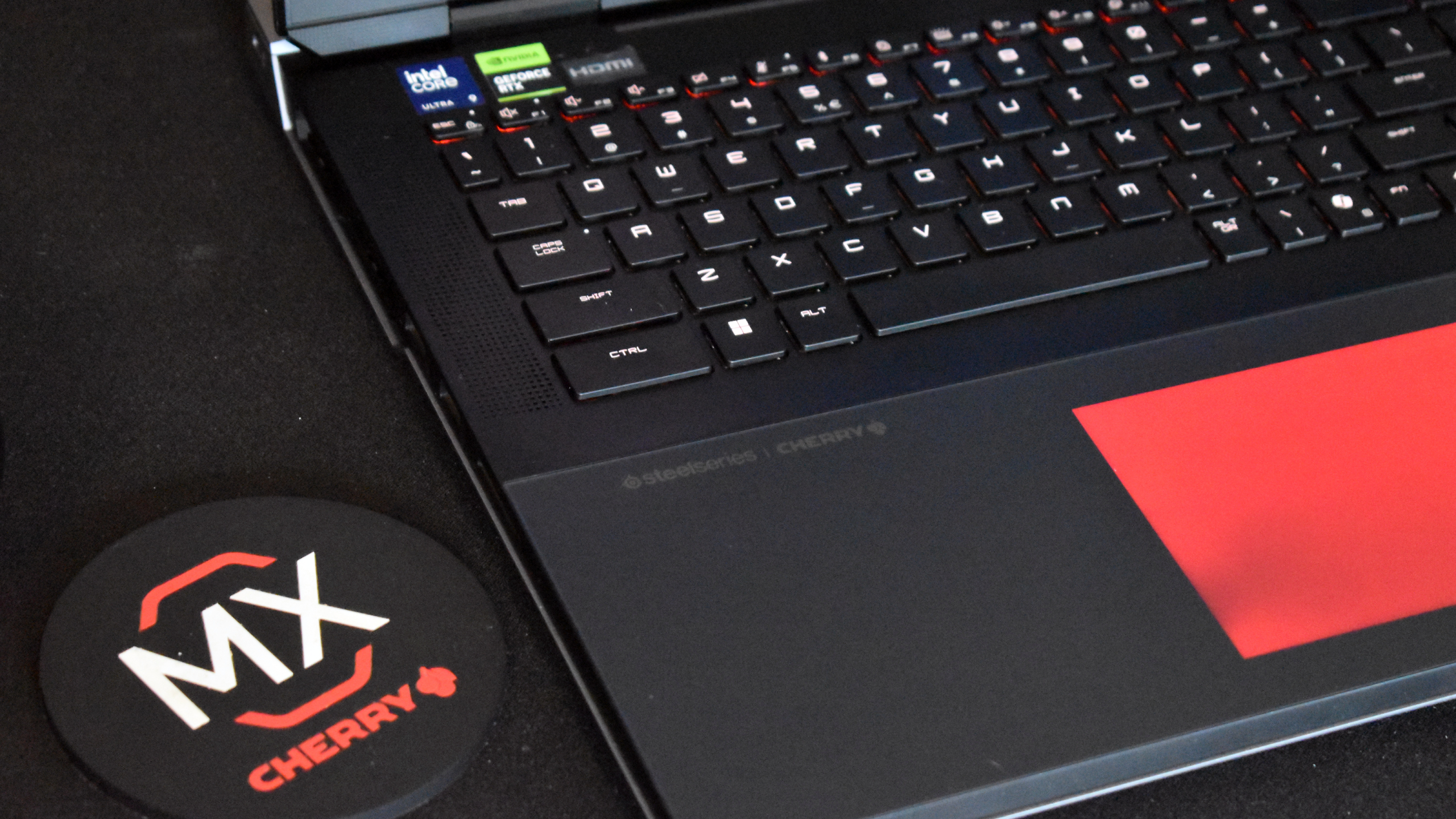
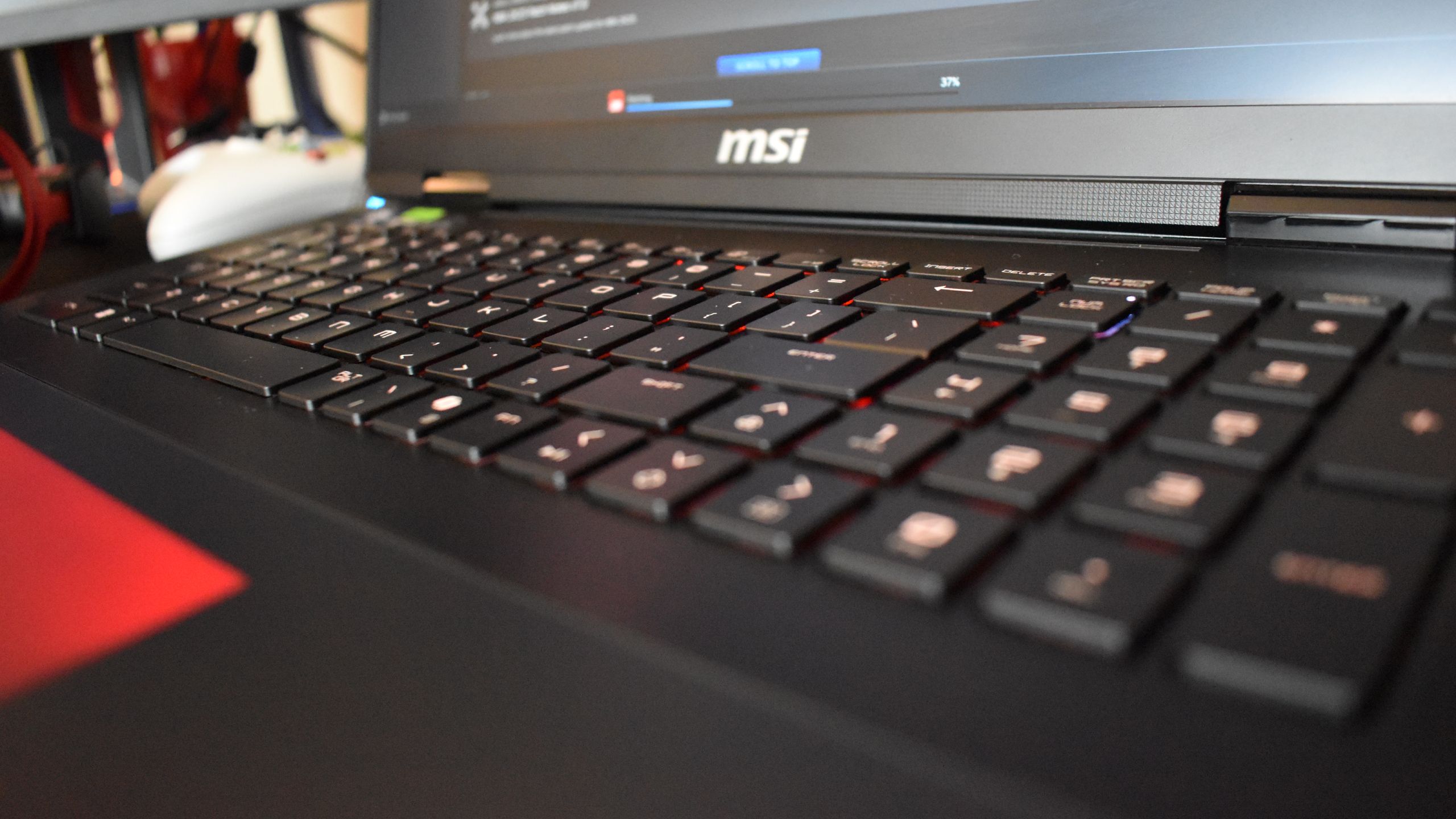
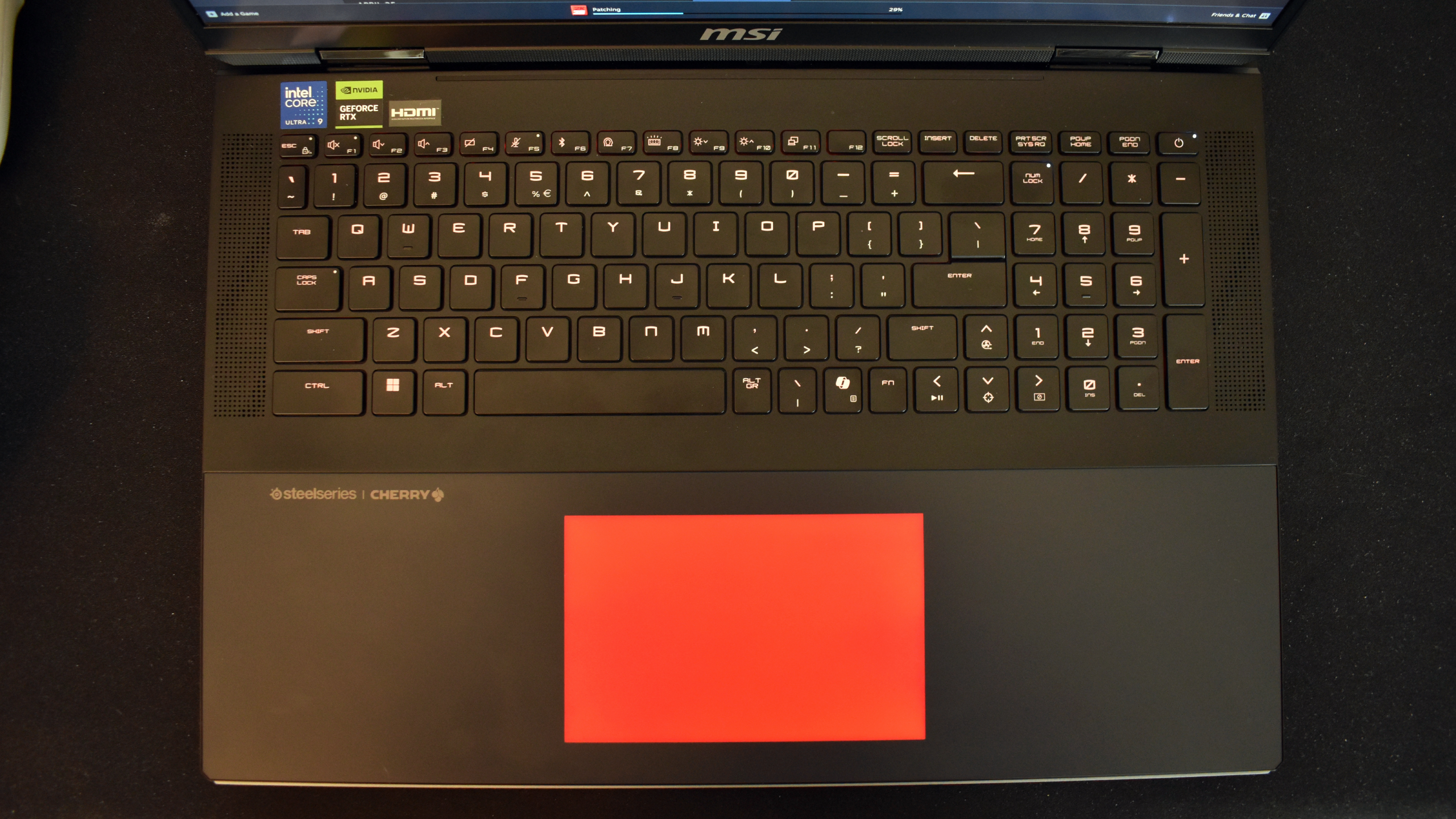
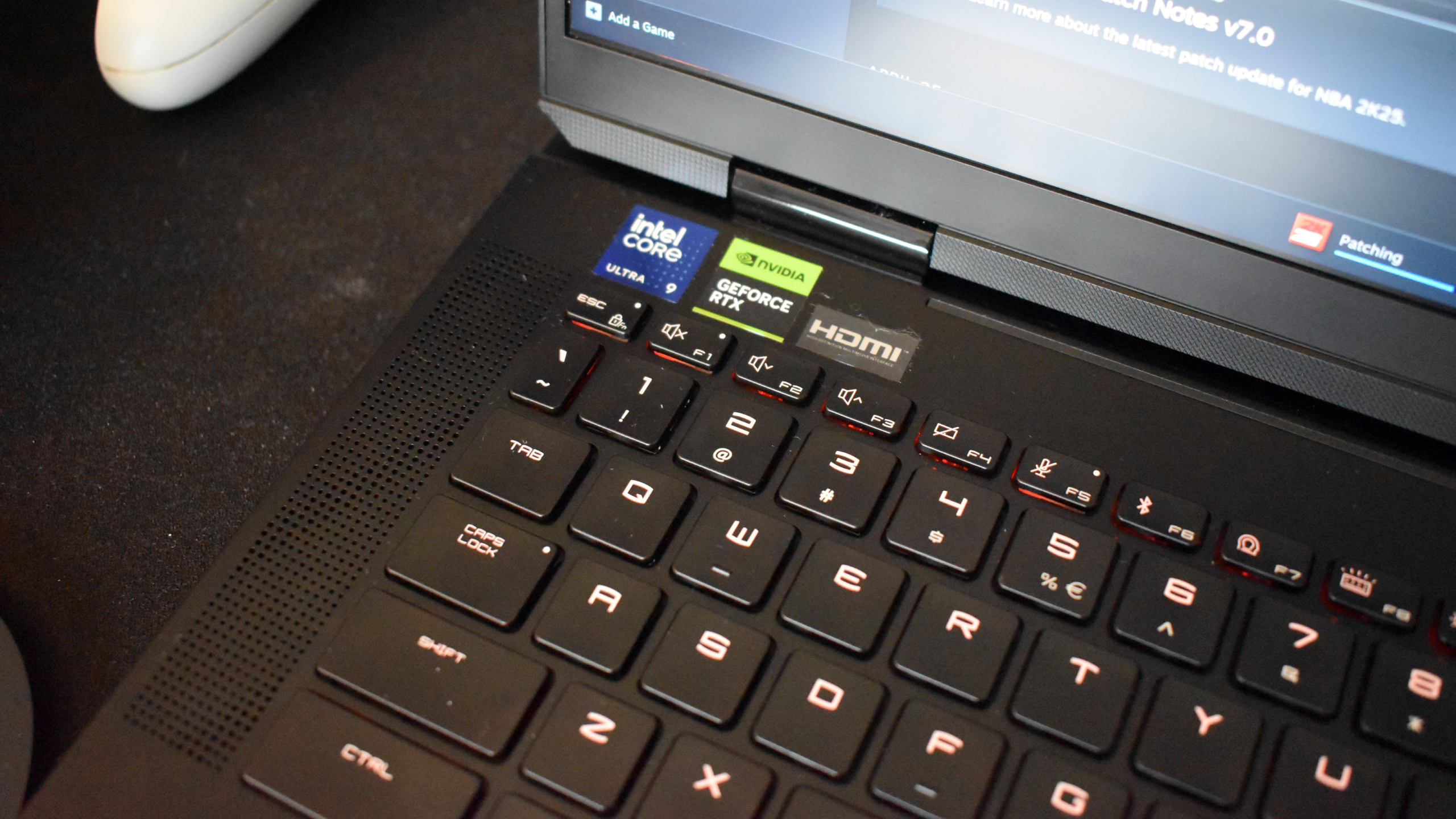
Imposing size aside, the Titan 18 HX looks great. It features an understated black and grey design with subtle accents like an MSI logo on the clamshell lid and light texturing on the speakers and chassis. If you have to have your RGB, you’ll be happy to know the Cherry mechanical keyboard is per-key customizable.
Speaking of the keys, this is one of the first gaming laptops that didn’t make me want to break out my own typing piece. It does come with a high-pitched metallic pinging sound on some keys that I’m not crazy about, but the typing feel is quite springy and satisfying. Plus, you get a full-sized keyboard with a tenkey numpad and function keys here, which is a big plus for quick adjustments and games that utilize a lot of inputs.
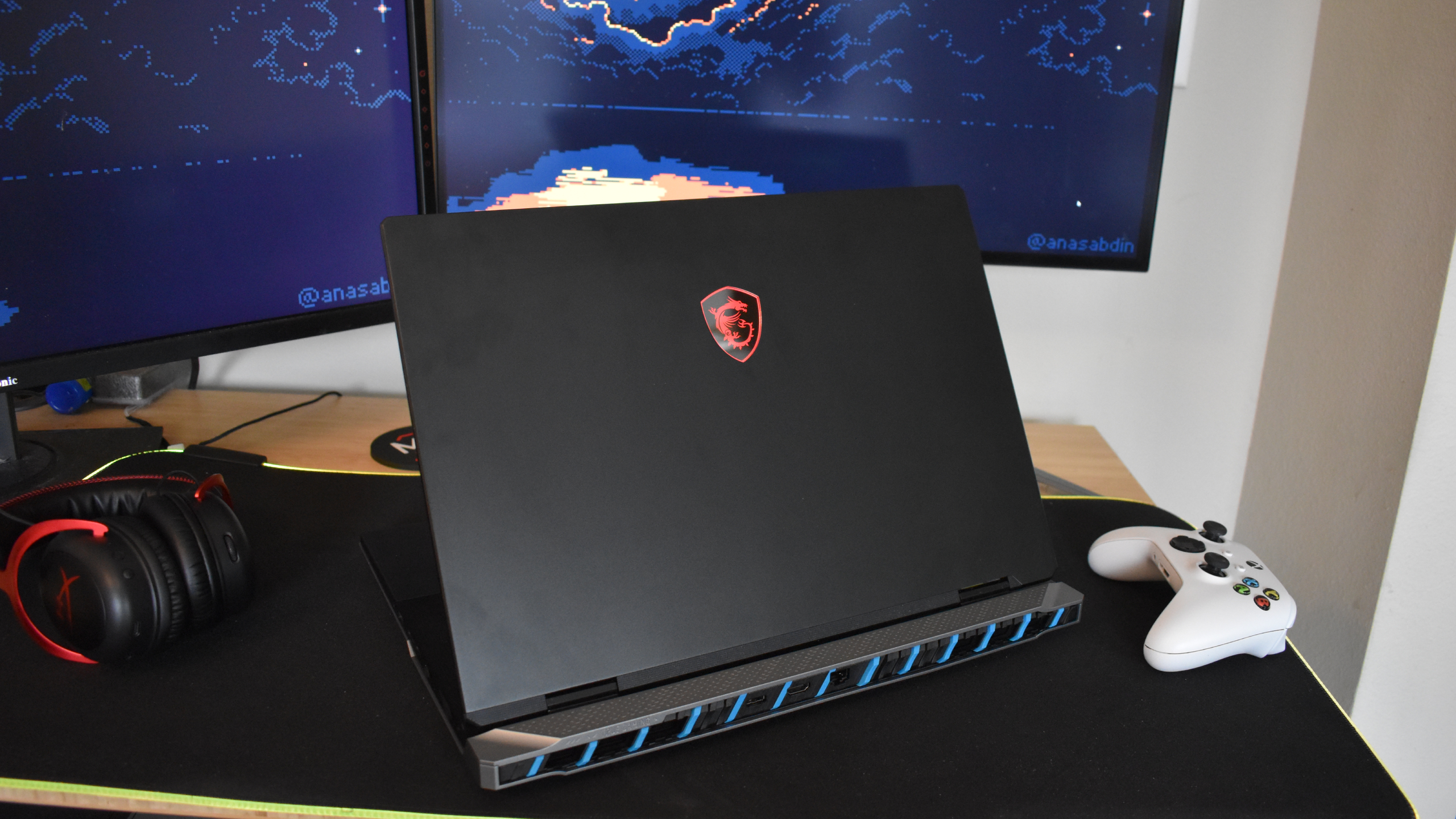
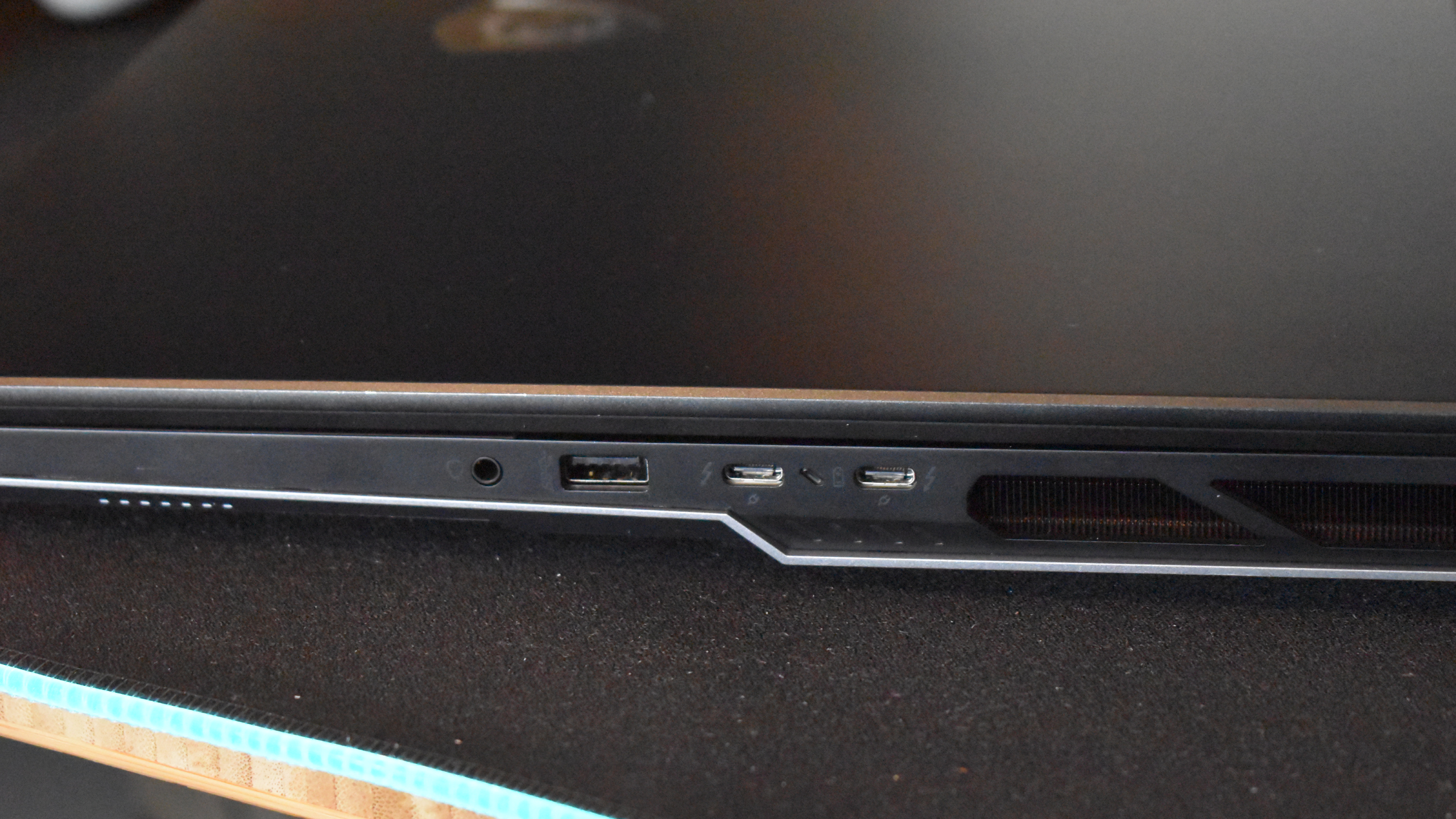
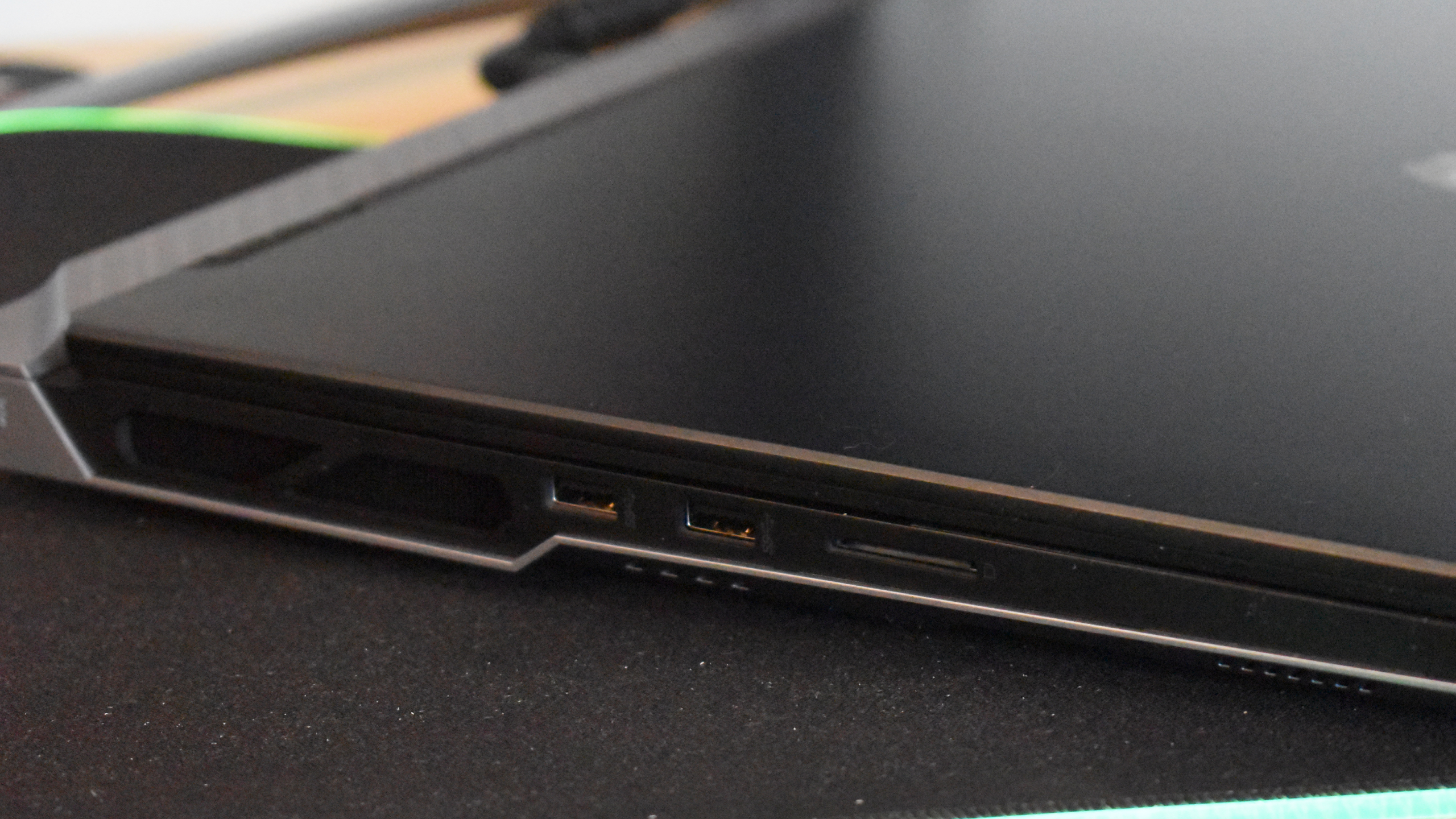
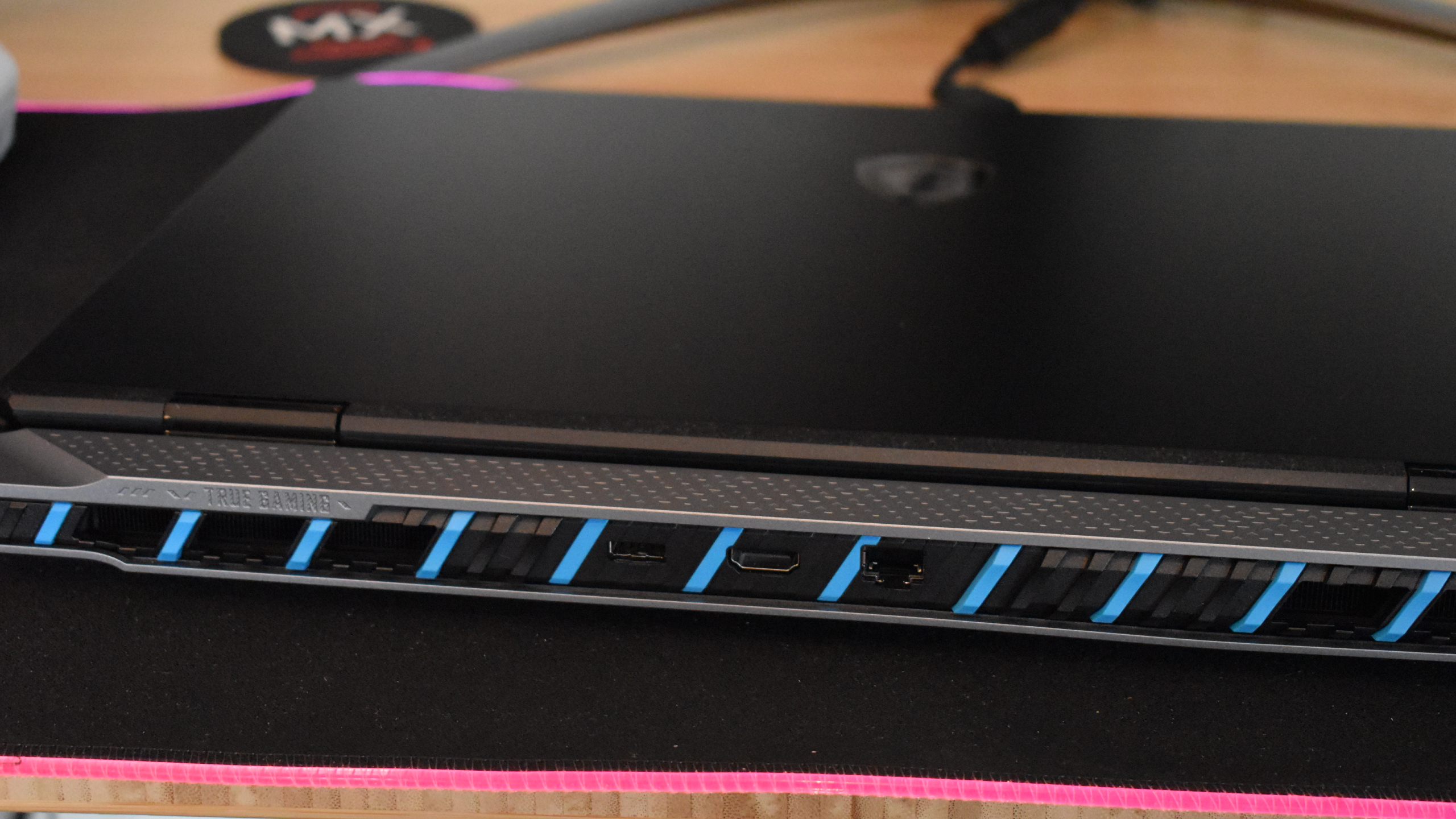
Moving to the port selection, you’ve got a Kensington security slot, two USB-A 3.2 Gen2 ports, and an SD Express card reader on the left side. On the right, you get two Thunderbolt 5 USB-C ports, another USB-A 3.2 Gen2 slot, and a 3.5mm headphone jack. Around the back side, there’s an HDMI 2.1 port, an RJ45 slot, and a slot for your 400W power adapter.
Overall, that’s a really solid port selection you’d be hard-pressed to complain about. I love seeing the USB-A and USB-C combo here as a lot of PC peripherals (including thebest gaming mice) still use that tried and true USB-A connection.
Now, for something I wish were a bit different: the cooling. When I tell you these fans areloud, it doesn’t quite do it justice until you’ve heard them yourself. I had to raise the volume of the game I was playing multiple times just to hear over the whir required to keep that RTX 5090 cool.
This is only when the laptop is under load, so if you’re just browsing the web or listening to music, you get a pretty noise-free experience. But this is a gaming laptop after all, and unless you’re sticking toStardew Valley(in which case, don’t shell out for this laptop), those fans are going to make themselves known.
Design:4 / 5
MSI Titan 18 HX AI: Performance
Outstanding 1080p and 1440p performance
Solid 4K capabilities
Offers fast-paced, competitive gaming and gorgeous story gameplay
Performance is the name of the game for the MSI Titan 18 HX AI. With anIntelCore Ultra 9 285HX processor, RTX 5090 laptop GPU, and a whopping 64GB of DDR5 RAM (upgradeable to 96GB), this laptop is the heavyweight main event of the evening.MSI Titan 18 HX AI Benchmarks
Benchmark
Header Cell – Column 1
Score
Geekbench 6.4 Single Core
Row 0 – Cell 1
3,046
Geekbench 6.4 Single Core
Row 1 – Cell 1
22,082
Crossmark Overall
Row 2 – Cell 1
2,269
Crossmark Productivity
Row 3 – Cell 1
2,033
Crossmark Creativity
Row 4 – Cell 1
2,757
Crossmark Responsiveness
Row 5 – Cell 1
1,760
25GB File Copy Transfer Rate (MB/s)
Row 6 – Cell 1
2,636
3DMark Fire Strike
Row 7 – Cell 1
40,374
3DMark Time Spy
Row 8 – Cell 1
22,437
3DMark Fire Strike Ultra
Row 9 – Cell 1
15,621
3DMark Time Spy Extreme
Row 10 – Cell 1
11,644
3DMark Speed Way
Row 11 – Cell 1
6,094
3DMark Steel Nomad
Row 12 – Cell 1
5,530
3DMark Port Royal
Row 13 – Cell 1
15,289
Assassin’s Creed Shadows (Ultra High, 1080p)
Row 14 – Cell 1
54 fps
Black Myth: Wukong (Cinematic, 1080p)
Row 15 – Cell 1
59 fps
Cyberpunk 2077 (Ultra, 1080p)
Row 16 – Cell 1
71 fps
Metro: Exodus (Extreme, 1080p)
Row 17 – Cell 1
93 fps
Monster Hunter Wilds (Very High, 1080p)
Row 18 – Cell 1
87 fps
Shadow of the Tomb Raider (Very High, 1080p)
Row 19 – Cell 1
196 fps
Total War: Warhammer III (Ultra, 1080p)
Row 20 – Cell 1
220 fps
Web Surfing Battery Informant
Row 21 – Cell 1
2:16
PCMark 10 Gaming Battery Test
Row 22 – Cell 1
1:37
I’ve been on a sports sim kick lately, with titles likeNBA 2K25andRematchdominating my playtime. While2K25is fairly demanding, the Titan chewed through it like nothing, easily spitting out 90-120 FPS at 2K resolution.Rematch, on the other hand, is pretty lightweight, but that just means the 120Hz display can really shine.
I also ran the MSI Titan 18 HX AI through synthetic benchmarks and tested it in several triple-A games, includingCyberpunk 2077,Black Myth: Wukong, and more, which you can check out in the chart above.
Performance definitely takes a hit at 4K, but many of the games are still playable at around 30-70 FPS. Plus, if you tweak a few settings and use upscaling where available, you can definitely land a sweet spot between decent frame rates and gorgeous 4K visuals, even without Frame Generation.
You’ll also get a solid rendered FPS at 4K with DLSS 4, so Multi-Frame Generation won’t introduce the kind of noticeable input latency that it would on less powerful devices, so feel free to turn it on and maximize the capacity of the 120Hz display when you can.
Performance:5 / 5
MSI Titan 18 HX AI: Battery life
Considering this is a gaming laptop with a 50 series GPU, Intel Core Ultra 9 285HX and a massive 120Hz display, the battery life here is actually pretty passable. Not to mention that with a machine this bulky, it’s going to be plugged in most of the time anyway, so battery life isn’t a big concern in my eyes.
It’s not going head-to-head with theRazerBlade 16 anytime soon in terms of battery life, so if you’re looking to game on the go at 4K without a power bank or outlet nearby, forget it.
But it does buy you about an hour and a half from full charge to dead under moderate stress (at 60Hz with RGB off), and if you need to break it out of your bag to send a few quick emails and watch a little Netflix, it’ll get the job done.
Battery life:3 / 5
Should you buy the MSI Titan 18 HX AI?
Category
Notes
Rating
Value
While you do get a lot of horsepower with the MSI Titan 18 HX AI, the price tag isn’t pretty. You’re looking at well over $5,000 for a gaming laptop here, even if you do get a mobile RTX 5090.
2.5 / 5
Design
Gripes are far and few between when it comes to design – I wish the trackpad was a bit more consistent, and the fans get very loud under load. But you get a fantastic port selection, gorgeous display, satisfying keyboard, and sleek aesthetics.
4 / 5
Performance
This is where the Titan 18 HX really shines. You can crank the settings at 1080p or 1440p, and even get a respectable 60FPS at 4K with some settings tweaks.
5 / 5
Battery Life
It’s a powerful gaming laptop, so you shouldn’t expect all-day battery here. But for the hardware under the hood, it’s actually pretty decent.
3 / 5
Final score
Overall, the MSI Titan 18 HX AI is a fantastic desktop replacement that offers more portability than a traditional tower PC.
4 / 5
Buy the MSI Titan 18 HX AI if…
You need more portability than a tower PC While “portable” isn’t one of the first words I would use to describe the MSI Titan 18 HX AI, it is definitely easier to move than a traditional tower PC, monitor, and peripherals setup.
You want paramount performance from your laptop There’s serious power packed into this gaming laptop, including an RTX 5090, Intel Core Ultra 9 processor, and 64GB of DDR5 RAM.
Don’t buy it if…
You’re looking for something affordable While the MSI Titan 18 HX AI is many things, affordable is far from one of them. You’re going to have to pay for what you get here, and there are plenty of gaming laptops at half the price or cheaper.
You need to move your laptop often While the Titan offers some semblance of portability, it wouldn’t be my first pick for tossing in a bag and taking to work or a friend’s house.
In today’s fast-paced world, a laptop’s battery life isn’t just a spec—it’s a lifeline. Whether you’re a remote worker, student, frequent traveller, or gamer, the ability to work or play without constantly searching for a plug point is invaluable. Among all the major tech brands, Lenovo stands out for delivering long-lasting power in devices that cater to a range of lifestyles.
This guide explores thetop Lenovo laptopswith the best battery life, combining performance, design, and stamina. If you’re hunting for a Lenovo laptop with exceptional battery life, whether for business, creative work, or light gaming, we’ve rounded up the best of the best.
Why Lenovo Laptops Excel in Battery Life
Lenovo has built a strong reputation for innovation when it comes to battery performance. From advanced power management settings to fast-charging capabilities, many Lenovo notebook battery designs are tailored to maximise efficiency without compromising on performance.
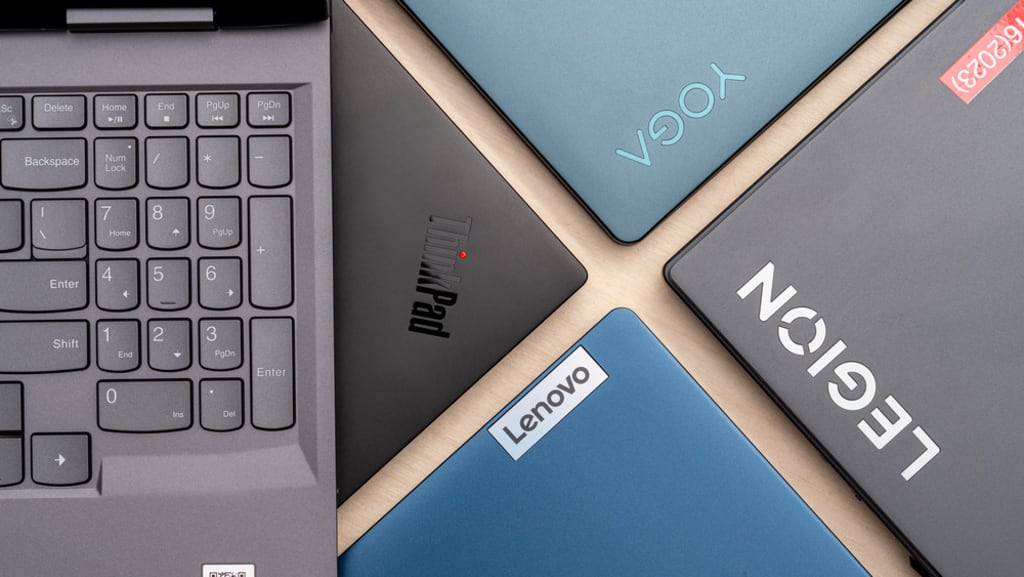
Models such as the Lenovo ThinkPad X1 Carbon, T series, and Yoga convertible laptops are known to push the limits of what a long battery life laptop can offer.
And it’s not just endurance—Lenovo also offers Smart Power software, USB-C charging flexibility, and rapid charge features that provide up to 80% battery in an hour, ensuring your work never skips a beat.
1. Lenovo ThinkPad X1 Carbon Gen 11 – Ultra-portable Powerhouse
Battery Life: Up to 15–17 hours
The Lenovo ThinkPad X1 Carbon battery life is one of the longest in its class. Lightweight, durable, and made for professionals on the go, this laptop redefines what it means to be a light laptop with long battery life. Its 57Wh battery, paired with energy-efficient 13th Gen Intel® processors, delivers all-day stamina.
Why it stands out:
• Perfect for business travel or hybrid work
• Charges rapidly with Lenovo’s RapidCharge tech
• Premium build with a carbon fibre chassis
Tip: Pair it with a USB-C power bank for uninterrupted productivity during long flights.
Explore more top picks on our best Lenovo laptop page.
2. Lenovo T480 – A Classic Workhorse with Serious Stamina
Battery Life: Up to 13.5–17.4 hours (with extended battery)
The Lenovo T480 battery performance is legendary among power users. Thanks to its Power Bridge system, which combines an internal 24Wh battery with an external 72Wh unit, users can hot-swap batteries without shutting down the system.
Why it’s worth considering:
• Removable battery makes upgrades easy
• Known for robust design and security features
• A top choice for remote workers or field engineers
Need extended hours? Consider carrying a spare 72Wh battery—great for long days away from outlets.
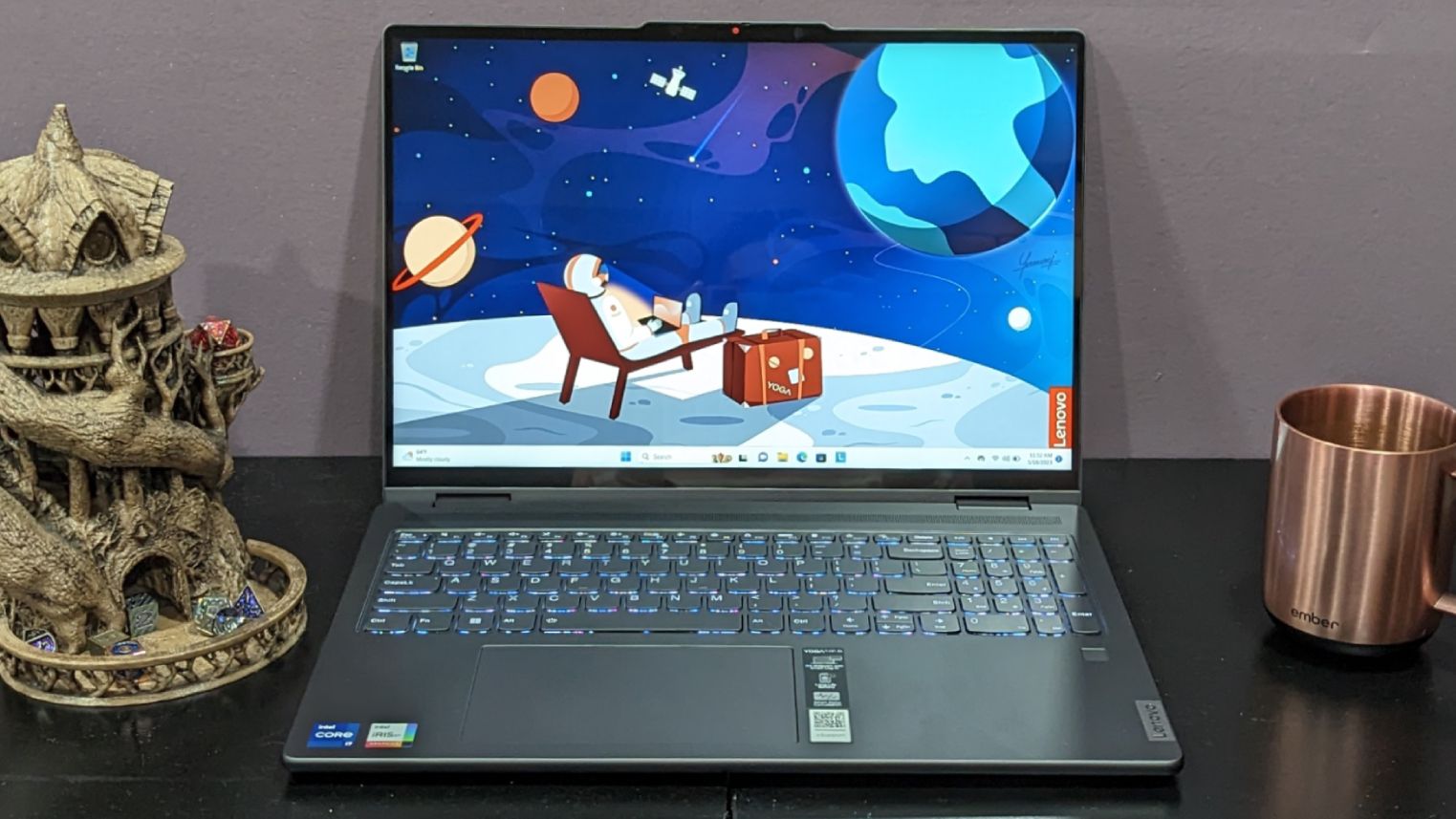
3. Lenovo Yoga 7i Gen 8 – All-Day Versatility in a 2-in-1 Design
Battery Life: Up to 14 hours
The Lenovo Yoga battery life is designed for flexible users who want a laptop and tablet in one. The Yoga 7i Gen 8 boasts a full-day battery thanks to its efficient 13th Gen Intel® Core™ CPU and OLED display options that draw less power.
Highlights:
• 2-in-1 form factor with touchscreen
• Ideal for students and creatives
• Dolby Vision and Atmos for rich multimedia experience
Looking for a versatile daily driver? This Yoga offers creativity without the cable clutter.
Check out more flexible machines with top battery ratings on the best Lenovo laptop collection.
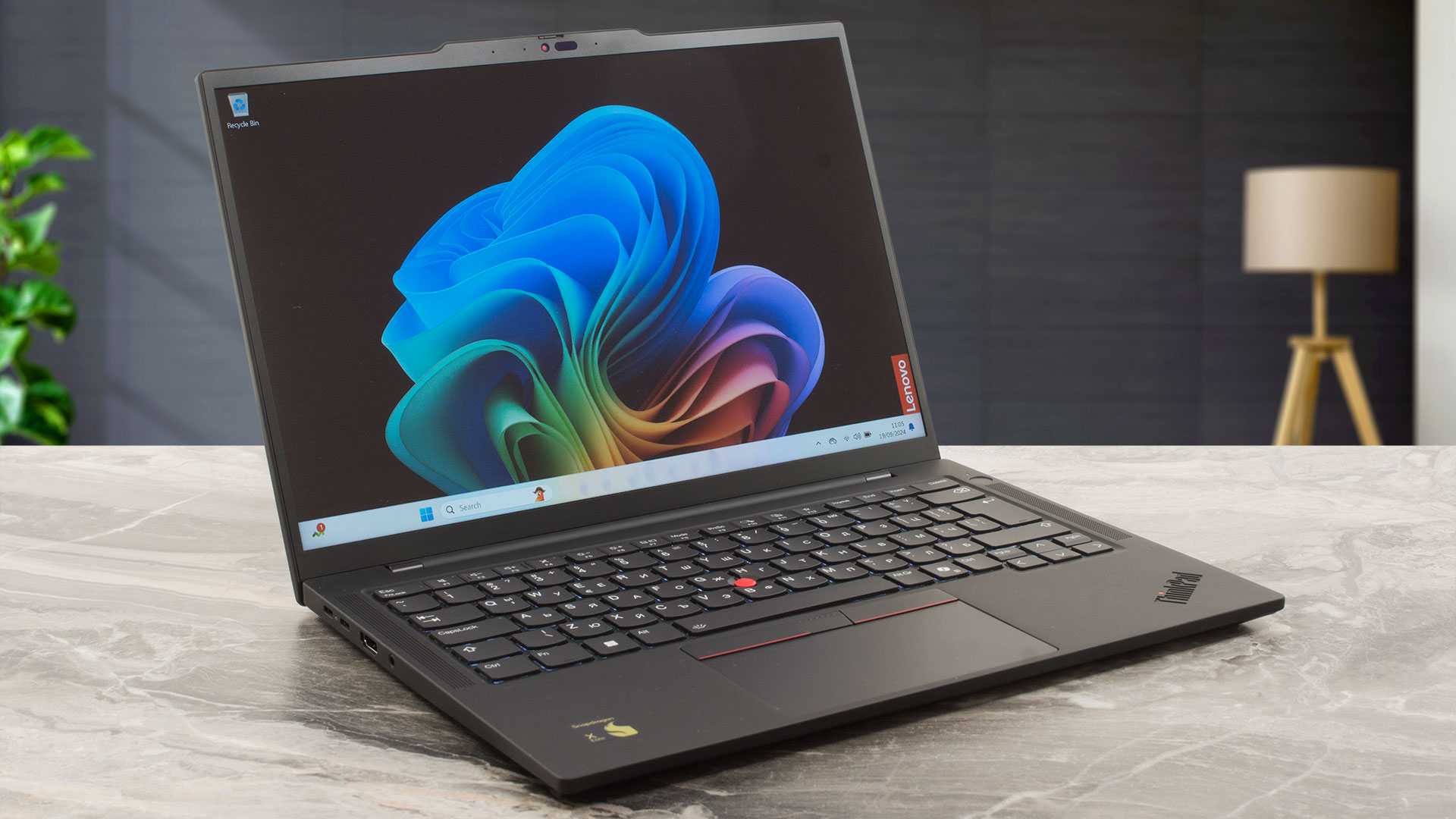
4. Lenovo ThinkPad T14s – Lightweight but Built for Endurance
Battery Life: Up to 14.5 hours
Combining performance with portability, the T14s is a compact business laptop with elite battery efficiency. The Ryzen 7 PRO or Intel i7 CPU options give you plenty of horsepower without draining the battery quickly.
Why professionals love it:
• Business-grade durability and security
• Feather-light build makes it perfect for commuting
• Quiet, cool operation even on demanding tasks
Looking for a Lenovo notebook battery that lasts through back-to-back meetings? The T14s won’t disappoint.
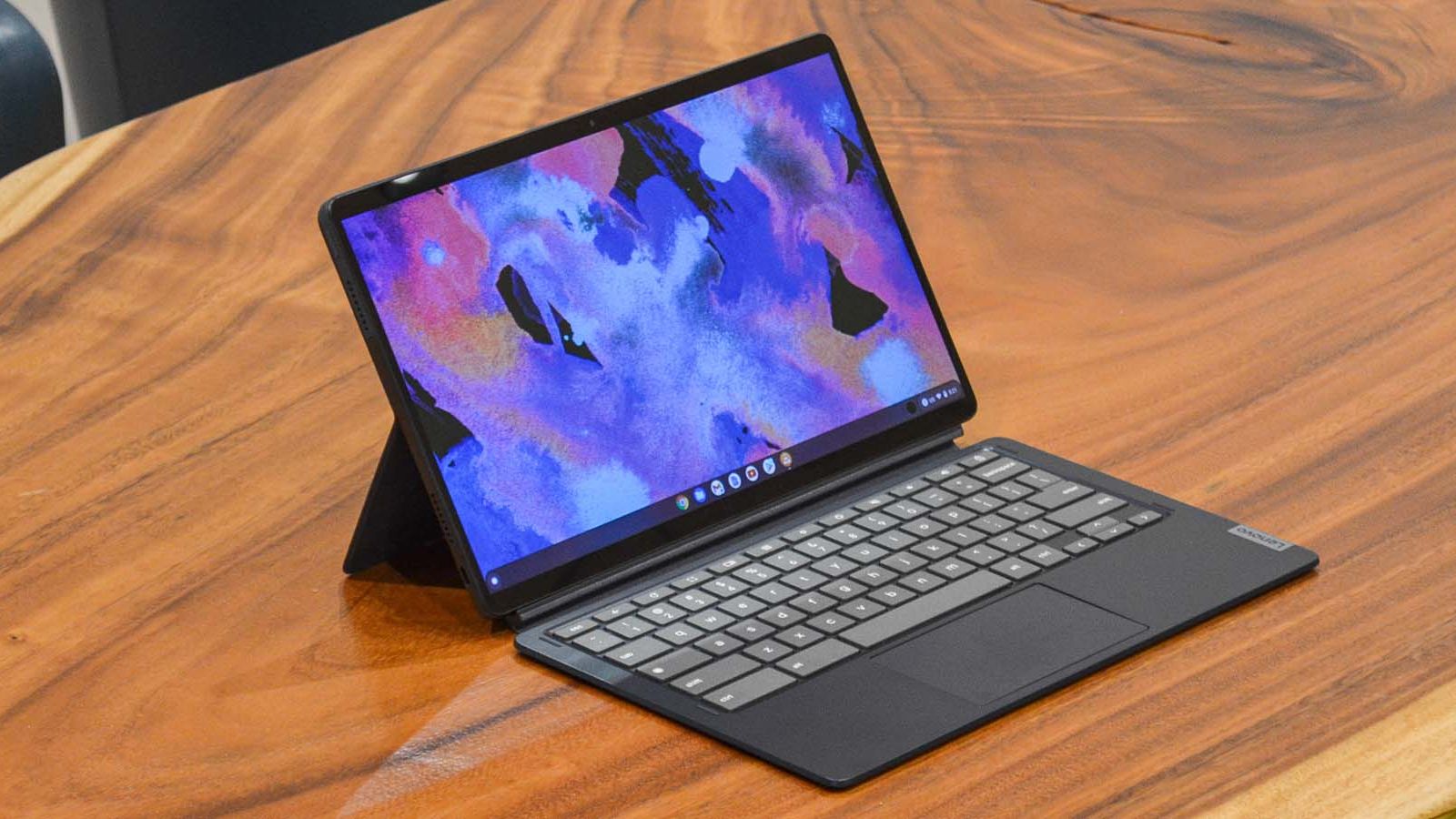
5. Lenovo Chromebook Duet 5 – Best Chromebook with Long Battery Life
Battery Life: Up to 15 hours
This might be the Chromebook with best battery life in Lenovo’s lineup. The Duet 5 runs on a Qualcomm Snapdragon processor, optimised for mobile-like efficiency, with an ultra-light 2-in-1 design perfect for casual users, students, or working parents.
Why it stands out:
• OLED screen for vivid visuals
• Fanless and super quiet
• Great for browsing, streaming, and Google Docs
Ideal for students or note-taking in lectures—its long battery keeps going through classes and into study sessions.
6. Lenovo Legion Slim 7 Gen 8 – Best Gaming Laptop with Good Battery Life
Battery Life: Up to 10 hours (in hybrid mode)
Gaming laptops are notorious for draining power, but the Lenovo Legion Slim 7 flips the script. While no gaming machine will run AAA titles for 10+ hours, this one uses hybrid graphics and an energy-efficient AMD CPU to stretch battery life when not gaming.
Why gamers love it:
• One of the best gaming laptops for battery life
• Switch between iGPU and dGPU for balanced power
• Premium display with 165Hz refresh rate
Want the power of a gaming beast with practical battery backup? This one nails the balance.
7. Lenovo T430 – Still Going Strong for Budget Buyers
Battery Life: Up to 8–10 hours (with 9-cell battery)
If you’re looking for a cheap laptop with good battery life, the classic Lenovo T430 laptop battery can still go the distance. It may be an older model, but with a 9-cell extended battery, it remains a reliable workhorse for basic tasks like writing, spreadsheets, and browsing.
Why it’s a hidden gem:
• Great value for refurbished or secondhand buyers
• Solid build quality and keyboard
• Easy to repair or upgrade
Perfect for those who just want a machine that works without breaking the bank.
How Long Should a Lenovo Laptop Battery Last?
One of the most common questions people ask before buying a laptop is, “How long will the battery actually last over time?” The average life of a laptop battery—not just a single charge, but the full lifespan—typically ranges between 2 to 4 years, or around 300 to 500 full charge cycles. But that’s just a general guideline.
With Lenovo laptops, especially models like the ThinkPad X1 Carbon or T480, battery longevity often exceeds expectations thanks to smart engineering and power management tools like Lenovo Vantage. These premium machines are designed with business use in mind—meaning reliability and battery resilience are a top priority.
What’s a charge cycle?
A charge cycle is one full battery drain from 100% to 0%, even if you don’t do it all at once. For example, draining 50% and then recharging to 100% twice equals one full cycle.
Tips to Maximise Your Lenovo Notebook Battery Lifespan
The way you use and charge your laptop makes a huge difference to how long your Lenovo laptop battery will stay healthy over the years. Here are a few expert-backed habits to keep your long battery life laptop going strong:
• Stay within the 20–80% sweet spot
Avoid fully draining or overcharging your battery. Keeping it between 20% and 80% helps reduce long-term wear.
• Use Battery Conservation Mode (via Lenovo Vantage)
This limits your battery from charging to full capacity when not needed—perfect if you’re working plugged in most of the day.
• Avoid heat exposure
High temperatures degrade lithium-ion batteries. Don’t leave your laptop in direct sunlight or near heat sources.
• Unplug overnight
Leaving your laptop plugged in overnight consistently may shorten its battery lifespan. Enable sleep mode or shut it down instead.
• Perform battery calibration every few months
Lenovo’s built-in tools help recalibrate your battery for more accurate readings and longer life.
When to Replace Your Lenovo Laptop Battery?
Even the best batteries wear out over time. If you notice signs like:
• Rapid battery drain — going from 100% to 20% in under an hour
• The laptop only working when plugged in, no matter how long you charge it
• Frequent overheating even during light tasks, which may signal battery strain
• Charging stuck at a certain percentage or fluctuating randomly
…it may be time for a replacement.
Thankfully, Lenovo makes it easier than most brands to service your device. Popular models like the Lenovo T480 battery and Lenovo T430 laptop battery are known for their modular design, meaning the batteries are often removable and upgradeable—a major plus if you’re looking to extend your laptop’s usable lifespan without investing in an entirely new device.
Not sure if it’s time to replace your battery? Use Lenovo Vantage, Lenovo’s built-in support software, to run a Battery Health diagnostic. It’ll show you the current capacity compared to when the laptop was new and alert you if your battery is nearing end-of-life.
And if you do need a new device altogether, Box.co.uk stocks a wide range of Lenovo laptops with strong battery performance—from reliable ThinkPads to sleek Yogas and even Chromebooks.
Final Thoughts: Which Lenovo Long Battery Life Laptop is Right for You?
Choosing a laptop with the highest battery life doesn’t mean compromising on performance or portability. Whether you need a travel-friendly business laptop like the ThinkPad X1 Carbon, a student-focused Chromebook, or a gaming laptop with good battery life, Lenovo has something for every lifestyle.
Ready to find your perfect match? From flexible Yoga convertibles to professional-grade ThinkPads and game-ready Legions, Lenovo’s lineup is built to last—both in performance and in power.