Dell XPS 13 9365 13-9365-D1605TS 7.6V 6000MAH/46WH Battery

Buy Dell NNF1C Laptop Battery replacement for Dell XPS 13 9365 13-9365-D1605TS.

Fit Machine Model Dell XPS 13 9365 13-9365-D1605TS – 6000MAH/46WH – 7.6V.

All products from our shop are 100% the highest quality! We provide the high quality Laptop Batteries. Dell NNF1C battery is best compatible with the original equipments.

OriccaBattery.co.uk ◆Free Shipping ◆ One year warranty ◆ 30 days money back guarantee.

Battery NNF1C Replacement For Dell laptop Dell XPS 13 9365 13-9365-D1605TS
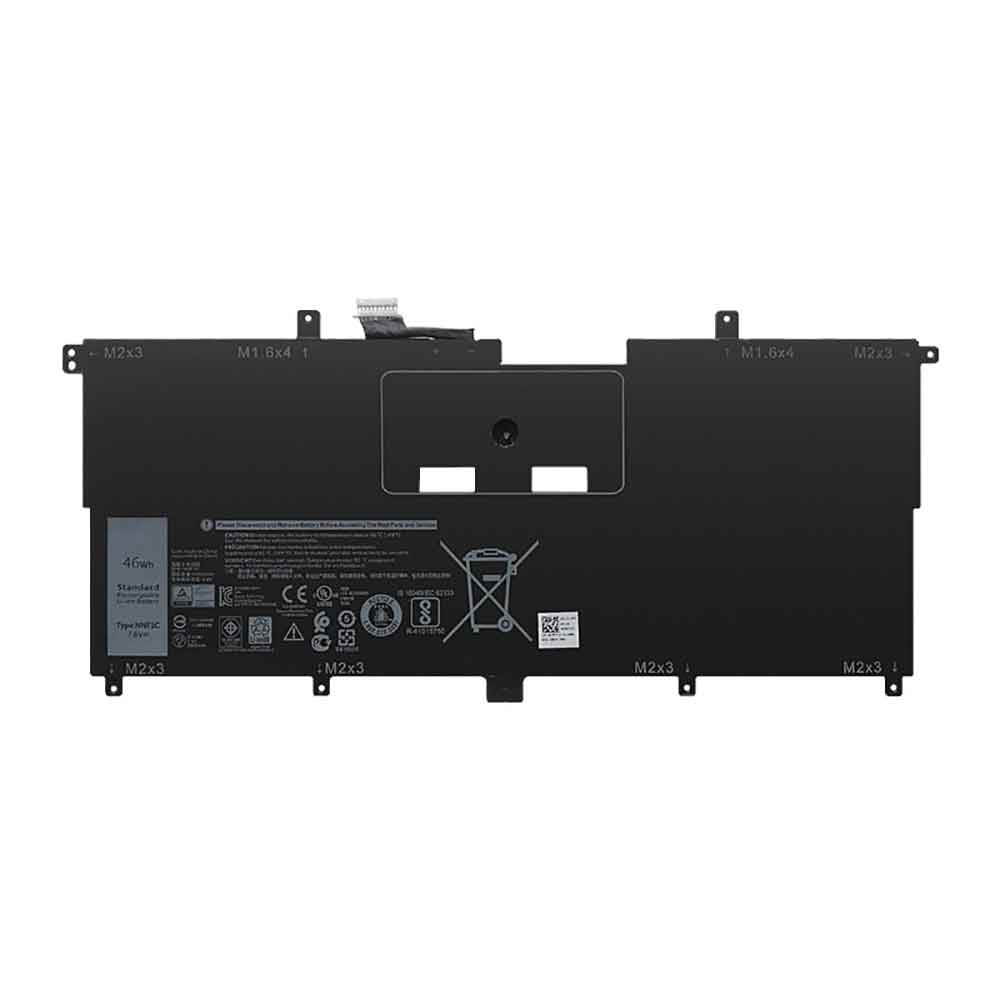
NNF1C

Dell NNF1C Specifications
Brand: Laptop Battery for Dell
Capacity:6000MAH/46WH
Voltage:7.6V
Type:Li-ion
Color:Black
All products from our shop are 100% the highest quality!
We provide the high quality Laptop Adapters!

PRODUCT COMPATIBILITY:

NNF1C
HMPFH

REPLACEABILITY WITH THE FOLLOWING MODELS:

Dell XPS 13 9365 13-9365-D1605TS

How to Maintenance your new replacement Dell NNF1C battery?
1. New Dell NNF1C battery pack must be fully charged before use.
2. New battery pack needs to be fully charged and discharged (cycled) a few times before it can condition to full capacity.
3.Laptop battery undergo self-discharging when left unused. Always store a Dell NNF1C battery pack in a fully charged stage for storage.
4. Fully drain and fully recharge your battery pack every few months.
5. Turn down the LCD brightness of your portable device.
6. Use built-in power management on your portable device.
7. Turn off LCD or other unnecessary accessories when not in use.
8. Set screen saver blank to 1 to 2 minutes of your notebook.
9. Add more RAM if you have extra RAM expansion slot, it will reduce the usage of hard drive and it is power exhaustive.
10. Close unused software in your Dell XPS 13 9365 13-9365-D1605TS laptop .
11. Remove unused PC Cards or USB devices from your notebook.
12. Don´t watch DVD or play graphics intensive video games.
13. Don´t short circuit terminal or store your Dell NNF1C Laptop Batteries pack with metal parts. 14. Don´t drop or mutilate the Dell NNF1C battery pack.
15. Don´t expose to moisture or water.
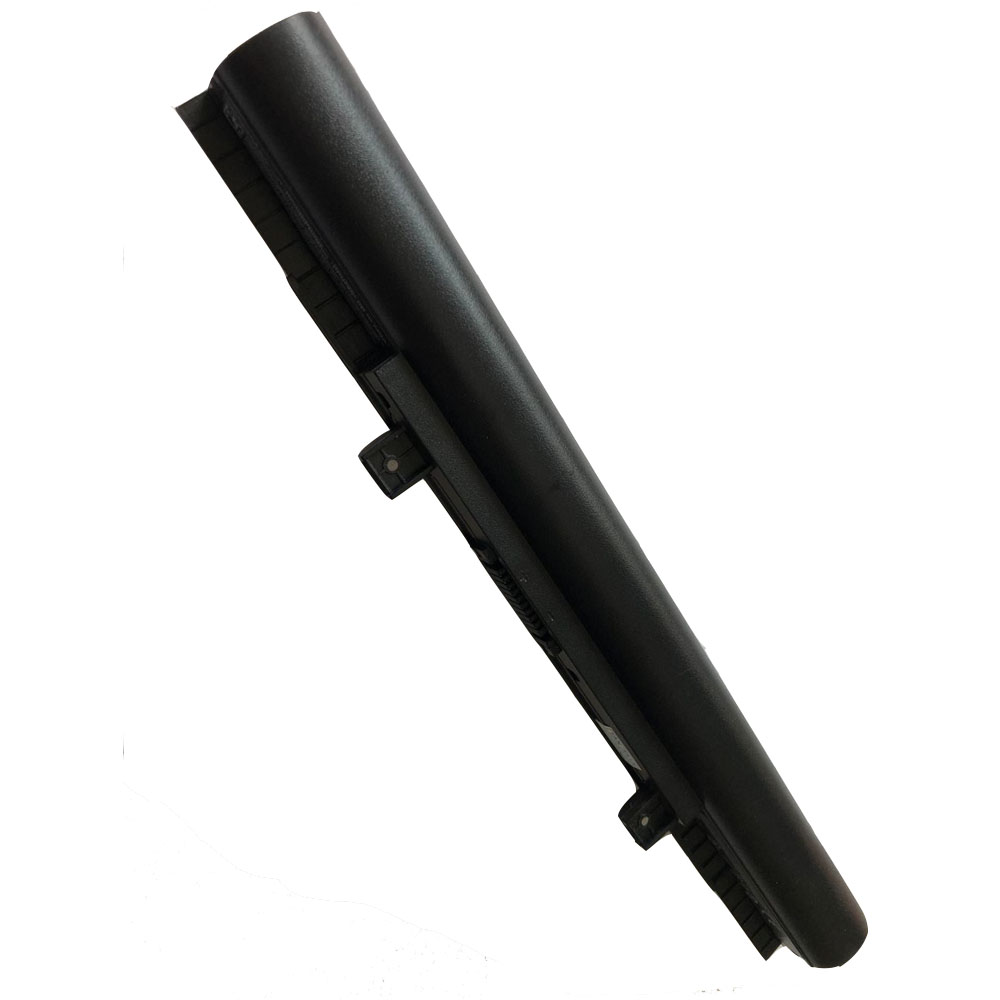
Medion Akoya MD99620 P6670 Erazer P6661 14.56/15V 44WH/45WH Battery

Buy Medion A41-D15 Laptop Battery replacement for Medion Akoya MD99620 P6670 Erazer P6661.

Fit Machine Model Medion Akoya MD99620 P6670 Erazer P6661 – 44WH/45WH – 14.56/15V.

OriccaBattery.co.uk ◆Free Shipping ◆ One year warranty ◆ 30 days money back guarantee.

A41-D15

Medion A41-D15 Specifications
Brand: Laptop Battery for Medion
Capacity:44WH/45WH
Voltage:14.56/15V
Type:Li-ion
All products from our shop are 100% the highest quality!
We provide the high quality Laptop Adapters!

PRODUCT COMPATIBILITY:

A41-D15
A31-D15
A32-D15
A42-D15
A42-D17

REPLACEABILITY WITH THE FOLLOWING MODELS:

Medion Akoya E6416
Medion Akoya E6422
Medion Akoya E6415
Medion Akoya E6411
Medion Akoya E6412T
Medion Akoya E6417
Medion Akoya E6421
Medion Akoya MD99620
Medion Erazer P6661
Medion Akoya P6670

How to Maintenance your new replacement Medion A41-D15 battery?
1. New Medion A41-D15 battery pack must be fully charged before use.
2. New battery pack needs to be fully charged and discharged (cycled) a few times before it can condition to full capacity.
3.Laptop battery undergo self-discharging when left unused. Always store a Medion A41-D15 battery pack in a fully charged stage for storage.
4. Fully drain and fully recharge your battery pack every few months.
5. Turn down the LCD brightness of your portable device.
6. Use built-in power management on your portable device.
7. Turn off LCD or other unnecessary accessories when not in use.
8. Set screen saver blank to 1 to 2 minutes of your notebook.
9. Add more RAM if you have extra RAM expansion slot, it will reduce the usage of hard drive and it is power exhaustive.
10. Close unused software in your Medion Akoya MD99620 P6670 Erazer P6661 laptop .
11. Remove unused PC Cards or USB devices from your notebook.
12. Don´t watch DVD or play graphics intensive video games.
13. Don´t short circuit terminal or store your Medion A41-D15 Laptop Batteries pack with metal parts. 14. Don´t drop or mutilate the Medion A41-D15 battery pack.
15. Don´t expose to moisture or water.
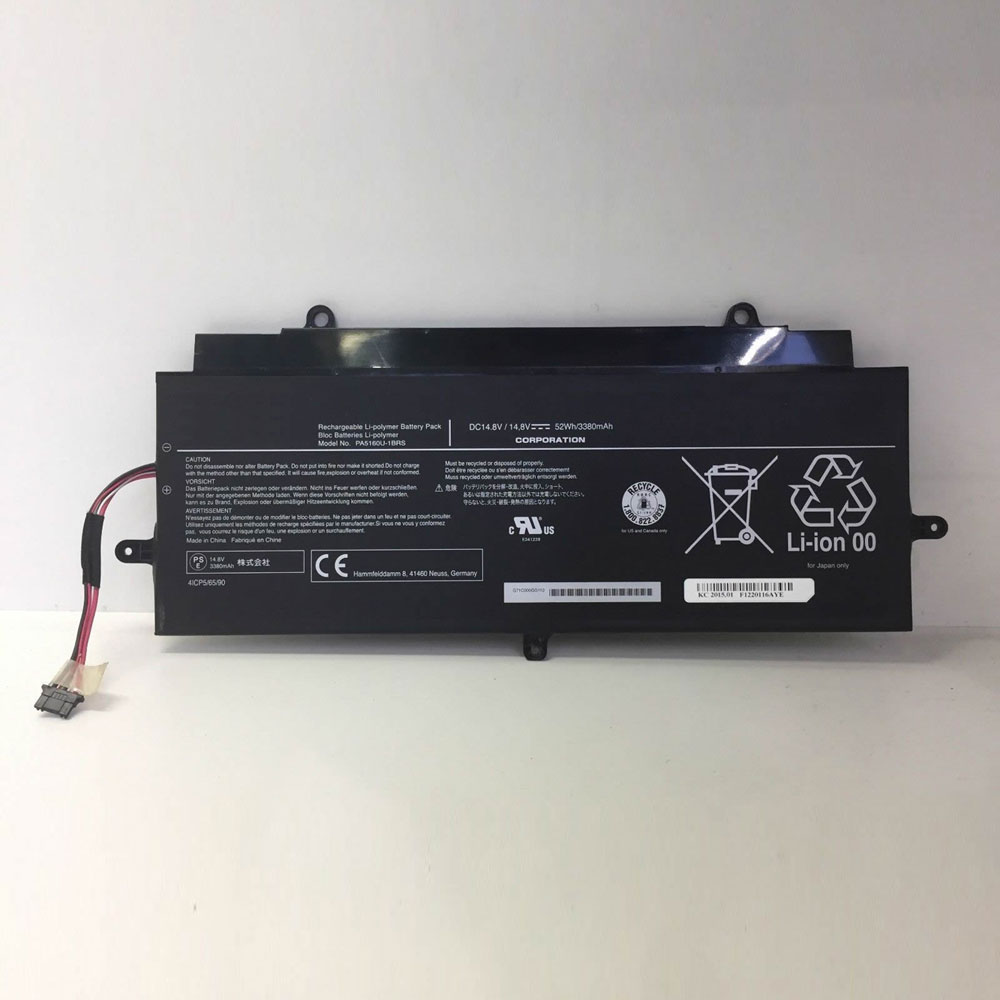
Toshiba KIRAbook 13 KIRA-101 KIRA-102 KIRA-10D 14.8V 52Wh/3380mAh Battery

Buy Toshiba PA5160U-1BRS Laptop Battery replacement for Toshiba KIRAbook 13 KIRA-101 KIRA-102 KIRA-10D.

Fit Machine Model Toshiba KIRAbook 13 KIRA-101 KIRA-102 KIRA-10D – 52Wh/3380mAh – 14.8V.

OriccaBattery.co.uk ◆Free Shipping ◆ One year warranty ◆ 30 days money back guarantee.

PA5160U-1BRS

Toshiba PA5160U-1BRS Specifications
Brand: Laptop Battery for Toshiba
Capacity:52Wh/3380mAh
Voltage:14.8V
Type:Li-ion
Color:Black
All products from our shop are 100% the highest quality!
We provide the high quality Laptop Adapters!

PRODUCT COMPATIBILITY:

PA5160U-1BRS

REPLACEABILITY WITH THE FOLLOWING MODELS:

Toshiba KIRAbook 13 Series
Toshiba KIRA-10D KIRA-101 KIRA-102 KIRA-AT01S

How to Maintenance your new replacement Toshiba PA5160U-1BRS battery?
1. New Toshiba PA5160U-1BRS battery pack must be fully charged before use.
2. New battery pack needs to be fully charged and discharged (cycled) a few times before it can condition to full capacity.
3.Laptop battery undergo self-discharging when left unused. Always store a Toshiba PA5160U-1BRS battery pack in a fully charged stage for storage.
4. Fully drain and fully recharge your battery pack every few months.
5. Turn down the LCD brightness of your portable device.
6. Use built-in power management on your portable device.
7. Turn off LCD or other unnecessary accessories when not in use.
8. Set screen saver blank to 1 to 2 minutes of your notebook.
9. Add more RAM if you have extra RAM expansion slot, it will reduce the usage of hard drive and it is power exhaustive.
10. Close unused software in your Toshiba KIRAbook 13 KIRA-101 KIRA-102 KIRA-10D laptop .
11. Remove unused PC Cards or USB devices from your notebook.
12. Don´t watch DVD or play graphics intensive video games.
13. Don´t short circuit terminal or store your Toshiba PA5160U-1BRS Laptop Batteries pack with metal parts. 14. Don´t drop or mutilate the Toshiba PA5160U-1BRS battery pack.
15. Don´t expose to moisture or water.
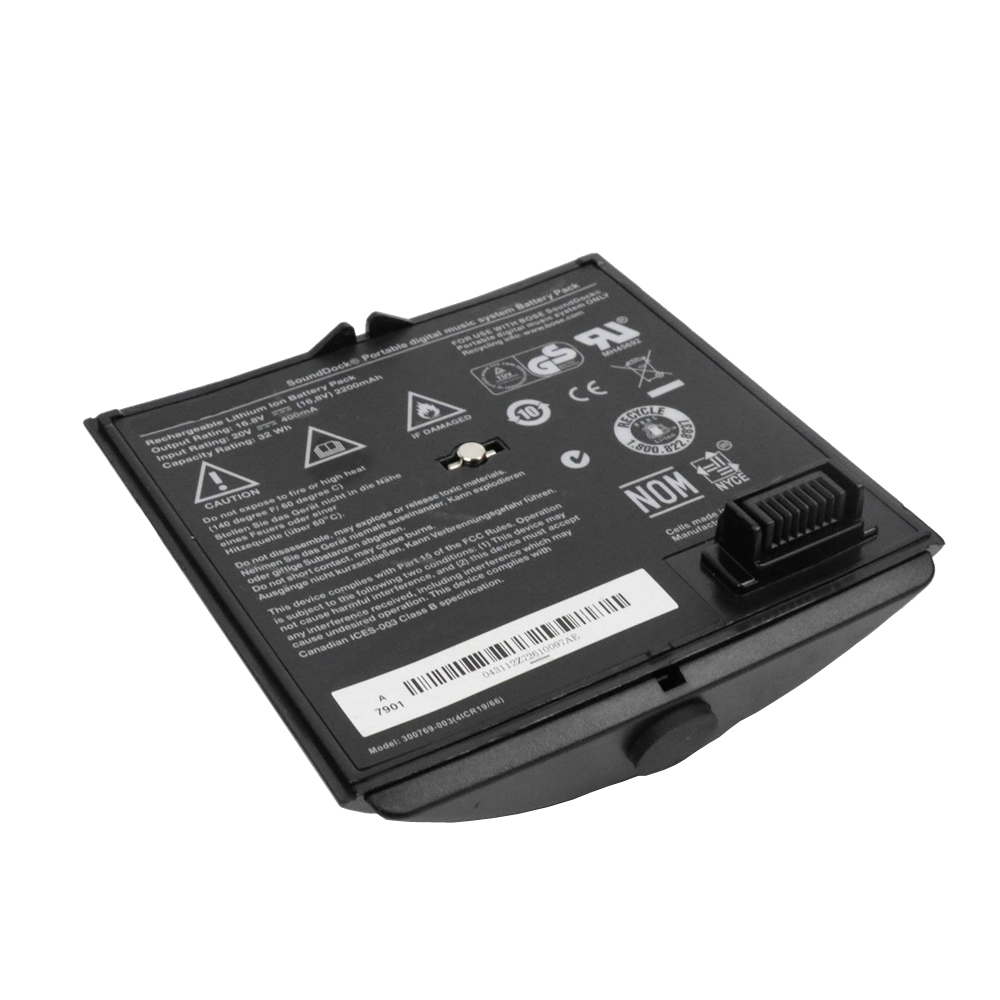
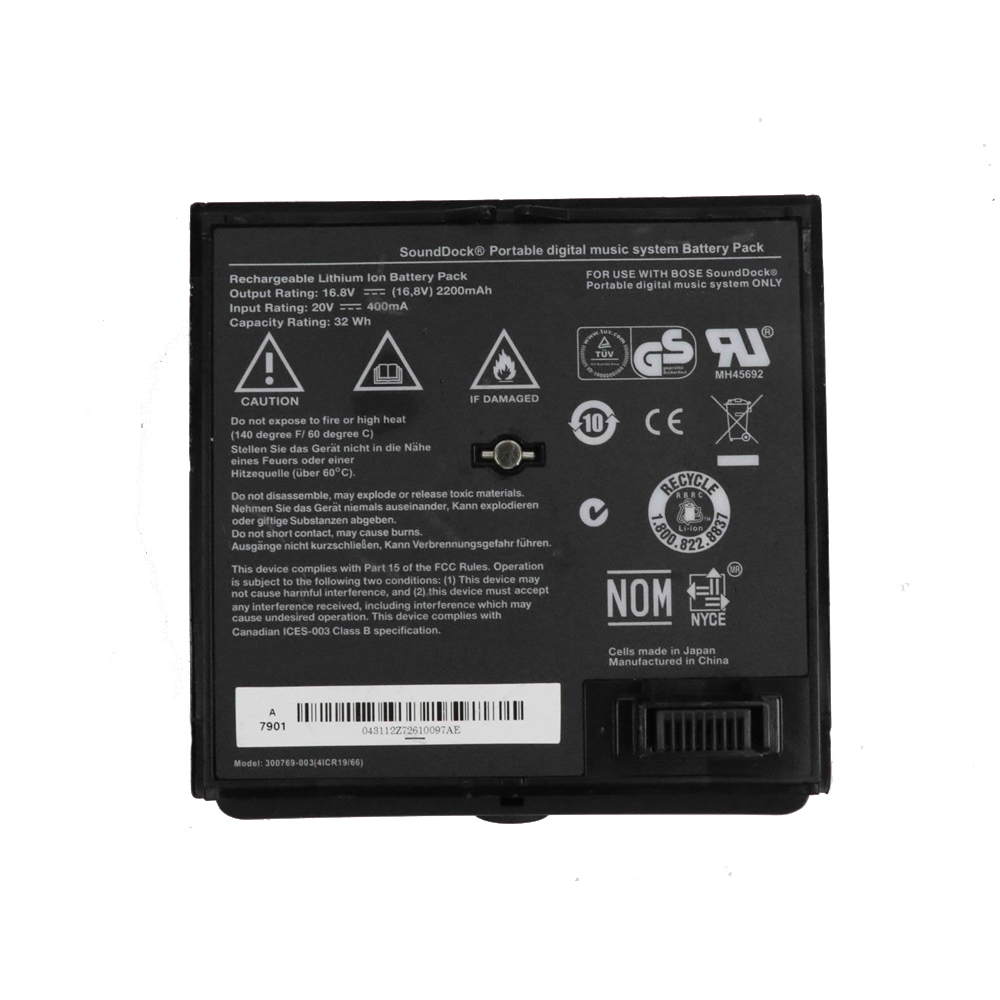
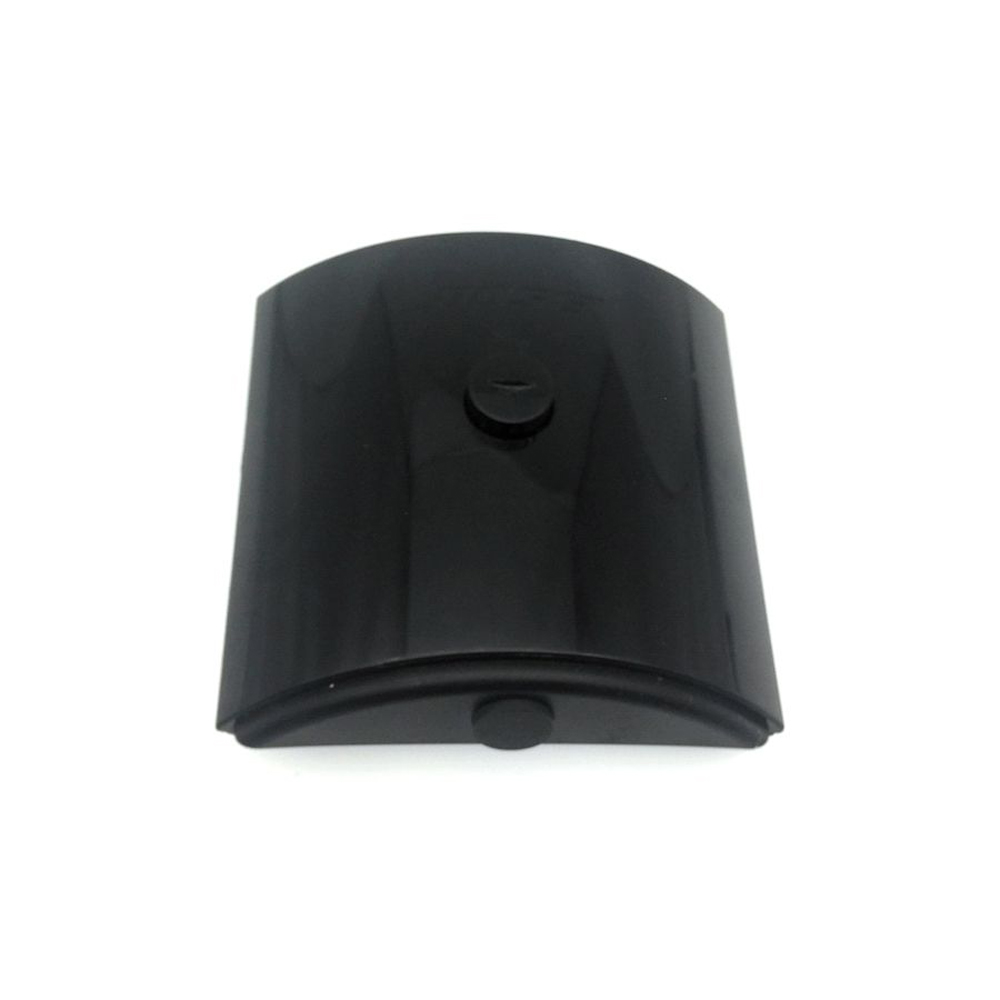
Bose Sounddock Portable Digital Music System Battery Pack 16.8V/20V 400mA/2200mAH/32Wh Battery

Buy Bose 300769-003 Battery replacement for Bose Sounddock Portable Digital Music System Battery Pack.

Fit Machine Model Bose Sounddock Portable Digital Music System Battery Pack – 400mA/2200mAH/32Wh – 16.8V/20V.

OriccaBattery.co.uk ◆Free Shipping ◆ One year warranty ◆ 30 days money back guarantee.

300769-003

Bose 300769-003 Specifications
Brand: Battery for Bose
Capacity:400mA/2200mAH/32Wh
Voltage:16.8V/20V
Type:Li-ion
Color:Black
All products from our shop are 100% the highest quality!
We provide the high quality Laptop Adapters!

PRODUCT COMPATIBILITY:

300769-003
300769-001

REPLACEABILITY WITH THE FOLLOWING MODELS:

Bose Sounddock Portable Digital Music System Battery Pack

300769-003
300769-003

How to Maintenance your new replacement Bose 300769-003 battery?
1. New Bose 300769-003 battery pack must be fully charged before use.
2. New battery pack needs to be fully charged and discharged (cycled) a few times before it can condition to full capacity.
3.Laptop battery undergo self-discharging when left unused. Always store a Bose 300769-003 battery pack in a fully charged stage for storage.
4. Fully drain and fully recharge your battery pack every few months.
5. Turn down the LCD brightness of your portable device.
6. Use built-in power management on your portable device.
7. Turn off LCD or other unnecessary accessories when not in use.
8. Set screen saver blank to 1 to 2 minutes of your notebook.
9. Add more RAM if you have extra RAM expansion slot, it will reduce the usage of hard drive and it is power exhaustive.
10. Close unused software in your Bose Sounddock Portable Digital Music System Battery Pack .
11. Remove unused PC Cards or USB devices from your notebook.
12. Don´t watch DVD or play graphics intensive video games.
13. Don´t short circuit terminal or store your Bose 300769-003 Batteries pack with metal parts. 14. Don´t drop or mutilate the Bose 300769-003 battery pack.
15. Don´t expose to moisture or water.
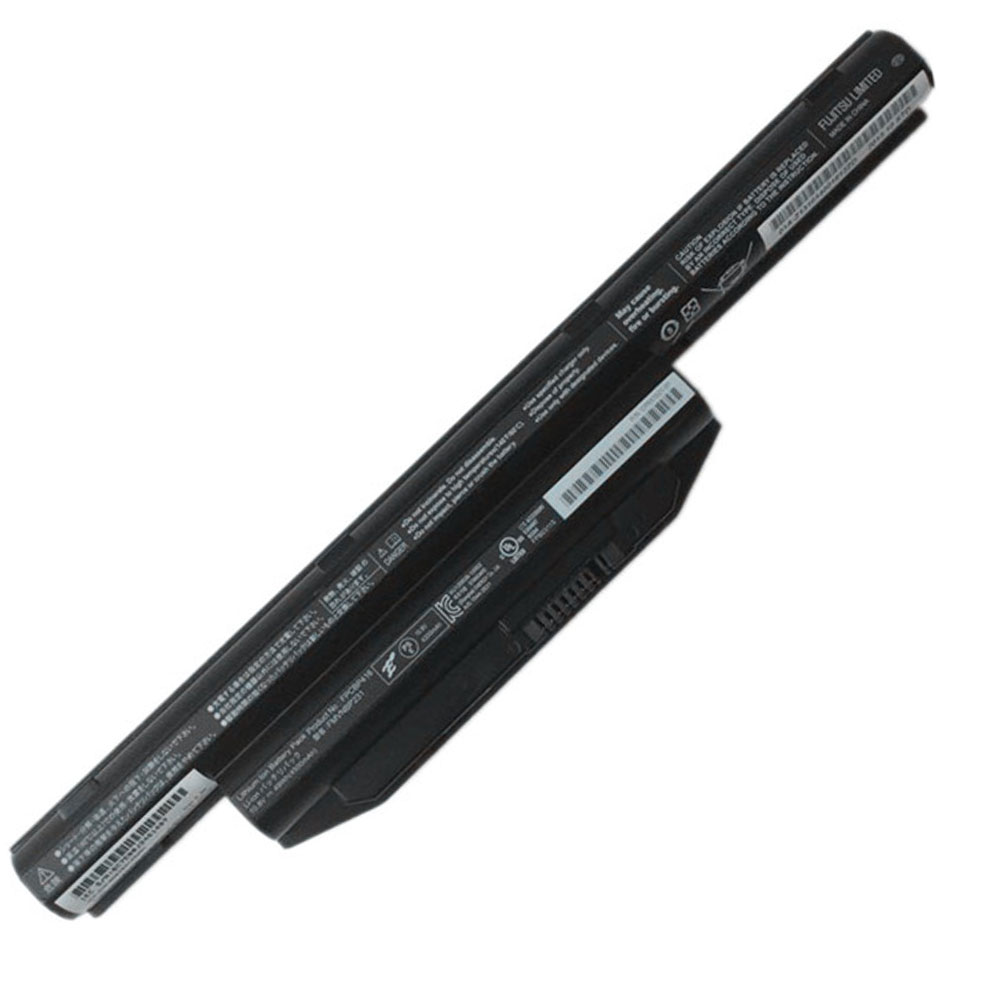
Fujitsu LifeBook A544 AH564 E734 E733 S904 10.8V 5800mah/63wh Battery

Buy Fujitsu FPCBP416 Laptop Battery replacement for Fujitsu LifeBook A544 AH564 E734 E733 S904.

Fit Machine Model Fujitsu LifeBook A544 AH564 E734 E733 S904 – 5800mah /63wh – 10.8V.

OriccaBattery.co.uk ◆Free Shipping ◆ One year warranty ◆ 30 days money back guarantee.

FPCBP416

Fujitsu FPCBP416 Specifications
Brand: Laptop Battery for Fujitsu
Capacity:5800mah /63wh
Voltage:10.8V
Type:Li-ion
All products from our shop are 100% the highest quality!
We provide the high quality Laptop Adapters!

PRODUCT COMPATIBILITY:

FPCBP405Z
FPCBP416
FPCBP426
FPCBP429
FPB0297S
FPB0298S
FPB0313S
FMVNBP227A
FMVNBP231
FMVNBP234
FMVNBP235

REPLACEABILITY WITH THE FOLLOWING MODELS:

Fujitsu LifeBook A544 AH544 AH564 Notebook
Fujitsu LifeBook E733/E734/E743/E744/E753/E754 Notebook
Fujitsu Lifebook S904 SH904 Notebook

How to Maintenance your new replacement Fujitsu FPCBP416 battery?
1. New Fujitsu FPCBP416 battery pack must be fully charged before use.
2. New battery pack needs to be fully charged and discharged (cycled) a few times before it can condition to full capacity.
3.Laptop battery undergo self-discharging when left unused. Always store a Fujitsu FPCBP416 battery pack in a fully charged stage for storage.
4. Fully drain and fully recharge your battery pack every few months.
5. Turn down the LCD brightness of your portable device.
6. Use built-in power management on your portable device.
7. Turn off LCD or other unnecessary accessories when not in use.
8. Set screen saver blank to 1 to 2 minutes of your notebook.
9. Add more RAM if you have extra RAM expansion slot, it will reduce the usage of hard drive and it is power exhaustive.
10. Close unused software in your Fujitsu LifeBook A544 AH564 E734 E733 S904 laptop .
11. Remove unused PC Cards or USB devices from your notebook.
12. Don´t watch DVD or play graphics intensive video games.
13. Don´t short circuit terminal or store your Fujitsu FPCBP416 Laptop Batteries pack with metal parts. 14. Don´t drop or mutilate the Fujitsu FPCBP416 battery pack.
15. Don´t expose to moisture or water.