Battery TU131 Replacement For Dell XPS 13 8808 U13S881
Our Dell TU131 battery is manufactured to the highest quality standards, offering flawless compatibility with your Dell XPS 13 8808 U13S881. With a robust 6000mAh/45Wh capacity and 7.4V output, it delivers the enduring power you need for your device.Designed specifically for the Dell XPS 13 8808 U13S881 (Model TU131), this high-performance battery guarantees a perfect fit and reliable power. Rest assured, this replacement battery is engineered to seamlessly integrate and perform, providing a power solution you can trust.
When you shop at oriccaBattery.co.uk, you not only get a premium product but also a worry-free shopping experience. Enjoy the benefits of Free Shipping, a comprehensive One-Year Warranty, and a 30-Day Money-Back Guarantee.
Battery TU131 Replacement For Dell XPS 13 8808 U13S881
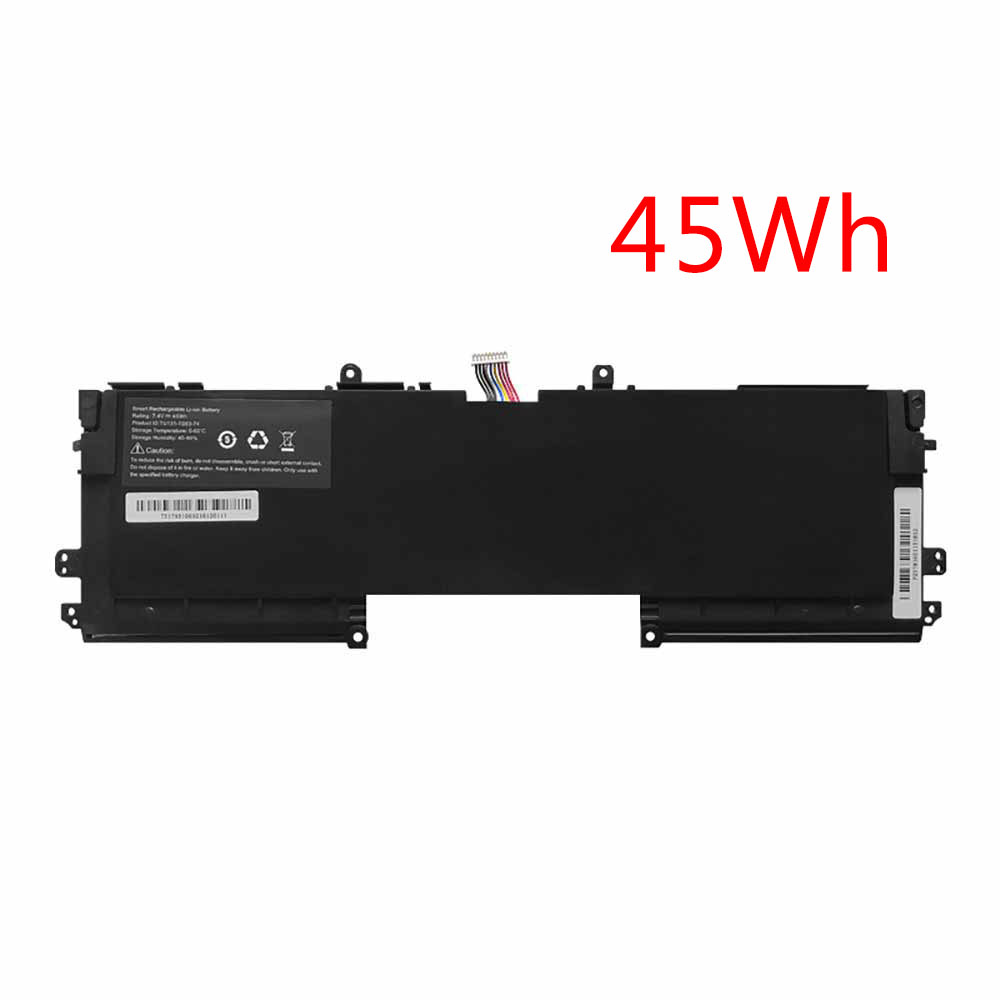
Dell TU131 Specifications
Brand: Laptop Battery for Dell
Capacity:6000mAh/45Wh
Voltage:7.4V
Type:Li-ion
All products from our shop are 100% the highest quality!
We provide the high quality Laptop Adapters!
PRODUCT COMPATIBILITY:
TU131
TU131-TS63-74
REPLACEABILITY WITH THE FOLLOWING MODELS:
Dell xps 13 laptop
Asus UX32K laptop
Haswell laptop
This Dell TU131-TS63-74 replacement battery is 100% compatible with the Dell XPS 13 8808 U13S881 laptop . Our battery Dell TU131-TS63-74 and accessories are made with high quality parts and are guaranteed to meet or exceed the original equipment manufacturers specifications at a reduced price. All Dell TU131-TS63-74 batteries are tested for 100% Quality Control Assurance.
Maximize Performance & Lifespan: Your Guide to the Dell TU131 Laptop Battery :
Congratulations on your new Dell TU131 replacement battery! To ensure you get the most out of your battery from day one and enjoy long-lasting, reliable power, please follow these essential care and maintenance guidelines.Initial Setup for Optimal Performance:
First Charge: Your new Dell TU131 battery must be fully charged before its first use.
Conditioning: For the battery to reach its full capacity, it is recommended to fully charge and then discharge it a few times initially.
Proper Storage & Safety Handling
Storage Charge: If you plan to store the battery unused, always ensure it is fully charged first, as all laptop batteries gradually self-discharge.
Periodical Maintenance: Fully drain and recharge your battery pack every few months to maintain its health.
Handle with Care: Do not drop, mutilate, or short-circuit the battery terminals. Avoid storing the battery with metal objects.
Keep Dry: Never expose the Dell TU131 battery to moisture or water.
By integrating these easy practices, you can significantly enhance the performance and extend the service life of your Dell TU131 battery.
Recommended Products:
101232 Battery for Flyability Elios 2 5ICP8/51/117
A1579 Battery for Apple i Watch 7000 Series 42mm
L12M4P62 Battery for Lenovo Ideapad U430 U530 Touch
L11S6Y01 Battery for Lenovo IdeaPad Y480 Y580 G480 G580
3065 Battery for Ulefone Armor 5